Hashing Explained: How Data Becomes a Digital Fingerprint
Understand how hashing turns any file, passwords, messages into unique, one-way fingerprint - foundation of data security in digital world
Wiki topics:
CRY · Crypto & Web3
Hashing Demystified: How Hash Functions Secure Data
What is Hashing?
- Definition: A mathematical function that converts input data into a fixed‑size string of characters.
- Key property: Even a tiny change in input produces a completely different hash.
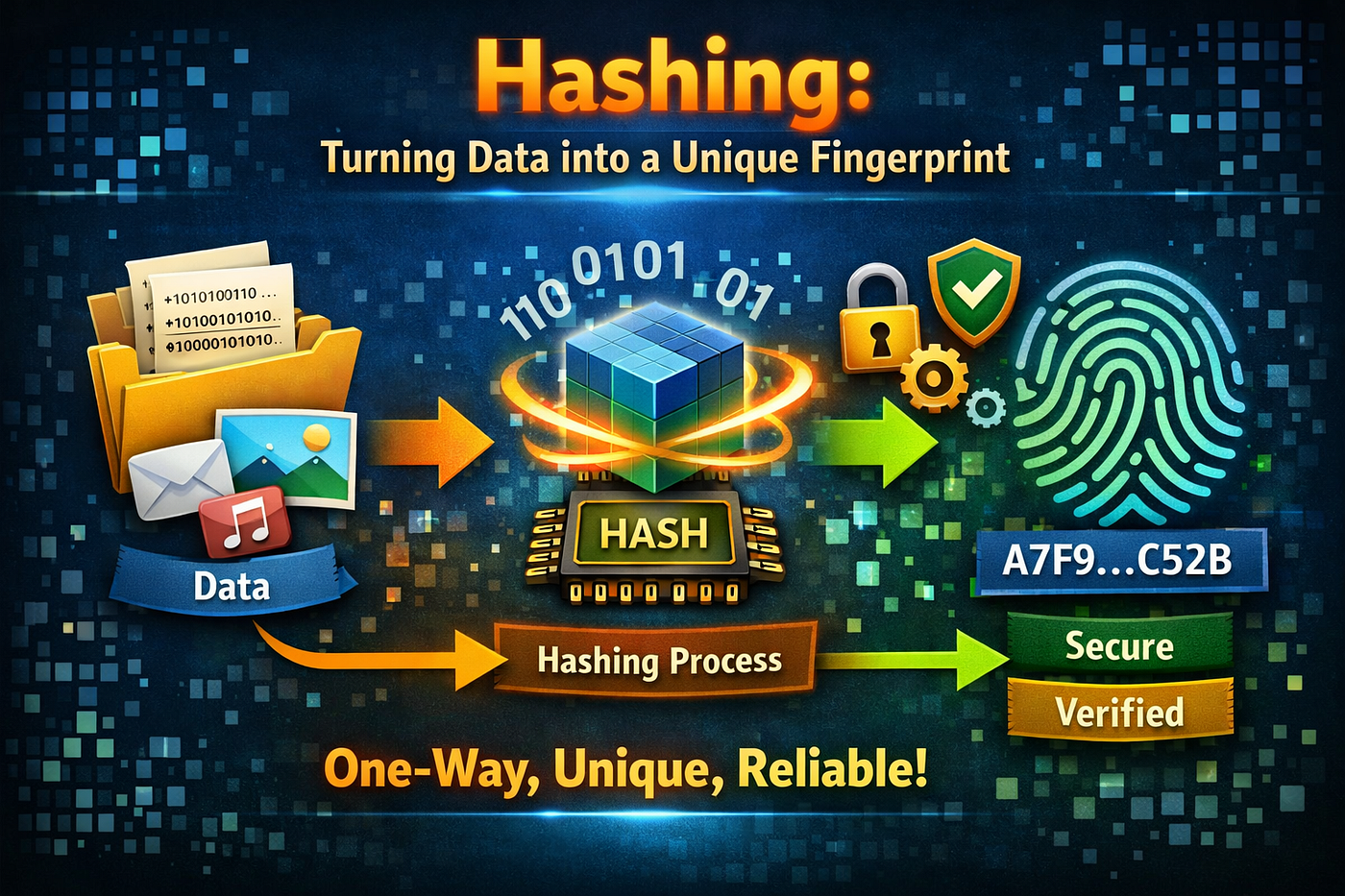
Truning Data Into a Unique Fingerprint Using Hash Function
- Example:
Input:
hello→ Hash:5d41402abc4b2a76b9719d911017c592
Input:
Hello→ Hash:8b1a9953c4611296a827abf8c47804d7
Why Do We Need Hashing?
- Data Integrity: Ensures files aren’t tampered with during transfer.
- Password Security: Websites store hashes, not actual passwords.
- Digital Signatures: Used in verifying authenticity.
- Blockchain: Every block is linked by hashes, making tampering nearly impossible.
Common Hash Functions
- MD5: Fast but outdated (not secure).
- SHA‑1: Better but still vulnerable.
- SHA‑256: Widely used today (secure and reliable).
- Others: SHA‑3, BLAKE2, etc
Properties of a Good Hash Function
- Deterministic: Same input → same output.
- Irreversible: You can’t get the original input back from the hash.
- Collision Resistant: Hard to find two different inputs with the same hash.
- Avalanche Effect: Small input change → huge hash change.
Core security properties
- Deterministic: same input → same hash.
- Preimage resistance: infeasible to recover input from hash.
- Collision resistance: infeasible to find two inputs with same hash.
- Avalanche effect: small input change flips many output bits. These properties determine whether a hash is suitable for security uses.
Hands‑On Examples
C++ Example (SHA‑256 using OpenSSL)
#include <iostream>
#include <openssl/sha.h>
#include <iomanip>
#include <sstream>

std::string sha256(const std::string& str) {
    unsigned char hash[SHA256_DIGEST_LENGTH];
    SHA256((unsigned char*)str.c_str(), str.size(), hash);
    std::stringstream ss;
    for(int i = 0; i < SHA256_DIGEST_LENGTH; i++)
        ss << std::hex << std::setw(2) << std::setfill('0') << (int)hash[i];
    return ss.str();
}

int main() {
    std::string input = "hello";
    std::cout << "SHA-256: " << sha256(input) << std::endl;
    return 0;
}
Java Example (SHA‑256)
import java.security.MessageDigest;

public class HashExample {
    public static void main(String[] args) throws Exception {
        String input = "hello";
        MessageDigest digest = MessageDigest.getInstance("SHA-256");
        byte[] hash = digest.digest(input.getBytes("UTF-8"));

        StringBuilder hexString = new StringBuilder();
        for (byte b : hash) {
            String hex = Integer.toHexString(0xff & b);
            if(hex.length() == 1) hexString.append('0');
            hexString.append(hex);
        }
        System.out.println("SHA-256: " + hexString.toString());
    }
}
Node Example (SHA-256 Hash )
// sha256-node.js
const crypto = require('crypto');

function sha256(input) {
  return crypto.createHash('sha256')
               .update(input, 'utf8')
               .digest('hex');
}

// Example usage
const text = 'hello';
console.log('Input:', text);
console.log('SHA-256:', sha256(text));
Drawbacks and practical risks
- Broken algorithms: MD5 and SHA‑1 have practical collision attacks and are unsafe for security uses.
- Speed vs security tradeoff: very fast hashes (MD5) are easier to brute‑force for passwords; slow, memory‑hard functions are better for passwords.
- No secrecy: hashes are one‑way; they don’t encrypt data.
- Need for salts and stretching: password hashing requires unique salts and key stretching (e.g., Argon2) to resist GPU/rainbow attacks.
Algorithm comparison


Practical recommendations
- Do not use MD5 or SHA‑1 for security.
- Use SHA‑256 or SHA‑3 for general integrity and cryptographic needs.
- For passwords use Argon2 (memory‑hard) with unique salts and appropriate parameters.
- Combine hashing with other controls (TLS, HMAC, rate limits) for real‑world security.
Real‑World Applications
- Password storage in databases.
- File verification (e.g., when downloading software).
- Blockchain and cryptocurrency.
- Digital certificates and signatures.
Conclusion
- Summarize: Hashing is about trust and security.
- Encourage students to experiment with hashing functions in code.
- Suggest: Try hashing your own name and see how unique the fingerprint looks.
Note: Hashing is not encryption. Encryption can be reversed with a key, but hashing is one‑way. That’s why it’s perfect for passwords and integrity checks.
hashing is powerful but subtle — choose algorithms and parameters that match the threat model, and always salt and stretch passwords.
메타데이터
- post_id
- 41bac196a94c
- slug
- hashing-explained-how-data-becomes-a-digital-fingerprint-41bac196a94c
- url
- https://medium.com/@shashirajraja/hashing-explained-how-data-becomes-a-digital-fingerprint-41bac196a94c
- canonical_url
- https://medium.com/@shashirajraja/hashing-explained-how-data-becomes-a-digital-fingerprint-41bac196a94c
- author_url
- https://medium.com/@shashirajraja
- status
- ok
- fetched_at
- 2026-07-25 06:43:36



