3 Free Productivity Apps to Boost Your WFH and Study Efficiency by 200%
Subtitle: Reclaim your focus, organize your day, and stop procrastinating with these game-changing digital tools.
3 Free Productivity Apps to Boost Your WFH and Study Efficiency by 200%
Subtitle: Reclaim your focus, organize your day, and stop procrastinating with these game-changing digital tools.
Introduction
Working or studying from home comes with incredible flexibility, but it also brings a unique set of challenges. Without the physical boundaries of an office or classroom, staying focused and organized can feel like an uphill battle.
Fortunately, you don’t need expensive software to turn things around. The right digital tools can drastically transform your workflow and skyrocket your efficiency. Here are three completely free productivity apps that will help you take control of your remote work and study routine.
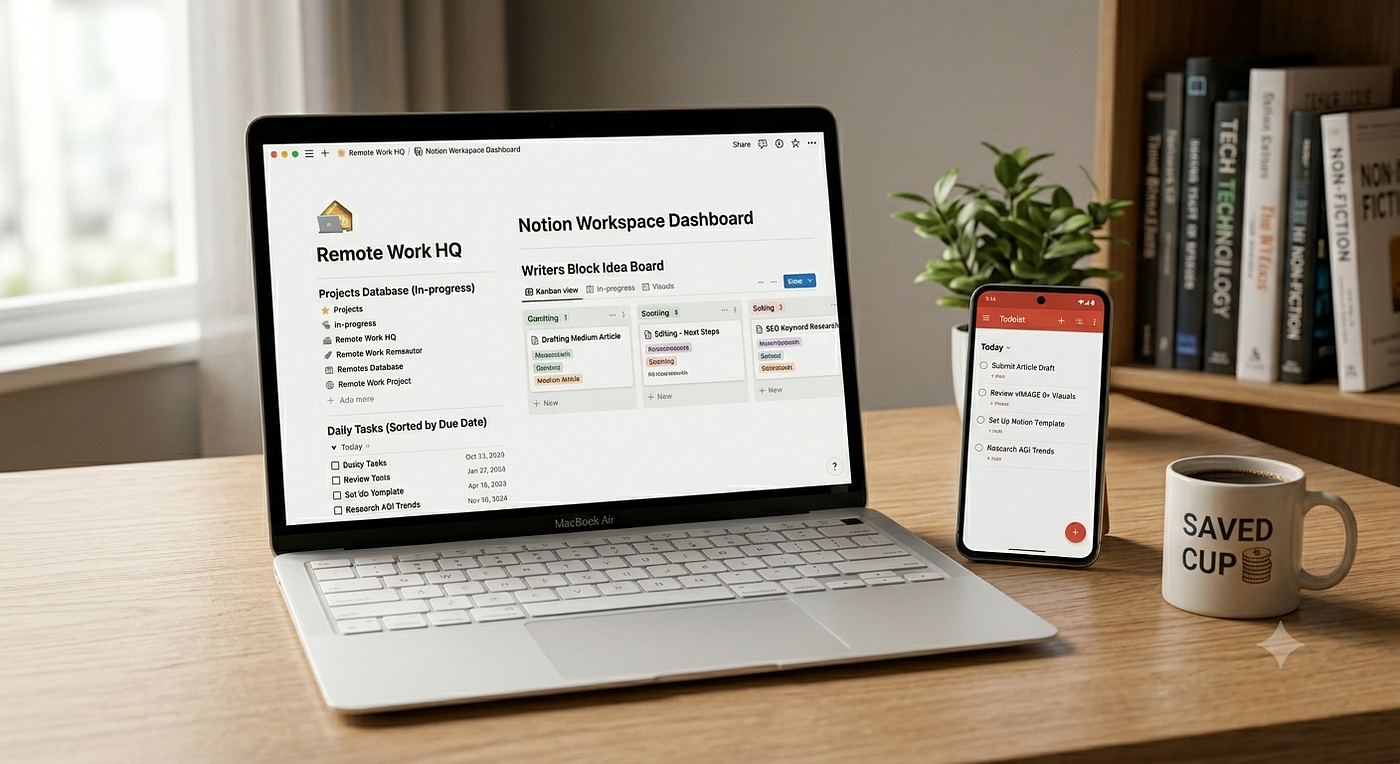
1. Notion: Your All-in-One Digital Workspace
If you feel like your notes, to-do lists, and project plans are scattered across a dozen different apps, Notion is the ultimate solution. It is a highly customizable workspace where you can build almost anything.
- Why it’s great for WFH/Study: You can create a centralized “dashboard” for your life. Build Kanban boards for ongoing projects, keep a clean database of class notes, or draft weekly schedules in one unified place.
- Standout Free Feature: The free personal tier gives you more than enough room to build extensive wikis, calendars, and document hubs, with the ability to collaborate with up to 10 guests.
2. Todoist: The Cleanest Task Manager
Keeping track of deadlines in your head is a fast track to burnout. Todoist is widely considered the gold standard for task management because of its simplicity and speed.
- Why it’s great for WFH/Study: It allows you to quickly capture tasks, set recurring deadlines (e.g., “submit weekly report every Friday”), and prioritize your daily workload using color-coded labels.
- Standout Free Feature: Natural language processing lets you type phrases like “read chapter 4 tomorrow at 9am,” and the app instantly organizes the due date and time for you automatically.
3. Forest: Gamifying Your Deep Work
Do you find yourself picking up your phone every 10 minutes when you’re supposed to be working? Forest uses gamification to cure phone addiction and protect your focus.
- Why it’s great for WFH/Study: When you need to focus, you open the app and plant a virtual seed. As you work, your tree grows. If you leave the app to check social media, your tree dies.
- Standout Free Feature: Over time, you build a beautiful virtual forest that visually represents your focused hours. The tangible feeling of watching your forest grow makes deep work surprisingly rewarding.
Final Thoughts: Build Your Perfect Toolkit
Boosting your work-from-home and study efficiency doesn’t require a complicated overhaul of your daily routine. By combining a centralized workspace (Notion), a reliable task manager (Todoist), and a focus timer (Forest), you can create a frictionless system that allows you to get more done in less time.
Which of these apps are you going to add to your workflow first? Let’s share your favorite productivity hacks in the comments below!
메타데이터
- post_id
- 41cdbe9d84bd
- slug
- 3-free-productivity-apps-to-boost-your-wfh-and-study-efficiency-by-200-41cdbe9d84bd
- url
- https://medium.com/@tyty7984/3-free-productivity-apps-to-boost-your-wfh-and-study-efficiency-by-200-41cdbe9d84bd
- canonical_url
- https://medium.com/@tyty7984/3-free-productivity-apps-to-boost-your-wfh-and-study-efficiency-by-200-41cdbe9d84bd
- author_url
- https://medium.com/@tyty7984
- status
- ok
- fetched_at
- 2026-07-10 09:52:19