7 AI Tools Every Creator Should Know in 2025
The creator economy has grown massively over the last decade. Writers, designers, YouTubers, freelancers, and marketers are producing more…
7 AI Tools Every Creator Should Know in 2025
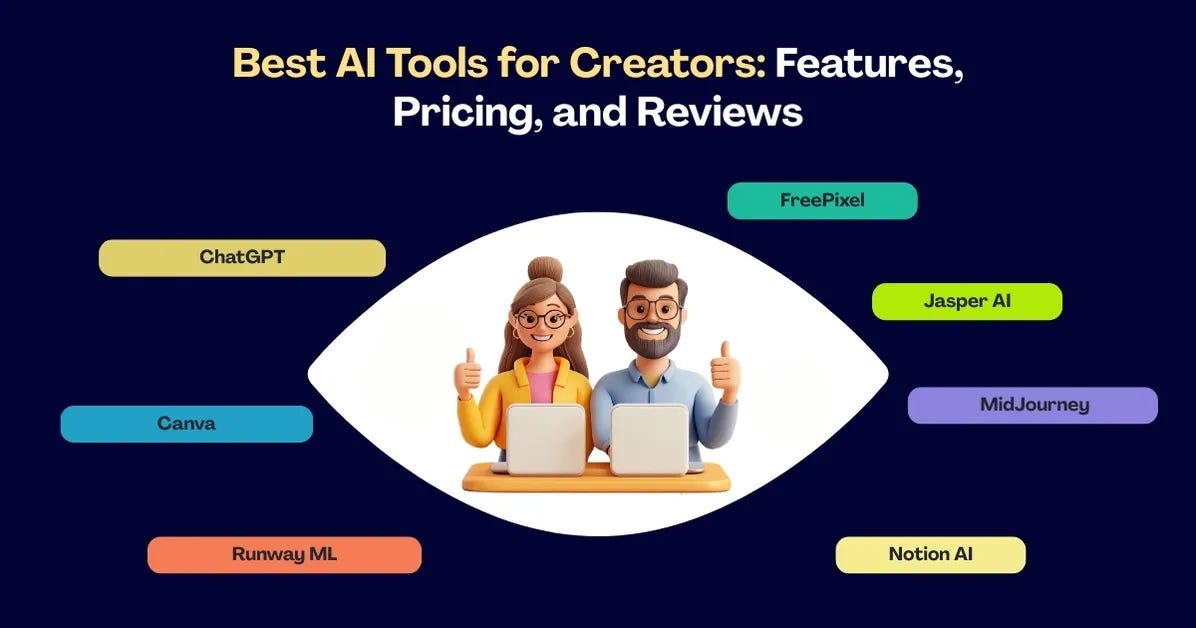
The creator economy has grown massively over the last decade. Writers, designers, YouTubers, freelancers, and marketers are producing more content than ever. But with so much competition, one thing has become clear: efficiency is just as important as creativity.
This is where artificial intelligence is stepping in. AI tools are now part of many creators’ daily workflows, helping them write, design, edit, and manage projects faster than before. In 2025, AI isn’t about replacing creators — it’s about supporting them.
Here’s a breakdown of the seven most useful AI tools for creators in 2025, along with their features, pricing, and how they fit into different workflows.
Why Creators Use AI in 2025
- Saves time: Tasks like editing drafts or resizing images take seconds.
- Reduces costs: Free and affordable AI tools make outsourcing less necessary.
- Inspires ideas: Image generators and AI writing tools can spark creativity.
- Expands reach: Multilingual content helps creators go global.
- Improves workflow: Automation allows more focus on storytelling and design.
1. ChatGPT — Writing & Idea Generation
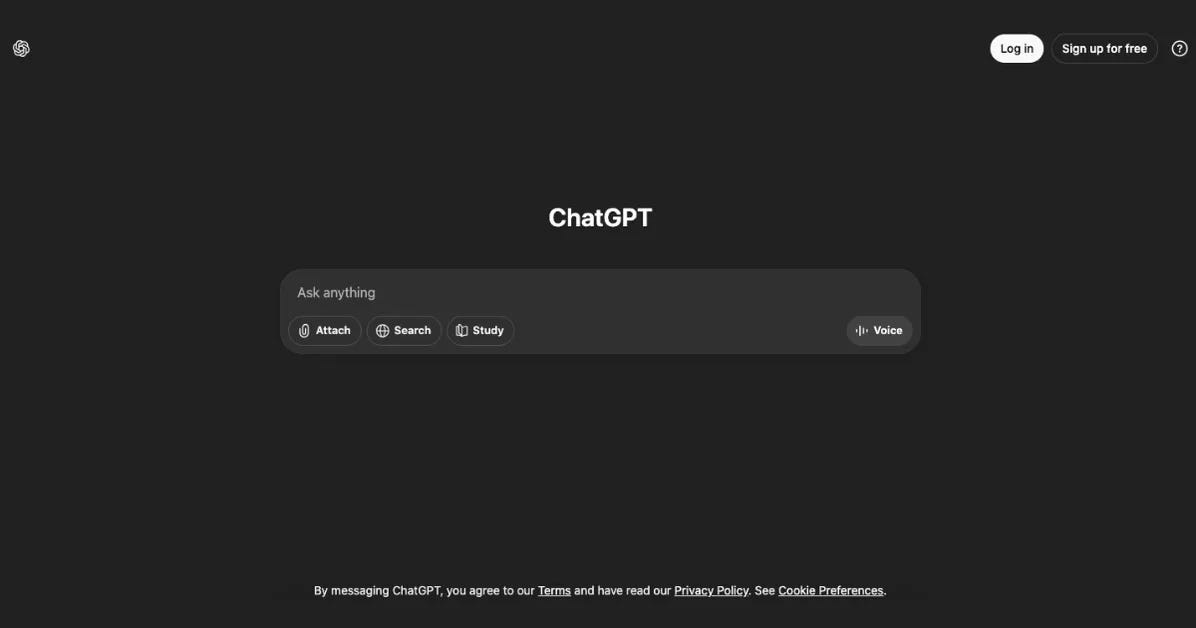
Use case: Writing blog posts, captions, scripts, and brainstorming content.
- Creates first drafts for articles, ads, and social posts.
- Can reframe or simplify complex topics.
- Works well for brainstorming outlines and headlines.
Pricing: Free version; Pro plan at $20/month. Note: Human editing is still essential to keep accuracy and tone consistent.
2. Canva with AI Magic Studio — Quick Visual Design
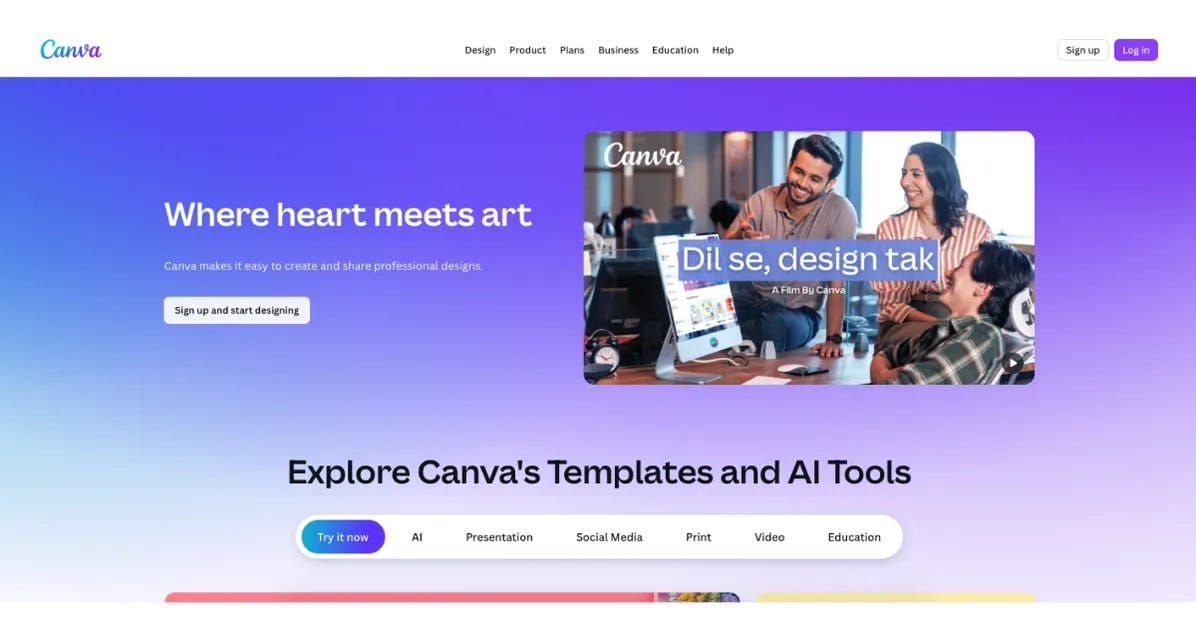
Use case: Social media graphics, presentations, posters, simple branding.
- Magic Write generates text for graphics.
- Background remover and AI image generator included.
- Magic Resize adapts designs for different platforms.
Pricing: Free plan; Pro version at $12.99/month. Note: Best for beginners and teams; advanced design still requires professional tools.
3. FreePixel — Creative Resource Library
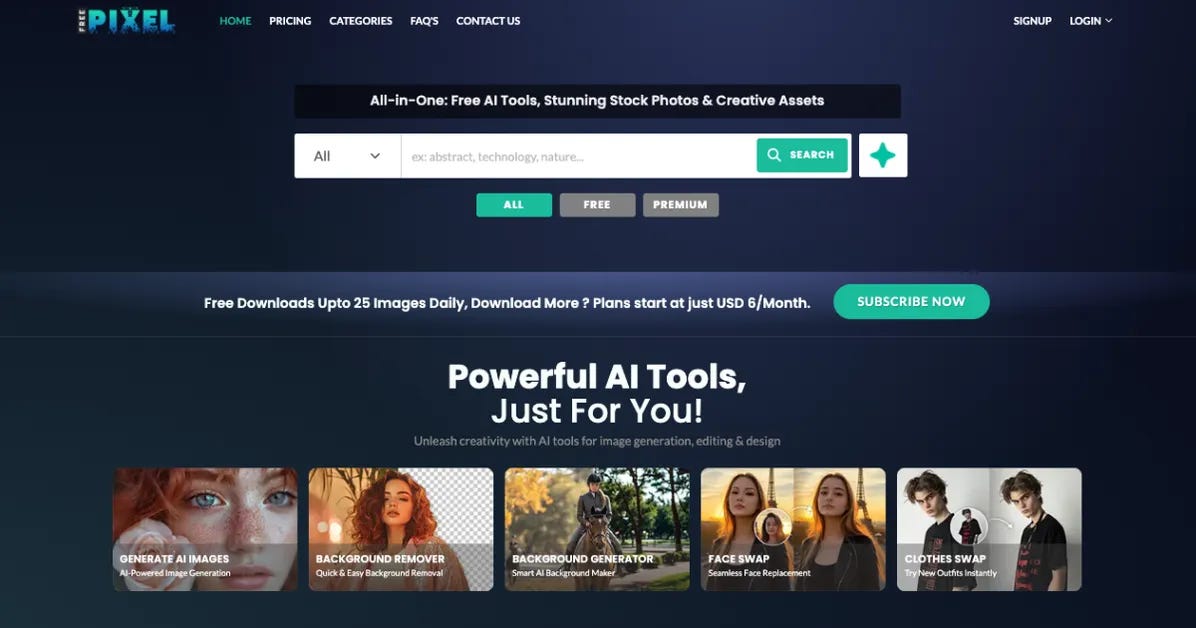
Image Credit — FreePixel
Use case: Finding stock photos, design ideas, and creative inspiration.
- Large collection of **free stock images** for websites, blogs, and campaigns.
- AI-based guides and trend articles for creators.
- Regularly updated with fresh resources.
Pricing: Free access with optional premium plans. Note: Great for saving money on visuals, though smaller than premium stock sites.
4. Jasper AI — Marketing Copy Assistant
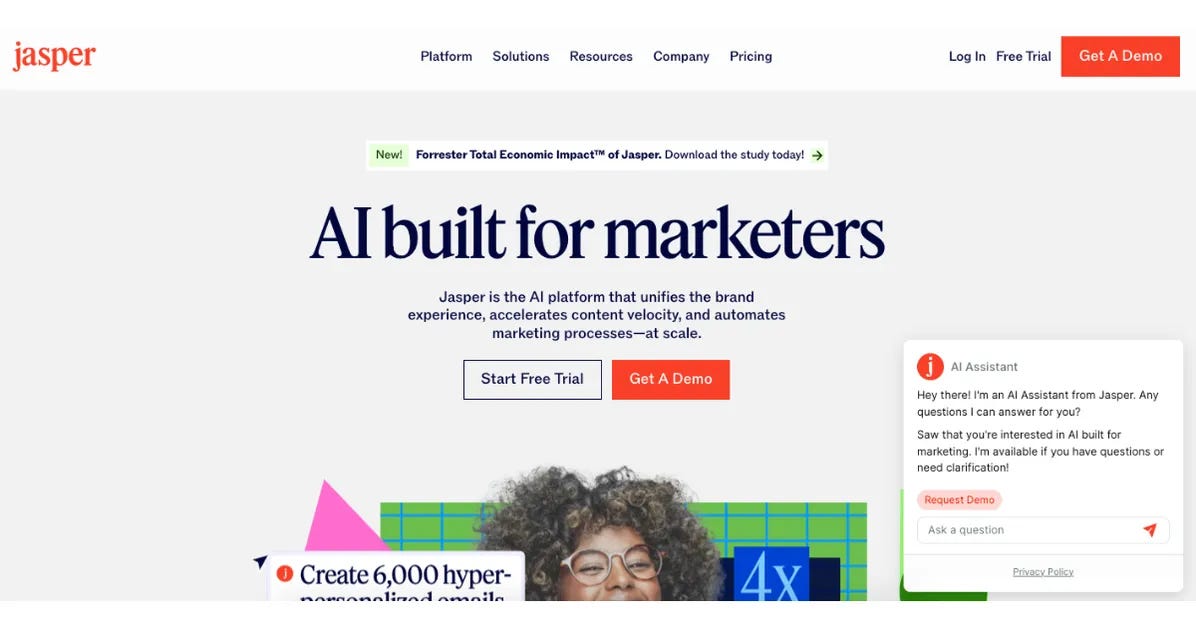
Use case: Ads, sales pages, product descriptions, email campaigns.
- 50+ templates for marketing content.
- SEO optimization and brand voice tools.
- Designed with businesses in mind.
Pricing: Starts at $39/month. Note: Strong tool for marketers, but may feel expensive for individual creators.
5. Runway ML — Video Editing with AI

Use case: Editing short-form videos for YouTube, TikTok, and social media.
- Removes backgrounds automatically.
- Offers text-to-video features.
- Includes AI-based generative fill for missing clips.
Pricing: Free plan; Paid plans from $12/month. Note: Easy to use, but lacks the advanced editing depth of tools like Premiere Pro.
6. MidJourney — AI Image Generation

Use case: Digital art, illustrations, concept visuals, design inspiration.
- Creates visuals from text prompts.
- Offers artistic styles and filters.
- Community-based prompts help refine results.
Pricing: From $10/month (via Discord). Note: Produces highly creative outputs but requires practice with prompt writing.
7. Notion AI — Productivity and Workflow

Use case: Organising projects, content calendars, and brainstorming.
- Summarises notes and documents.
- Assists with task lists and idea generation.
- Integrated project databases for teams.
Pricing: Free base plan; AI add-on from $8/month. Note: Excellent for organisation, but can feel overwhelming to new users.
How to Choose the Right AI Tools
When selecting tools, ask:
- What’s my main goal? (Writing, design, video editing, or productivity)
- Do I need free or premium solutions?
- Am I working alone or with a team?
- Do I want beginner-friendly tools or more professional features?
👉 For example:
- A solo blogger might combine ChatGPT, FreePixel, and Canva.
- A video creator may prefer Runway ML with MidJourney.
Looking Ahead
AI in 2025 is evolving from an assistant to a collaborator. Future developments may include:
- AI tools that adapt to personal creative styles.
- Platforms combining text, video, and design in one space.
- Growing conversations about copyright and originality.
- More accessible tools for independent creators.
Final Thoughts
AI tools are now part of the everyday toolkit for modern creators. Whether it’s writing, designing, editing, or managing workflows, these platforms save time, reduce costs, and help creators stay consistent.
The best approach is to experiment — start with free versions, see what fits your process, and then invest in tools that genuinely make your work easier.
메타데이터
- post_id
- 42bbf509fd4e
- slug
- 7-ai-tools-every-creator-should-know-in-2025-42bbf509fd4e
- url
- https://medium.com/@wordscopejournal/7-ai-tools-every-creator-should-know-in-2025-42bbf509fd4e
- canonical_url
- https://medium.com/@wordscopejournal/7-ai-tools-every-creator-should-know-in-2025-42bbf509fd4e
- author_url
- https://medium.com/@wordscopejournal
- status
- ok
- fetched_at
- 2026-06-09 15:37:30