AI Agents: The Next Step Beyond Chatbots
Imagine this…
AI Agents: The Next Step Beyond Chatbots
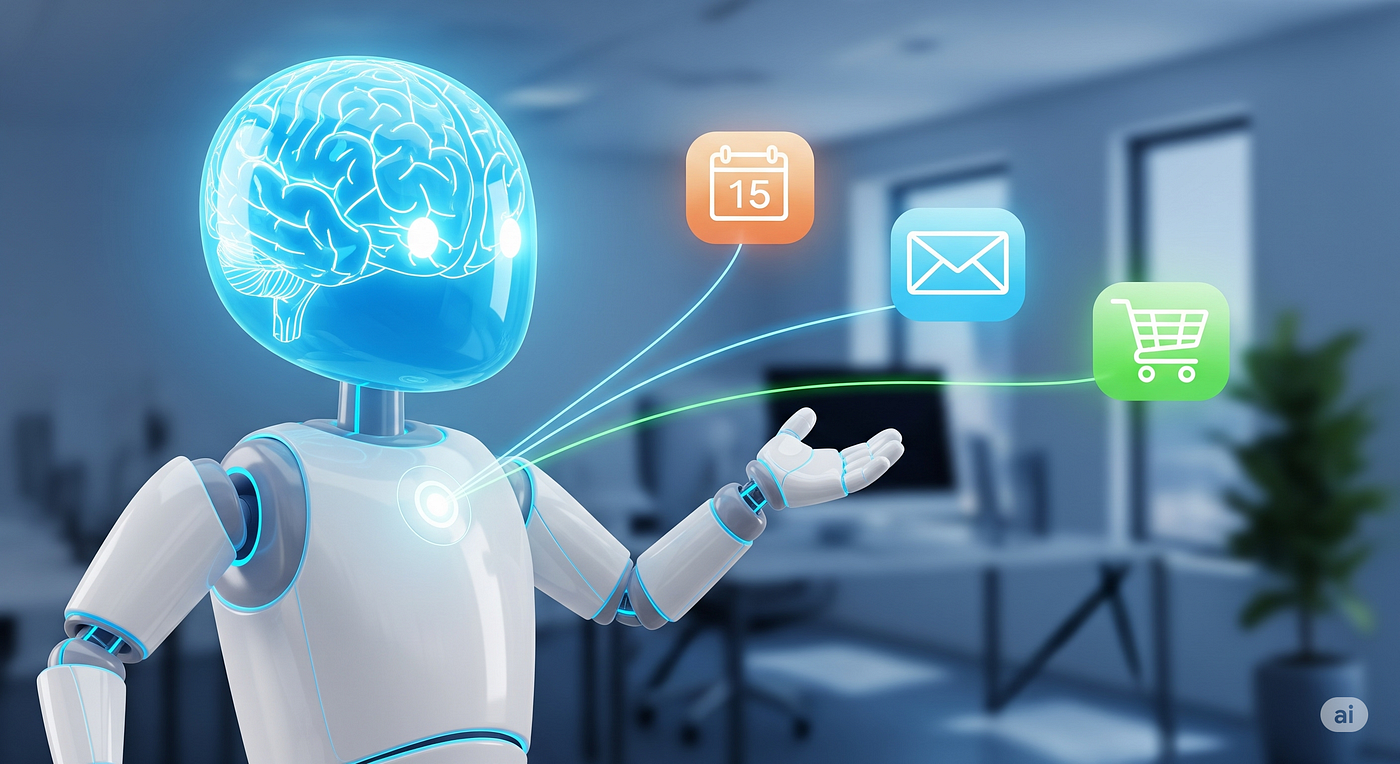
Ilustration of a Smart Assistant (generated with Veo 3)
Imagine this…
📅 You need to schedule a meeting with 5 colleagues across 3 time zones. Your AI assistant checks everyone’s calendars, finds a free slot, reserves a meeting room, books a Zoom link, and sends out invites — all before you even ask.
📬 Your inbox is overflowing. But your agent already flagged the urgent ones, drafted responses to common requests, and followed up on that ServiceNow ticket from 3 weeks ago — not because you told it to, but because it understands your priorities and context.
📦 You’re low on office supplies. Without a single click, your agent noticed, filled out the order form, and restocked everything automatically.
🎯 Now imagine your preferred LLM — ChatGPT, Gemini, Claude, DeepSeek, you name it — not just chatting or generating content, but integrating deeply into your world:
- 🗓️ Accessing your calendar
- 📂 Browsing your files
- 🏢 Interfacing with your company’s internal systems
- 🔄 Taking action based on your workflows
This is no longer science fiction. This is the era of AI Agents.
🧠 What’s an Agent, Really?
An Agent is more than a smart chatbot. It’s an autonomous system that can:
✅ Understand goals or user requests ✅ Plan steps toward solving them ✅ Use tools to act in the real world ✅ Make decisions based on intermediate results or context
Unlike classic chat models, agents can act on their own, not just reply.
There are two key types:
- Synchronous (user-facing): like a smart support chatbot or personal assistant
- Asynchronous (background): triggered by time or events, acting proactively
🌐 Real-World Agent Use Cases
Let’s ground this with some practical examples:
Agent TypeUse CaseTools It Uses🧑⚕️ Health AssistantMonitor patient data, send alertsEMR API, SMS/email📩 Email Triage BotOrganize inbox, draft replies, follow upIMAP, LLM, Email API📦 Procurement AgentDetect stock shortages, re-order suppliesInventory DB, Vendor API📅 Meeting SchedulerCoordinate attendees, book roomsGoogle Calendar, Outlook, Zoom📑 Legal Research AgentScan documents, summarize casesPDF parser, Search API🚨 Incident ManagerMonitor uptime, alert team, open ticketStatuspage, PagerDuty, Slack
Agents don’t just wait for prompts — they act based on triggers like:
- A new file upload
- A form submission
- A support ticket with no update
- Every Monday morning
🧰 What Are Agent Tools?
Think of tools as the arms and legs of an agent — the things it can do beyond talking.
A few examples:
- 🔍
google_search(query)– search the web - 💬
send_email(to, subject, body)– send a message - 📅
calendar.find_slot()– find time in your calendar - 🛒
inventory.reorder(product_id)– place a stock order - 💳
stripe.charge(customer_id, amount)– make a payment - 🗄️
db.query(sql)– interact with your internal data
Agents call these tools programmatically, just like a developer would — but driven by goals and context instead of scripts.
🔄 Borrowing Tools with MCPs like Smithery
Most frameworks let agents use local tools. But what if you want your agent to call tools hosted elsewhere?
Enter MCPs (Multi-Agent Control Protocols) — infrastructure like Smithery that lets agents:
- 📡 Discover tools from other agents or servers
- 🔁 Call remote tools as if they were local
- 🧩 Coordinate workflows between multiple agents
Think: App Store meets serverless functions meets intelligent agents.
So your HR agent could call a Finance agent’s payroll tool. Or your support bot could delegate to a specialized billing bot.
🧵 Strands Code Example: Build a Smart Support Agent
Here’s how simple it can be to define a user-facing agent with tools using Strands:
from strands import Agent, tool

# Tools 🔧
@tool
def send_email(to: str, subject: str, body: str) -> str:
    print(f"Sending email to {to}")
    return "✅ Email sent"

@tool
def check_subscription(user_id: str) -> str:
    return "Premium plan, renews on Oct 1"

# Agent 🧠
support_agent = Agent(
    name="SupportBot",
    prompt="You're a helpful support assistant.",
    tools=[send_email, check_subscription]
)

# Run with input 💬
response = support_agent.run("Can you check my subscription and email me the details?")
print(response)
Here, the agent chains two tools:
- Check your subscription.
- Email you the result — all autonomously.
⏱️ Background Agent: Daily Task Trigger
Want a background agent that runs daily? With Strands, you can schedule agents to work without prompting:
from strands import Agent, tool, schedule

@tool
def fetch_daily_news() -> str:
    return "📰 Big news in AI today..."

@tool
def send_newsletter(news: str) -> str:
    print("Newsletter sent:", news)
    return "✅ Done"

newsletter_agent = Agent(
    name="DailyNewsAgent",
    prompt="You send daily AI news to subscribers.",
    tools=[fetch_daily_news, send_newsletter]
)

# Schedule ⏰ every day at 9am
@schedule("0 9 * * *")
def run_newsletter():
    newsletter_agent.run("Get today's news and send it.")
his agent fetches and sends news automatically, no prompt needed.
💭 Final Thoughts: Agents Will Transform Work
We’re just scratching the surface.
Agents are becoming the bridge between LLM intelligence and real-world action. They will:
- Automate complex, repetitive tasks
- Collaborate across systems and departments
- Become autonomous digital coworkers
And the best part? You don’t need to wait years. With frameworks like Strands, LangGraph, Smithery, or CrewAI, you can start building your first agent today.
🛠️ TL;DR: Agents = LLMs + Tools + Triggers
🧠 Intelligence ➕ 🧰 Tools ➕ ⏰ Triggers = ✅ Real-world results
Let your chatbot grow legs. Let it do the work. Let agents act — not just chat.
Let me know if you’d like this turned into a Markdown file, Medium draft format, or split into a multi-part series.
메타데이터
- post_id
- 43d20e2e6593
- slug
- ai-agents-the-next-step-beyond-chatbots-43d20e2e6593
- url
- https://medium.com/@wylerpas/ai-agents-the-next-step-beyond-chatbots-43d20e2e6593
- canonical_url
- https://medium.com/@wylerpas/ai-agents-the-next-step-beyond-chatbots-43d20e2e6593
- author_url
- https://medium.com/@wylerpas
- status
- ok
- fetched_at
- 2026-07-18 10:24:39