Print Your Own Cybersecurity Card Game: A Guide to DXC ThreatDeck
Dive into the world of security threats and defences with this award-winning, open-source card game.
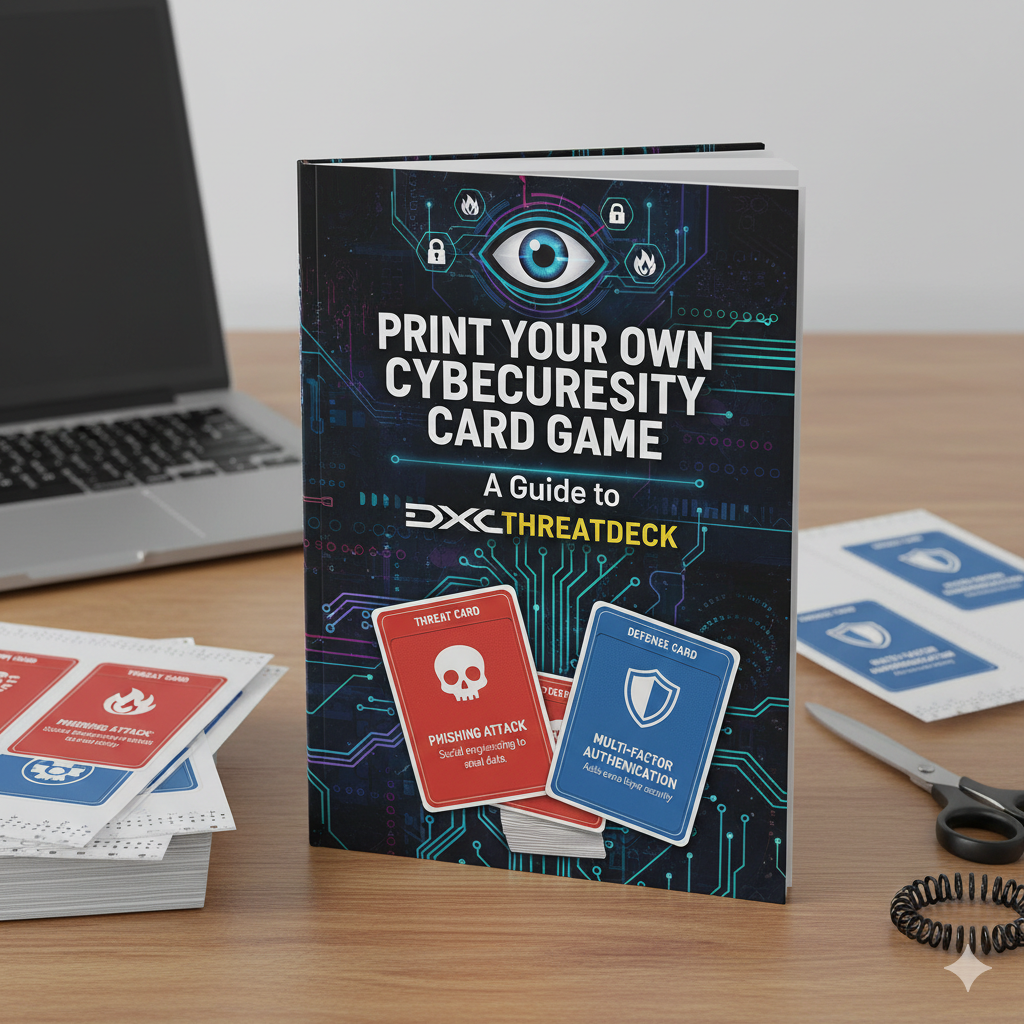
Print Your Own Cybersecurity Card Game: A Guide to DXC ThreatDeck
Dive into the world of security threats and defences with this award-winning, open-source card game.
In the complex world of cybersecurity, training and awareness are paramount. But who said they have to be boring? DXC Technology brilliantly bridges the gap between education and engagement with ThreatDeck, an award-winning security card game. And the best part? It’s open-source, meaning you can download, print, and play it yourself.
This guide will walk you through everything you need to know to get your own copy of ThreatDeck from source code to a physical, professional-quality card game.
What is DXC ThreatDeck?
ThreatDeck is a playing card game designed to help professionals and enthusiasts understand and discuss cybersecurity concepts in an interactive way. Think of it as a hybrid between traditional playing cards and a strategic security simulator. Each card represents a component of the cyber threat landscape, from vulnerabilities and threat actors to defensive controls.
Licensed under Creative Commons Attribution-ShareAlike 4.0, it’s built for community collaboration and sharing. You can find the entire project, including all source files, on GitHub.
Why Build Your Own ThreatDeck?
- Hands-On Learning: There’s no better way to internalize security concepts than by physically handling them.
- Customization: Since the source files are available, you can potentially tailor the game to meet your organization’s specific needs.
- Cost-Effective Training: For the price of some cardstock and printing, you have a powerful training tool.
- The “Cool Factor”: Arriving at a security meeting or workshop with a custom-printed card game is undeniably impressive.
The Build Process: From Code to Cards
Building the ThreatDeck is a streamlined process thanks to a Dockerized workflow. Here’s a structured breakdown of how it works.
Prerequisites
- Docker Desktop: You’ll need Docker installed on your machine. This containerizes the build environment, ensuring consistency regardless of your operating system.
- Git: To clone the repository from GitHub.
Step-by-Step Guide
Fork the GitHub Repo: https://github.com/dxc-technology/ThreatDeck.git


Now, let us clone this repo/project onto our local machine

I have created a folder named “threatDeck” in my local and cloned the above project into it. Navigated to the “ThreatDeck” folder as mentioned in the README.md.

Now that we have cloned the project, let us bring up the Docker Desktop.

Docker Desktop version 4.47.0 is up and running
Now that Docker Desktop is up and running, let us run the following command:
docker build --tag threatdeck .

So the command builds a Docker image from a Dockerfile in the current directory

As we have the image, let’s run the image using the following command:
docker run -v $(pwd):/usr/ThreatDeck threatdeck

It has generated a “dist” folder, and within this folder, it has created a zip folder named “[ThreatDeck.zip](https://github.com/dxc-technology/ThreatDeck/releases/latest)"

Let us unzip this using the following command:
unzip ThreatDeck.zip 
Once we unzip, we will be able to see the Deck of Cards in PDF format.


To automate the entire process, I have used GitHub Actions.


name: Build ThreatDeck

on:
  push:
    branches:
      - main

jobs:
  build:
    name: Build
    runs-on: ubuntu-latest

    steps:
      - name: Checkout repository
        uses: actions/checkout@v4

      - name: Set up Docker Buildx
        uses: docker/setup-buildx-action@v3

      - name: Build Docker Image
        run: docker build -t threatdeck:latest .

      - name: Create Output directories
        run: |
          mkdir -p dist/default
          mkdir -p dist/mctf

      - name: Run Docker Container (default)
        run: docker run -v $(pwd)/dist/default:/usr/ThreatDeck/dist threatdeck:latest

      - name: Run Docker Container (mctf)
        run: docker run -e MCTF=true -v $(pwd)/dist/mctf:/usr/ThreatDeck/dist threatdeck:latest -mctf
Explanation :
This code will automatically build the DXC ThreatDeck card game when code is pushed to the main branch. It creates two versions: a default build and an optimized version with multi-card layout, crop marks, trim lines, and fold lines (-mctf flags). The process uses Docker to ensure consistent builds and saves the output to separate directories for each version.


Conclusion: Your Deck Awaits
DXC’s ThreatDeck is a fantastic resource that embodies the spirit of open source and community-driven learning. By following this guide, you can transform digital source code into a tangible, high-quality educational tool.
The process — leveraging Docker for a reproducible build, understanding the critical print settings, and carefully assembling the final product — is a rewarding project in itself. So build your deck, gather your team, and start mastering the cybersecurity landscape, one card at a time.
Ready to start? Head over to the DXC ThreatDeck GitHub repository to clone the source and begin your journey.
Follow me for more deep-dives into open-source tools and cybersecurity!
메타데이터
- post_id
- 443b1809ea7f
- slug
- print-your-own-cybersecurity-card-game-a-guide-to-dxc-threatdeck-443b1809ea7f
- url
- https://medium.com/@csarat424/print-your-own-cybersecurity-card-game-a-guide-to-dxc-threatdeck-443b1809ea7f
- canonical_url
- https://medium.com/@csarat424/print-your-own-cybersecurity-card-game-a-guide-to-dxc-threatdeck-443b1809ea7f
- author_url
- https://medium.com/@csarat424
- status
- ok
- fetched_at
- 2026-06-15 20:49:13