I Tested 10 Free and Paid AI Tools — Most Were a Waste of Money (But 3 Surprised Me)
My honest, slightly embarrassing journey into the world of generative AI tools — and what I’ll actually keep using.
I Tested 10 Free and Paid AI Tools — Most Were a Waste of Money (But 3 Surprised Me)
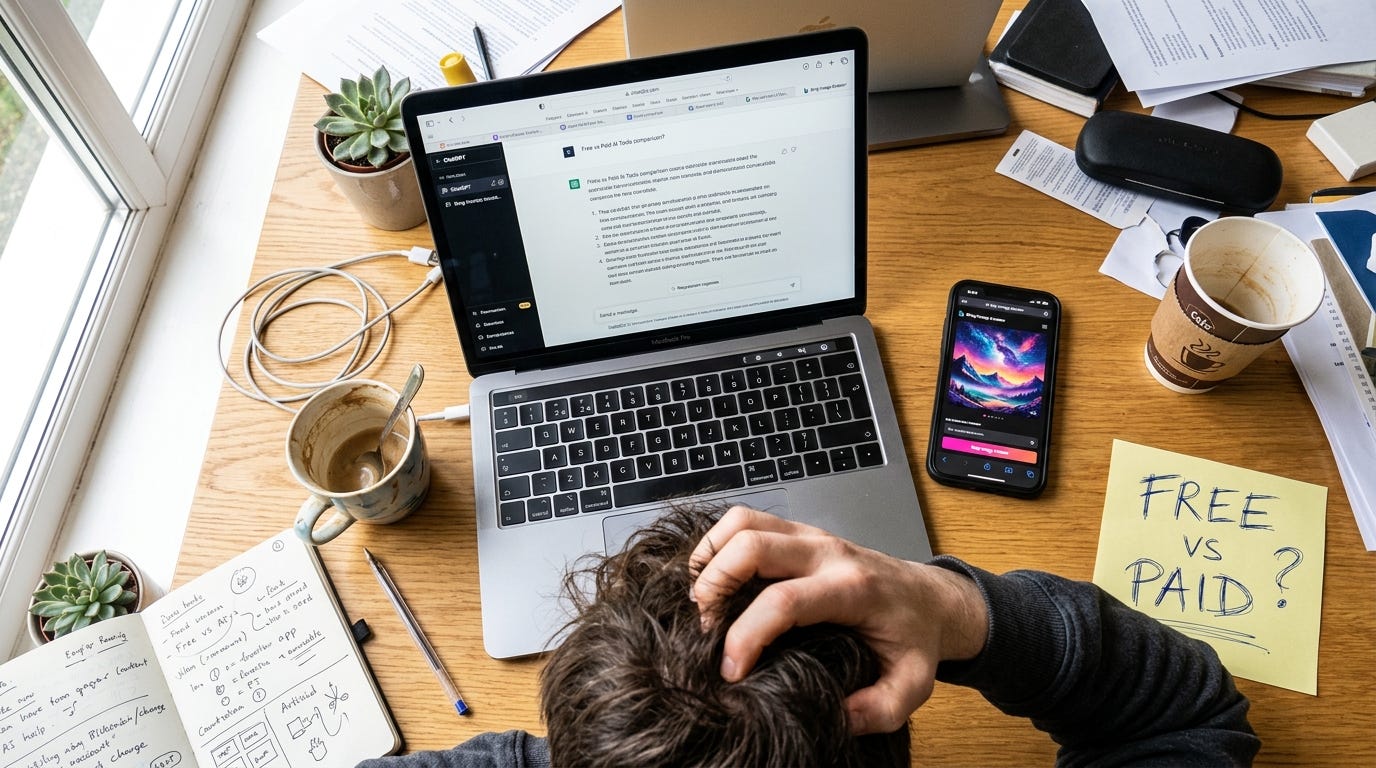
My honest, slightly embarrassing journey into the world of generative AI tools — and what I’ll actually keep using.
Last month I stared at a blinking cursor for twenty minutes, completely stuck. Every blog I read screamed “use AI tools!” — but which ones? Free, paid, some shady freemium that would steal my data? I had no clue. So I did what any slightly obsessive person would do: I turned the question into a month-long experiment. I tried free vs paid AI tools — the results surprised me more than I expected, and honestly, left me a little annoyed at how much money I almost wasted.
Why I Even Started This (Intro)
A few weeks ago, I decided to settle the debate once and for all. I tried free vs paid AI tools — the results surprised me, but not in the way those glossy YouTube ads promised. I’m a freelance content writer who also runs a tiny e‑commerce side hustle, so I needed tools that could help with writing, image generation, grammar, and basic automation. The promise is always the same: pay $20/month and unlock “pro-level” AI. I wanted to see if that was actually true, or if I could get 90% of the way with free tools and a little patience.
I set a budget of $200 and gave myself four weeks. No free trials that auto‑renew and disappear (I’ve been burned before). Just honest, head‑to‑head testing. I made mistakes. I got frustrated. I accidentally generated an image of a cat wearing a business suit when I asked for a professional headshot. This is the real, imperfect story.
Expectation vs Reality
Going in, I had a clear mental picture: paid tools would be polished, fast, and make me feel like I had a secret superpower. Free tools would be buggy, limited, and constantly nag me to upgrade.
Reality was much messier. Some paid tools felt like beta software with a credit card form attached. Some free tools blew my mind so hard I actually checked the URL to make sure I wasn’t accidentally on a premium plan. The biggest shock? The line between “good enough” and “worth paying for” was never about the number of features — it was about friction, speed, and one specific task I kept repeating.
What I Tested
I picked ten AI tools across categories that most creators, marketers, and small business owners actually need. For each one, I compared the free and paid versions side by side using the same real‑world task (writing a product description, fixing grammar, creating a social media graphic, etc.). Here’s the full list:
- ChatGPT (free) vs ChatGPT Plus (GPT‑4, $20/month)
- Grammarly (free browser extension) vs Grammarly Premium ($12/month)
- Canva AI (free plan with Magic Write & Magic Media) vs Canva Pro ($13/month)
- Jasper (paid, starts at $49/month) vs Copy.ai (free tier, then paid)
- Bing Image Creator (free, DALL‑E 3) vs Midjourney (paid, from $10/month)
- Notion AI (paid add‑on, $10/month) vs using free Notion + ChatGPT
- Claude (free) vs Claude Pro ($20/month)
I ignored tools that had no permanent free tier and just a “7‑day trial” because that’s not a real free option — it’s a future invoice.
What Failed (or Just Felt Like a Scam)
Not every tool made it through the month with my credit card intact. Here’s where I went wrong and what I’ll never subscribe to again.
Jasper (paid) vs Copy.ai (free): I assumed Jasper, the “AI writing powerhouse,” would run circles around Copy.ai’s free tier. Big mistake. Jasper’s long‑form editor felt sluggish and prone to hallucinated facts; I once got a product description that confidently claimed my organic candle could “cure anxiety” (no, thank you). Meanwhile, Copy.ai’s free plan gave me clean, safe copy without the bloat. For a $49/month tool, Jasper needed constant babysitting. I cancelled before the trial ended. Lesson: More expensive ≠ less hallucination. Sometimes it just means a fancier dashboard.
Paid grammar tools I didn’t need yet: Grammarly Premium kept suggesting I “improve clarity” by rewriting sentences into corporate mush. The free version caught my typos, passive voice, and common mistakes perfectly well. Unless you need a tone‑of‑voice style guide for a team, the free tier is more than enough. I spent $12 and immediately regretted it.
Notion AI (paid add‑on): I live in Notion, so I was excited to have AI built into my notes. The $10/month add‑on could summarize pages, draft emails, and pull action items. The problem? Its summaries were generic and often missed the nuance of my research. I got the same (or better) results by copying text into free ChatGPT and pasting it back. I ended up paying for friction I could have avoided with Ctrl+C and Ctrl+V. That one hurt.
What Actually Worked (Yes, Free Tools Can Win)
Not everything was a waste. Three tools genuinely surprised me — and two of them are completely free.
Bing Image Creator (free, DALL‑E 3) vs Midjourney ($10/month): This was the biggest upset of the entire experiment. Midjourney creates stunning, artistic images — if you learn the cryptic /imagine prompts and the Discord interface. Bing Image Creator, powered by the same DALL‑E 3, just asks you to type a sentence. For a product photo of a candle on a wooden table, Bing gave me a usable, high‑res image in 10 seconds. Midjourney’s version was more “beautiful,” but it took six tries and felt like an oil painting, not a marketing asset. For quick, commercial‑ready images, free Bing won. I only recommend Midjourney if you’re a professional designer chasing a specific aesthetic.
ChatGPT Free vs Plus: I’ll be honest — ChatGPT Plus with GPT‑4 is faster and slightly better at complex reasoning. But the free version (GPT‑3.5) handled 80% of my tasks: outlines, blog intros, brainstorming, and simple rewrites. The only time I missed Plus was when I needed to analyze a 15‑page PDF or generate code. For everyday writing and idea generation, I’d happily pocket the $20/month. I kept the free version pinned to my browser and only logged into Plus for heavy lifting.
Canva Pro’s AI features: The free Canva AI (Magic Write, background remover, limited Magic Media) is surprisingly solid. But upgrading to Pro ($13/month) unlocked the brand kit and one‑click background removal that actually saved me 4–5 hours a month. This wasn’t about AI intelligence — it was about workflow. If you’re producing content daily, Pro pays for itself in time saved. I’ll keep this one.
🔥 The Free vs Paid Comparison That Changed My Mind
Rather than bury this, here’s the mandatory truth table. I ranked each tool on actual daily usefulness, not feature count.
Tool CategoryFree WinnerPaid WinnerBest Value for Most PeopleSurprise VerdictAI Writing (copy)Copy.ai (free tier)ChatGPT Plus (better depth)Free ChatGPT + Copy.aiJasper overpriced for beginnersGrammar & EditingGrammarly Free–Free version holds strongPremium adds bloat, not accuracyImage GenerationBing Image Creator (DALL‑E 3)Midjourney (for artistic)Free Bing for 90% of usersI wasted $10 on Midjourney I didn’t needDesign & Brand AICanva Free AICanva Pro (brand kit, bulk)Pro if you create >10 assets/monthFree is genuinely impressiveResearch & NotesFree ChatGPTNotion AI (disappointing)Don’t pay for Notion AI yetUse free ChatGPT outside Notion
Free vs paid Pros & Cons at a glance:
Free tools:
- Pros: Zero cost, surprisingly capable for standard tasks, no subscription guilt, great for testing.
- Cons: Rate limits during peak hours, fewer integrations, occasional outdated data, can feel slower when servers are busy.
Paid tools:
- Pros: Priority access, faster generation, advanced features (teams, brand voice, analytics), higher usage caps.
- Cons: Subscriptions pile up fast, many “premium” features are just polished freemium, you’ll still need to fact‑check AI output no matter the price.
Practical Tips After My $200 Mistake
- Start with the free tool and use it until you hit a concrete wall. I wasted money because I assumed a paid tool would save me time I hadn’t even lost yet.
- Only pay for tools that fix a recurring, painful bottleneck. For me, that was Canva Pro’s batch‑design features. For writing, free ChatGPT did the job.
- Stack free tools creatively. Combine free ChatGPT + Bing Image Creator + Canva Free and you have a complete content creation suite for $0. I wrote three blog posts with that stack without touching my wallet.
- Beware the “AI tax” — a feature you can already do manually. Notion AI is a perfect example; I was paying to save three clicks. Your time might be better spent learning keyboard shortcuts.
- Use a dedicated email for free trials and set a calendar reminder to cancel. I almost forgot and would’ve been charged $49 for another month of disappointment. Learn from my near‑miss.
Key Takeaways (TL;DR)
- Some free AI tools are not just “good for free” — they’re genuinely great. Bing Image Creator, ChatGPT’s free tier, and Canva’s free AI are 80–90% solutions.
- Expensive tools can fail harder. Jasper’s hallucinations cost me more editing time, not less.
- The upgrade is worth it when it removes friction, not when it adds “intelligence” alone. Canva Pro won because of speed, not smarter AI.
- You don’t need a $200/month AI stack. My final keeper list: Free ChatGPT, Bing Image Creator, Canva Pro ($13), and Grammarly Free. Total: $13/month. Everything else was noise.
- Trust your workflow, not the hype. If a tool’s free version already integrates smoothly with how you work, paying might break your flow.
If you want more no‑BS tool breakdowns like this — where I actually test stuff instead of parroting press releases — I share the honest results over on Goodsbuzz. No affiliate fluff, just what works and what I’d skip. Come say hi.
Closing: I started this experiment expecting to find a magical AI assistant hiding behind a paywall. I ended up deleting seven bookmarks and saving $187/month. The biggest surprise wasn’t any one tool — it was realizing that the free‑to‑paid gap is often a gap in marketing, not capability. Before you pull out your credit card, ask yourself: Am I solving a real problem, or am I just hoping the AI will do the thinking for me? The answer might save you more than money. It saved me a month of frustration, and now I actually get work done.
메타데이터
- post_id
- 459129ac4747
- slug
- i-tested-10-free-and-paid-ai-tools-most-were-a-waste-of-money-but-3-surprised-me-459129ac4747
- url
- https://medium.com/@goodsbuzzblog/i-tested-10-free-and-paid-ai-tools-most-were-a-waste-of-money-but-3-surprised-me-459129ac4747
- canonical_url
- https://medium.com/@goodsbuzzblog/i-tested-10-free-and-paid-ai-tools-most-were-a-waste-of-money-but-3-surprised-me-459129ac4747
- author_url
- https://medium.com/@goodsbuzzblog
- status
- ok
- fetched_at
- 2026-08-06 01:47:22