Say Goodbye to OTPs: Implementing Firebase One-Tap Phone Verification in Flutter and React Native
User onboarding can make or break a mobile application. Traditional SMS One-Time Passwords (OTPs) have long been the industry standard, but…
Say Goodbye to OTPs: Implementing Firebase One-Tap Phone Verification in Flutter and React Native
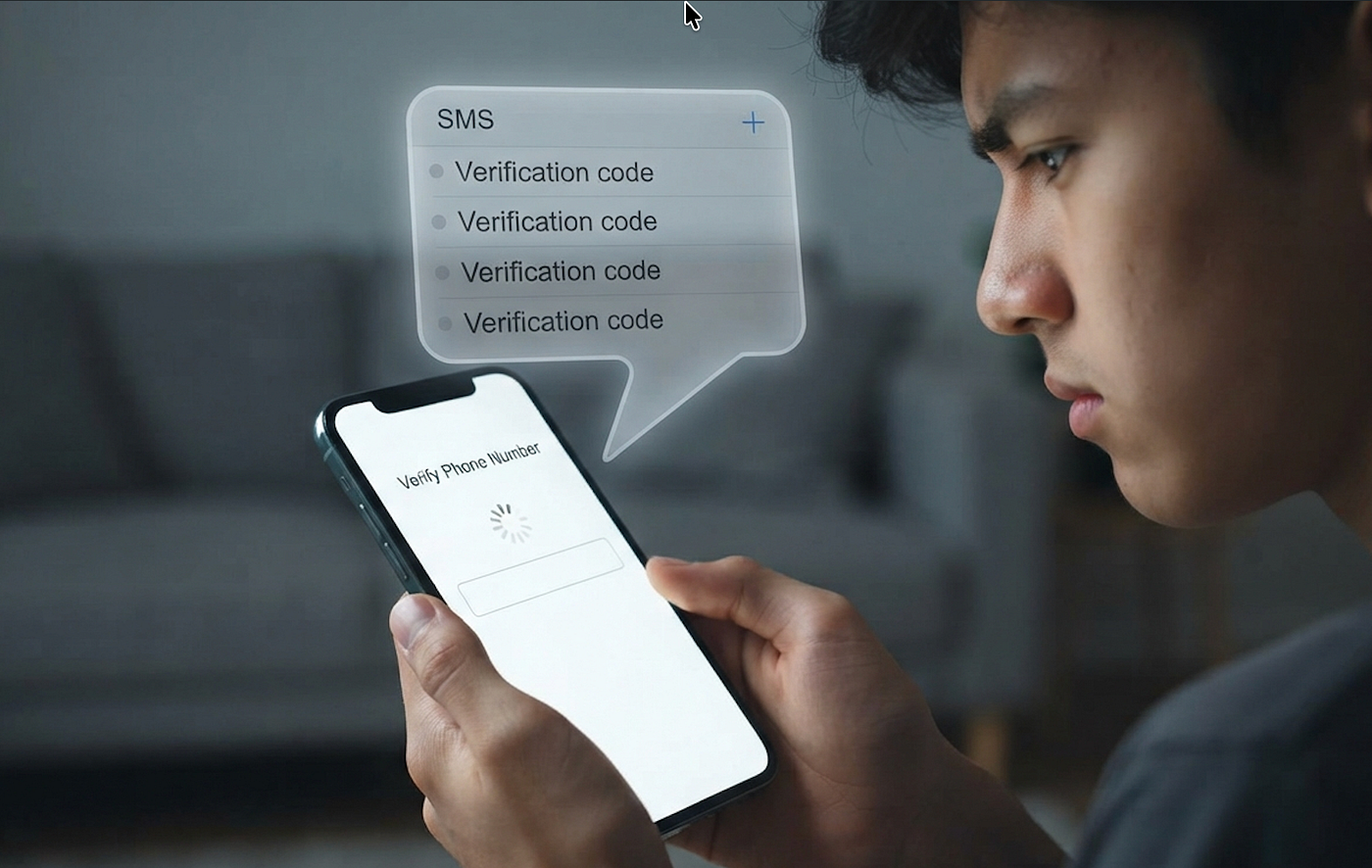
User onboarding can make or break a mobile application. Traditional SMS One-Time Passwords (OTPs) have long been the industry standard, but they come with a high cognitive load and significant user friction. We have all experienced the frustration of waiting for an SMS, switching apps to copy a code, dealing with typos, or requesting multiple codes when the first one fails to arrive. Every second of delay increases your app’s abandonment rate.
Firebase Phone Number Verification (PNV) changes the game for Android development. For users on supported cellular networks, Firebase can now verify a phone number silently in the background with a single tap. If the carrier does not support this feature, the system automatically and seamlessly falls back to the traditional SMS OTP method. This hybrid approach ensures zero drop-offs while drastically speeding up the onboarding flow.
How Firebase Phone Number Verification Works
- User Initiates Sign-In: The user enters their phone number and taps “Verify”.
- Carrier Check: Firebase communicates with the cellular network operator to verify the device’s SIM card directly.
- Instant Token Issuance: If verified by the carrier, Firebase issues an authentication token instantly — no SMS sent, no code entered.
- Automatic Fallback: If the carrier network is unsupported or the user is on Wi-Fi without a cellular data connection, Firebase automatically sends a standard SMS OTP.
Step-by-Step Implementation Guide
To implement this seamless verification flow in a React Native Android application, you will use the official @react-native-firebase/auth package.
1. Prerequisites & Configuration
- Ensure your Android app is connected to a Firebase project.
- Enable Phone Authentication in the Firebase Console under Authentication > Sign-in method.
- Add your app’s SHA-1 and SHA-256 fingerprints to your Firebase project settings. This is mandatory for cellular verification to function safely.
2. The Implementation Code
The following functional component handles both the silent carrier verification and the manual SMS fallback using a single Firebase method: signInWithPhoneNumber.
import 'package:firebase_auth/firebase_auth.dart';

class PhoneAuthService {
  final FirebaseAuth _auth = FirebaseAuth.instance;

  Future<void> startPhoneVerification(String phoneNumber) async {
    await _auth.verifyPhoneNumber(
      phoneNumber: phoneNumber,

      // 1. Silent Carrier Verification Success (One-Tap)
      // If the cellular network supports PNV, this triggers immediately.
      // No SMS is sent, and you get authenticated without manual code entry.
      verificationCompleted: (PhoneAuthCredential credential) async {
        await _auth.signInWithCredential(credential);
        print("Success: Verified silently via carrier without an OTP!");
      },

      // 2. Carrier Verification Fails / Fallback (SMS Sent)
      // If the carrier does not support PNV, Firebase automatically drops back
      // to standard SMS and provides you the verificationId to handle manual entry.
      codeSent: (String verificationId, int? resendToken) {
        print("Fallback: Carrier PNV unsupported. SMS code sent to device.");
        // Save verificationId and navigate user to your OTP entry screen
      },

      // 3. Handling Configuration Errors
      verificationFailed: (FirebaseAuthException e) {
        print("Verification failed: ${e.message}");
      },

      // 4. Timeout callback for Android devices
      codeAutoRetrievalTimeout: (String verificationId) {
        print("Auto retrieval timeout reached.");
      },
    );
  }
}
[ User Enters Phone Number ]
│
_auth.verifyPhoneNumber()
│
┌───────────────┴───────────────┐
▼ ▼
[ Carrier Check ] [ Carrier Check ]
👉 Supported ❌ Unsupported
│ │
▼ ▼
verificationCompleted codeSent
│ │
⚡ Silent Authentication 💬 SMS OTP Sent
│ │▼
메타데이터
- post_id
- 4606cab956b2
- slug
- say-goodbye-to-otps-implementing-firebase-one-tap-phone-verification-in-react-native-4606cab956b2
- url
- https://medium.com/@hasnainmirrani/say-goodbye-to-otps-implementing-firebase-one-tap-phone-verification-in-react-native-4606cab956b2
- canonical_url
- https://medium.com/@hasnainmirrani/say-goodbye-to-otps-implementing-firebase-one-tap-phone-verification-in-react-native-4606cab956b2
- author_url
- https://medium.com/@hasnainmirrani
- status
- ok
- fetched_at
- 2026-07-10 23:15:56





