Can Android device be used as Wireless Gamepad or remote or keyboard-mouse?
If you have an android phone with android version 9.0 and later, you can turn your phone into a Bluetooth Gamepad, Keyboard, mouse, touchpad or a remote control for just $1 to $3.
Lets say, you have misplaced your TV remote or the original remote has limited options or it doesn’t have keyboard to type properly, in all these cases this bluetooth remote act as a perfect remote. Typing become easiest so far, changing channel, dimming brightness, lowering volume, showing info to all other kind of remote operation the TV supports — now become accessible.
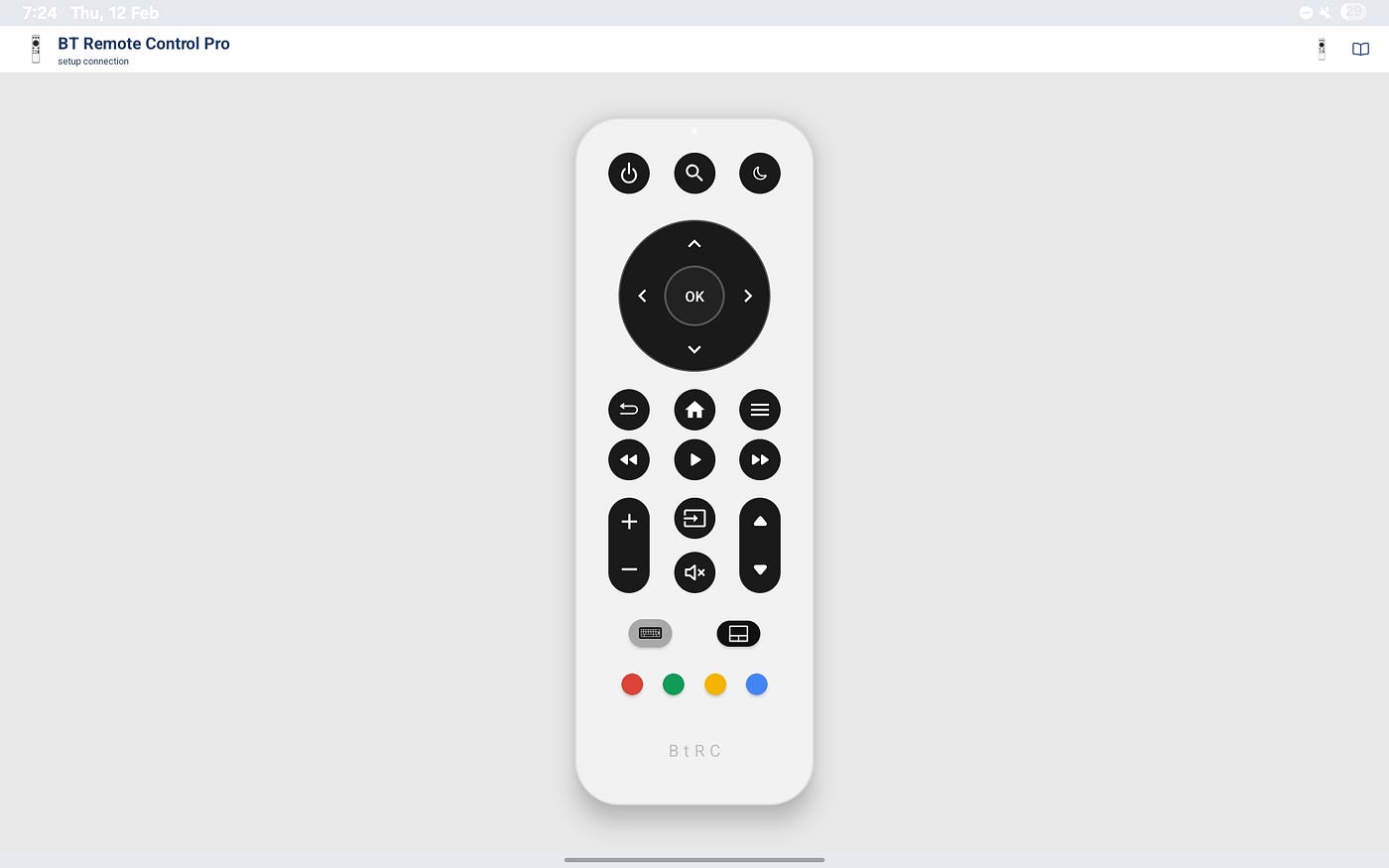
Use Tab or Phone as bluetooth remote control
You can even point and click like a pointing laser device with your phone, some places this pointing feature termed as ‘Air Mouse’. The app I’m talking about is ‘**BT Remote +’.**

Gamepad XO series — home gamepad with touchpad
If you are a video game lover, plays game on PC or TV or Tablet and trying to enhance playing experience like professional gamers but doesn’t have budget to buy a highend gamepad like Sony Dualsense or XBOX controllers, Gamepad XO series are the best suited, in this series Free version available with Ads **GAMEPAD XO FREE. Two premium versions [GAMEPAD XO](https://play.google.com/store/apps/details?id=com.offlinew.gplt) and [GAMEPAD XO+](https://play.google.com/store/apps/details?id=com.offlinew.gppro)** , in both the version, user can create custom layout based on gaming needs or users’ habit, custom key mapping, export and import layouts.

Gamepad XO & XO + customizable layout
In plus(XO+) version, phones gyroscope & acceleremeter act as sensored input, can be used as steering in racing games, axis mapped sensor input, 2D steering input and more.

Air mouse keyboard
If your laptop keyboard isn’t working properly, you need a replacement or just need a reliable bluetooth keyboard and mouse for laptop, PC, TV or to other device that support bluetooth input device, ‘**AIR MOUSE**’ is the perfect fits the usecases.
All these apps makes life easier to control devices wirelessly, costs $0(free) to $3 as of now.
메타데이터
- post_id
- 46c113cd89f2
- slug
- can-android-device-be-used-as-wireless-gamepad-or-remote-or-keyboard-mouse-46c113cd89f2
- url
- https://medium.com/@n8fury/can-android-device-be-used-as-wireless-gamepad-or-remote-or-keyboard-mouse-46c113cd89f2
- canonical_url
- https://medium.com/@n8fury/can-android-device-be-used-as-wireless-gamepad-or-remote-or-keyboard-mouse-46c113cd89f2
- author_url
- https://medium.com/@n8fury
- status
- ok
- fetched_at
- 2026-07-13 20:52:00
