Not Everyone Working on Your Website Needs Administrator Access
How least-privilege access, individual accounts, and regular role reviews reduce avoidable website risk.
Not Everyone Working on Your Website Needs Administrator Access
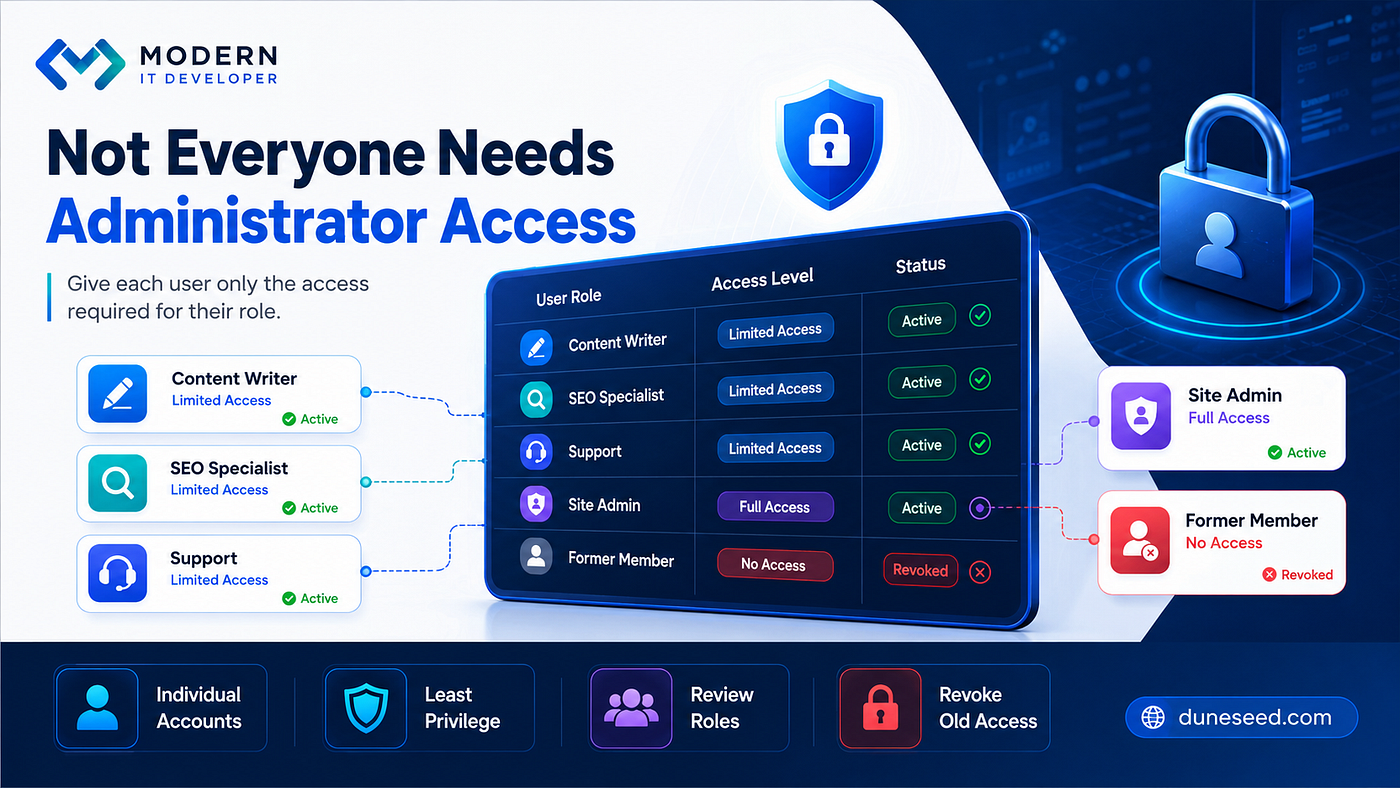
Each website user receives only the access required for their role.
How least-privilege access, individual accounts, and regular role reviews reduce avoidable website risk.
The shared administrator account was created to save time.
The company owner used it. So did the content writer, the SEO specialist, the support provider, and a freelance developer who had helped with an earlier project.
At first, the arrangement felt efficient. Nobody had to wait for access, request a change in permissions, or ask another person to complete a task.
A few months later, an important site setting changed unexpectedly.
The change was not catastrophic, but the team could not identify who had made it. Several people had used the same login, the password had been shared across multiple channels, and an old contractor still knew the credentials.
The problem was not that the team had too many people working on the website.
The problem was that everyone had been given the same level of control.
Administrator Access Should Not Be the Default
Administrator access is designed for people who need broad control over a website.
Depending on the platform, an administrator may be able to install or remove software, change themes, edit users, modify site-wide settings, access customer information, and alter security or integration settings.
That level of control is useful for the right role. It is unnecessary for many everyday tasks.
A content writer usually needs to create and edit pages. An SEO specialist may need access to metadata, analytics integrations, redirects, or selected technical settings. A support provider may need to investigate a specific issue. None of those needs automatically requires permanent full control.
Giving administrator access by default may feel convenient, but it expands the number of people who can make high-impact changes.
The Principle of Least Privilege
The principle of least privilege is simple: each person should receive only the permissions required to complete their actual work.
This does not mean making access so restrictive that people cannot do their jobs. It means matching permissions to responsibilities rather than choosing the broadest role for convenience.
A practical access decision asks:
- What tasks does this person need to complete?
- Which areas of the website are required for those tasks?
- Does the access need to be permanent or temporary?
- Could a lower-level role provide the same level of work performance?
- Who will review or remove the access when the work ends?
The correct role is the lowest level that still allows the person to work effectively.
Different Roles Need Different Permissions
A professional website team may include several people, but their access needs are not identical.
A content writer may need permission to create drafts, edit pages, upload media, and submit content for review.
An SEO specialist may need access to page titles, descriptions, redirects, structured data settings, and reporting tools. They may not need the ability to install plugins, delete users, or change payment settings.
A support provider may require temporary access to a specific technical area while investigating a problem.
A site administrator may need broader control because they are responsible for user management, updates, configuration, integrations, and recovery.
The role should follow the task. The task should not be reshaped around an overly broad role.
Shared Administrator Accounts Create Accountability Problems
A shared account makes short-term access management easier but much harder later.
When several people use the same credentials:
- Changes may be difficult to attribute to a specific person.
- The password must be shared and stored in several places.
- Removing one person’s access may require changing everyone’s passwords.
- Login history becomes less useful.
- Multi-factor authentication becomes harder to manage properly.
- Former team members may retain access without being noticed
Individual accounts create a clearer record of who has access and make it easier to disable one person without disrupting the rest of the team.
They also support better operational discipline. Each person becomes responsible for their own credentials and actions.
Former Employees and Contractors Need a Clear Exit Process
The old contractor in the opening scenario no longer worked with the company, but the account had never been reviewed.
This is common when website access is treated as an informal detail rather than part of onboarding and offboarding.
When a staff member, freelancer, agency, or service provider finishes their work, the website owner should review:
- The person’s website account
- Hosting and domain access
- Analytics and search tools
- Email and form systems
- Cloud storage
- Payment or e-commerce integrations
- Backup services
- Developer platforms and deployment tools
Access that is no longer required should be removed, disabled, or transferred to the appropriate owner.
An inactive account is not harmless simply because nobody appears to be using it.
Temporary Work Should Use Temporary Access
External providers often need access for legitimate reasons.
A developer may need to troubleshoot a plugin conflict. A consultant may need to review SEO settings. A support technician may need to inspect an integration.
The access can still be limited by:
- Creating a separate account
- Assigning only the required role
- Setting a review or expiry date
- Removing access when the task is complete
- Avoiding the reuse of an existing employee’s credentials
Temporary access should not quietly become permanent access.
Access Reviews Should Be Regular, Not Reactive
Many teams review permissions only after something goes wrong.
A better approach is to make access review part of routine website maintenance.
The review does not need to be complicated. It can begin with a list of every active account and a few direct questions:
- Does this person still work with the organization?
- Do they still need website access?
- Is the current role appropriate for their responsibilities?
- Has the account been used recently?
- Is the account individual or shared?
- Does it have stronger authentication where available?
- Who is responsible for approving continued access?
The frequency depends on the organization’s size and complexity, but the review should be scheduled rather than left to memory.
Role Changes Should Trigger Permission Changes
A user’s access needs may change even when they remain with the organization.
Someone may move from content production into management, or from a temporary project into a limited advisory role. A developer may finish the build but continue only with occasional maintenance.
Website permissions should follow those changes.
Maintaining access to a former role simply because the account already exists creates unnecessary privilege over time.
Access management is not only about adding and removing users. It also includes adjusting roles as responsibilities change.
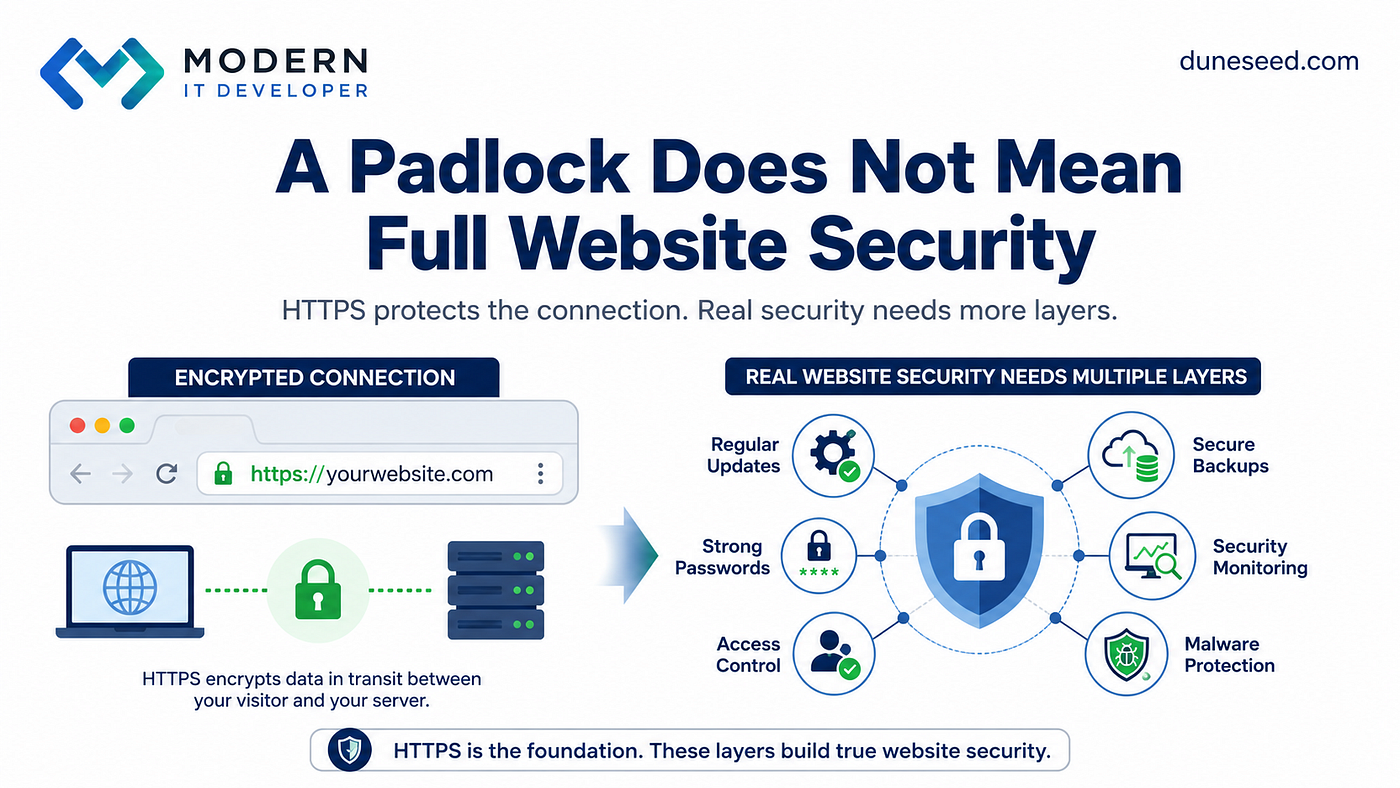
Least Privilege Supports Security, but It Is Not Complete Security
Limiting permissions can reduce the impact of mistakes, compromised accounts, or inappropriate changes.
It does not make a website completely secure.
A broader security approach may also include:
- Strong, unique passwords
- Multi-factor authentication
- Regular software updates
- Secure backups
- Monitoring and logging
- Malware protection
- Careful management of hosting and server access
- A documented response process
Least privilege is one layer within a larger operational security system. It should not be presented as a guarantee against every incident.
A Practical Website Access Audit
Website owners can begin with a simple audit.
- Export or review the complete list of active users.
- Identify shared or generic administrator accounts.
- Confirm that every account belongs to a current person or service.
- Match each user’s role to their real responsibilities.
- Reduce permissions to those that are necessary.
- Disable or remove former employees, contractors, and providers.
- Create individual accounts instead of sharing credentials.
- Review temporary access and remove it when the task has ended.
- Enable stronger authentication for sensitive accounts where available.
- Document who approves, reviews, and revokes access.
The audit should leave the team with a clear answer to three questions: who has access, why they have it, and when it will be reviewed.
Access Control Is Part of Website Architecture
The company in the opening scenario did not need fewer collaborators.
It needed a clearer access structure.
The shared administrator account was replaced with individual accounts. The content writer received content permissions. The SEO specialist received the tools required for optimization work. The support provider received limited access, and the former contractor’s account was revoked.
The result was not perfect security. It was better control, clearer accountability, and a more maintainable website operation.
At MODERN IT DEVELOPER, we treat access management as part of website architecture, maintenance, and operational security — not as a secondary setting to inspect only after a problem.
Open your website’s user list and review every active account.
Who still has administrator access, and which of those people genuinely need it today?
Website: duneseed.com
MODERNITDEVELOPER #duneseed #SEO #WebsiteSecurity #AccessControl
메타데이터
- post_id
- 49375cb37f4a
- slug
- not-everyone-working-on-your-website-needs-administrator-access-49375cb37f4a
- url
- https://medium.com/@e.mirjafari1990/not-everyone-working-on-your-website-needs-administrator-access-49375cb37f4a
- canonical_url
- https://medium.com/@e.mirjafari1990/not-everyone-working-on-your-website-needs-administrator-access-49375cb37f4a
- author_url
- https://medium.com/@e.mirjafari1990
- status
- ok
- fetched_at
- 2026-08-05 18:10:35