Data Manipulation Tasks Using KNIME for ETL (Extract–Transform–Load) Processes
Master data manipulation tasks using KNIME for ETL with this step-by-step tutorial
Stories I Getting Started I ETL
Data Manipulation Tasks Using KNIME for ETL (Extract–Transform–Load) Processes
Master data manipulation tasks using KNIME for ETL with this step-by-step tutorial
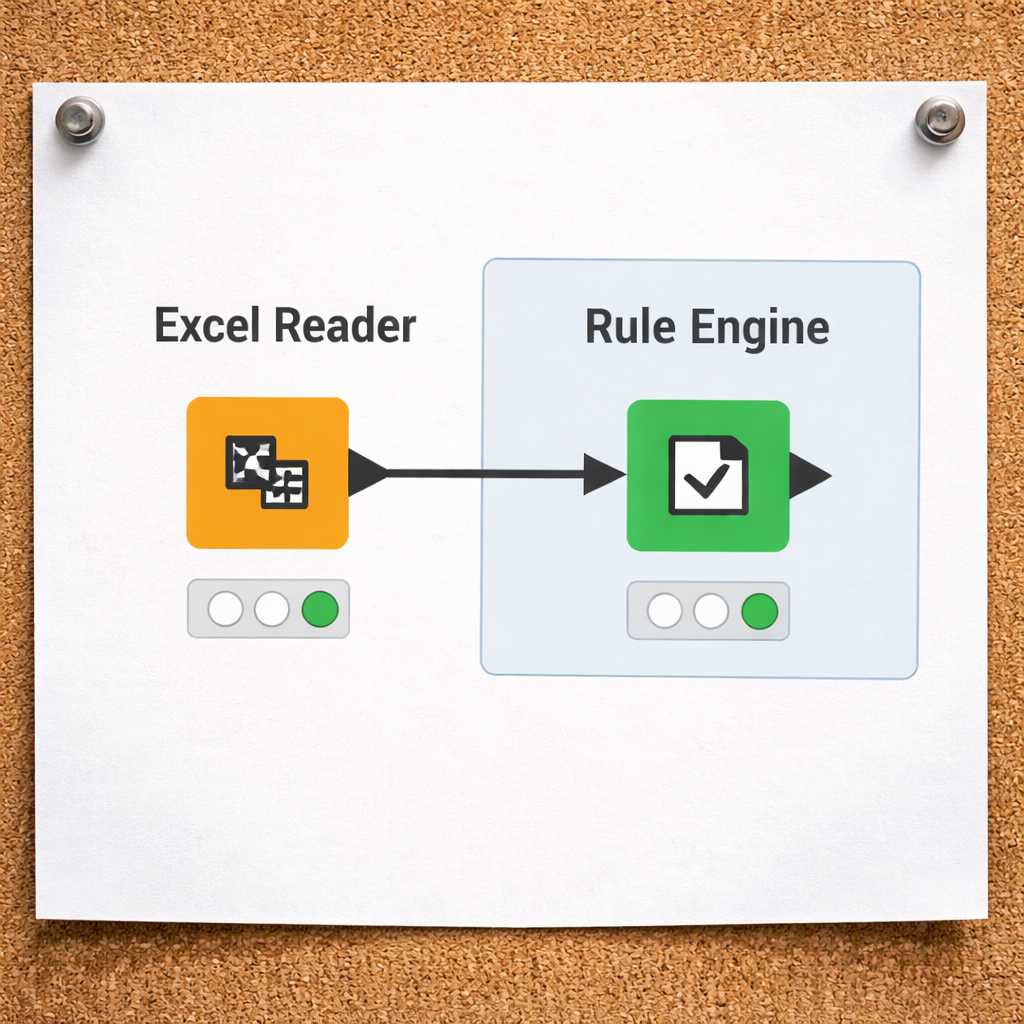
When workflows need to go beyond spreadsheet-level transformations into scalable, modular, and automation-ready pipelines, KNIME Analytics Platform becomes a practical alternative to Power Query for data manipulation. KNIME offers a visual, node-based architecture that clearly documents every step, making complex branching logic, advanced transformations, statistical processing, and machine learning integration easier to manage in a single workflow.
In this tutorial, we focus on the Transform stage using KNIME Analytics Platform, a visual, workflow-based data analytics tool that allows users to design repeatable data pipelines without heavy coding.
We will perform five common data manipulation tasks frequently used in analytics and data engineering workflows:
- Age recoding (binning numerical data)
- Categorical cleaning (standardizing text fields)
- Creating derived variables
- Imputation for missing or forecast values
- Masking sensitive data and generating surrogate keys
Each task is based on a worksheet in the provided workbook.
https://archive.org/download/data-transformation/data-manipulation-tasks.xlsx
Preparation
- Download the data-manipulation-tasks.xlsx file.
- Create a new KNIME workflow.
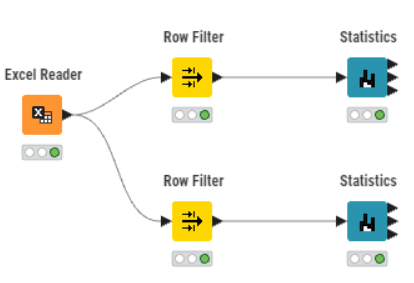
- Drag the Excel Reader node into the canvas.
- Select the worksheet based on the tasks:
- (1) Age_Recoding,
- (2) Categorical_Cleaning,
- (3) Derived_Variables,
- (4) Imputation_MonthlySales,
- (5) Masking_Index.
Task 1: Age Recoding (Binning Numerical Data)
Concept
Recoding converts continuous numeric values into categorical groups. This simplifies reporting and improves interpretability.
Example conversion:
- 18 or younger
- 19–24
- 25–35
- 36–45
- 46–55
- 55 or older
Implementation in KNIME
Use the Rule Engine node and define rules such as:
$Current Age$ <= 18 => "18 or younger"
$Current Age$ <= 24 => "19–24"
$Current Age$ <= 35 => "25–35"
$Current Age$ <= 45 => "36–45"
$Current Age$ <= 55 => "46–55"
TRUE => "55 or older"
Example:

This creates a new column called Age Group. The dataset now supports grouped demographic analysis instead of raw numeric comparison.
Outcome:

Task 2: Categorical Cleaning (Standardizing Text Data)
Concept
Free-text data often contains inconsistencies. For example:
- Autauga County
- Baldwin
- Bullock County
To ensure consistent grouping, remove unnecessary words and extra spaces.
Implementation
Use the String Manipulation node:
strip(replace($County$, "County", ""))Example:

Outcome:

This removes the word “County” and trims whitespace. Clean text fields prevent incorrect aggregations and duplicate categories.
Task 3: Creating Derived Variables
Concept
Operational systems do not always store analytical fields such as totals or status indicators. These are created during transformation.
We will create:
- Shipping Status
- Days to Ship
- Line Total
Shipping Status
Using the Rule Engine node:
MISSING $Ship Date$ => "Not Shipped"
TRUE => "Shipped"
Days to Ship
In the Excel Reader, ensure that the Type for Order Date and Ship Date are “Date”.

In the Excel Reader, ensure that the Type for Order Date and Ship Date are “Date”.
Use the Date&Time Difference node to calculate the number of days between Order Date and Ship Date.
Example:

Line Total
Use the Math Formula node:
$UnitPrice$ * $OrderQty$Outcome:

Derived variables enable revenue analysis, operational performance tracking, and fulfillment monitoring.
Task 4: Imputation (Handling Missing or Forecast Values)
Concept
Imputation replaces missing or future-required values with estimates. This is common in forecasting and visualization tasks.
Scenario:
- Calculate the average monthly sales per product.
Steps
Use the Unpivot node to convert Jan–Dec columns into rows.
Unpivot Example:


Use the Group By node:
- Group by ProductName
- Aggregate Sales using Mean
Group by example:

Outcome:

This produces an annual average per product.
Task 5: Masking Values and Creating a Surrogate Key
Concept
Sensitive data such as RespondID, First Name, and Last Name must not be exposed in analytical reports. Instead, generate a surrogate identifier.
Preparation
You may need to install Counter Generation node. Refer APPENDIX below.
Implementation
Use the Counter Generation node:
- Start at 1000
- Increment by 5
Counter Generation example:

Use a Column Filter node to remove:
- RespondID
- First Name
- Last Name
Column Filter example:

Outcome:

The dataset now:
- Preserves uniqueness
- Protects identity
- Remains analysis-ready
Conclusion
KNIME provides:
- Visual, drag-and-drop workflow design
- Clear step-by-step transformation tracking
- Reusable and modular pipelines
🤓
APPENDIX
[1] Install KNIME Extension
Counter Generation node is a component of KNIME Data Generation
[1] In the KNIME Menu, select Install Extensions.

[2] In the Install window, select KNIME & Extensions>KNIME Data Generation.

[3] Restart KNIME.
[2] Download the demo workflow
https://archive.org/download/data-transformation/knime-data-manipulation-tasks.zip
메타데이터
- post_id
- 4a6d0ecb772b
- slug
- data-manipulation-tasks-using-knime-for-etl-extract-transform-load-processes-4a6d0ecb772b
- url
- https://medium.com/low-code-for-advanced-data-science/data-manipulation-tasks-using-knime-for-etl-extract-transform-load-processes-4a6d0ecb772b
- canonical_url
- https://medium.com/low-code-for-advanced-data-science/data-manipulation-tasks-using-knime-for-etl-extract-transform-load-processes-4a6d0ecb772b
- author_url
- https://medium.com/@mohamad.razzi.my
- status
- ok
- fetched_at
- 2026-06-15 20:49:13