Convert PST to PDF With Attachments: Bulk File Conversion
Imagine your client asks you to share years of email records. Your PST file contains everything, but sharing an entire PST file is not…
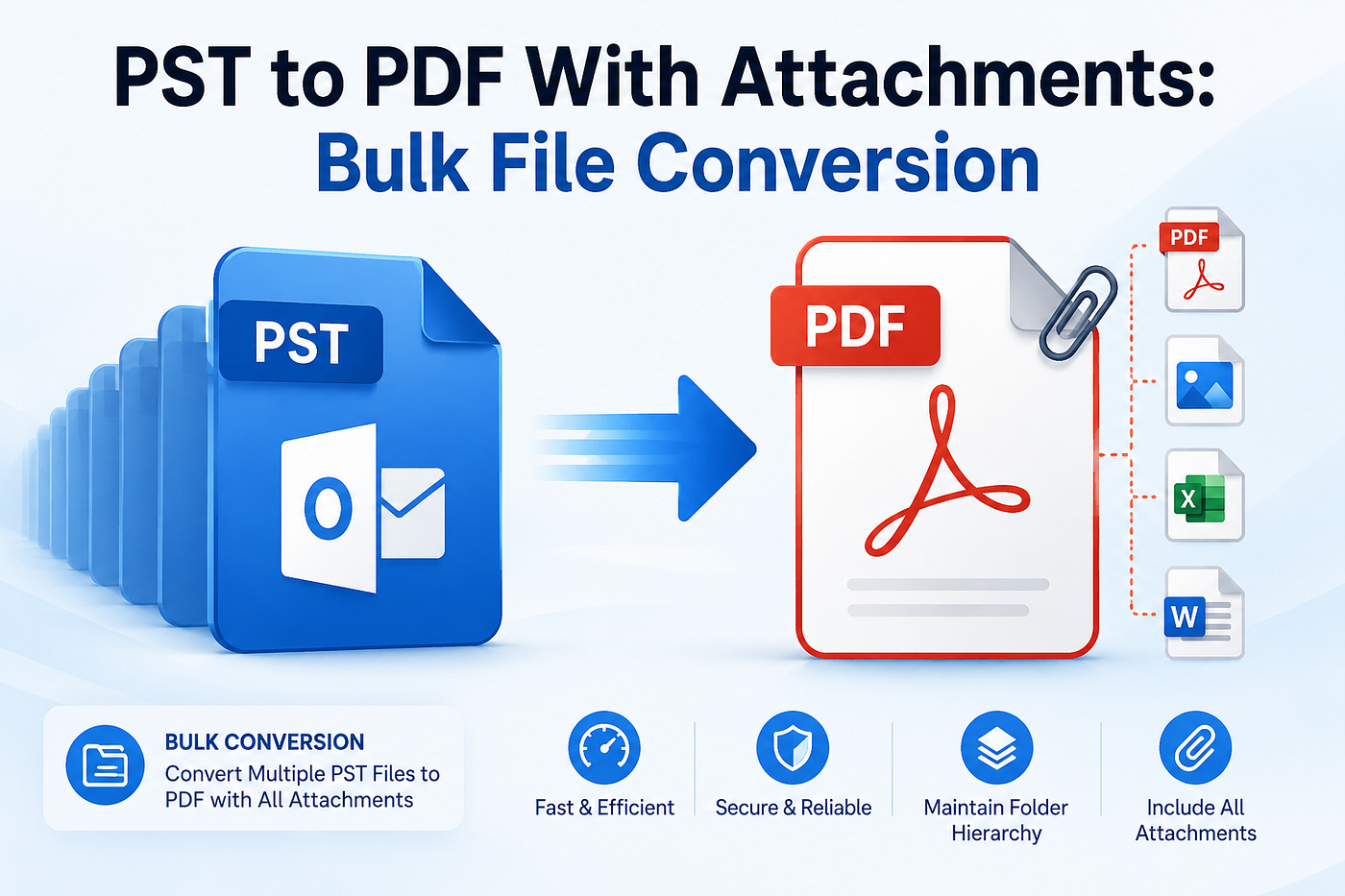
Convert PST to PDF
Convert PST to PDF With Attachments: Bulk File Conversion
Imagine your client asks you to share years of email records. Your PST file contains everything, but sharing an entire PST file is not practical because PST files can become corrupted, especially as they grow in size. The larger a PST file becomes, the greater the risk of corruption. This is why many organizations choose to convert PST to PDF, creating universally compatible, reliable, and stable documents. To find out how, this guide offers simplified solutions, including a PST to PDF Converter for effective results.
Why Converting PST to PDF Is a Smart Choice?
If you have an Outlook PST email that you want to share with someone, there are several issues that arise in this situation. Below are some of the disadvantages of PST emails:-
- You need to be dependent on Microsoft Outlook to access emails.
- Large PST files are more prone to corruption.
- Difficult to share across different platforms.
- PST files can be password-protected, but the protection is not very advanced.
These are the reasons why many organizations and individuals tend to export PST to PDF. PDF conversion overcomes the issues that come with PST files. Below are some advantages of the PDF file format:-
- Export multiple PST emails to single PDF.
- No need to depend on any device because PDFs can be viewed on phones, laptops, and desktops.
- Unlike PST, a PDF file maintains the original email formatting and structure.
- PDFs are Outlook-independent and store attachments, contacts, calendars, tasks, etc.
The Best Ways to Convert PST to PDF
There are mainly two methods for converting Outlook PST files to Adobe PDF. The manual method and the automated method. The former method is suitable when you need to save only a few emails, whereas the latter method is a better choice for bulk conversions involving large PST files and attachments.
Method 1: Manual Method for PST to PDF Conversion
To save Outlook PST files to PDF, you can use Outlook’s built-in Print feature to save individual emails as PDF file. Below is a step-by-step guide to the process:-
- Open Microsoft Outlook and select the .pst files that contain the emails you want to convert
- Then, go to the folder that contains the emails and open the message you wish to save as a PDF.
- Click File and select Print to start the process of converting to PDF.
- Further, from the list of available printers, choose Microsoft Print to PDF.
- Afterward, select the filters that you want to apply to customize.
- Click Print to continue, and a dialog box will appear.
- Finally, select the folder where you want to store the PDF file and tap Save.
Limitations of the Manual Method
- Does not support bulk PST files to PDF conversion.
- Can convert only one email at a time.
- Takes a lot of time for large mailboxes.
- Outlook installation is a compulsion.
- No advanced filtering options available.
Method 2: Automated Method to Convert PST to PDF
Outlook PST File Converter Tool is a software that allows you to convert Outlook PST emails to a structured PDF file. It converts the PST/OST emails to many different file formats such as .msg, .csv, .png, .md, .json, etc. Many advanced filtering options can be applied according to the user’s needs. Besides this, it keeps the data highly secure with no server uploads and local functioning on your Windows, Mac, or Linux OS. Whether you are a technical or a non-technical user, this solution is your go-to option for quick and smart Outlook data file conversion.

Export Outlook PST Files to PDF
Step-by-Step Guide to Convert Outlook PST Files to PDF
- Download the Aryson PST to PDF Converter.
- Click Select File or Select Folder to add the PST file. Click Proceed.
- In the Preview section, view all the associated data, select files, and then click Proceed.
- Click on Export File Format and choose PDF. Apply filters as required.
- Tap Browse and assign a path to save the PDF file. Finally, click Start Export.
Why is Aryson PST Converter a Benchmark?
- Batch convert PSTs to Adobe PDF with no size limitations
- Duplicate detection to convert PST files without any similar items.
- Date Range filter for selective conversion of PST files
- Skip Existing Exports to avoid files that have already been converted.
- Attachment handling and custom naming for more precise outputs.
- Preserve folder hierarchy and data integrity throughout conversion.
- The demo version allows you to save at least 50 emails/folder at no cost.
- Zero data loss and speedy conversion with no risks or hassle.
Conclusion
When you save PST files as PDF, it improves accessibility, simplifies email sharing, and supports long-term email archiving. Whether you’re managing business records, legal documentation, or personal backups, choosing the right approach to convert PST to PDF can save time while preserving valuable email data. The manual method may be suited for small-scale conversions, but for enterprise conversions, use the Aryson PST File to PDF Converter Tool and achieve thorough results in minimal time.
Have you ever needed to convert Outlook PST emails into PDF for security or compliance? Reach out if you need any help.
Frequently Asked Questions
Q. How to batch convert 100+ GB of multiple orphaned PST files into PDF format for long-term compliance?
Convert multiple orphaned PST emails of 100+ GB or so into a single PDF by using Aryson PST to PDF Converter Software. It allows users to select and convert single as well as multiple PST email files with no size restrictions to PDF.
Q. How do I prevent PDF formatting from breaking when converting old Outlook PST emails?
You can use a manual method to prevent the formatting of the Outlook PST emails, but it does not completely preserve the originality. To accurately preserve the broken formatting of your PST emails, use conversion software like Aryson PST Converter to achieve the original email formatting.
Q. How to convert a large PST archive to Adobe PDF on macOS if my office only uses Apple hardware?
To convert Outlook PST files to PDF on macOS, use dedicated PST to PDF File Converter software that supports bulk conversion of PST emails to structured PDF files with no data loss on all Mac versions with ease.
메타데이터
- post_id
- 4abb827bb003
- slug
- convert-pst-to-pdf-with-attachments-bulk-file-conversion-4abb827bb003
- url
- https://medium.com/@adomsmith/convert-pst-to-pdf-with-attachments-bulk-file-conversion-4abb827bb003
- canonical_url
- https://medium.com/@adomsmith/convert-pst-to-pdf-with-attachments-bulk-file-conversion-4abb827bb003
- author_url
- https://medium.com/@adomsmith
- status
- ok
- fetched_at
- 2026-07-14 12:07:13