SQLite AUTOINCREMENT: The Feature You Probably Don’t Need (But Sometimes Do)
Most developers assume that AUTOINCREMENT is the safe, default choice when creating IDs.
SQLite AUTOINCREMENT: The Feature You Probably Don’t Need (But Sometimes Do)
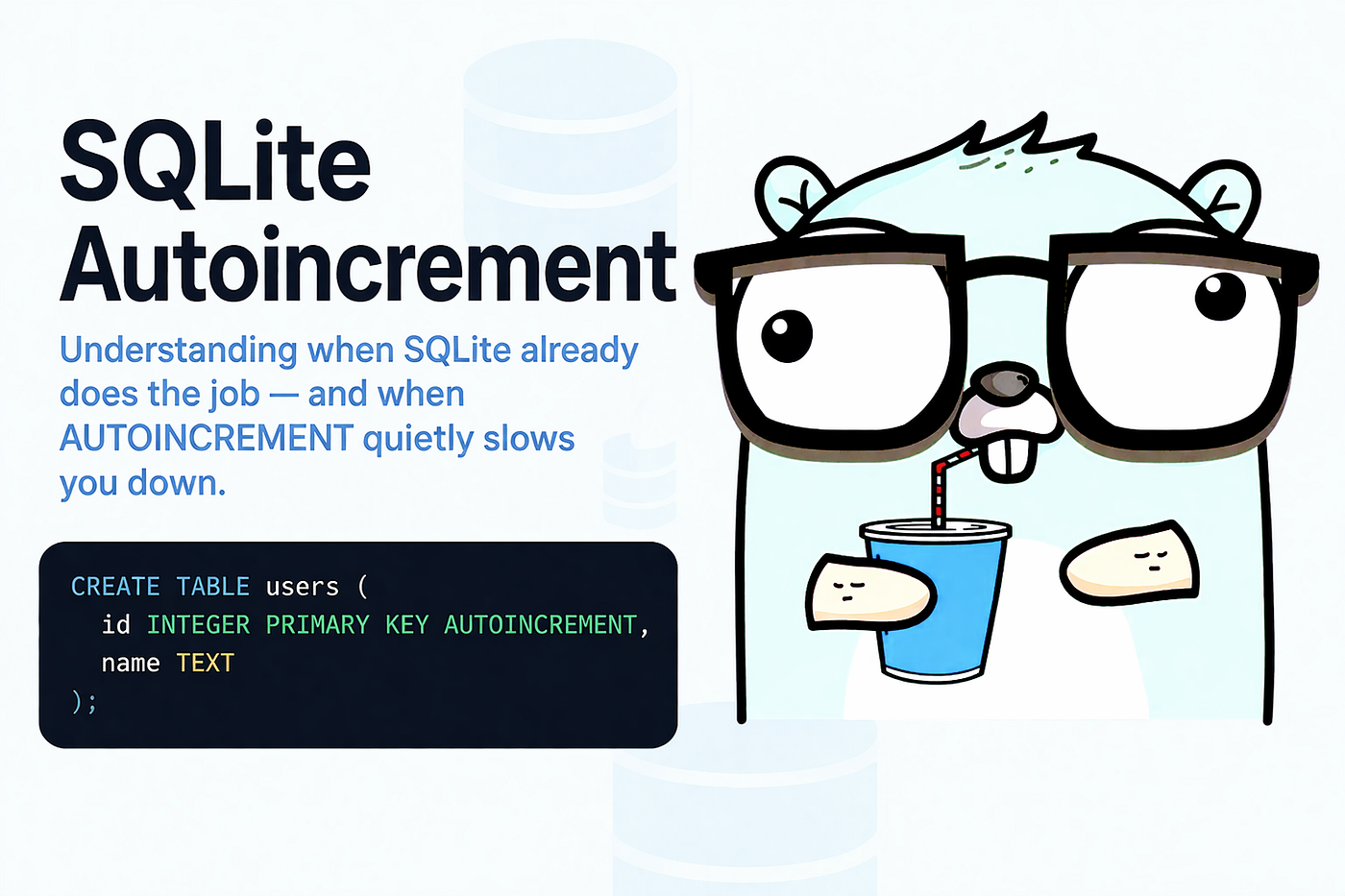
Most developers assume that AUTOINCREMENT is the safe, default choice when creating IDs.
You’ve probably written something like this without thinking twice:
CREATE TABLE users (
  id INTEGER PRIMARY KEY AUTOINCREMENT,
  name TEXT
);
It looks right. It feels right. And honestly — it works.
But here’s the surprising part: SQLite usually doesn’t need AUTOINCREMENT at all.
And in many cases, using it actually makes things slower.
This is one of those SQLite features that’s widely misunderstood — even by experienced developers. Let’s break it down in a practical, real-world way.
Why This Topic Matters
Primary keys are everywhere:
- User IDs
- Order numbers
- Event logs
- Message queues
- Audit records
If you misunderstand how SQLite generates IDs, you can accidentally:
- Add unnecessary overhead
- Slow down inserts
- Create unexpected gaps in IDs
- Misinterpret data behavior
Understanding AUTOINCREMENT helps you write better schemas and avoid subtle performance issues.
And the biggest takeaway?
SQLite already auto-increments — even without AUTOINCREMENT.
Yes, really.
First: SQLite Already Auto-Increments by Default
In SQLite, when you create:
CREATE TABLE users (
  id INTEGER PRIMARY KEY,
  name TEXT
);
The id column automatically becomes an alias for ROWID.
That means:
- It’s automatically generated
- It’s unique
- It’s a 64-bit signed integer
- It usually increments by 1
So when you insert:
INSERT INTO users (name) VALUES ('Alice');
INSERT INTO users (name) VALUES ('Bob');
SQLite automatically generates:

No AUTOINCREMENT needed.
This surprises a lot of developers — because in databases like MySQL or PostgreSQL, explicit auto-increment logic is often required.
SQLite already does this.
So What Does AUTOINCREMENT Actually Do?
Here’s the key difference:
Without AUTOINCREMENT SQLite assigns the next ID as:
One more than the current largest ROWID
With AUTOINCREMENT SQLite assigns:
One more than the largest ROWID that has ever existed
That’s subtle — but important.
Let’s see an example.
Example #1: Without AUTOINCREMENT
CREATE TABLE users (
  id INTEGER PRIMARY KEY,
  name TEXT
);
Insert data:

Now delete the last row:
DELETE FROM users WHERE id = 3;Then insert again:
INSERT INTO users (name) VALUES ('Dave');Result:

SQLite reused ID 3.
This is normal default behavior.
Example #2: With AUTOINCREMENT
CREATE TABLE users (
  id INTEGER PRIMARY KEY AUTOINCREMENT,
  name TEXT
);
Same steps:
insert:

Delete:
DELETE FROM users WHERE id = 3;Insert again:
INSERT INTO users (name) VALUES ('Dave');Result:

SQLite does not reuse ID 3.
That’s the entire purpose of AUTOINCREMENT.
How SQLite Tracks AUTOINCREMENT
When you use AUTOINCREMENT, SQLite creates an internal table:
sqlite_sequenceThis table stores:
- Table name
- Largest ID ever used
SQLite updates this table every time a new maximum ID is inserted.
This introduces:
- Extra disk writes
- Extra CPU work
- Extra memory overhead
Which is why SQLite documentation explicitly says:
AUTOINCREMENT should be avoided if not strictly needed.
That’s pretty strong advice.
Another Important Detail: Monotonic, Not Sequential
Even with AUTOINCREMENT, IDs are:
- Guaranteed to increase
- Not guaranteed to be sequential
Example:
If an insert fails:
INSERT INTO users(id, name) VALUES(5, 'Test');And it violates a constraint, SQLite may skip that ID permanently.
Result:

Gaps are normal.
Even with AUTOINCREMENT.
Pros and Cons of AUTOINCREMENT
Pros
1. Prevents ID Reuse
IDs are never reused — even after deletes.
This is useful when:
- IDs are exposed externally
- IDs are used for auditing
- IDs are referenced across systems
2. Monotonically Increasing IDs
IDs always move forward.
Useful for:
- Event logs
- Time-based ordering
- Replication systems
3. Safer for Distributed Systems
When syncing data across systems, reused IDs can cause conflicts.
AUTOINCREMENT avoids that risk.
Cons
1. Slower Inserts
SQLite must:
- Update
sqlite_sequence - Write additional metadata
- Track maximum ID
This makes inserts slightly slower.
2. Extra Disk Usage
The sqlite_sequence table adds:
- Additional storage
- Additional writes
Usually small — but unnecessary in many apps.
3. Usually Unnecessary
Default SQLite behavior already:
- Generates unique IDs
- Increments naturally
- Works perfectly in most cases
When You Should Use AUTOINCREMENT
Use AUTOINCREMENT when:
1. IDs Must Never Be Reused
Examples:
- Payment IDs
- Audit logs
- Invoice numbers
- Legal or compliance systems
Reusing IDs in these systems can cause confusion or risk.
2. IDs Are Exposed Publicly
Example:
https://example.com/order/123If ID 123 gets reused later, it can create security issues.
3. Replication or Sync Systems
When syncing multiple SQLite databases:
- Reused IDs can cause collisions
AUTOINCREMENTprevents that
When You Should Avoid AUTOINCREMENT
Avoid it when:
1. Internal App Data
Example:
- Cache tables
- Temporary data
- Background queues
ID reuse doesn’t matter here.
2. High Insert Performance Matters
If you’re inserting:
- Logs
- Metrics
- Events
Avoid extra overhead.
3. You Don’t Care About ID Gaps
Most apps don’t need perfect ID ordering.
Default behavior is perfectly fine.
One More Interesting Edge Case
SQLite uses 64-bit integers for ROWID.
Maximum value:
9223372036854775807Without AUTOINCREMENT
SQLite can reuse old IDs if necessary.
With AUTOINCREMENT
SQLite fails inserts permanently once max is reached.
This is extremely rare — but technically possible.
Another reason SQLite recommends avoiding AUTOINCREMENT.
Quick Summary
Default SQLite Behavior
- IDs auto-increment automatically
- IDs may be reused
- Faster inserts
- No extra overhead
With AUTOINCREMENT
- IDs never reused
- Always increasing
- Slightly slower inserts
- Extra disk and CPU overhead
Key Takeaways
- SQLite already auto-increments without
AUTOINCREMENT INTEGER PRIMARY KEYis usually enoughAUTOINCREMENTprevents ID reuse — that’s its main purpose- Using
AUTOINCREMENTadds performance overhead - Most applications do not need AUTOINCREMENT
- Use it only when ID reuse could cause real problems
Final Thoughts
AUTOINCREMENT feels like the safer choice — but in SQLite, it's often the unnecessary one.
SQLite’s default behavior is already smart, efficient, and reliable.
So next time you write:
INTEGER PRIMARY KEY AUTOINCREMENTPause for a second and ask:
Do I actually need this — or am I just using it out of habit?
Sometimes the best optimization is simply removing one word.
Enjoyed this post?
I write everything here for free — no paywall, no ads. If it helped you or saved you time, consider buying me a coffee☕. It really helps me keep writing and sharing more content like this. Thanks for reading! 🙌
메타데이터
- post_id
- 4ae7aac9b63a
- slug
- sqlite-autoincrement-the-feature-you-probably-dont-need-but-sometimes-do-4ae7aac9b63a
- url
- https://blog.stackademic.com/sqlite-autoincrement-the-feature-you-probably-dont-need-but-sometimes-do-4ae7aac9b63a
- canonical_url
- https://blog.stackademic.com/sqlite-autoincrement-the-feature-you-probably-dont-need-but-sometimes-do-4ae7aac9b63a
- author_url
- https://medium.com/@gane18
- status
- ok
- fetched_at
- 2026-06-11 06:59:45