How to? Creating a Data Gateway in Microsoft Fabric
(May 25, 2025) This story talks about creating a On-premise data gateway in Microsoft Fabric
How to? Creating a Data Gateway in Microsoft Fabric
(May 25, 2025) This story talks about creating a On-premise data gateway in Microsoft Fabric
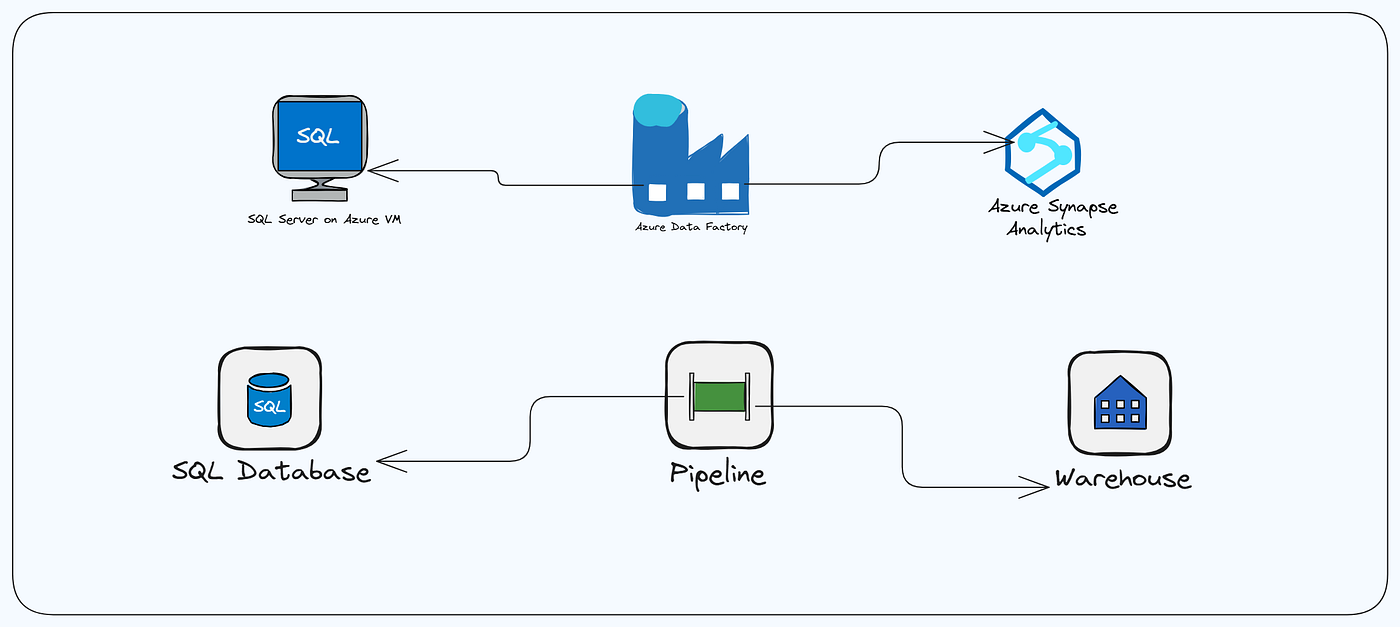
Fabric is a SaaS tool, it doesnot directly allow connectivity between an On-premise source to cloud and to fill that gap Microsoft has shared a functionality of data gateway.
On-premise Data Gateway is a way to integrate on premise data sources like Oracle, Adobe, ODBC, Teradata, Salesforce, Postgres SQL etc. to Fabric onelake.
Lets go through the process of installing a data gateway.
Minimum Requirement:
- .NET Framework 4.8
- 64 bit version of Windows 10
- 4 GB disk space
- 8 GB of memory
Check the .NET version like this:
- Go to cmd > run as administrator
- Run the below shared command
> dotnet --version
8.0.409
Next step is to download the data gateway from here.

- Double click on the downloaded data gateway to install it
- Accept the terms and condition > click on install

- Once installed, you will get the below screen. Add an email address here, who will be the owner for data gateway. For production instance, use a service account.

- Now, you can create a data gateway or add another gateway in the existing cluster. Lets, create a new gateway. Click on register a new gateway and click on next.

- Name the gateway, create a recovery key and save the recovery key > click on Configure

- Once, this is complete you can see the below dialog box.

- You can now see the data gateway on power BI, go to manage connections

- Click on Data gateway> you will see the newly created gateway
- Go to settings > Give access to Power BI workspace admins and contributors to use this gateway.
Congratulations! You have learned about On-premise data gateway and its setup.
Thank you for reading! Have a good day!
Enjoyed the article? Tap the clap and like buttons! And don’t forget to hit follow to stay updated with more great content!
Follow me on YouTube: https://www.youtube.com/EngineerOnTheMove1
References:
메타데이터
- post_id
- 4b350ca69ffe
- slug
- how-to-creating-a-data-gateway-in-microsoft-fabric-4b350ca69ffe
- url
- https://medium.com/@108-avipradyumnjoshi/how-to-creating-a-data-gateway-in-microsoft-fabric-4b350ca69ffe
- canonical_url
- https://medium.com/@108-avipradyumnjoshi/how-to-creating-a-data-gateway-in-microsoft-fabric-4b350ca69ffe
- author_url
- https://medium.com/@108-avipradyumnjoshi
- status
- ok
- fetched_at
- 2026-06-27 18:20:27