Your MCP Server Is Eating Your Context Window — Here’s How to Stop It
Cut tool bloat, shrink context, and keep agents useful with deterministic server-side design
Your MCP Server Is Eating Your Context Window — Here’s How to Stop It
Cut tool bloat, shrink context, and keep agents useful with deterministic server-side design
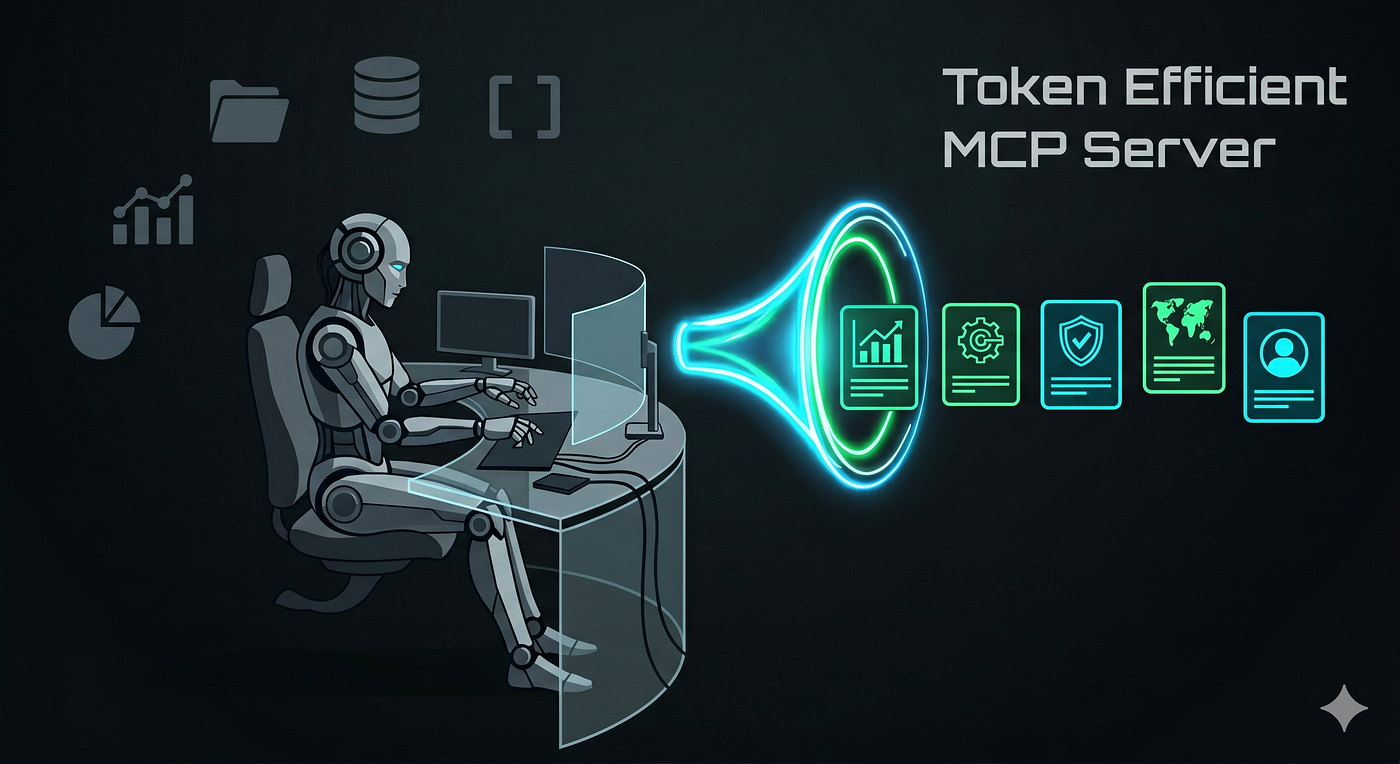
Generated by Gemini
I kept seeing MCP servers that looked clean on the surface and then quietly torched the context window.
The fix wasn’t “better prompting” — it was redesigning the server so the agent sees less, asks less, and pays less for every call.
The Context Tax I Hit First
MCP — the Model Context Protocol — is a standard for connecting AI agents to external tools and APIs.
The idea is simple: expose your services as tools, let the agent call them. Clean in theory.
In practice, first-generation MCP servers mostly just wrap REST endpoints one-to-one. Every endpoint becomes a tool. Every response is raw API JSON, dumped straight into the context window.
Before the agent does a single useful thing, it’s already burning thousands of tokens just loading the tool list and reading bloated responses.
The hidden costs compound fast. More tools mean more schema noise, which means the model has a harder time picking the right one.
Raw JSON responses carry fields the agent will never use. And the bigger the context, the higher the hallucination risk.
This isn’t a model problem — it’s a server design problem. And that realization is what pushed me to rebuild from scratch.
What Was Going Wrong
Four anti-patterns show up in almost every naive MCP server I’ve looked at:
- Returning raw API JSON — every field, every nested object, all of it.
- One tool per endpoint — a Jira integration with 30 endpoints becomes 30 tools.
- LLM-managed filtering — asking the model to paginate or filter results itself.
- Deny-list trimming — manually listing fields to remove, which breaks every time the upstream API adds something new.
The benchmarks make this concrete.
A simple Jira ticket response goes from 20.3KB to 1.2KB with proper trimming. A rich ticket drops from 270.7KB to 15.5KB — both roughly 17.5× smaller.
And the tool list itself? Naive one-tool-per-operation listings cost around 38.9KB, or about 9,947 tokens, just to describe what the agent can do.
That’s the context tax. The server design, not the model, was the bottleneck.
#1 The Server-Side Fix
The core move is switching from deny-list trimming to allowlist-style trim projections.
Instead of removing fields you don’t want, you explicitly declare the fields you do want. Anything not on the list gets dropped — including new fields the upstream API adds later. No surprises, no drift.
Here’s what that looks like in practice:
import { pick } from "ultra-mcp-toolkit/trim";

const issueSummary = (raw) => {
  const r = raw as { key: string; fields: Record<string, unknown> };
  return {
    key: r.key,
    ...pick(r.fields, ["summary", "status", "priority", "assignee"]),
  };
};
See how pick() only pulls four fields? The agent gets a clean, predictable shape every time.
The full raw response gets stored on disk, and the agent receives a ref: path it can use to fetch it later if needed. You're not throwing data away — you're just not forcing the model to wade through it upfront.
Deterministic server-side trimming beats asking the model to self-edit its context every time. The model doesn’t know what it doesn’t need. The server does.
#2 Fewer Tools, More Actions
The second big lever is consolidating tools. Instead of exposing issue_get, issue_create, and issue_transition as three separate tools with three separate schemas, you expose one issue tool with an action field.
{ "action": "get", "issueIdOrKey": "PROJ-1" }
{ "action": "create", "projectKey": "PROJ", "summary": "..." }
{ "action": "transition", "issueIdOrKey": "PROJ-1", "transition": "Done" }
One tool name. One schema entry in the tool list. The agent picks issue, passes an action, and the server routes it.
This pattern is especially effective for Jira-like domains where you have repetitive CRUD operations across a handful of resource types.
Fewer tool names means lower selection overhead. Less schema noise means the model spends fewer tokens figuring out what to call.
It’s a small change with a disproportionate impact on context cost.
#3 Code-API Mode Changed the Game
For shell-capable agents, there’s a third option that takes this even further. Code-API mode exposes a single MCP tool — one — plus a bundled CLI path and socket address.
The agent drives the API through the CLI directly.
node <cli-path> issue.get --issueIdOrKey=PROJ-1
# stdout: trimmed summary as JSON
# final line: ref: /path/to/full-response.json
The tool list cost drops from ~38.9KB / 9,947 tokens to 401B / 100 tokens. That’s a 99× reduction.
The agent gets trimmed JSON on stdout and a ref path for the full payload if it needs to dig deeper.
The architectural argument here is simple: when an agent can drive a CLI deterministically, the MCP surface should be as small as possible. One tool. Bundled CLI. Done.
What the Toolkit Gives You
The token savings only hold up in production if the underlying infrastructure is solid.
Criblio’s open-source ultra-mcp-toolkit bundles the pieces that make this reliable: an operation manifest, trim registry, content-addressed sandbox, page cache, pooled retry-aware HTTP transport with 429/Retry-After handling, atomic streaming downloads, a consolidated dispatcher, CLI scaffolding, and a Claude Code skill that walks you through the build.
Getting started looks like this:
npm install ultra-mcp-toolkit

npm run install-skill
The skill bootstrap is worth calling out specifically.
It gives you an implementation guide baked into the tool itself — so you’re not just installing a library, you’re getting a pattern to follow.
The retry-aware transport and page cache are the boring parts that matter most. 429 errors and flaky upstream APIs will silently wreck an agent loop if the server doesn’t handle them. This toolkit handles them.
Why This Matters Beyond Jira
The same principles apply everywhere.
- Atlassian’s
mcp-compressortackles the identical problem from the metadata side — compressing tool descriptions and schemas before they reach the model, because large public MCP servers can spend thousands of tokens on tool descriptions alone. - GitHub's MCP server shows how quickly enterprise MCP surfaces grow: repository browsing, issue and PR management, workflow analysis, code analysis, team collaboration — all of it adds up fast.
Token Savior takes a related angle for coding agents: structural code navigation, persistent memory, and Bash output compaction, reporting 80% fewer active tokens per task across 96 real coding tasks.
Different domain, same instinct — don’t let the context fill up with things the agent doesn’t need right now.
The pattern is consistent across all of them. Trim first. Consolidate actions. Prefer server-side determinism over model-side improvisation. And treat token cost as a first-class API metric — not an afterthought.
Work/Hire: Connect with me
메타데이터
- post_id
- 4b9ffcd4564f
- slug
- your-mcp-server-is-eating-your-context-window-heres-how-to-stop-it-4b9ffcd4564f
- url
- https://pub.towardsai.net/your-mcp-server-is-eating-your-context-window-heres-how-to-stop-it-4b9ffcd4564f
- canonical_url
- https://pub.towardsai.net/your-mcp-server-is-eating-your-context-window-heres-how-to-stop-it-4b9ffcd4564f
- author_url
- https://medium.com/@warepam
- status
- ok
- fetched_at
- 2026-06-16 19:09:56