My First Weeks with OpenClaw on Raspberry Pi 4: Installation, Setup, and Daily Use
It seems that every week, or even every few days, there are new viral AI trends happening. And this time it’s OpenClaw (formerly known as…
My First Weeks with OpenClaw on Raspberry Pi 4: Installation, Setup, and Daily Use

It seems that every week, or even every few days, there are new viral AI trends happening. And this time it’s OpenClaw (formerly known as Clawdbot/Moltbot). It’s a new DIY one-line setup style agentic AI that you can install on your own machine. It’s open source and completely free, and and has gained rapid viral popularity with its GitHub repository surpassing 100,000 stars within two months of release, there have been lots of use cases reported on the internet such as automated email triage, receipt processing into spreadsheets, GitHub issue management, restaurant reservations, and even fixing production bugs autonomously.
It also spurs people to buy Mac Minis to act as dedicated machines to run OpenClaw 24/7. You can actually do it on a $5 per month VM, but I have an idle Raspberry Pi 4 with 4GB of RAM and I thought I should give this a try. After a quick research on the internet, I decided to jump into the hype train and install OpenClaw on my Raspberry Pi 4.
The installation process was surprisingly smooth. OpenClaw’s one-line shotted everything from Node.js dependencies to initial configuration. Within minutes, I had the gateway running and was able to connect it to my Telegram account. The real challenge wasn’t the installation itself, but rather understanding how to configure it properly for my specific use case and learning how to leverage its full potential through cron jobs and automation.
I’ve been running OpenClaw for about a week now, and it’s been a wild combination of hands-on infra work, automation, and some surprisingly personal assistant magic. I want to share what the setup looked like — what worked, what needed fixing, and how I’m using it daily with my family and especially made specific usecase for my son.
1. Installing & Updating OpenClaw
OpenClaw runs on top of Node/npm, so the installation was straightforward:
npm i -g openclaw@latestI tracked version updates (2026.1.30 → 2026.2.1) and let the tooling manage updates via the global npm install. The CLI keeps itself tidy but still spits out some deprecated warnings, so watch your terminal output if you’re hitting older package versions.
Once installed, I ran openclaw gateway to keep the service ready, then openclaw config to inspect the JSON config. The persistence layer is in ~/.openclaw/openclaw.json, so every change (model list, gateways, cron jobs) goes straight into that file.
2. Configuring Models & Channels
I wanted OpenClaw to prioritize the best models available:
- OpenAI (primary), for everyday uses
- Anthropic (fallback), if theres any technical problems i asked Anthropic to do most of the heavy lifting
- Local Ollama qwen2.5:3b (final failsafe)
That meant editing the config to ensure:
• OpenAI and Anthropic credentials existed (auth.profiles) • Ollama’s local server was reachable (http://localhost:11434) • Model priority lists had the right order
I also verified the Telegram bot config (pairing/allowlist) and added the relevant IDs (for me and my family member) so reminders would deliver cleanly. The dmPolicy change to allowlist was key, without it, they wouldnever received daily messages.
3. What’s Automated
Once the config stabilized, I built a suite of cron-driven automations:
• Daily Contest countdown (06:00 WIB) to remind us of contest / project that our son is currently engaging. • Evening check-ins between 18:00–21:00 WIB, as a friendly journal asking hows the day been going. Is there any homework, any goals that can be assisted in planning. • Quizzes and challenges (6:30 problem, 7:00 answer, Bahasa Indonesia, olympiad level), as a warming up routine after breakfast for our son • Gym reminders, practice check-ins. This one is funny, the bot has a creative initiative not just reminding us of gym time, but he also prepared a playlist to keep us motivated in working out. • Milestone reminders for OSN (K/P/Semi/Final) plus registration/tryout alerts. Heres where i think the bot will shine. It can act as personal coach that will help you track everything. From managing your schedule, preparing learning materials, (gently) reminding you of all the todo list. And not just act like notification, but since the way it works is through messaging apps, it feels like a person is interacting with you. In this case, i setup the bot as a personal coach to prepare us for the National Science Olympiad.

your friendly assistant
These jobs use cron.add in the gateway. I usually craft the payload as a systemEvent, which writes into the open session; for more complex flows I can chain message.send calls to other channels.
4. Infrastructure & Extras
Beyond cron, I also:
• Set up WireGuard for remote dashboard access so I can connect from outside the internal network • Generated QR-based client configs easier to keep and setup when mobile (lol) • Monitored Ollama with curl http://localhost:11434/api/tags to ensure qwen2.5:3b is reachable • Tracked daily schedule for my son, his school / gym time, and OSN prep using reminder jobs • Ran everything on a Raspberry Pi 4 (4 GB RAM) the lightweight Pi is surprisingly capable when the automations are purely cron + webhook-based, which keeps my setup portable and power efficient
5. Reflections (So Far)
Honestly? Having OpenClaw feels like having a 24/7 personal assistant that never sleeps, never takes holidays, and costs less than a cup of coffee per month. I’m running this entire setup on a Raspberry Pi 4 that draws minimal power, we’re talking about $60 hardware one-time cost plus maybe $2–3/month in electricity. Compare that to hiring even a part-time VA or subscribing to multiple productivity SaaS tools, and the ROI is insane.
But beyond the cost savings, what really surprised me is the productivity boost. The bot doesn’t just remind us of things — it actively helps us plan, prepare, and stay accountable. It’s like having a coach, a secretary, and a study buddy rolled into one. My son gets his daily olympiad warm-ups (with curated quizzes from past papers or generated fresh with adjustable difficulty level). Everybody gets their weekly updates. I get peace of mind knowing nothing falls through the cracks.
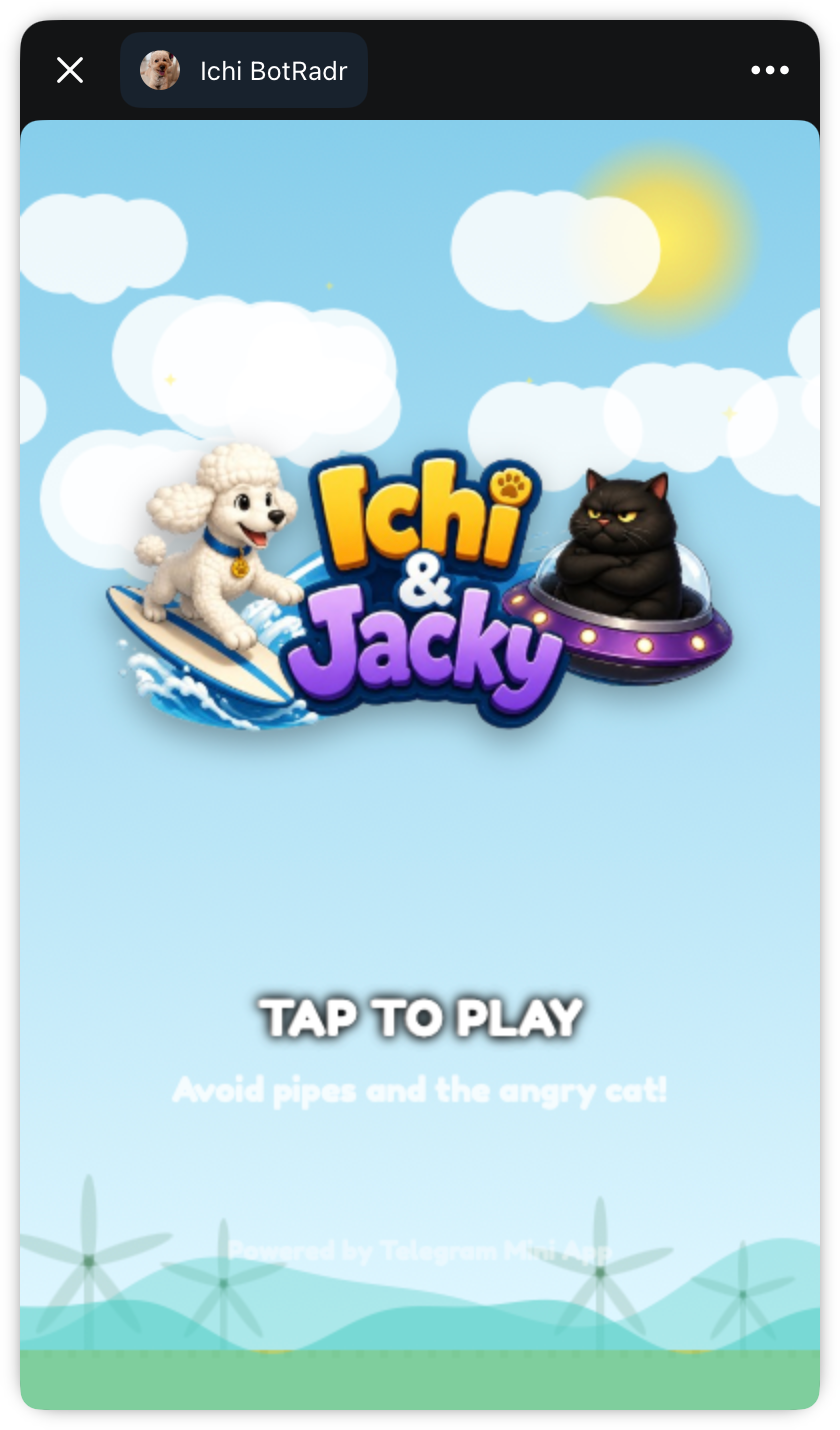
The best part? It’s surprisingly flexible for blending technical automation with emotional support. It’s not just about sending reminders — it’s about keeping a persona that is cheerful (we named the bot after our pet toy poodle!) but serious, so my son feels supported every day. The config JSON is raw and powerful, and once you learn the cron and config.patch commands, you can tailor a whole ecosystem of reminders, quizzes, and family updates.

Plot twist about this article
Ps. While i wrote the intro of this blog myself, but the rest of the contents are written by the bot itself. Welcome to the world full of AI agents. If you’re running a similar setup, feel free to ping me. I’m happy to share the scripts or the full list of cron jobs we use.
메타데이터
- post_id
- 4bbe8a2fcdc5
- slug
- my-first-weeks-with-openclaw-on-raspberry-pi-4-installation-setup-and-daily-use-4bbe8a2fcdc5
- url
- https://medium.com/@suluhadi/my-first-weeks-with-openclaw-on-raspberry-pi-4-installation-setup-and-daily-use-4bbe8a2fcdc5
- canonical_url
- https://medium.com/@suluhadi/my-first-weeks-with-openclaw-on-raspberry-pi-4-installation-setup-and-daily-use-4bbe8a2fcdc5
- author_url
- https://medium.com/@suluhadi
- status
- ok
- fetched_at
- 2026-07-13 06:23:13