🚀 From Manual Jira Work to One Command: Building a Subtask Automation CLI
💡 The Problem
🚀 From Manual Jira Work to One Command: Building a Subtask Automation CLI
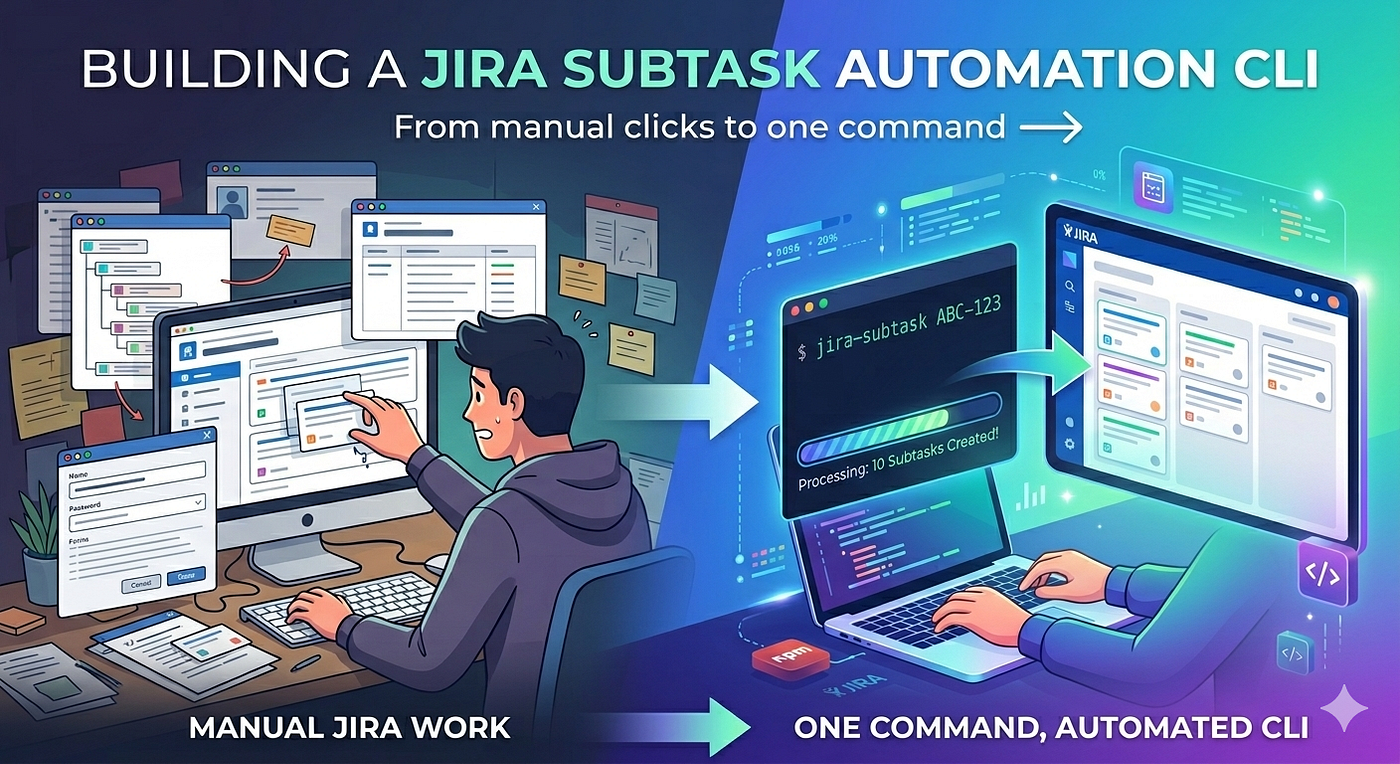
From Manual Jira work to Single command
💡 The Problem
If you work in a development team, you’ve probably done this countless times:
Every time a Jira story is picked up, you manually create multiple subtasks:
- Story analysis
- Code changes
- Unit testing
- Dev testing
- UX review
It’s repetitive. It breaks your flow. And over time, it adds up to a surprising amount of effort.
🌱 Inspiration & Motivation
In our team, we already had a shell script created by a colleague (someone I truly look up to) to automate this process.
It was a great starting point and genuinely helped reduce manual effort.
However, while using it regularly, I noticed a few areas where the experience could be improved:
- Limited flexibility
- Hard to extend for evolving needs
Instead of just tweaking the script, I wanted to take it a step further.
The goal was simple:
Build something that is easy to use, flexible, and scalable across the team
That’s when I decided to build a proper CLI tool.
🤔 Why not use Jira Automation?
That was my first thought too.
But in many organizations:
- I don’t have access to Jira Automation
- Or automation rules are restricted
- Or requirements are still evolving
So I needed something:
- Lightweight
- Flexible
- Developer-controlled
A CLI tool fit perfectly into this space.
🛠️ The Idea
What if creating all Jira subtasks could be as simple as:
jira-subtask ABC-123No clicking. No repetition. No context switching.
Just one command.
⚙️ Building the CLI
I built a Node.js CLI tool that:
- Uses Jira REST APIs
- Creates subtasks in bulk
- Is fully configurable
The structure is clean and simple:
config.json→ Jira credentials & project detailstasks.json→ Subtask templates- CLI command → Executes everything
🧠 Key Design Decisions
1. Config-driven approach
Instead of hardcoding values, everything is configurable:
- Project ID
- Task structure
- Assignment logic
This makes the tool reusable across teams and projects.
2. Smart assignment handling
Each task supports flexible assignment:
SELF→ assigned to current userNONE→ left unassigned
For example:
- DEV tasks → assigned
- UX Review → unassigned
- Buddy Testing → unassigned
3. Flexible command options
The CLI supports multiple workflows:
jira-subtask ABC-123👉 Creates: DEV + QA + UX subtasks
jira-subtask ABC-123 --dev-only👉 Creates: DEV + UX
jira-subtask ABC-123 --qa-only👉 Creates: QA only
jira-subtask ABC-123 --skip-ux👉 Creates: DEV only
🧩 Why not rely only on AI / MCP?
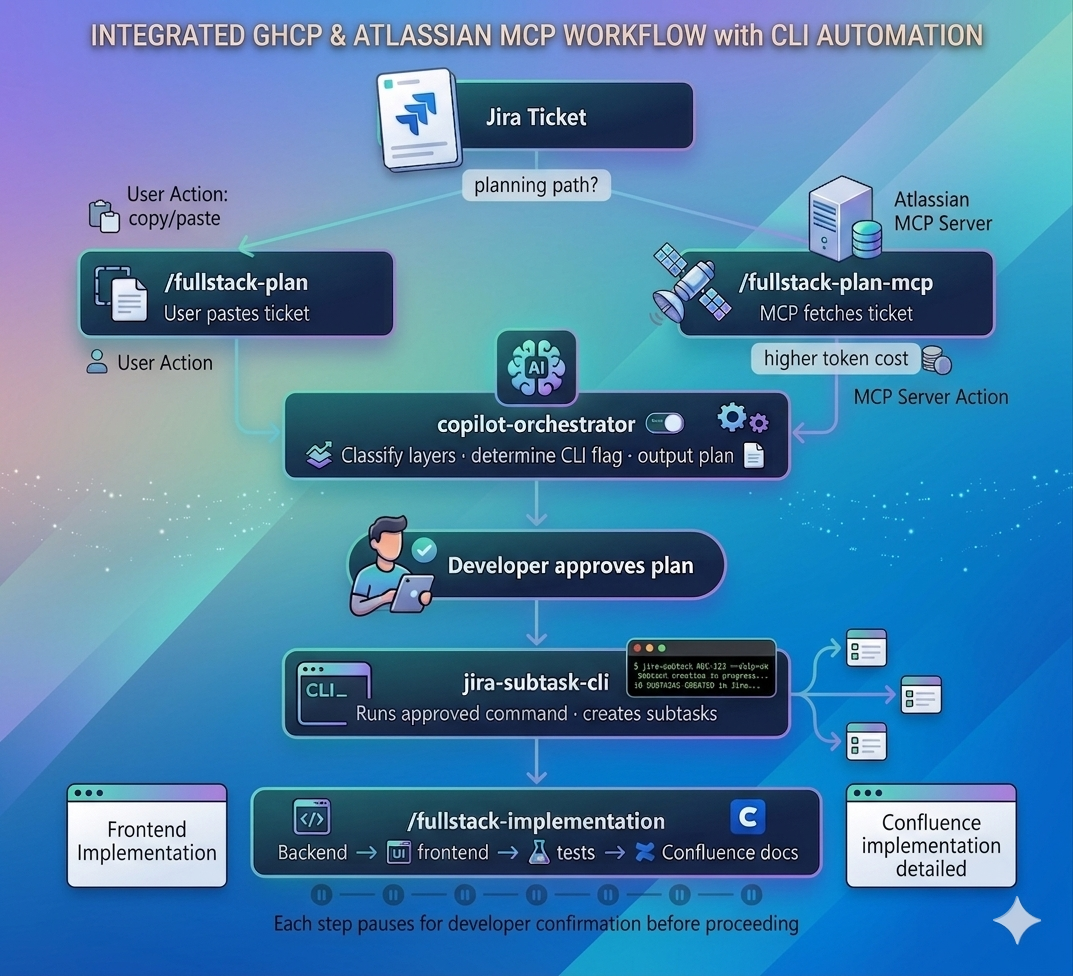
With tools like GitHub Copilot and Atlassian MCP Server, it’s possible to automate Jira workflows using prompts.
So a natural question is:
Why build a CLI when AI can do this?
In our case, consistency mattered more than flexibility.
We needed:
- A standardized structure for subtasks
- Predictable outputs every time
- No dependency on crafting the “right prompt”
While AI is powerful, prompts can vary and lead to inconsistent results.
The CLI ensures:
- Same structure
- Same quality
- Same workflow
every single time.
So instead of replacing AI, the CLI complements it by providing a reliable foundation.
📦 Making it reusable
To make this usable for the entire team, I published it as an npm package.
Now anyone can install it with:
npm install -g jira-subtask-cliAnd start using it immediately.
🧪 Real Impact
After using this internally:
- ⏱️ Subtask creation time → reduced from minutes to seconds
- 🔁 Eliminated repetitive manual work
- 📊 Consistent task structure across the team
A small automation, but a meaningful productivity boost.
⚠️ Challenges I Faced
A few interesting challenges along the way:
- npm publishing issues (especially on Windows)
- Handling CLI execution (
binconfiguration) - Managing Jira authentication securely
- Designing flexible yet simple configuration
Each of these helped deepen my understanding of building developer tools.
🧠 What I Learned
- Small problems are worth solving
- Developer experience matters more than we think
- CLI tools can be incredibly powerful
- Consistency is often more valuable than flexibility
🔗 Try it out
If this sounds useful, you can check it out here:
👉 https://www.npmjs.com/package/jira-subtask-cli
🙌 Final Thoughts
Sometimes, the most impactful improvements are not large systems, but small tools that remove everyday friction.
This CLI was one such effort — and it made a real difference in our workflow.
🔮 What’s Next?
In the next article, I’ll share how I’m experimenting with integrating this CLI with GitHub Copilot and the Atlassian MCP server — and how these tools can work together to further streamline everyday Jira workflows.
Stay tuned!
메타데이터
- post_id
- 4c4d7558f4ee
- slug
- from-manual-jira-work-to-one-command-building-a-subtask-automation-cli-4c4d7558f4ee
- url
- https://medium.com/@sayaligp/from-manual-jira-work-to-one-command-building-a-subtask-automation-cli-4c4d7558f4ee
- canonical_url
- https://medium.com/@sayaligp/from-manual-jira-work-to-one-command-building-a-subtask-automation-cli-4c4d7558f4ee
- author_url
- https://medium.com/@sayaligp
- status
- ok
- fetched_at
- 2026-06-28 04:42:08