Freepik AI Image Generator: Create Stunning Visuals in 2026
Tired of spending hours searching for stock images? The Freepik AI Image Generator lets creators, marketers, and designers generate…
Freepik AI Image Generator: Create Stunning Visuals in 2026

Tired of spending hours searching for stock images? The Freepik AI Image Generator lets creators, marketers, and designers generate professional visuals in seconds. From social media graphics and blog images to branding visuals and product concepts, this AI-powered tool is revolutionizing content creation in 2026.
What Is the Freepik AI Image Generator?
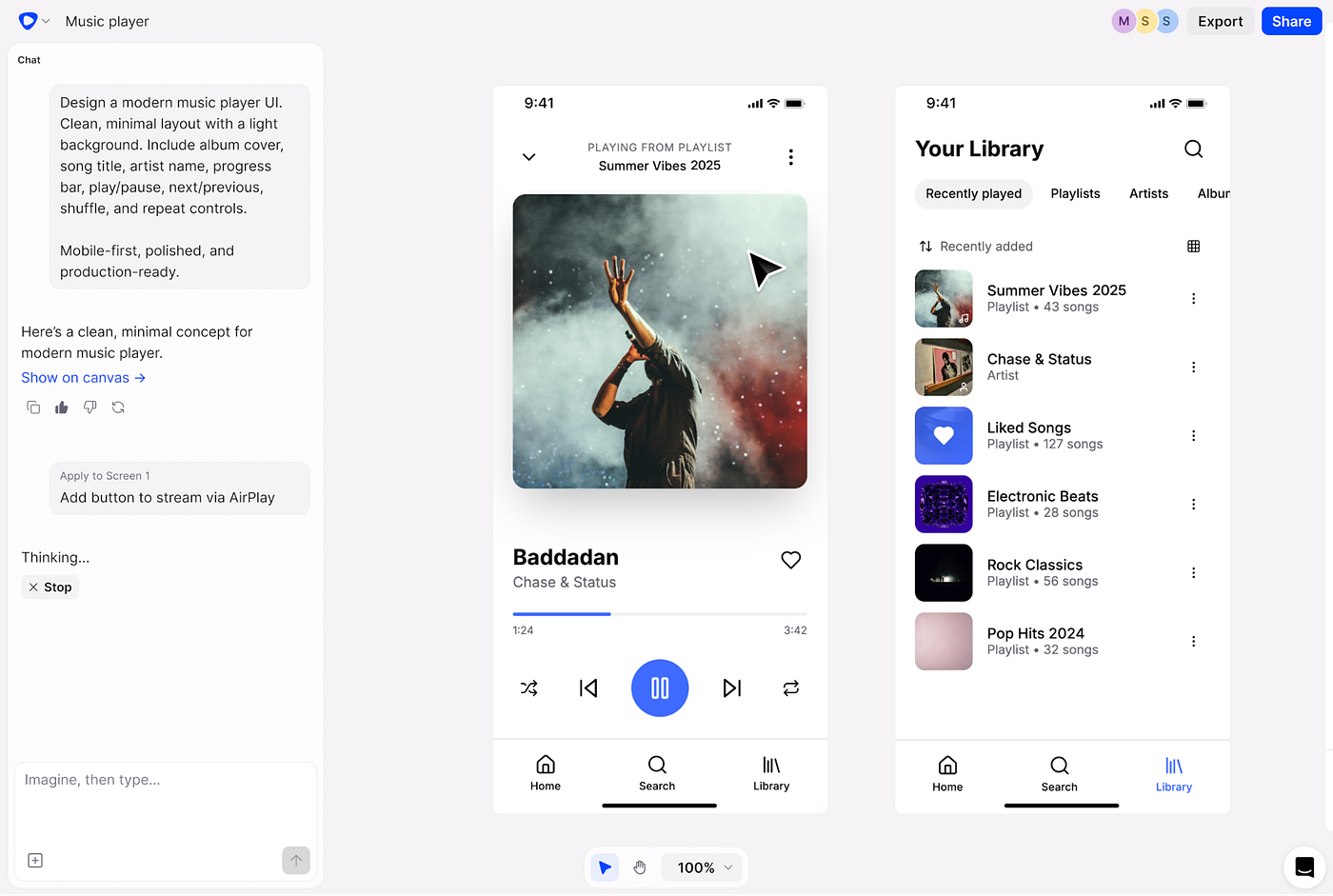
The Freepik AI Image Generator is a powerful AI design tool that transforms text prompts and reference images into professional visuals within seconds. It supports multiple AI models, reference-guided creation, and built-in editing — making it a complete solution for creators who want speed, quality, and consistency.
Key Features
- Text-to-Image Generation: Convert text prompts into blog graphics, marketing visuals, and presentations.
- Multiple AI Models: Choose from 30+ AI models like Google Imagen, Ideogram, and Flux for different creative needs.
- Reference Image Support: Maintain brand style and consistency across campaigns.
- Custom Characters & Objects: Ideal for brand mascots or recurring product visuals.
- Built-in Editing Tools: Resize, retouch, remove backgrounds, and adjust lighting or composition.
- Commercial Use: Paid plans allow safe use for client projects, marketing campaigns, and social media content.
Pricing & Plans
- Free Plan: Limited daily image generations, great for testing.
- Essential Plan: 8,000 monthly AI credits with commercial rights.
- Premium Plan: 20,000 credits, premium stock access, and no attribution required.
- Premium+ Plan: 45,000 credits, advanced model access, unlimited generation.
- Pro Plan: 300,000 credits for high-volume creators, agencies, and enterprise teams.
- Advanced models may use more credits per image — choose wisely to maximize efficiency.
Best Use Cases
- Blog featured images
- Social media posts
- YouTube thumbnails
- Startup branding visuals
- E-commerce product photography
- Marketing campaigns and ads
- Presentation graphics
- Concept art and creative projects
Tips for Better Results
- Use specific prompts to get precise visuals.
- Focus on one subject per image.
- Select the right AI model for your goal.
- Leverage reference images for brand consistency.
- Edit visuals before publishing for realism.
- Avoid copyrighted names, logos, or characters.
- Generate multiple variations to select the best output.
Mobile Compatibility
Freepik supports mobile browsers, allowing creators to generate and edit visuals on the go. Desktop is better for bulk workflows, but mobile is perfect for quick iterations, testing prompts, or light editing.
Conclusion
The Freepik AI Image Generator is a versatile, high-quality tool for creators, marketers, startups, and agencies in 2026. With multiple AI models, reference image support, custom objects, and built-in editing, it makes creating professional visuals faster, easier, and more consistent than ever.
Originally Published By TYCOONSTORY MEDIA
메타데이터
- post_id
- 4c9ee5dca01d
- slug
- freepik-ai-image-generator-create-stunning-visuals-in-2026-4c9ee5dca01d
- url
- https://medium.com/@suprajatycoon/freepik-ai-image-generator-create-stunning-visuals-in-2026-4c9ee5dca01d
- canonical_url
- https://medium.com/@suprajatycoon/freepik-ai-image-generator-create-stunning-visuals-in-2026-4c9ee5dca01d
- author_url
- https://medium.com/@suprajatycoon
- status
- ok
- fetched_at
- 2026-06-09 15:37:30