Day 9 — Objects (From Lists to Meaningful Data)
“Arrays store data. Objects give that data meaning.”
Day 9 — Objects (From Lists to Meaningful Data)
“Arrays store data. Objects give that data meaning.”
So far, you’ve learned how to work with arrays. Arrays are great when you have a list of values.
A list of numbers. A list of names. A list of items.
But let’s pause for a second and think about something more realistic.
Imagine you want to store information about a user.
You could try something like this:
let user = ["Alex", 25, true];This works. But it raises a problem.
What does each value represent?
Is 25 the age or something else? Is true referring to login status or subscription?
You have the data, but you don’t have meaning.
This is where objects come in.
What Is an Object?
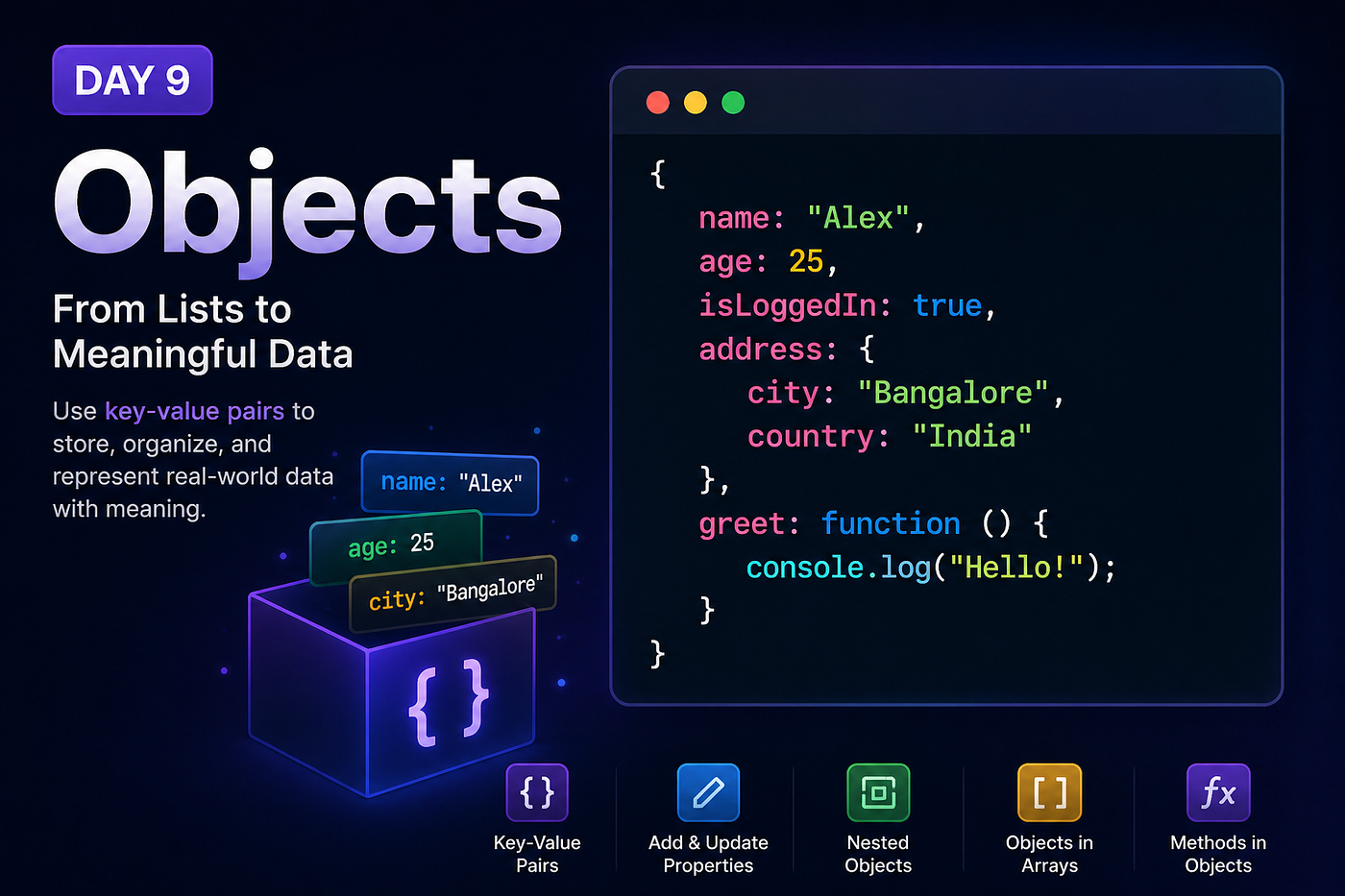
An object is a way to store data in key value pairs.
Instead of relying on position like arrays, you assign names to each value.
let user = {
  name: "Alex",
  age: 25,
  isLoggedIn: true
};
Now everything is clear.
You are not guessing what each value means. The structure itself explains it.
That is the biggest difference between arrays and objects.
Arrays are about order. Objects are about meaning.
Accessing Values
Once you have an object, you can access its values using the keys.
console.log(user.name);
console.log(user.age);
This reads naturally. It almost feels like reading a sentence.
You can also use another way:
console.log(user["name"]);Both work, but dot notation is cleaner and used more often.
Updating Values
Objects are flexible. You can change values anytime.
user.age = 26;
console.log(user.age);
You are not creating a new object. You are modifying the existing one.
Adding New Properties
Objects are not fixed. You can extend them as needed.
user.city = "Bangalore";Now your object has a new property.
This ability to evolve data structures is what makes objects powerful.
Deleting Properties
You can also remove properties.
delete user.isLoggedIn;The object updates instantly.
Objects Inside Objects
Real data is rarely flat. It is often nested.
let user = {
  name: "Alex",
  age: 25,
  address: {
    city: "Bangalore",
    country: "India"
  }
};
Now you can access deeper values.
console.log(user.address.city);This is how real applications structure data.
Objects in Arrays
You can combine arrays and objects.
let users = [
  { name: "Alex", age: 25 },
  { name: "Sam", age: 30 }
];
Now you have a list of structured data.
This pattern is extremely common in real world applications.
Functions Inside Objects
Objects can also contain functions.
let user = {
  name: "Alex",
  greet: function () {
    console.log("Hello");
  }
};user.greet();This introduces a powerful idea.
Objects are not just for storing data. They can also define behavior.
A Subtle Detail
When you store a function inside an object, it is often called a method.
This distinction becomes important later, but for now just remember that objects can do more than hold values.
A Common Mistake
Beginners often confuse arrays and objects.
They try to access object values using indexes.
let user = {
  name: "Alex",
  age: 25
};console.log(user[0]);This returns undefined.
Because objects are not based on position. They are based on keys.
Another Mistake
Trying to access properties that do not exist.
console.log(user.email);This gives undefined.
JavaScript does not throw an error here, which can sometimes make bugs harder to notice.
Thinking in Objects
This is where your thinking starts to shift.
Instead of asking: “How do I store multiple values?”
You start asking: “How do I represent real world entities in code?”
A user is not just a list. It has a name, age, preferences, behavior.
Objects allow you to model that naturally.
Try This
Create your own object.
let product = {
  name: "Laptop",
  price: 50000,
  inStock: true
};console.log(product.name);Now add a new property. Change a value. Remove something.
Interact with it.
That is how you build understanding.
Note
Note: Objects in JavaScript have deeper concepts like prototypes and advanced patterns. For now, focus on understanding how to structure and access data clearly. We will explore advanced behavior later.
Why This Matters
Almost everything in JavaScript revolves around objects.
APIs return objects. Frameworks use objects. Applications are built using objects.
If arrays help you work with lists, objects help you work with reality.
What’s Next?
In the next article, we’ll revisit functions, but from a deeper perspective.
You’ll see how functions interact with objects and how JavaScript treats them as values.
“This is where JavaScript starts to feel more like a system than a language.”
See you in Day 10.
메타데이터
- post_id
- 4d95caa01fa5
- slug
- day-9-objects-from-lists-to-meaningful-data-4d95caa01fa5
- url
- https://medium.com/@techmuse007/day-9-objects-from-lists-to-meaningful-data-4d95caa01fa5
- canonical_url
- https://medium.com/@techmuse007/day-9-objects-from-lists-to-meaningful-data-4d95caa01fa5
- author_url
- https://medium.com/@techmuse007
- status
- ok
- fetched_at
- 2026-07-28 21:05:46