Best Task Management Apps for ADHD People in 2026
Most “best ADHD apps” lists are written by people who’ve never missed a deadline because a task lived in their head instead of on a list…
Best Task Management Apps for ADHD People in 2026
Most “best ADHD apps” lists are written by people who’ve never missed a deadline because a task lived in their head instead of on a list. This one isn’t. I built it by cross-referencing real user reviews, primary research on executive function, and hands-on testing, not by rewriting someone else’s roundup. If you’ve downloaded four planners this year and deleted three of them, this is for you.
Quick answer: What are the best task management apps for ADHD?
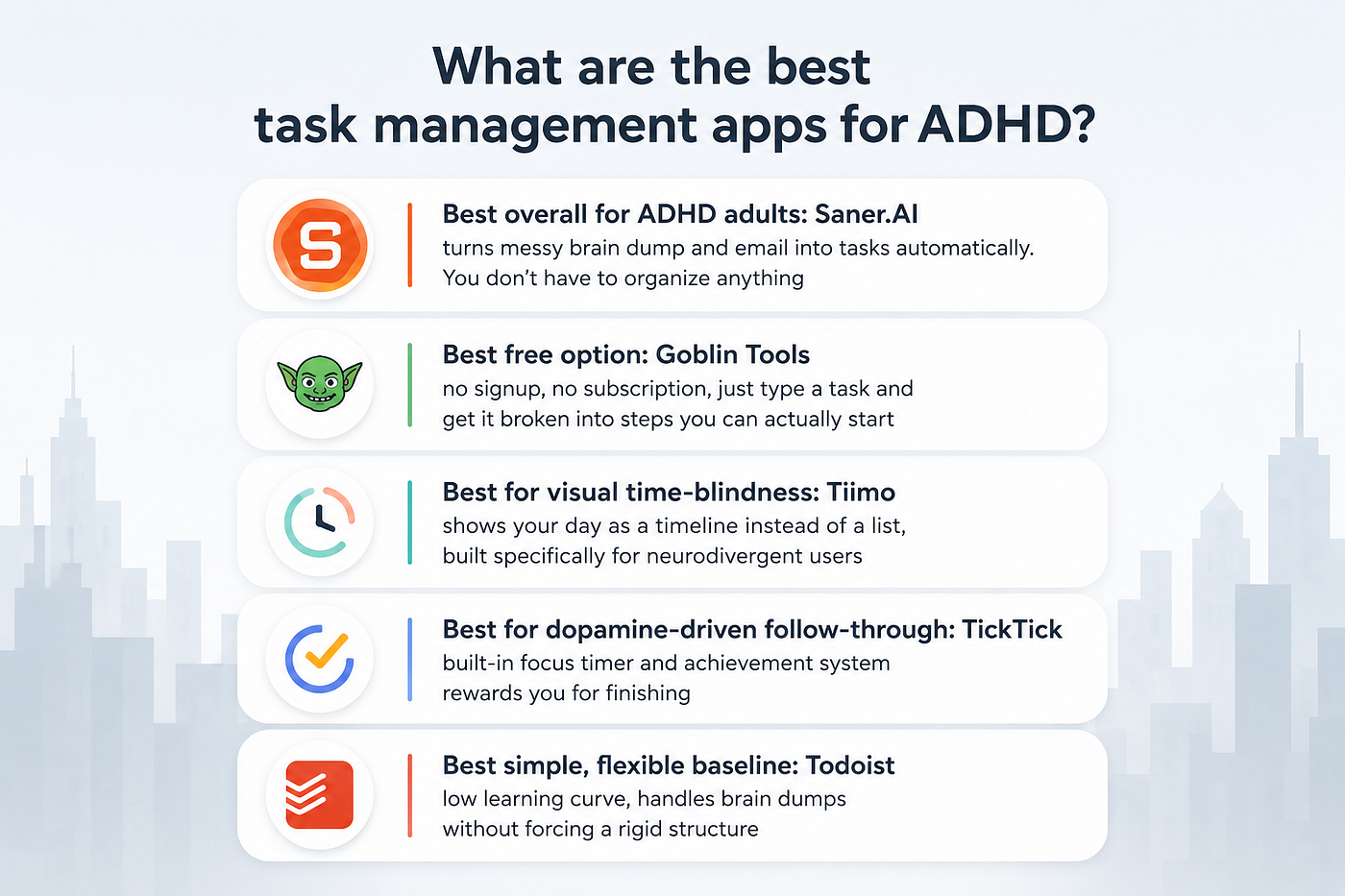
- Best overall for ADHD adults: Saner.AI — turns messy brain dump, and email into tasks automatically. You don’t have to organize anything
- Best free option: Goblin Tools — no signup, no subscription, just type a task and get it broken into steps you can actually start
- Best for visual time-blindness: Tiimo — shows your day as a timeline instead of a list, built specifically for neurodivergent users
- Best for dopamine-driven follow-through: TickTick — built-in focus timer and achievement system rewards you for finishing
- Best simple, flexible baseline: Todoist — low learning curve, handles brain dumps without forcing a rigid structure
What is ADHD task management software?
ADHD task management software is any app designed to capture, organize, and prompt action on tasks in a way that compensates for executive function differences, not just store a list.
How I chose these task apps
I tested each app over several weeks of actual daily task capture, not a five-minute demo, and cross-checked feature claims against reviews on G2, Capterra, Trustpilot, and Reddit’s ADHD communities to see where marketing copy and lived experience disagreed.
- Capture friction — how many steps and how much manual categorization it takes to get a task from your head into the app
- Time visualization — whether the app shows time passing or just lists tasks with no sense of duration, which matters directly for time blindness
- Task initiation support — whether the app helps you start a task when you’re stuck, or just displays it and waits
- Forgiveness for missed days — how the app handles a broken streak or a pile of overdue tasks, since punishing UI (red overdue counts, guilt notifications) is a common reason ADHD users quit an app
- Cost relative to what it replaces — whether the price is justified by fewer tools needed, not just feature count
- Real-world retention — whether reviewers report still using it after 3+ months, not just after the honeymoon period
1. Saner.AI — Best for managing tasks automatically
[embed]
Saner.AI is built specifically around the ADHD failure point of organization. You dump a meeting note, a voice memo, or a forwarded email into it, and its AI assistant (Skai) pulls out the action items and turns them into tasks without you tagging or filing anything.
Key features:
- Auto-task extraction — turns raw braindump, voice input into structured tasks
- Proactive daily planning — each morning, Skai reviews your tasks, calendar, and inbox and proposes a day plan, instead of leaving you to build one from a blank list
- Unified capture — notes, tasks, and email live in one place, cutting down the number of apps you have to check to know what’s going on
Pros (in my experience testing it):
- I didn’t have to build a folder structure or tagging system before it became useful
- The morning plan gave me a starting point instead of a blank list to stare at
- It handled a large batch of imported notes and files without falling over
Cons:
- Team and collaboration features aren’t built out yet, so it’s a solo tool for now
- File size limits on attachments can be restrictive if you’re feeding it large documents
- It’s still early-stage software, so some polish is missing compared to decade-old competitors
Pricing:
- Free — core notes, tasks, basic email sync, daily planning
- Starter — $8/month — full email and calendar integration, AI task extraction, voice notes
- Standard — $16/month — advanced AI features, priority support, higher usage limits
Best for: ADHD adults whose biggest problem isn’t the to-do list itself, it’s that tasks live buried in notes, emails, and half-finished thoughts they never get around to organizing.
How to get started: Connect your calendar and one email account first, then do a brain dump, either typed or a voice note, of everything currently on your plate. Skai will organize it into tasks on the first pass, and the morning plan starts feeling reliable within a few days of consistent use.
2. Todoist — Best simple, flexible baseline
[embed]
Todoist is the app most people land on first because it does the fewest things wrong. It doesn’t force a methodology on you, and the natural language input means you can type “call dentist Friday 2pm” and it parses the date and time correctly.
Key features:
- Natural language task entry — type a task the way you’d say it out loud and it auto-fills the date, time, and priority
- Flexible project structure — organize by project, label, or filter, whichever matches how your brain already sorts things
- Cross-device sync — every device stays current in real time, so a task added on your phone shows up on desktop instantly
Pros:
- It gets things out of your head fast, which matters when the task will evaporate if you don’t capture it immediately
- Setup takes minutes, not an afternoon
Cons:
- Subtasks require extra clicks to add, which is friction some ADHD reviewers specifically flagged as annoying
- The free version limits themes and customization
- It’s a task list first, not a time-blocking tool, so it won’t help much with time blindness on its own
Pricing:
- Free — basic task management, limited projects
- Pro — around $4–5/month — reminders, more projects, labels
- Business — around $6/user/month — team features
Best for: People who’ve been burned by over-engineered systems and just want a fast, low-friction place to dump and track tasks.
How to get started: Skip the folders at first. Just brain-dump everything into the inbox using natural language entry, then sort into projects once you see what you actually have.
3. TickTick — Best for dopamine-driven follow-through
[embed]
TickTick looks like a standard to-do app on the surface, but it bakes in a Pomodoro timer, habit tracker, and an achievement system, so finishing a task gives you a small reward instead of just disappearing off the list.
Key features:
- Built-in Pomodoro timer — start a focus session directly from a task instead of opening a separate timer app
- Achievement and habit tracking — visual streaks and rewards tied to actual completion, not just planning
- Eisenhower Matrix view — sort tasks by urgent/important without building it yourself
Pros:
- The Pomodoro integration keeps you in the app instead of tab-switching to a timer, and one reviewer said it “helps me keep focus on each of the tasks and has increased my productivity significantly” — review
- The free tier is genuinely usable, not a crippled trial
- Natural language date parsing works nearly as well as Todoist’s
Cons:
- Calendar view is locked behind the paid plan
- The desktop app has reported sync bugs on Windows
- It’s a China-based company, and a few reviewers flagged that as a privacy concern worth knowing about upfront
Pricing:
- Free — task lists, reminders, basic habit tracking
- Premium — roughly $3–4/month — calendar view, more storage, advanced habit tracking
Best for: People whose ADHD brain needs the immediate feedback loop of a timer and a streak to actually finish what they start.
How to get started: Turn on the Pomodoro timer from day one rather than treating it as an extra. The habit tracker is more useful once you’ve used the task list for a week and can see what routines are actually worth tracking.
4. Goblin Tools — Best free task breakdown tool
[embed]
Goblin Tools isn’t a task manager in the traditional sense. It’s a set of small AI utilities built for the moment when a task feels too big to start. Type in something vague, even “I need to deal with the kitchen,” and Magic ToDo returns a list of small, concrete steps.
Key features:
- Magic ToDo — breaks any task into steps, with an adjustable “spice level” that controls how granular the breakdown gets
- Estimator — guesses how long a task will actually take, which helps counter time blindness before you commit to a plan
- Formalizer and Judge — rewrites messages and interprets tone, useful for the communication side of executive dysfunction
Pros:
- No signup and no subscription, so there’s zero barrier to trying it in the moment you’re stuck
- The adjustable granularity means it can go as small as “fill a glass with water” for genuine task paralysis
- It doesn’t shame you for needing the breakdown in the first place
Cons:
- It’s not a task manager, so you’ll still need somewhere to store and track the steps it generates
- No calendar or reminder system at all
- Output quality depends on how much context you give it, and vague input sometimes gets a vague breakdown back
Pricing:
- Free, no account required
Best for: The specific moment when you know what needs to happen but can’t make yourself start, and a full task management system would be overkill.
How to get started: Use it as a companion to whatever you’re already using to store tasks, not a replacement. When a task has sat untouched for days, run it through Magic ToDo before doing anything else.
5. Tiimo — Best for visual time blindness
[embed]
Tiimo isn’t a to-do list, it’s a visual timeline. Tasks show up as color-coded blocks across your day instead of a stacked list, which matters a lot for people whose ADHD makes time itself hard to perceive.
Key features:
- Visual timeline view — see the whole day as a scrollable, color-coded schedule instead of reading a list
- Focus timer per task — a countdown attached to each block helps you notice when you’ve overrun
- No red failure marks — unfinished tasks roll forward without punishing colors or guilt notifications
Pros:
- Seeing the day laid out visually reduces the “what should I be doing right now” spiral that a plain list doesn’t solve
- It doesn’t punish missed tasks, which reviewers specifically credit for keeping them from abandoning the app entirely
- Icon and color customization actually helps with recognition and memory, not just aesthetics
Cons:
- Initial setup, entering routines and preferences, takes real time and can feel like a lot upfront
- Billing and cancellation complaints show up repeatedly on Trustpilot, including one user who described trying to unsubscribe as “impossible” and being charged anyway — review
- Desktop and web sync lags behind the mobile experience
Pricing:
- Free — basic planning, visual scheduling, to-do list
- Pro — roughly $8–10/month — AI task breakdown, advanced widgets, deeper customization
Best for: People whose main ADHD struggle is time blindness specifically, not task capture or motivation, and who think better in pictures than in lists.
How to get started: Don’t try to plan a full day on day one. Block out just your morning routine first, get comfortable with the timeline view, then expand to the rest of the day once it feels familiar.
Conclusion
Most ADHD task management problems aren’t solved by a better list, they’re solved by less of the system depending on your own memory and follow-through.
- If you’re stuck on organizing tasks, Saner.AI manages everything for you
- If you need a fast, flexible baseline, Todoist.
- If you need the dopamine loop to actually finish things, TickTick.
- If you’re frozen and need the first step spelled out, Goblin Tools.
- If your problem is genuinely not knowing where the day went, Tiimo.
Pick based on which specific failure point costs you the most time each week, not which app has the most features. Try one for real, for at least a week, before deciding it doesn’t work.
메타데이터
- post_id
- 4e1721322e0b
- slug
- best-task-management-apps-for-adhd-people-in-2026-4e1721322e0b
- url
- https://medium.com/@pelejareny65/best-task-management-apps-for-adhd-people-in-2026-4e1721322e0b
- canonical_url
- https://medium.com/@pelejareny65/best-task-management-apps-for-adhd-people-in-2026-4e1721322e0b
- author_url
- https://medium.com/@pelejareny65
- status
- ok
- fetched_at
- 2026-07-06 22:15:05




