The Rise of Artificial Intelligence (AI) in UX/UI Design
As artificial intelligence (AI) becomes a central part of digital transformation, it is also reshaping the field of UX/UI design. Designers
The Rise of Artificial Intelligence (AI) in UX/UI Design
Introduction
As artificial intelligence (AI) becomes a central part of digital transformation, it is also reshaping the field of UX/UI design. Designers are now able to leverage AI to streamline workflows, optimize design elements, and deliver tailored user experiences at a speed and precision previously unattainable. The integration of AI into design not only improves efficiency but also enhances creativity, helping designers craft user experiences that resonate with end users on a deeper level. This article explores the impact of AI on UX/UI design, the key tools available, and why embracing AI is a significant advantage for today’s designers.
How AI is Transforming UX/UI Design
AI in UX/UI design enables automation and personalization, both of which are crucial for delivering high-quality, user-centered experiences. By analyzing user behavior and preferences, AI can help designers make informed decisions and create interfaces that feel intuitive and engaging. Key areas where AI is making an impact include predictive analytics, design automation, and real-time user testing.
For example, by utilizing predictive analytics, designers can anticipate user needs and optimize navigation paths. AI-driven design automation also speeds up repetitive tasks, such as resizing images, generating layouts, and creating prototypes. This allows designers to focus more on creativity and problem-solving rather than repetitive work.
AI Tools Enhancing the UX/UI Design Process

Several AI-powered tools are making a significant difference in the design process by simplifying complex tasks, improving workflow, and creating a more data-driven design approach.
Adobe Sensei
Adobe Sensei is an AI and machine learning framework integrated into Adobe’s design suite, including Photoshop, XD, and Illustrator. Sensei automates tasks such as image cropping, auto-tagging, and even predictive design adjustments based on user input. For instance, in Adobe XD, Sensei helps automate layout suggestions and alignment, saving designers from manual adjustments and allowing them to achieve polished designs more quickly.
Uizard
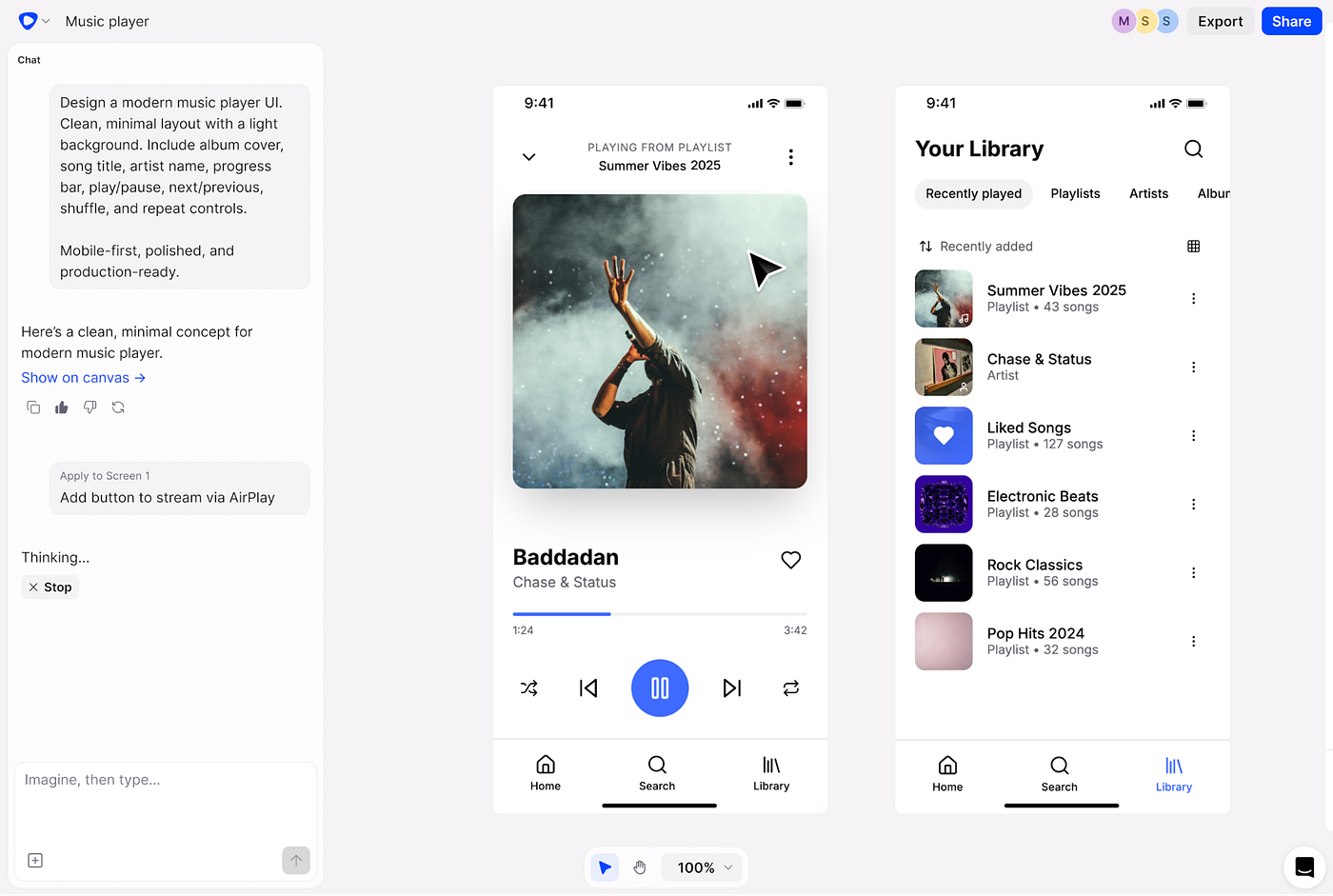
Uizard is an AI-driven tool that turns sketches and wireframes into functional, editable UI designs. By simply uploading a hand-drawn sketch, Uizard converts it into a digital design that can be further customized. This feature is particularly beneficial during the brainstorming phase, enabling teams to quickly visualize ideas without the need for extensive design skills or time-consuming mock-ups.
Figma’s AI-Powered Plugins
Figma has various AI-powered plugins, such as CopyAI for generating placeholder text and Content Reel for generating realistic user data. These plugins help create functional prototypes that feel real, enhancing the testing and feedback phases. The real-time collaboration and AI-enhanced prototyping capabilities in Figma make it easier to iterate based on user insights.
More Figma’s AI-Powered Plugins that can enhance productivity for UX designers:
- Musho: Automates the creation of dev-ready, responsive landing pages from prompts, ideal for quickly generating UI designs.
- **Builder.io:** Converts Figma designs into clean HTML, CSS, or React code, bridging the gap between design and development.
- **Figma Autoname:** Automatically names layers based on context, ensuring better organization and collaboration in design files.
- **Clueify:** Provides insights into user engagement by generating attention maps and areas of interest to optimize design decisions.
- **Lummi:** Offers a curated library of free stock photos and AI-generated images to complement design projects.
- **Artboard Studio:** Simplifies the process of creating and managing mockups directly in Figma.
- **CopyDoc:** Uses AI to generate and refine microcopy within designs, ensuring consistency in tone and language.
- **Icons8 Mega Plugin:** Offers AI-powered features like background removal and content suggestions, along with a vast library of design elements.
- **Remove BG:** Instantly removes image backgrounds within Figma, enhancing workflows that require clean assets.
Benefits of Embracing AI as a Designer
Increased Efficiency
AI streamlines time-consuming tasks, freeing designers to focus on strategy, creativity, and higher-level design decisions. By automating tasks like prototyping, layout adjustments, and color selection, AI reduces the hours spent on repetitive work. This enables designers to deliver high-quality projects faster, making it easier to meet tight deadlines without sacrificing the quality of the user experience.
Enhanced Creativity
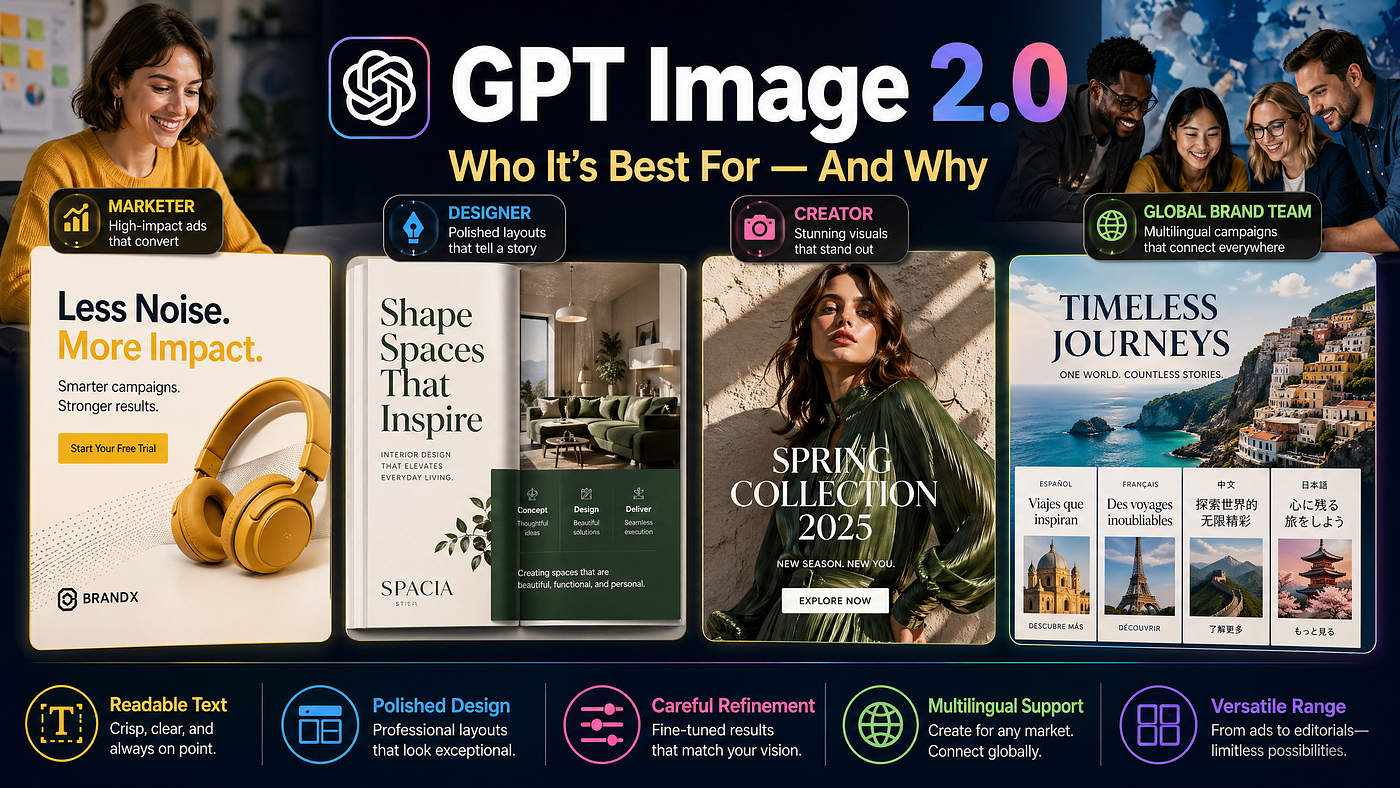
With AI handling the labor-intensive aspects of design, designers have more time to innovate and experiment. Tools like Runway ML and DALL-E enable designers to generate visual ideas quickly. AI-generated suggestions can serve as inspiration, helping designers explore creative avenues they may not have considered otherwise.
Data-Driven Design
AI’s ability to process vast amounts of data allows designers to base decisions on real-time user insights, improving the relevancy and usability of their designs. By analyzing data from user interactions, AI identifies patterns and preferences, enabling designers to make adjustments that align with user behavior. This data-driven approach results in a more personalized and optimized user experience.
Improved Accessibility
AI is also playing a role in making designs more accessible. AI-driven tools can analyze contrast, readability, and other elements to ensure accessibility for users with disabilities. This not only aligns with inclusivity goals but also expands the reach and usability of digital products, making them accessible to a broader audience.
Key Use Cases of AI in UX/UI Design
Automated User Testing and Feedback
AI-powered tools like Lookback and Hotjar collect and analyze user behavior in real-time, providing valuable insights into how users interact with a design. AI can automatically identify drop-off points, navigation issues, and areas that need improvement, giving designers actionable insights without extensive manual testing.
Personalized User Experiences
Personalization is key to user engagement, and AI enables it at scale. By analyzing user data, AI can dynamically adjust interface elements, recommendations, and content based on individual preferences. Platforms like Spotify and Netflix leverage AI to personalize the user experience, suggesting content based on past behaviors, preferences, and current trends.
Predictive Design Adjustments
AI tools can recommend design elements based on best practices and user interaction data. For example, Adobe XD uses AI to suggest layouts and color schemes based on successful patterns from similar projects. This predictive capability enables designers to create more effective designs without trial and error.
Conclusion
AI is undeniably transforming UX/UI design, making processes more efficient, enabling data-driven decisions, and empowering designers to be more creative. From tools like Adobe Sensei to Uizard and Figma’s AI plugins, these technologies are not only streamlining tasks but also enriching the user experience. Embracing AI is a strategic advantage, providing designers with powerful tools to deliver optimized, user-centered designs. As AI continues to advance, UX/UI designers who integrate these technologies into their workflow will be well-positioned to meet the evolving demands of digital users and create experiences that are both innovative and intuitive.
메타데이터
- post_id
- 4e1ac87a1bf7
- slug
- the-rise-of-artificial-intelligence-ai-in-ux-ui-design-4e1ac87a1bf7
- url
- https://medium.com/@adamsonabdulwahab/the-rise-of-artificial-intelligence-ai-in-ux-ui-design-4e1ac87a1bf7
- canonical_url
- https://medium.com/@adamsonabdulwahab/the-rise-of-artificial-intelligence-ai-in-ux-ui-design-4e1ac87a1bf7
- author_url
- https://medium.com/@adamsonabdulwahab
- status
- ok
- fetched_at
- 2026-07-23 20:41:26