From Designer to Team Player: Measuring your impact with free tools
Strategic partner and team player
From Designer to Team Player: Measuring your impact with free tools
Strategic partner and team player
Ever wondered how to stand out as more than just “the designer” on your team? In my experience, the real difference comes from being a true team player — someone who thinks strategically and helps drive the project forward, not just deliver files. One of the best ways to do this is by showing the impact of your work, even when you don’t have a big budget for paid tools.
If you’ve just finished a website redesign and want to measure what’s working (and what’s not), here are some tools I’ve found super helpful even in their basic/free plan.
1. Google Light House
What you can measure with Google Light House:
Accessibility:
- Ensures that design elements are usable by everyone, including people with disabilities
- Checks for sufficient color contrast between text and backgrounds
- Verifies that interactive elements are easily accessible via keyboard
- Assess if images have meaningful alt text. Ensures proper labeling of buttons, forms, and links
User Experience & Usability — Performance & Best Practices:
- Measures layout stability (Cumulative Layout Shift), ensuring elements don’t jump around unexpectedly as the page loads
- Checks for tap targets that are large enough to interact with on mobile devices
- warns about intrusive pop-ups and overlays that harm usability
- Ensures text is legible and does not use tiny font sizes
Progressive Enhancement
- Evaluates if your site works well across different devices and network conditions (responsive design)
- Assesses mobile-friendliness and adaptability
Visual Stability
- Detects issues where content moves unexpectedly (layout shifts), which is important for smooth design
- Ensures images and embeds have set dimensions to prevent jarring movement
What you can’t measure with Google Light House:
- Visual taste, creativity, branding consistency, or the subjective appeal of your design
- Uniqueness or emotional impact of your design choices
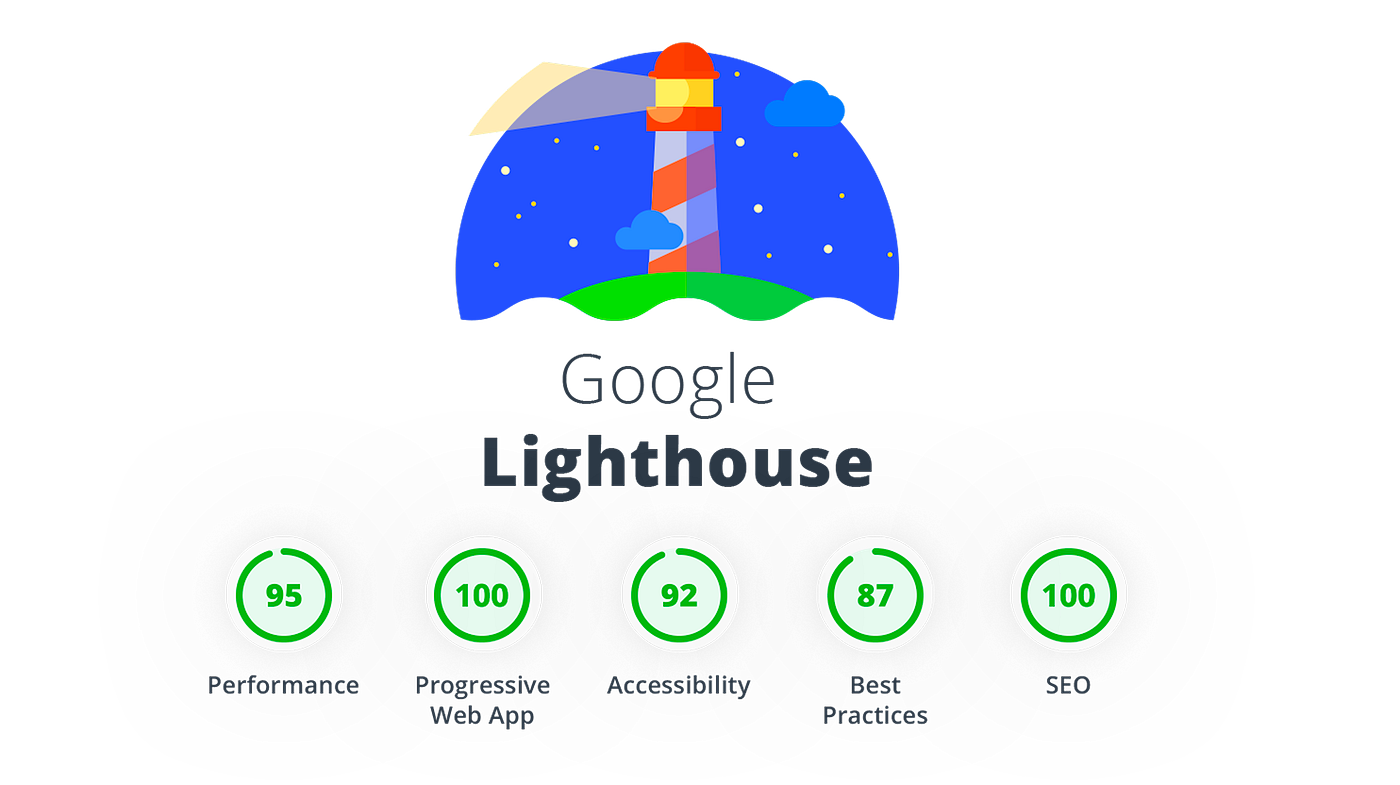
Google Light House
2. HotJar
With the free/basic plan, Hotjar can still be very helpful, although it has some limitations on the quantity of data you can get:
Heatmaps Design Insights:
- See exactly where users click, move, and scroll on your pages
- Layout Evaluation: identify which design elements attract attention, which are ignored, and whether key actions (like buttons or links) are easy to find
- Content Placement: understand if important information is visible without scrolling (above the fold) or if users are missing it
Session Recordings Usability Testing:
- Watch real user journeys to spot design friction, confusing interactions, or navigation issues
- Interaction Flow: Observe how users interact with forms, menus, and CTAs (this can reveal if design elements are intuitive or need improvement)
- Bug Detection: Visually confirm if users encounter layout glitches or broken elements on different devices.
Feedback Tools Direct User Input:
- Collect comments about specific design elements or sections using on-site widgets
- Identify Pain Points: Users can highlight areas where the design is unclear, distracting, or difficult to use
You can Use These Insights to:
- Prioritize Redesigns: Focus efforts on parts of the website where users drop off or elements that are rarely interacted with
- Test Design Changes: After making UI updates, use heatmaps and recordings to see if engagement improves
- Validate Hypotheses: Back up design decisions with real user data, reducing guesswork
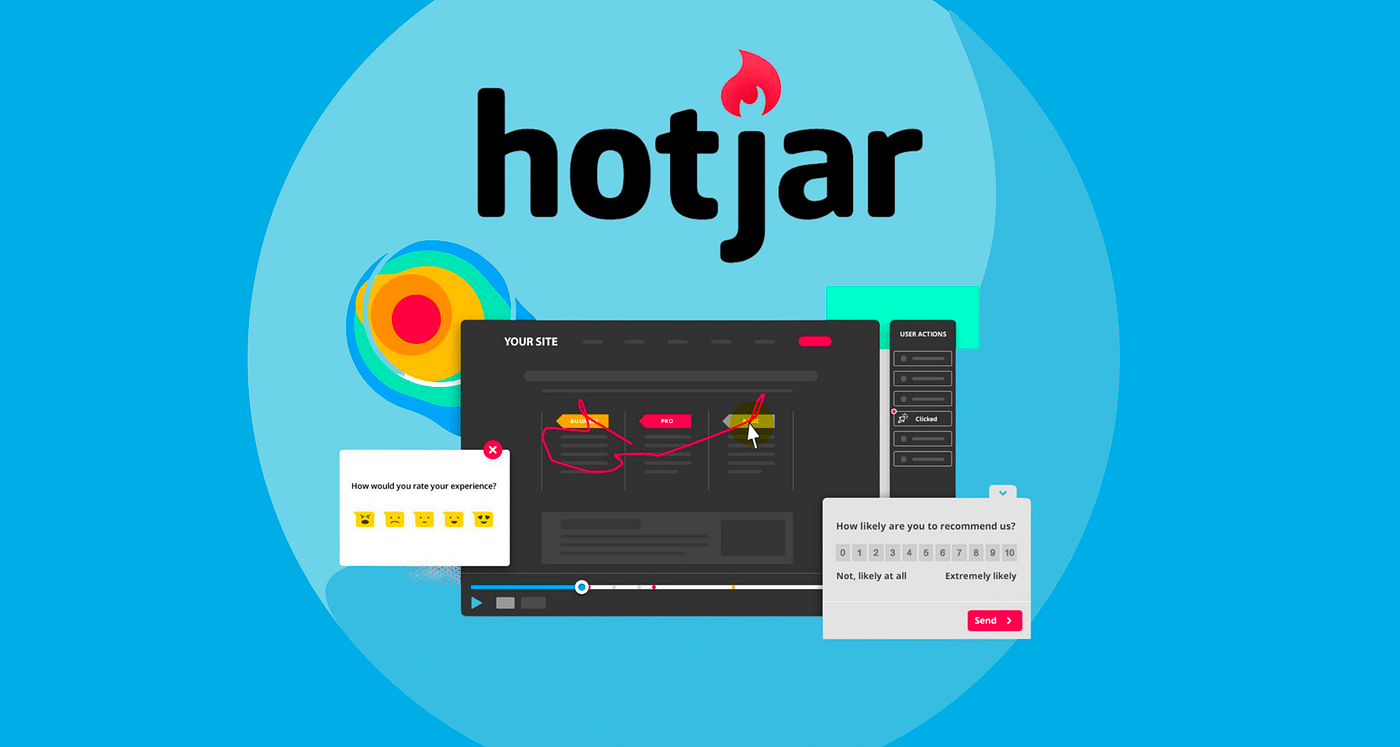
HotJar
3. Google Analytcs 4
With the free plan, you can do very impressive things. Of course, it depends on the website because for e e-commerce website, the more advanced features will be extremely useful.
What you can do with the free plan:
Track Key User Actions & Metrics
- User Engagement: Page views, scroll depth, time on page.
- UI Interactions: Button/menu clicks, form starts/submits/abandons.
- Content Consumption: Video plays, resource downloads.
- User Journeys: Entry and exit pages, conversion paths.
- Device & Platform: Device type, browser, and OS.
- Site Speed & Errors: Page load times, error events.
These insights can help you:
- Page views and identify popular pages, scroll depth to see if users reach key content, Button/menu clicks to
- Test the effectiveness of CTAs/UI Form interactions to optimize forms for usability
- Video plays to analyze content engagement, downloads to monitor interest in resources
- Entry/exit pages to improve landing/exit experiences
- Device/browser info to adjust design for most-used tech site speed & errors for enhanced performance & reliability
GA4
Staying on track
Using these free tools, you’ll gain insights you can share with your team, back up your design choices, and spot ways to make things even better. It’s a great way to show you care about real results and user experience , not just how things look.
I believe the most valuable designers are the ones who keep learning, collaborate openly, and use data to make smarter decisions.
People I learn from:
메타데이터
- post_id
- 4e9c863efd35
- slug
- from-designer-to-team-player-measuring-your-impact-with-free-tools-4e9c863efd35
- url
- https://medium.com/@katerinarabadzhyiska/from-designer-to-team-player-measuring-your-impact-with-free-tools-4e9c863efd35
- canonical_url
- https://medium.com/@katerinarabadzhyiska/from-designer-to-team-player-measuring-your-impact-with-free-tools-4e9c863efd35
- author_url
- https://medium.com/@katerinarabadzhyiska
- status
- ok
- fetched_at
- 2026-06-09 15:37:30




