How you can Pass KCNA(tips and hints) + Mock up Questions!
The perfect certification to enter Cloud-Native ecosystem
How you can Pass KCNA(tips and hints) + Mock up Questions!
The perfect certification to enter Cloud-Native ecosystem
🚀 Intro
Kubernetes is basically everywhere. Seems like a must for modern engineer. There are of course many ways in which we can access the ecosystem — one of them is certification. As it happens the first exam is Kubernetes and Cloud Native Associate (KCNA).
I managed to pass this exam and in this medium article, I will summarize everything I think is important to pass it.
Today, we will discus:
🚀 Firstly → the experience with the exam, how difficult it was, what is the passing score, how much time is needed to prepare etc.
🚀 Secondly → hints on how you can learn the material from cirriculum faster.
🚀 Thirdly → we will go through 5 five mock up questions with explanations so you can asses the difficulty level. They will be very similar to the ones you might get during the exam.

Part #1 — The Exam Itself
There are few things you need to know in order to pass the exam:
There are a few things you need to know in order to pass the KCNA exam:
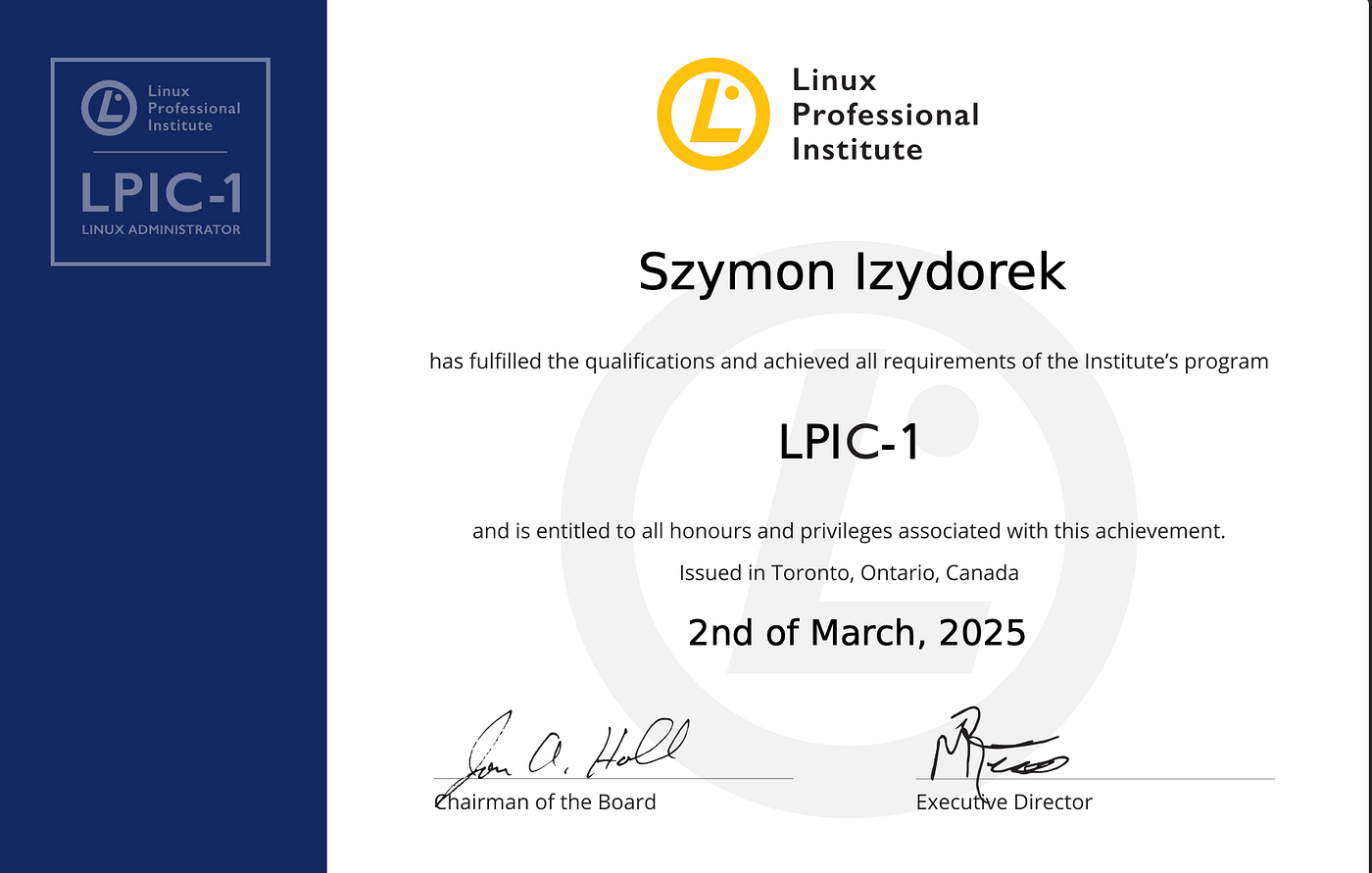
✅ Number of exams: one (not 2 like in case of e.g. LPIC-1) ✅ Time: 90 minutes ✅ Number of questions: around 60 multiple-choice questions ✅ Scoring: results are given as a percentage, with a passing score of around 75% ✅ Validity period: 3 years
But the exam itself … was is difficult?
I would say … it depends on your experience with Kubernetes and in general cloud-native tools. The difficult part of the KCNA exam is defiantly … a wide array of of various topics. Let me explain. Defiently, some concepts are more important and difficult to comprehend than others. Good example here is the Kubernetes architecture. In my view, this is one of the most important but also complex topic.
We dedicated a separate artictle on Medium to explain the concept:
We need to learn domains such as networking, security, various services in Cloud-native management and if you are just getting started then at the beginning it might be confusing.
I won’t lie — there isn’t a single day when I don’t use the skills from the KCNA exam as a DevOps engineer.
The curriculum isn’t really deep but its quite broad. And here really is the difficulty — to remember many things about many topics.

Part #2 — Materials and Hints to Pass
My best advice to pass it? Spin up a VM and start managing your cluster.
✅Use VirtualBox or, cloud instances such as AWS or Linode and start practising Ubuntu, Debian, CentOS, and openSUSE to cover different package managers.
✅ Work with daily commands: ‘kubectl get, kubectl delete’ etc
✅ Train a lot of networking-related commands such as ping, traceroute, netstat, ip, ss, nmap.
✅ And of course Security: Understand file permissions (chmod, chown), SSH, firewall basics (iptables, ufw), sticky bit, users and root access
✅ Another hint is that there is a completely free of charge material from CNCF — which is the Kubernetes documentation. In my view, this is utterly useful if you want to grasp all the curcial elements of the K8s’ system.
✅ Practice questions: Practice, practice, practice questions from various sources. For this article I prepared 5 mock up questions. See below.
Part #3 — Mock-Up Questions
Right, let’s now look at the some of the mock-up questions for KCNA.
Question #1:
A node becomes unreachable due to a network partition. Pods on that node are still running. Why might users experience intermittent failures before Pods are recreated elsewhere?
1️⃣ kube-scheduler delays Pod creation 2️⃣ kube-proxy may still route traffic to endpoints on the unreachable node 3️⃣ ReplicaSet deletes Pods too quickly 4️⃣ etcd removes Pod records immediately
Answer: 2️⃣ ✅ When a node becomes partitioned, there is a delay before the control plane marks it NotReady and removes its endpoints. During this window, kube-proxy may still forward traffic to Pods that are effectively unreachable. Kubernetes operates with eventual consistency, not instant convergence. This gap can cause temporary blackhole traffic.
Question #2:
You are on-call and a new Deployment stays in the Pending state. Nodes are healthy, but Kubernetes reports insufficient CPU. You want Kubernetes to react automatically without manually adding nodes.
Which component is responsible for resolving this situation?
1️⃣ Horizontal Pod Autoscaler 2️⃣ kube-scheduler 3️⃣ kube-controller-manager 4️⃣ Cluster Autoscaler
Answer: 4️⃣ ✅ The Cluster Autoscaler monitors unschedulable Pods. When Pods cannot be scheduled due to lack of resources, it adds nodes automatically. Once demand decreases, it can also scale nodes down. This is critical for elastic cloud-native environments.
Question #3:
You are debugging a microservice architecture where Service A cannot reach Service B. You run inside the pod:
curl http://service-b:8080Result: Could not resolve host What is the most likely cause?
1️⃣ The Service B resource does not exist in the namespace 2️⃣ Kubernetes pods cannot communicate via DNS 3️⃣ Services must always run on port 80 4️⃣ Curl cannot resolve internal services
✅ Kubernetes provides DNS-based service discovery. If the DNS name cannot be resolved, the service resource likely doesn’t exist in the same namespace or was misnamed. Verifying kubectl get svc is the first debugging step.
Question #4:
A Pod is deployed:
apiVersion: v1
kind: Pod
metadata:
  name: risky
spec:
  containers:
  - name: app
    image: busybox
    securityContext:
      privileged: true
  volumes:
  - name: host-root
    hostPath:
      path: /
Which statement is TRUE?
1️⃣ The container can modify host files and escalate to root on the Node 2️⃣ The container is limited to its filesystem namespace 3️⃣ Only read access is allowed 4️⃣ NetworkPolicies prevent local filesystem access
Answer: 1️⃣ ✅ Privileged + mounting / allows the container to manipulate the host filesystem, kernel modules, and potentially compromise the cluster. Even strict RBAC or NetworkPolicies do not mitigate this. This is one of the most common misconfigurations leading to cluster compromise.
Question #5:
The API server is started with:
--token-auth-file=/etc/kubernetes/tokens.csv
What does this enable?
1️⃣ Dynamic OIDC login 2️⃣ Static bearer token authentication 3️⃣ Certificate rotation 4️⃣ ServiceAccount auto-creation
Answer: 4️⃣ ✅ The token file defines static tokens mapped to users. This is a simple authentication mechanism, often used in testing or legacy setups. It is not dynamic like OIDC and not recommended for large production systems.
I hope you liked it! So there are +360 questions waiting for you on Udemy. So if you want to test yourself and your Kubernetes skills — I made a 360 questions set available on Udemy.

I go through all domains, providing practical and theoretical examples of Linux. It is 6 Full-Length Practice Exams that mimic the real exam.

There are both — multiple choice and fill in the blank types just like at the exam. The link is here.
Of course, some extra materials is also on BecomeDevops YouTube channel:
[embed]
That’s everything for today!
I hope you liked it, Simon Izydorek CEO and Founder of BecomeDevops
Reach out in case of questions/suggestion: https://www.linkedin.com/in/sizydorek/ https://linktr.ee/becomedevops

메타데이터
- post_id
- 4f202b42ffaa
- slug
- how-you-can-pass-kcna-tips-and-hints-mock-up-questions-4f202b42ffaa
- url
- https://medium.com/@becomedevops./how-you-can-pass-kcna-tips-and-hints-mock-up-questions-4f202b42ffaa
- canonical_url
- https://medium.com/@becomedevops./how-you-can-pass-kcna-tips-and-hints-mock-up-questions-4f202b42ffaa
- author_url
- https://medium.com/@becomedevops.
- status
- ok
- fetched_at
- 2026-07-11 01:47:27