Upgrading to URP in Unity
How to install and switch to URP in Unity
Wiki topics:
🎮 · Gaming
Upgrading to URP in Unity
How to install and switch to URP in Unity
Photo by Pawel Czerwinski on Unsplash
Brief
Process on how to install URP over a basic (standard render pipeline) in Unity.
Concept
The Package manager and Project settings will be used to install URP.
Package Manager
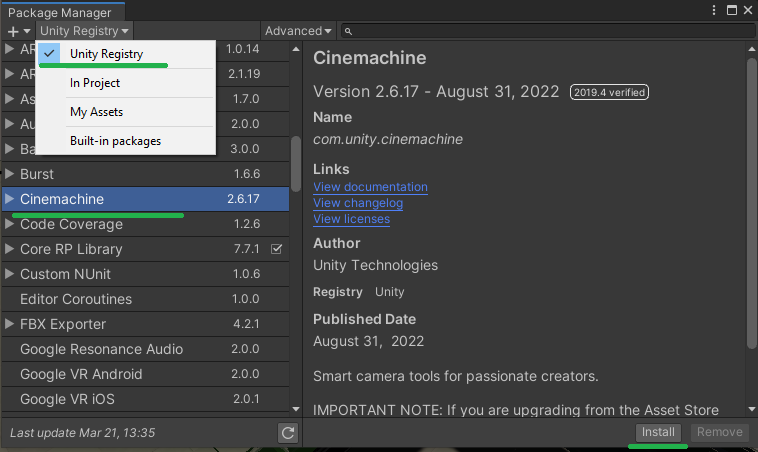
First of all install Universal Render Pipeline to project.
com.unity.render-pipelines.universal
Adding the Render Pipeline Asset
After URP installation complete the project needs a Render Pipeline Asset:
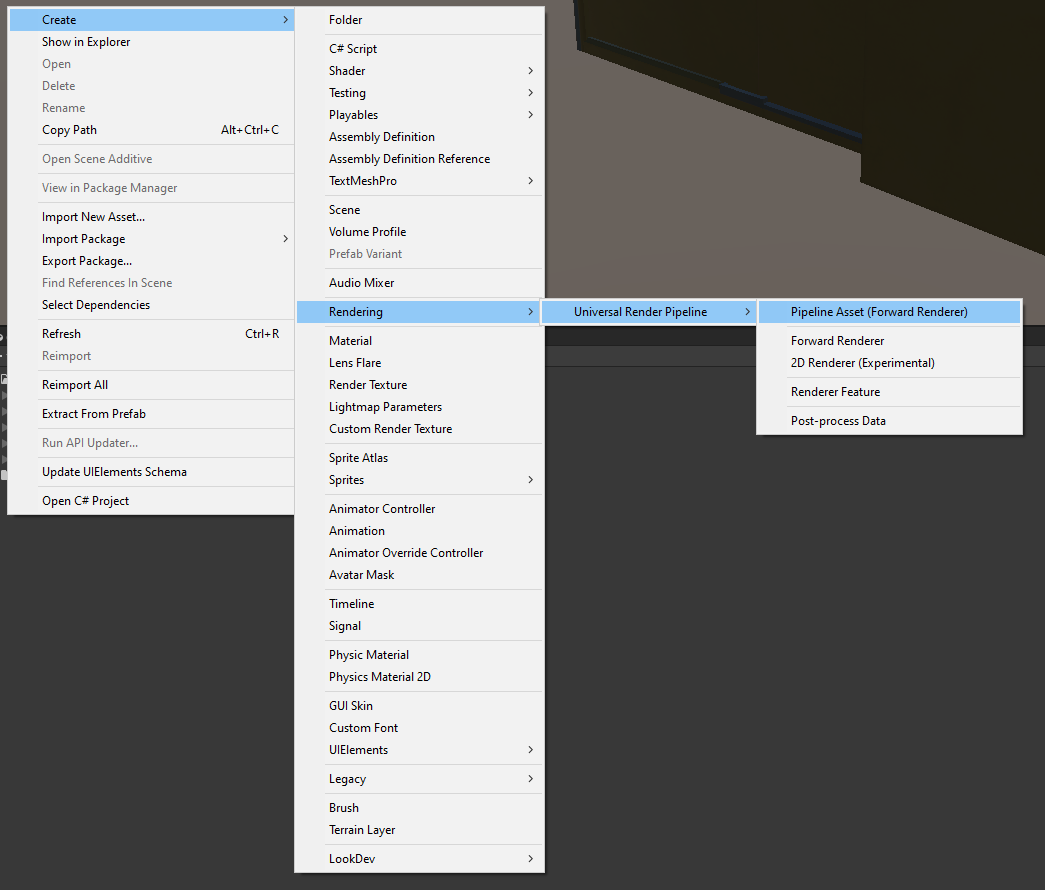
Add pipeline asset to your project
It will be necessary for any project that based on standard render pipeline and URP was installed over it
Project Settings
Inside Project Settings set the reference to pipeline asset:

Converting Materials
If project had materials, it’s best to convert them to new renderer, otherwise they won’t work:

메타데이터
- post_id
- 4f541c32c0fb
- slug
- upgrading-to-urp-in-unity-4f541c32c0fb
- url
- https://medium.com/@aver.aurelis/upgrading-to-urp-in-unity-4f541c32c0fb
- canonical_url
- https://medium.com/@aver.aurelis/upgrading-to-urp-in-unity-4f541c32c0fb
- author_url
- https://medium.com/@aver.aurelis
- status
- ok
- fetched_at
- 2026-07-20 04:01:29