Simple 2.5 Text Animation in Cavalry
Motion Design Starter Series
Simple 2.5 Text Animation in Cavalry
Motion Design Starter Series

Step 1
In a new composition, add two text fields by Alt-clicking the Text Tool and setting the parameters in the Attribute Editor. Align and position them to suit the composition.
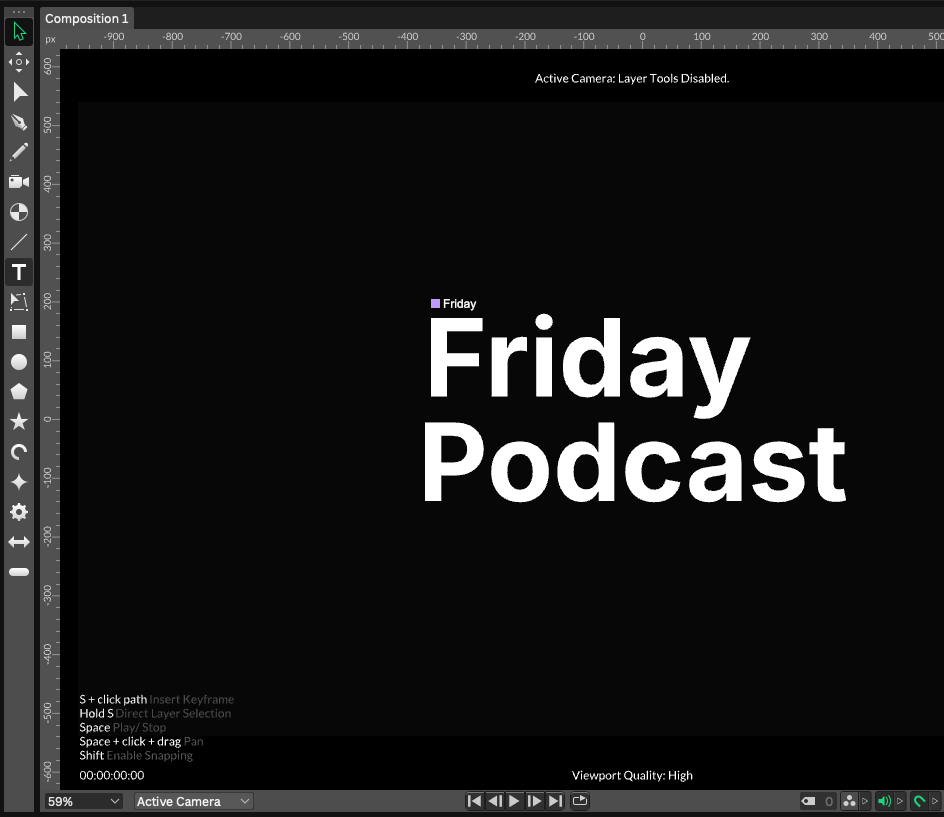
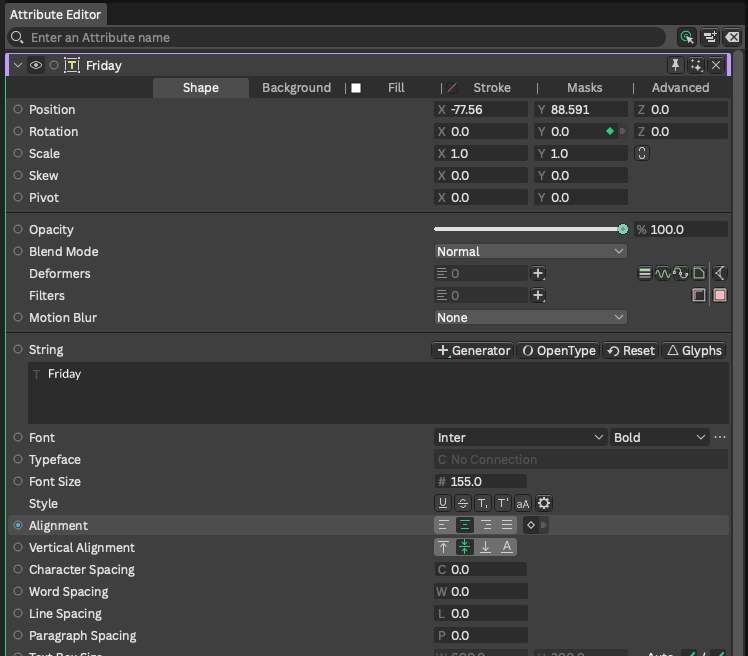
Here I am using Inter Bold, at a size of 155.
In the Scene Window, click the 2.5 icon (isometric cube) next to each text field:

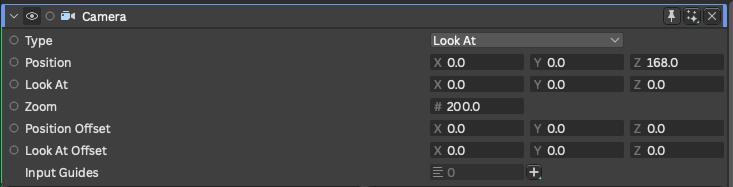
Add a camera from the Create menu (Create….Camera) or use Cmd-M on a Mac. Select your camera, and adjust the Zoom and Position values to suit your composition.
Here I am using a Zoom level of 200, and a Position of 168:
Step 2
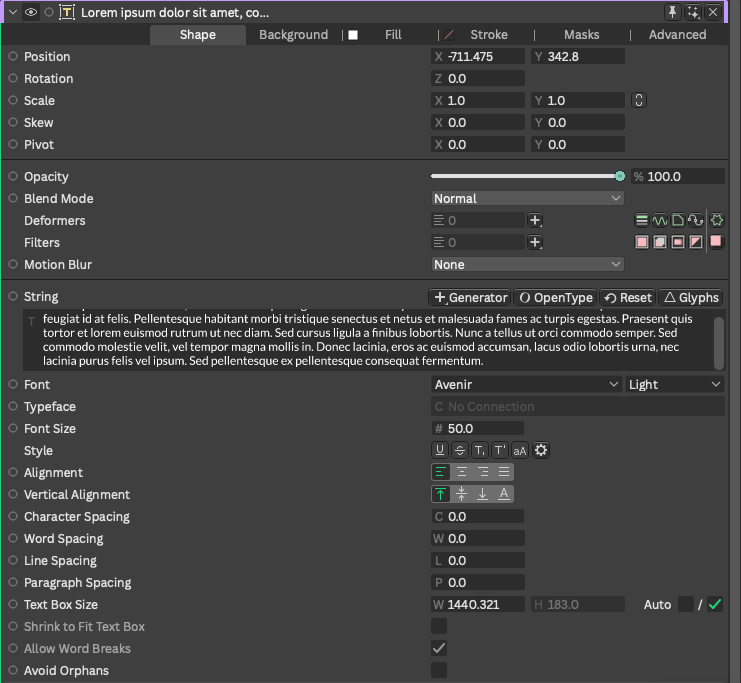
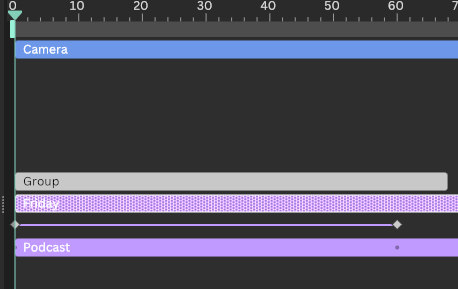
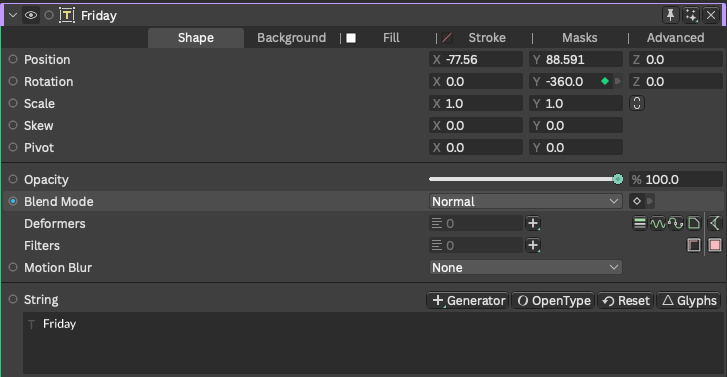
With the 2.5 icon set for each text field, you can animate any of the text axes. In this case, we will animate the Y-rotation. After selecting the text field corresponding to the word “Friday”, and ensuring our playhead is at zero on the timeline, we set a keyframe by clicking on the small diamond in the Y-rotation field:
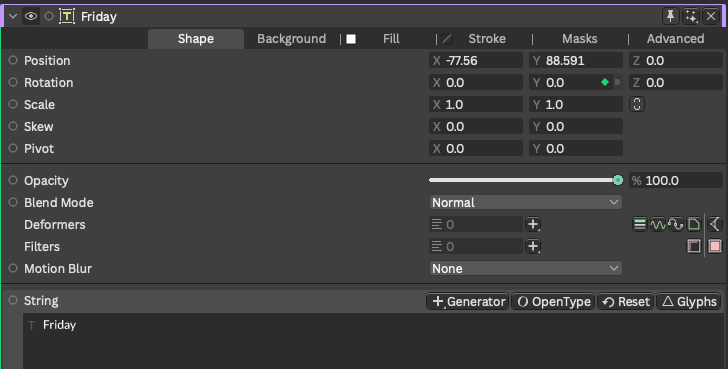
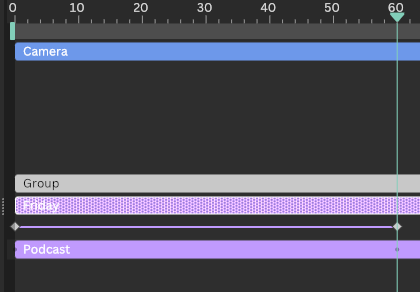
We then advance the playhead to the 60 frames position, and add a new keyframe by typing in -360 in the Y-rotation field:
Step 3
We then repeat the process for the word “Podcast”:
- Select the text field containing the word “Podcast”
- Place the playhead at zero on the timeline
- Set a keyframe for the Y-rotation with a value of zero
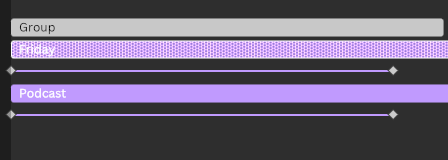
- Advance to 60 frames in the timeline and set a value for the Y-rotation of +360 (so that it rotates in opposition to the “Friday” word)
You should now have this:

Step 4
You can group these words and duplicate the group. I then repositioned them further along the timeline, changed the words and the colour of the word “Now”:
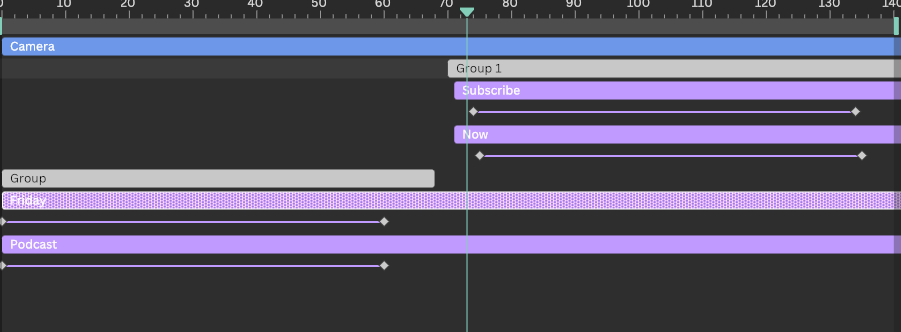

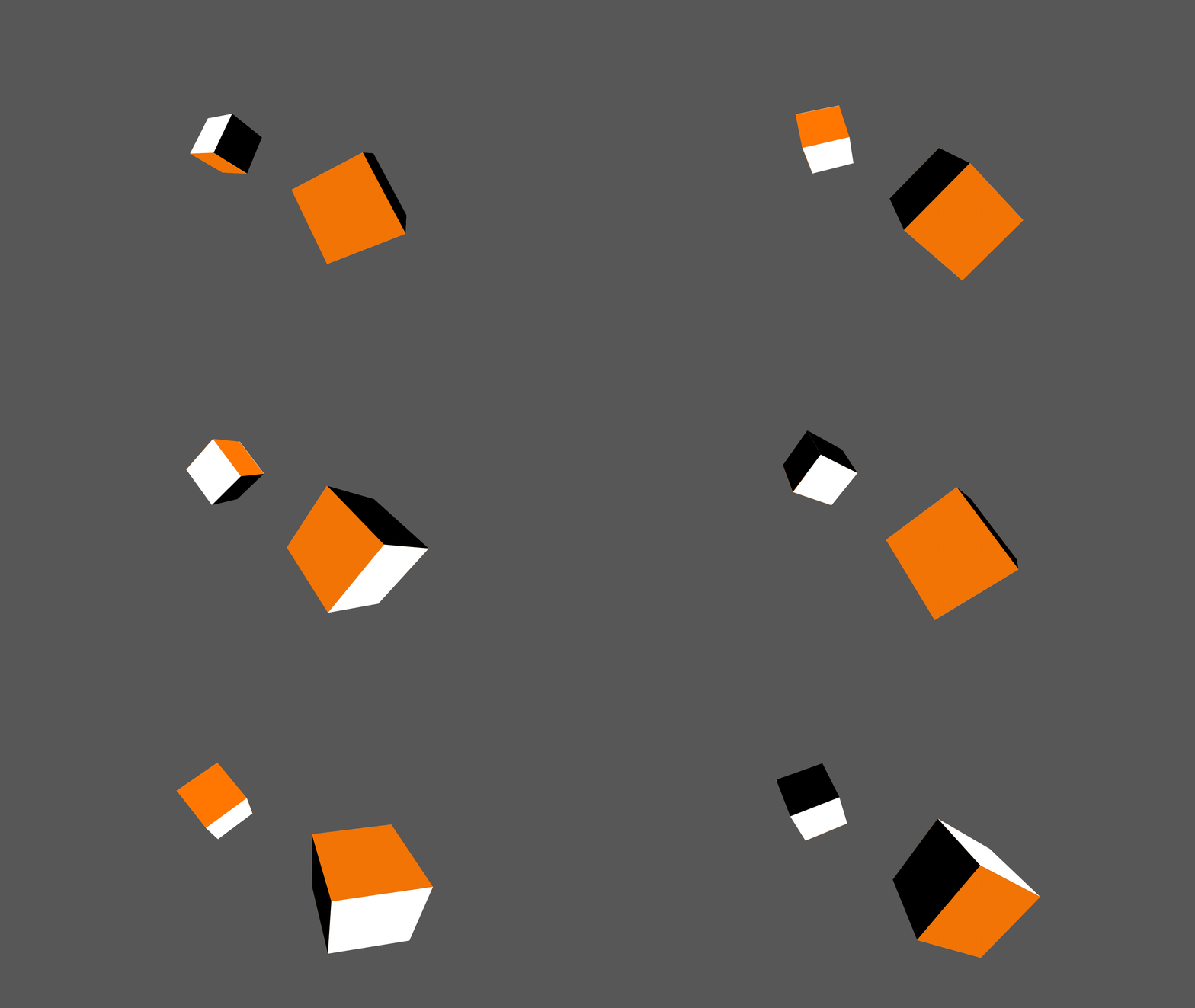
After making a few minor adjustments to the keyframe positions, I then rendered the whole sequence to obtain this:
It is a simple but interesting effect which can, of course, be edited and adjusted further and combined into more elaborate compositions. We’ll be exploring many more of these in the coming weeks as we dive further into Cavalry.
You may also like:
[embed]Easy string-stretch effect in Cavalry Motion Design Starter Seriesmedium.com
[embed]Build and animate a complex shape quickly in Cavalry Motion Design Starter Seriesmedium.com
메타데이터
- post_id
- 50c2f7787978
- slug
- simple-2-5-text-animation-in-cavalry-50c2f7787978
- url
- https://medium.com/brandmanagementdesign/simple-2-5-text-animation-in-cavalry-50c2f7787978
- canonical_url
- https://medium.com/brandmanagementdesign/simple-2-5-text-animation-in-cavalry-50c2f7787978
- author_url
- https://medium.com/@nigel_reyes
- status
- ok
- fetched_at
- 2026-06-14 16:15:44