60k Stars! The Next-Generation Terminal Built with Rust Is Now Open Source
In today's world of GUI desktop applications, many may not realize that in the early days of computing, the terminal—essentially the…
60k Stars! The Next-Generation Terminal Built with Rust Is Now Open Source
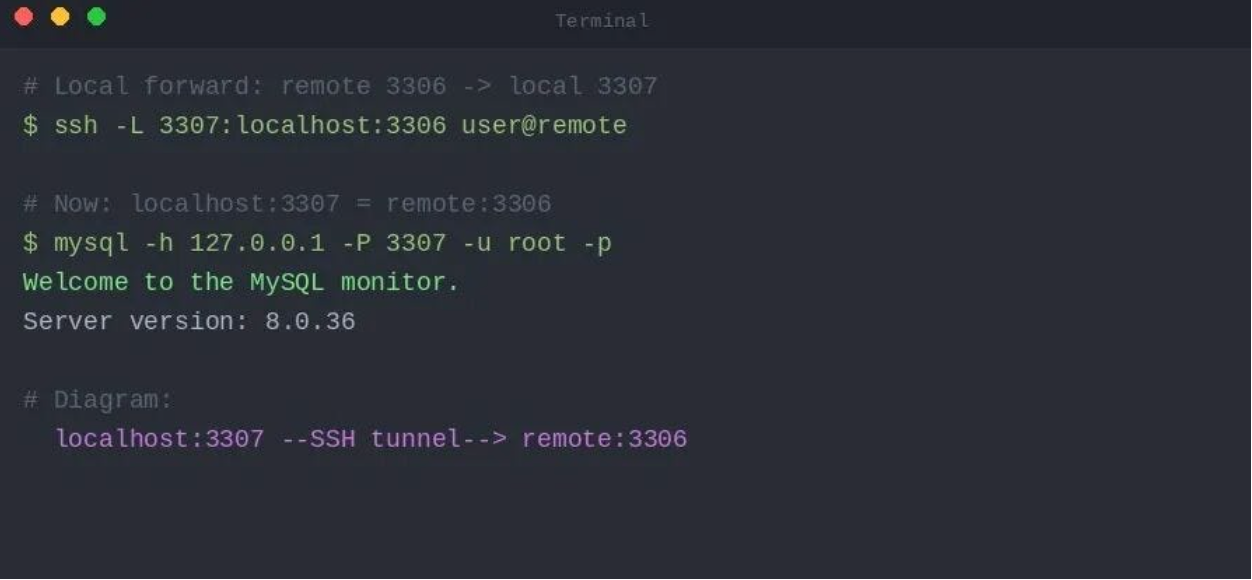
In today's world of GUI desktop applications, many may not realize that in the early days of computing, the terminal—essentially the command line—was the primary way people interacted with computers.
Back in the 1970s, when there were no GPUs and monitors were only CRTs, it was hard to imagine creating any graphical interface tricks on a small 12-inch screen with a resolution of just 800x240 pixels. The character-based terminal became the best option at the time. In 1978, the VT100 was released—the first video terminal to adopt the ANSI X3.64 standard escape sequences and the first to be controlled by a general-purpose microprocessor.
The VT series sold so well that it became the de facto terminal standard, and it remains so to this day.

Six years after the VT100's release, MIT launched the X Window System project, finally establishing a standard for graphical interfaces in the Unix world. Included in this project was a terminal emulator called xterm. xterm wasn't a real terminal; its sole purpose was to emulate a VT100 within the operating system.

xterm essentially defined the interaction pattern of modern terminals within an operating system. Today, whether you open Terminal on macOS, GNOME Terminal on Linux, or Windows Terminal on Windows 11, they all do fundamentally the same thing as xterm did 40 years ago—pretending to be a 1978 DEC VT100 in a modern operating system.
Over the past five decades, many third-party terminal applications have tried to break away from the xterm model, such as iTerm2, Hyper, and Windows Terminal. But at their core, they still run on the VT100 foundation, making it hard to claim any revolutionary innovation.
Then came AI. Around 2020, an engineer named Lloyd decided to build a product he would use every day. He listed the tools he used most as a developer and found that the only one that "hadn't been seriously updated in decades" was the terminal. So in June 2020, Warp was born.
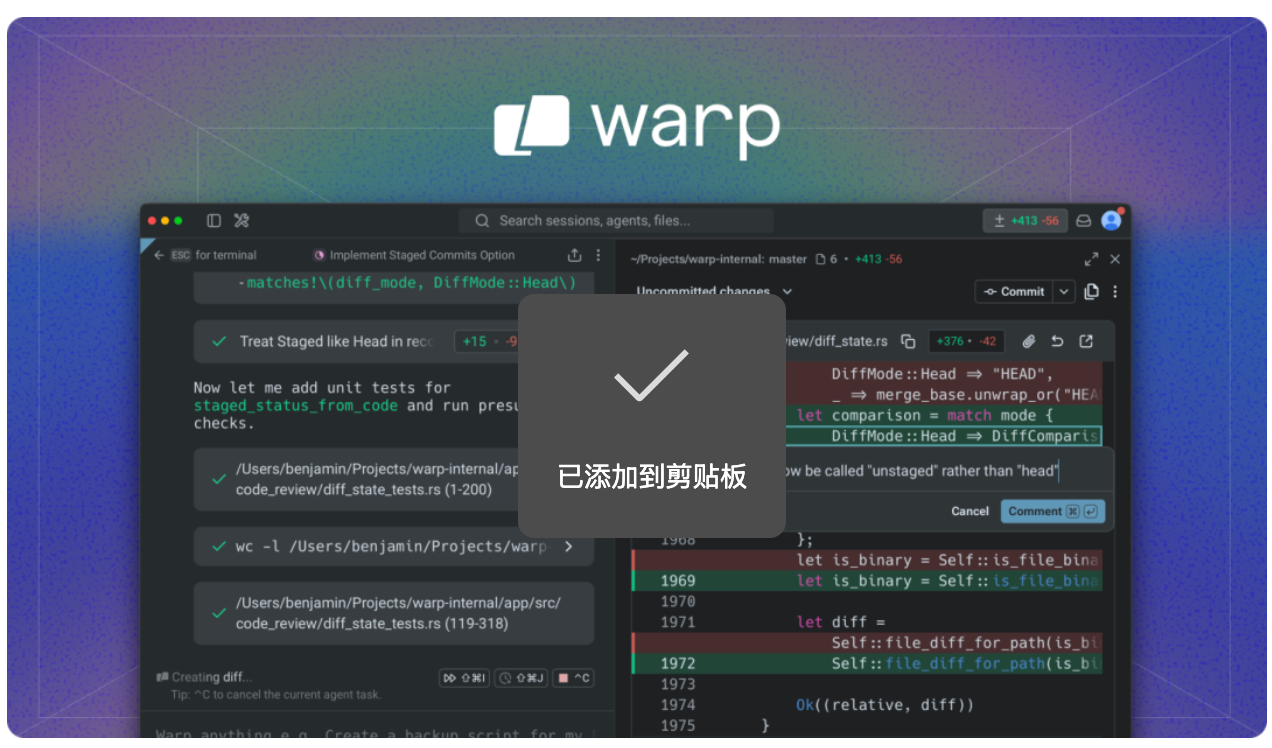
Warp is a terminal application built with Rust, rendered directly using the GPU. Compared to various Electron-based terminal apps, Warp offers higher performance. Of course, there are many terminals with good performance, but what sets Warp apart, in my view, are three key innovations:
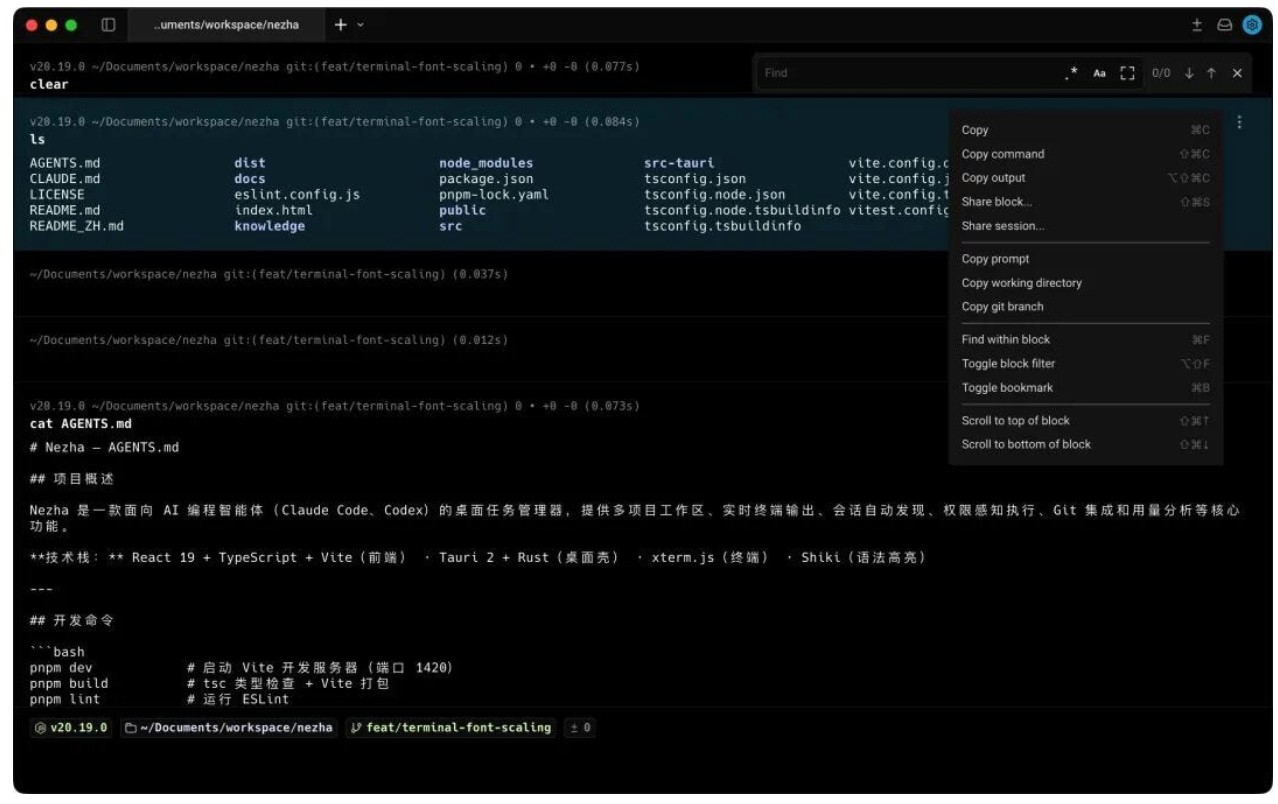
Introducing a Notion-like block management system to the terminal
In the past, terminals scrolled output linearly. For example, if you ran a pytest command, the output could take up a lot of space. To copy the output or enter a new command, you'd have to scroll with your mouse. In Warp, each command is a block. You can copy the output of a single command, choose to rerun it, or even save and share it with others.
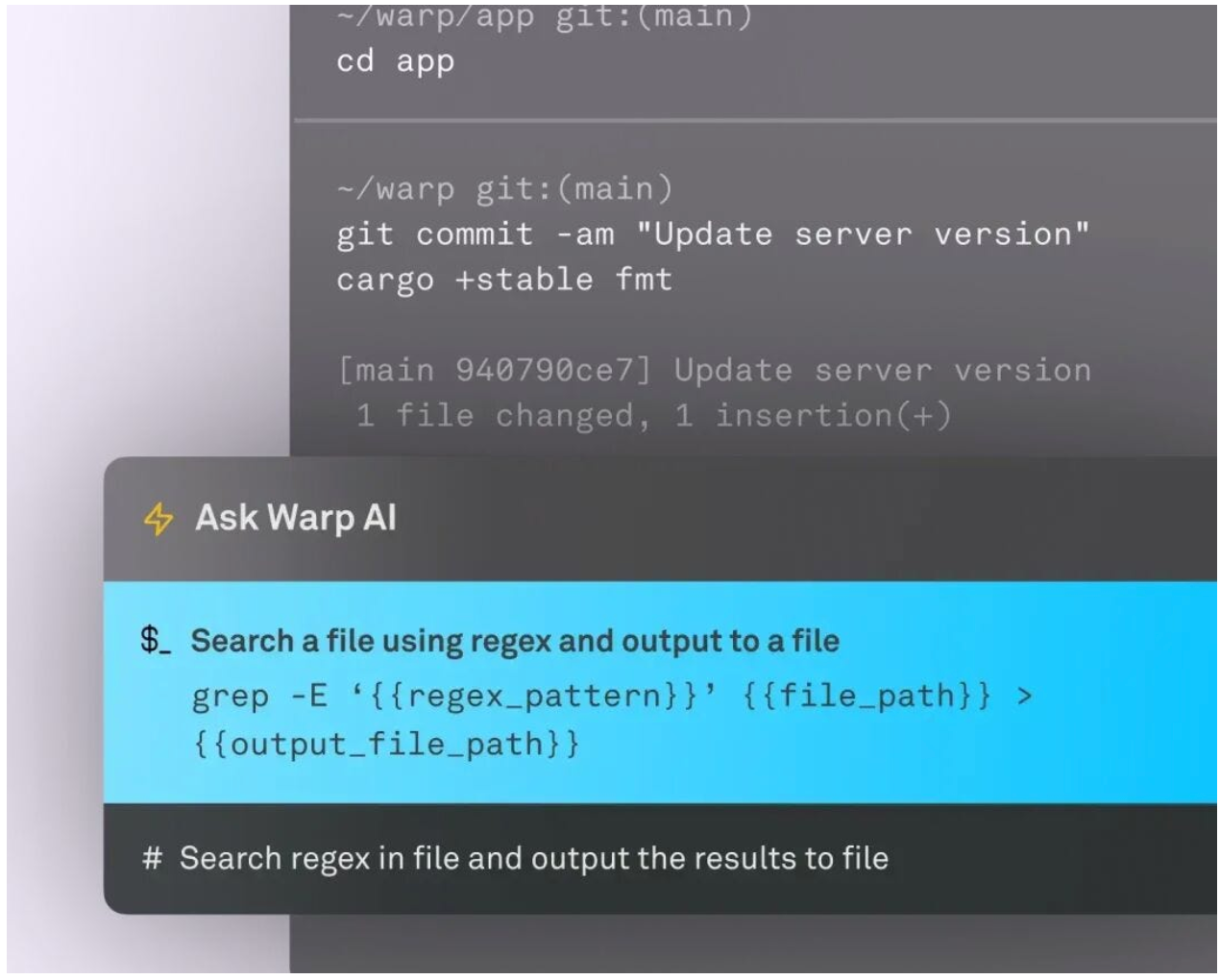
Another point is that many people historically found the command line difficult because of the sheer number of commands they needed to remember. With Warp's integrated AI, you can use natural language, and the AI will generate the corresponding bash command based on context.
Wrapping an editor around the terminal
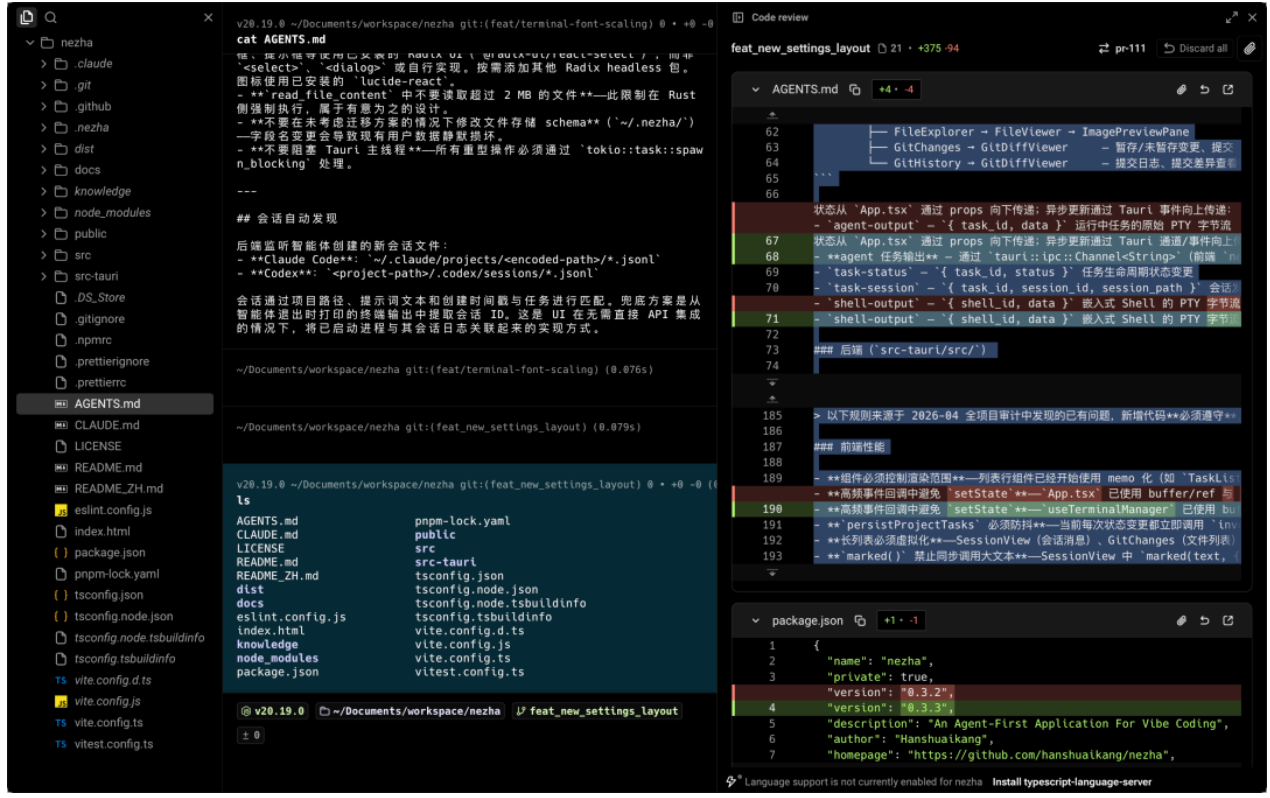
In the past, people using VS Code or an IDE with CLI tools like Claude Code or Codex would basically just open a terminal window to use them, because these products were designed with the editor coming first and the terminal second. Warp, however, does the opposite: the terminal comes first, with editor features added on top, so the terminal takes up a larger portion of the interface. It has to be said that this approach fits quite well with current usage scenarios.
Multi-Agent View
The third is the multi-agent view, which can be configured to resemble the layout in the new Cursor, where multiple AI tasks are managed simultaneously on the left side. It currently integrates various AI coding CLI tools such as Claude Code, Codex, and OpenCode, allowing for quick switching between multiple programming tasks.
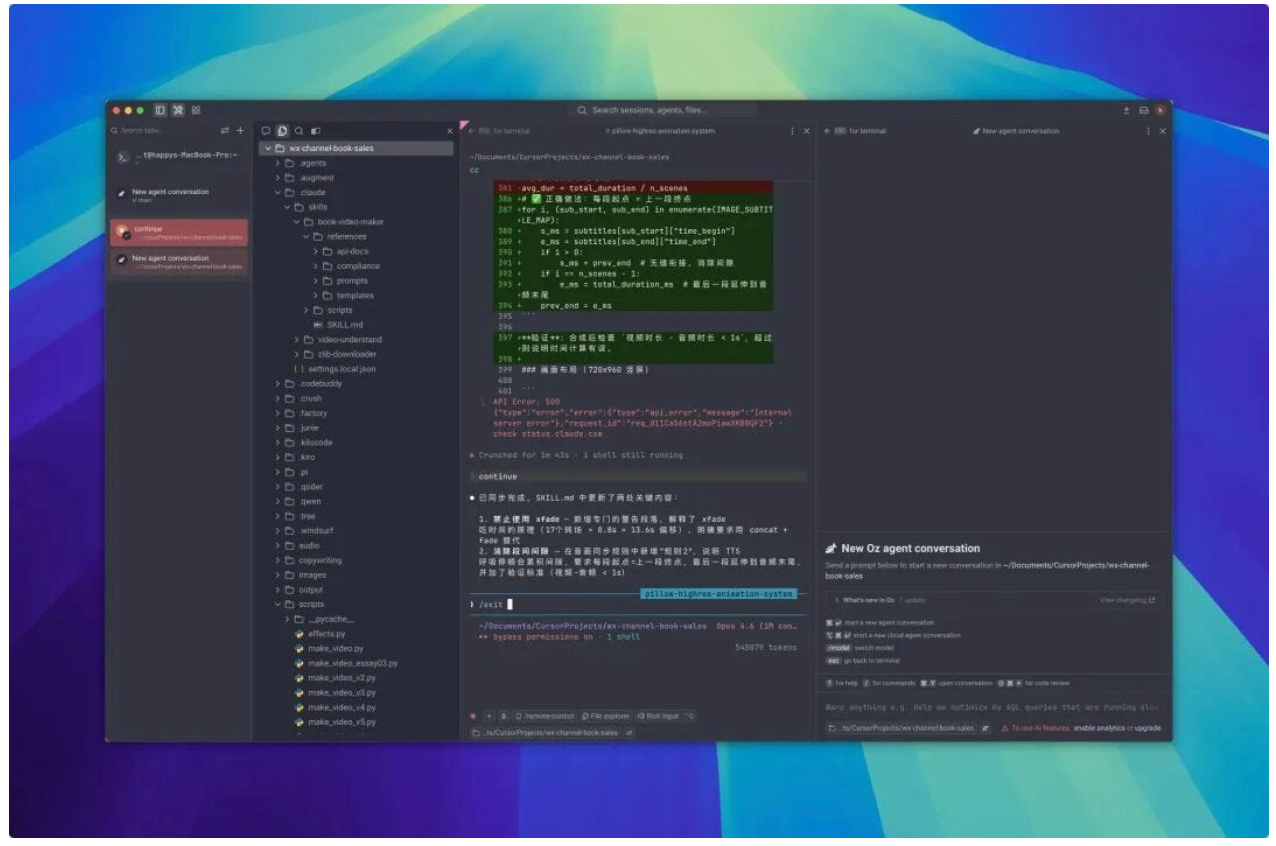
It has been six years since Warp was first released, and it has undergone many changes along the way—from a pure terminal in its early days, to the introduction of AI, and now to integrating various agents as an AI-native development environment. This evolution path is actually a microcosm of the changes in the entire terminal ecosystem over the past few years. That small black box once tucked away in a corner of the IDE, used only for running commands, is quietly growing up and starting to take over the roles of editors and IDEs.
Last week, Warp decided to go open source, and within just a few days, it has already garnered over 60,000 stars on GitHub. If you're interested, give it a try~
Open source address: https://github.com/warpdotdev/warp
메타데이터
- post_id
- 50cd536e0420
- slug
- 60k-stars-the-next-generation-terminal-built-with-rust-is-now-open-source-50cd536e0420
- url
- https://medium.com/@piedpay/60k-stars-the-next-generation-terminal-built-with-rust-is-now-open-source-50cd536e0420
- canonical_url
- https://medium.com/@piedpay/60k-stars-the-next-generation-terminal-built-with-rust-is-now-open-source-50cd536e0420
- author_url
- https://medium.com/@piedpay
- status
- ok
- fetched_at
- 2026-06-15 20:49:13