Zip Lines — Always More Steps
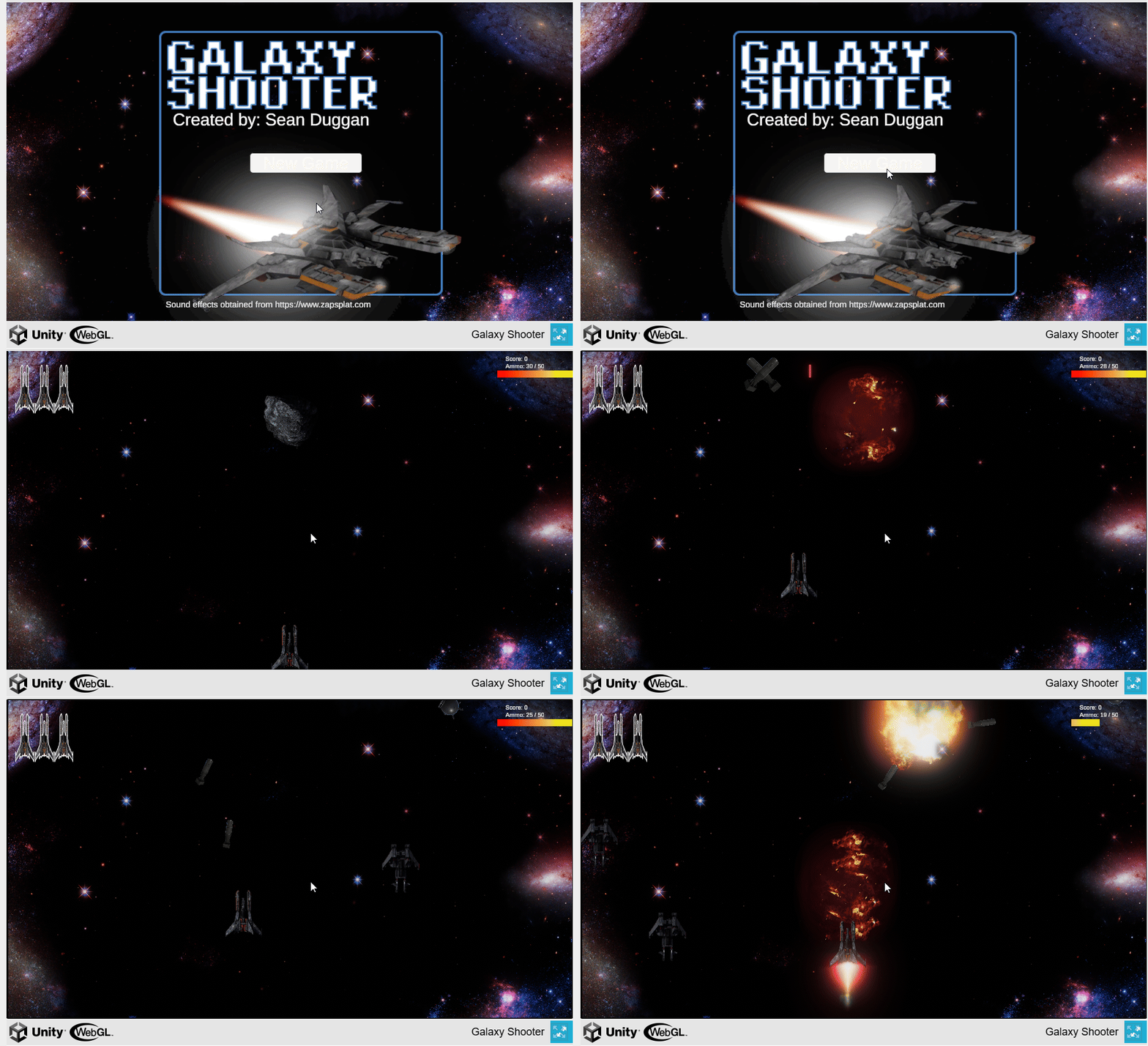
So, I went to generate the four required images for the Unity Asset Store and hit into a minor snag, that the asset wasn’t working at all…
Zip Lines — Always More Steps
So, I went to generate the four required images for the Unity Asset Store and hit into a minor snag, that the asset wasn’t working at all. The TL;DR was that I’d made some changes to ensure that we were using the new ZiplineInputManager and ZiplineUI classes, and apparently I missed wiring up a few things. First things first, I didn’t have the zip line brake input present, so I added that. Then, when I went to check my ZipLineController class for wiring that in instead of using the quick and dirty Input System query, I found that somehow I’d somehow lost my code changes for braking entirely!
float effectiveFriction = _friction;
if (_ziplineInputManager.ZiplineBrakeHolding)
{
    effectiveFriction *= _brakeFrictionMultiplier;
    effectiveFriction = Mathf.Clamp(effectiveFriction, 0.0f, 1f);
}
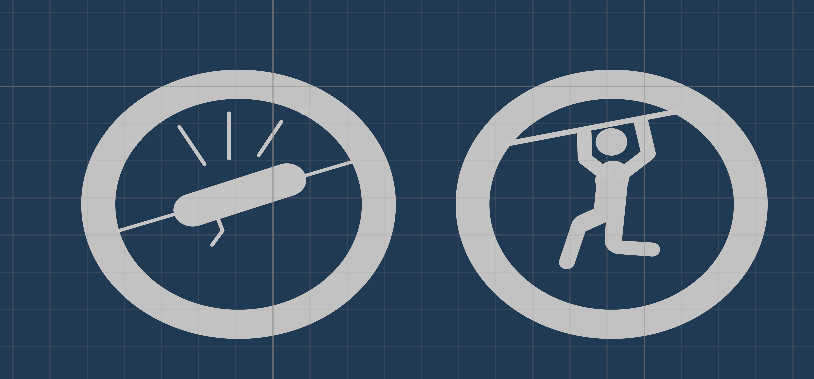
There was a bit of confusion over using the Unity-generated ZipLineInputAction class because the existing Fantacode Studios FSInputManagerBase-derived classes were pulling their inputs from LocomotionInputManager by virtue of all of the inputs being consolidated into one class there while mine perforce must remain separate since I can’t modify their code. I added the new Mobile UI button for the zipline brake, including an icon for it.
And, finally, I was able to pull my images.


Card and Cover


Icon and Social Media
Yeah, a graphical designer I am not. Still, it works. My next step is to generate the documentation. At the very least, I need to run through the install requirements (among other things, documenting the need to have a Fantacode Studios package installed for the base Third Person Controller classes), how to create a new ziplining character, and how to set up a zip line in the scene. I’m not going to bother with how to edit in new animations and I eliminated the equipment setup for now, so that’s all covered.
Oh, and I changed my animation for holding onto the zipline while gliding down to have a closed fist. That turned out to be a bit more than I expected, mainly due to the need to pull the model into Blender, but it works, albeit only for the left hand. I may want to design something more elegant…
메타데이터
- post_id
- 50d280f160e2
- slug
- zip-lines-always-more-steps-50d280f160e2
- url
- https://medium.com/@sean.duggan/zip-lines-always-more-steps-50d280f160e2
- canonical_url
- https://medium.com/@sean.duggan/zip-lines-always-more-steps-50d280f160e2
- author_url
- https://medium.com/@sean.duggan
- status
- ok
- fetched_at
- 2026-08-19 00:11:10