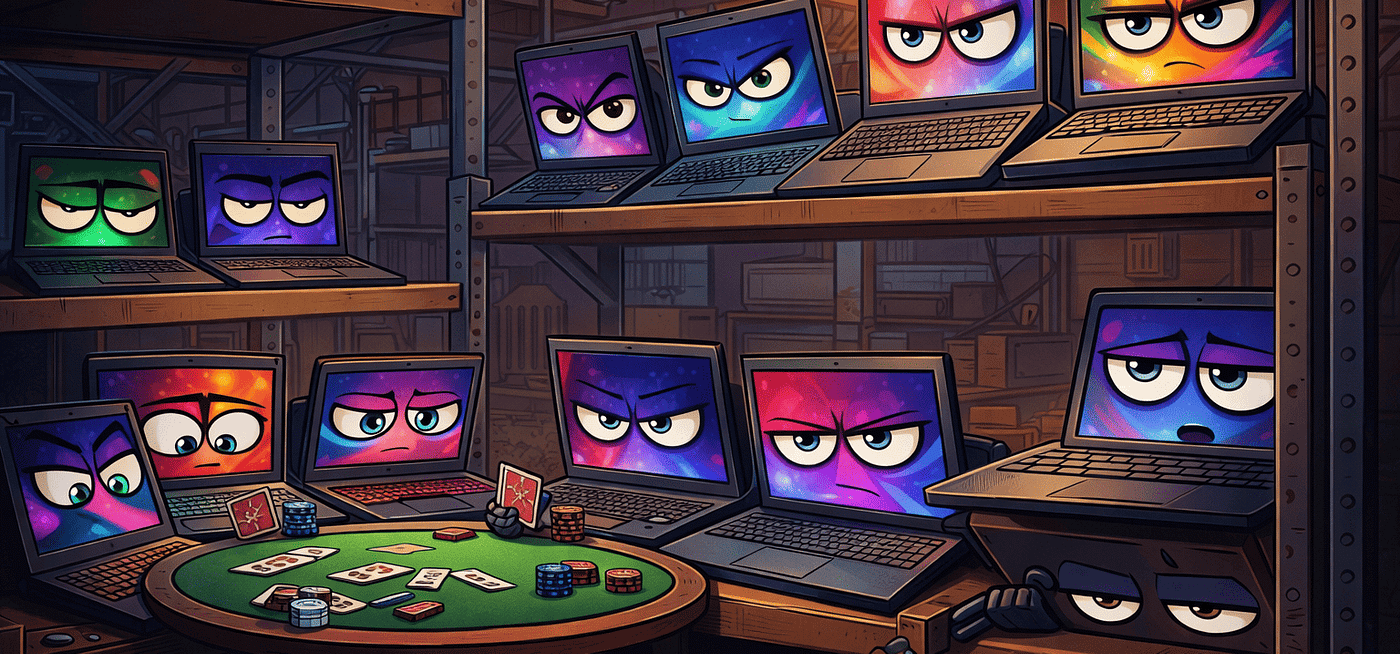
The Unexpected Reason Your PC Feels Slow
We’ve all been there: your PC boots up, opens your apps, and… it still feels sluggish. You think: “Maybe it’s time for a new laptop.” Or…
The Unexpected Reason Your PC Feels Slow
We’ve all been there: your PC boots up, opens your apps, and… it still feels sluggish. You think: “Maybe it’s time for a new laptop.” Or: “I need more RAM.” Or: “I need a faster CPU.”
But here’s the kicker: most of the time, your PC isn’t slow because of hardware. It’s slow because of clutter — digital and physical.
Yes, you read that right. It’s often not the specs that are holding you back.
1. Background Apps Are Killing Performance
Open your task manager (Ctrl + Shift + Esc) and take a look. You might see 20–30 apps running silently in the background:
- Cloud syncing tools
- Chat apps like Discord or Teams
- Update services
- Third-party utilities
- Browser extensions
Every one of these consumes RAM and CPU cycles. The result? Sluggish performance — even on a high-end machine.
Solution: Uninstall, disable, or pause background apps you don’t actively use.
2. Your Storage Is the Real Bottleneck
Even if you have a decent CPU and plenty of RAM, an old HDD or nearly full SSD will slow things down.
Why? Because storage is the highway your data travels on. If the highway is congested, everything moves slower.
Signs your storage is the problem:
- Apps take forever to open
- Boot times are long
- Copying files feels like waiting for ages
Fix: Upgrade to an SSD or NVMe drive. Instant speed boost for almost any laptop or desktop.
3. Temporary Files and Cache Are Weighting You Down
Over time, your system accumulates:
- Old browser cache
- Temporary files
- Logs from apps
- Leftover updates
These invisible files don’t just waste space — they also make your PC work harder to find things.
Tip: Use a cleanup tool (Windows Disk Cleanup, Mac storage management, or third-party apps) regularly. You’ll notice a speed bump immediately.
4. Malware and Unwanted Software
Sometimes the culprit is… malicious. Adware, bloatware, or background malware can silently run and consume resources.
Tip: Run a trusted antivirus or malware scanner. Even basic free tools can uncover hidden slowdowns.
5. The Human Factor: Multitasking Overload
Finally, remember: humans multitask, but computers have limits. Opening 30 Chrome tabs, editing a video, running AI tools, and streaming music all at once? Even a powerful PC struggles.
Solution: Be mindful of multitasking. Close apps you aren’t using, and consider tab managers or virtual desktops.
메타데이터
- post_id
- 50daf648e82d
- slug
- the-unexpected-reason-your-pc-feels-slow-50daf648e82d
- url
- https://medium.com/@interlinkpunctro/the-unexpected-reason-your-pc-feels-slow-50daf648e82d
- canonical_url
- https://medium.com/@interlinkpunctro/the-unexpected-reason-your-pc-feels-slow-50daf648e82d
- author_url
- https://medium.com/@interlinkpunctro
- status
- ok
- fetched_at
- 2026-07-27 21:01:28