How to refresh the page after a ‘swipe down’ gesture on React Native (straightforwardly)
Learn how to easily create one of the most practical functionalities we often see on mobile applications, the push-to-refresh action.
How to refresh the page after a ‘swipe down’ gesture on React Native (straightforwardly)
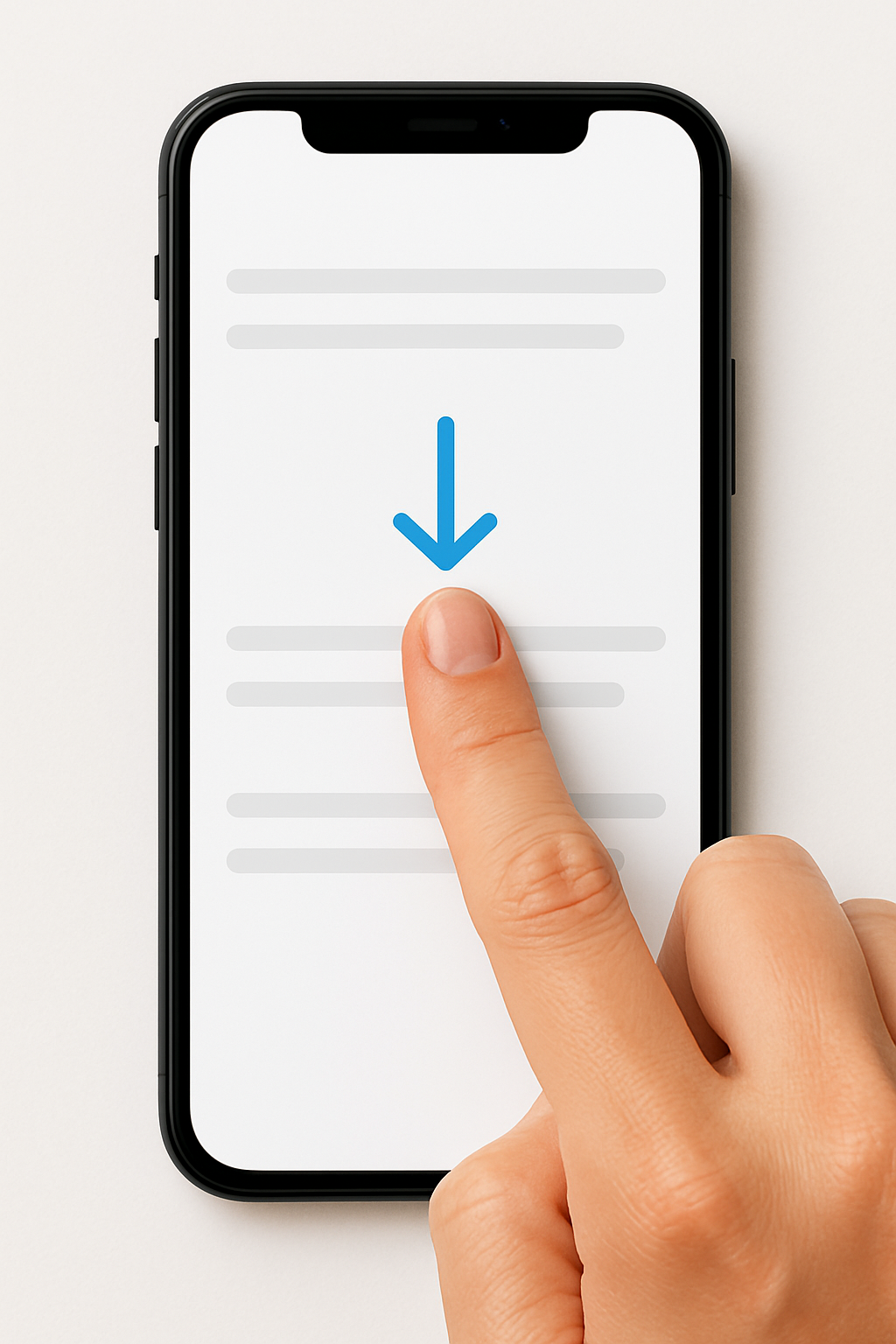
Image generated by chatgpt
Learn how to easily create one of the most practical functionalities we often see on mobile applications, the push-to-refresh action.
Usage case
Imagine that some data is fetched when user enters a page. But this data is constantly changing, so an easy way to make it possible for the user to refresh the page whenever wanted is with the pull to refresh functionality: The user pull the screen down and the app fetches the API again with the most updated data.
Implementation & usage
You will need to have the page wrapped on a ScrollView and then implement the refreshControl parameter on the ScrollView tag by adding the fetch function to it and manipulate the refreshing parameter with a isLoading boolean flag.
import React, {useState} from 'react';
import { View, Text, ScrollView, RefreshControl } from 'react-native';

export const UserPage: React.FC = () => {
  const [userLocation, setUserLocation] = useState([]);
  const [isLoading, setIsLoading] = useState<boolean>(true);

  const getUserLocation = async (): Promise<void> => {
      try {
        const response = await functionalService.getUserLocation();
        setUserLocation(response.location);
        setIsLoading(false);
      } catch {
        console.log('Error');
      }
  }

  useEffect(() => {
    getUserLocation()
  }, []);

  return (
      <View>
        <ScrollView
          bounces
          showsVerticalScrollIndicator={false}
          refreshControl={
            <RefreshControl
              refreshing={isLoading}
              onRefresh={() => {
                setIsLoading(true);
                // The getUserLocation below will be called on swipe down gesture
                // and fetch the data again.
                getUserLocation();
              }}
            />
          }>
            <Text>User Data<Text>

            {userLocation?.map((location) => {
                return (
                    <Text key={location}>
                        {location.address}
                    </Text>
                );
             })}
        </ScrollView>
      </View>
  );
};
This is a straightforward tutorial of how to create the pull to refresh functionality for your mobile application.
메타데이터
- post_id
- 527f9fc171cd
- slug
- how-to-refresh-the-page-after-a-swipe-down-gesture-on-react-native-straightforwardly-527f9fc171cd
- url
- https://medium.com/@lorranxo/how-to-refresh-the-page-after-a-swipe-down-gesture-on-react-native-straightforwardly-527f9fc171cd
- canonical_url
- https://medium.com/@lorranxo/how-to-refresh-the-page-after-a-swipe-down-gesture-on-react-native-straightforwardly-527f9fc171cd
- author_url
- https://medium.com/@lorranxo
- status
- ok
- fetched_at
- 2026-07-14 06:26:04






