How I Built a Monday.com Connector at Hevo Using AI Agents
A behind-the-scenes look at how AI-augmented development is reshaping connector engineering — from API research to production-ready code.
How I Built a Monday.com Connector at Hevo Using AI Agents
A behind-the-scenes look at how AI-augmented development is reshaping connector engineering — from API research to production-ready code.
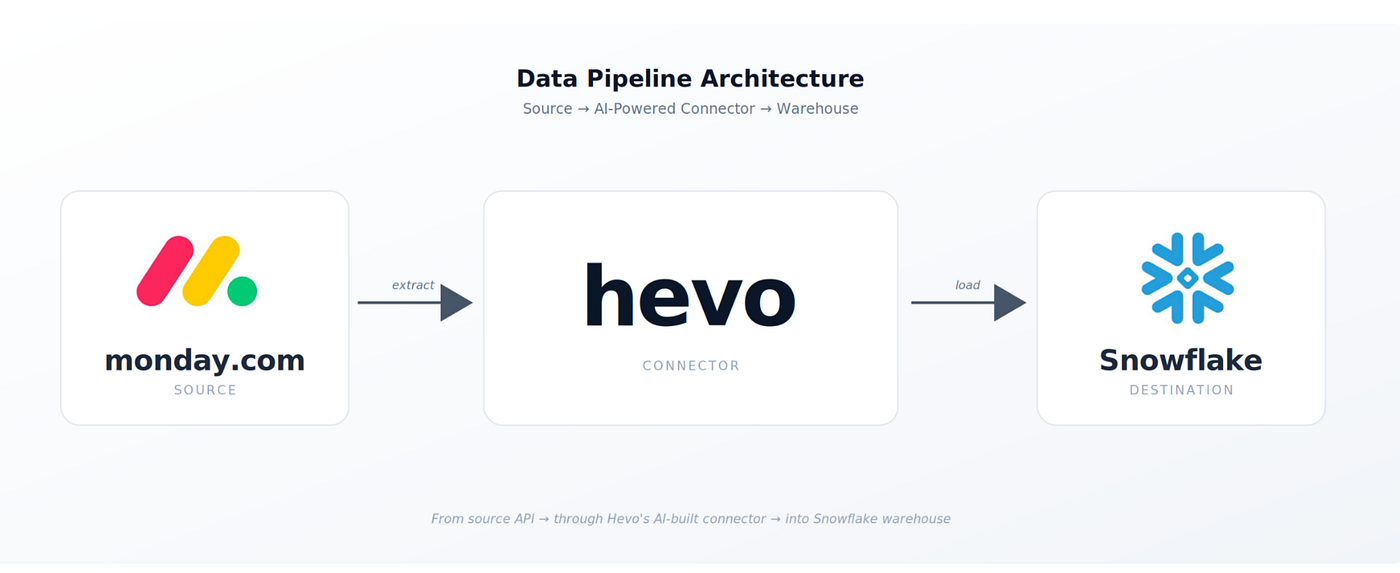
The end-to-end pipeline: Monday.com → Hevo → Snowflake
The week I stopped writing connectors the old way
A few weeks ago, a Monday.com connector landed on my plate.
If you have built a SaaS connector from scratch before, you know the feeling. You stare at the API documentation, knowing the next six to eight weeks of your life are about to be consumed by manual research, boilerplate code, schema mapping, and round after round of testing. It is the kind of work that is genuinely interesting for the first three days — and then it becomes a grind.
This time, something was different.
Hevo had given me access to two tools that promised to change how this work gets done: the Hevo Connector Agent and Claude Code. I had heard the pitch. I was curious, but skeptical. Most “AI will write your code” promises tend to fall apart the moment they meet a real, messy, production-grade problem.
Spoiler: they did not fall apart. And what I learned along the way is worth sharing — especially if you build integrations, work with APIs, or care about where developer tooling is headed.
· · ·
The problem with connectors, honestly
Building a connector is a deceptively complex job. On paper, it is just “read from API A, write to warehouse B.” In practice, every connector is a stack of small decisions:
- Which objects in the source API actually carry meaningful data?
- How is the API authenticated — bearer tokens, OAuth, API keys, something custom?
- Does the API support incremental sync, or do we have to fetch everything every time?
- What does the data look like, and how do we mirror that structure in the warehouse?
- How do we handle pagination, rate limits, and the inevitable edge cases?
Each of those decisions used to mean hours of reading docs, hunting through forums, and writing test scripts to validate my assumptions. Multiply that across a dozen objects in a single connector, and you understand why six weeks is a normal timeline.
The job was not hard. It was just enormously tedious. And tedium is exactly the kind of work AI should be eating.
· · ·
A two-tier approach: research first, then build
The thing that made this workflow different — and what I think is genuinely novel — is that it does not try to be a single magical AI that does everything. Instead, it splits the work into two distinct tiers, and each tier plays to a different strength.

Tier 1 does the research. Tier 2 helps you implement. You stay in the driver’s seat.
Tier 1 — The automated research agent
Before I wrote a single line of code, I pointed the Hevo Connector Agent at the Monday.com API documentation and gave it my Firecrawl API key. Firecrawl is a tool built specifically for AI: it scrapes web content and parses it into structured data that an agent can actually reason over.
What happened next is the part that genuinely surprised me. The agent went through every page of the Monday.com API docs and produced:
- A complete inventory of available objects — boards, items, users, updates, columns, all of it.
- The exact data structures for each object, including nested fields and relationships.
- A recommended sync strategy for each one — change data capture where the API supported it, full load where it did not.
- A clear map of authentication methods, the relevant endpoints, and the configuration properties I would need to expose to the user.
What would have taken me two or three days of focused reading was sitting in front of me, organized and ready to act on, in a fraction of that time. More importantly, it was complete. The agent did not get bored on page 14 and skim the rest. It read everything.
Tier 2 — Interactive implementation with Claude Code
Once the research was done, I moved into Claude Code. This is where the workflow becomes genuinely collaborative. Claude Code is not “press a button and get a connector.” It is closer to pair programming with someone who has read every relevant doc, knows your codebase patterns, and never gets impatient.
I worked with it on three things, in order:
1. The authentication layer. Claude Code walked me through implementing the connection logic, the interceptors, and the test-connection flow. The edge cases I would normally trip over — token refresh, error responses, malformed credentials — were already accounted for in the patterns it suggested.
2. The data model. This was the part I cared about most. Rather than designing tables upfront and forcing the API data to fit, the schema was derived directly from Monday.com’s actual API responses. Claude Code analyzed the response payloads — every field, every nested object, every data type — and generated a data model that mirrored exactly what the API returned. Same field names. Right data types. Relationships preserved. When data started flowing, the destination tables felt like they had been designed by someone who understood the source, because in a sense, they were — the source itself shaped the model.
3. The data extraction logic. Per-object extraction, pagination, retry logic, and incremental sync where applicable. The research agent had already recommended the right strategy for each object. My job was to confirm those recommendations and implement them — with Claude Code suggesting the right patterns and catching mistakes as I went.
· · ·
Testing was the unsung hero
One thing that often gets glossed over in AI-assisted development stories is testing. Generating code is the easy part. Knowing it actually works against a real, live API is where most “look how fast I built this” demos quietly fall apart.
Hevo’s framework comes with a built-in test suite that I just had to enable and configure. It validated, automatically:
- Authentication — both happy paths and the failure modes (bad tokens, expired credentials, missing scopes).
- Data accuracy and field mapping — making sure what came out of Monday.com landed correctly in Snowflake.
- Pagination — confirming I was not silently dropping records on large datasets.
- Sync behavior — proving that on the second run, only the changed data came through for incremental objects.
Docker let me run all of it locally before pushing anything to a remote environment. The feedback loop was tight — write, test, debug, iterate — and that is exactly the kind of loop that makes AI-assisted development actually work. Without fast validation, AI just helps you generate plausible-looking bugs faster.
The final stage was deployment. After the code passed all tests locally, I raised a pull request, got it merged, and triggered a connector release to our preview environment. Within a short while, the Monday.com connector was live and selectable as a source inside Hevo. I created a brand new pipeline — Monday.com on one end, Snowflake on the other — kicked off the historical sync, and watched data flow through exactly as designed. Tasks, boards, users, updates — every object I had researched and modeled was now landing in Snowflake tables that mirrored Monday.com’s API structure perfectly. Here’s what the live pipeline looked like in action:

The Pipeline on Hevo UI
· · ·
The number that matters
Here is the part where I should give you a dramatic before-and-after timeline.

The same work — but done in a fraction of the usual time
Six to eight weeks of traditional connector work compressed into a fraction of that time. That is the headline. But honestly, the timeline is not the most interesting part of this story.
The most interesting thing was not how much faster I worked. It was what I worked on.
I did not spend my days copy-pasting boilerplate or fighting through documentation. I spent them on the parts of the job that actually require human judgment — architectural decisions, schema design choices, validating that the connector behaved correctly under real-world conditions. The AI handled the parts that were tedious. I handled the parts that were interesting.
That is a fundamentally different working experience.
· · ·
Three things I took away from this
1. AI agents are extraordinary at research
The single biggest unlock was letting an agent do the documentation work. Agents do not skim. They do not get tired. They do not decide a section is “probably fine” without reading it. If you build integrations and you are not yet using AI for the research phase, you are leaving the easiest wins on the table.
2. Augmentation beats automation
The framing matters. Claude Code did not write my connector for me. It collaborated with me on it. It asked clarifying questions, surfaced edge cases I would have missed, and caught mistakes before they became bugs. The end result was better than what I would have produced alone — and I came out of it a sharper engineer, not a more dependent one.
3. Developer experience is the whole game
What made this work was not any single tool. It was that the tools fit together cleanly. Research handed off to implementation. Implementation handed off to testing. Each phase built on the last. At no point did I feel stuck, lost, or fighting the workflow — and that is rarer than it should be in developer tooling.
· · ·
Where this leaves us
When people ask me how long it took to build the Monday.com connector, the number is genuinely impressive. But that is not the point.
The point is that the nature of the work has changed. Building integrations used to be primarily a typing problem — read the docs, type the code, type the tests, type the documentation. Now it is primarily a thinking problem. The boring parts get handled by capable agents. The interesting parts — design, judgment, validation — stay with you.
If you are building connectors, integrations, or anything that involves deep API work, I would strongly encourage you to try this kind of workflow. You may find, as I did, that the bottleneck was never the typing. It was tedium. And the tedium is solvable now.
I am happy to chat with anyone curious about how this works in more detail. Hit me up in the comments, or drop me a note. I love talking about this stuff.
· · ·
메타데이터
- post_id
- 52fa561d8c6d
- slug
- how-i-built-a-monday-com-connector-at-hevo-using-ai-agents-52fa561d8c6d
- url
- https://medium.com/@anirban.hazra_67520/how-i-built-a-monday-com-connector-at-hevo-using-ai-agents-52fa561d8c6d
- canonical_url
- https://medium.com/@anirban.hazra_67520/how-i-built-a-monday-com-connector-at-hevo-using-ai-agents-52fa561d8c6d
- author_url
- https://medium.com/@anirban.hazra_67520
- status
- ok
- fetched_at
- 2026-06-09 15:37:30



