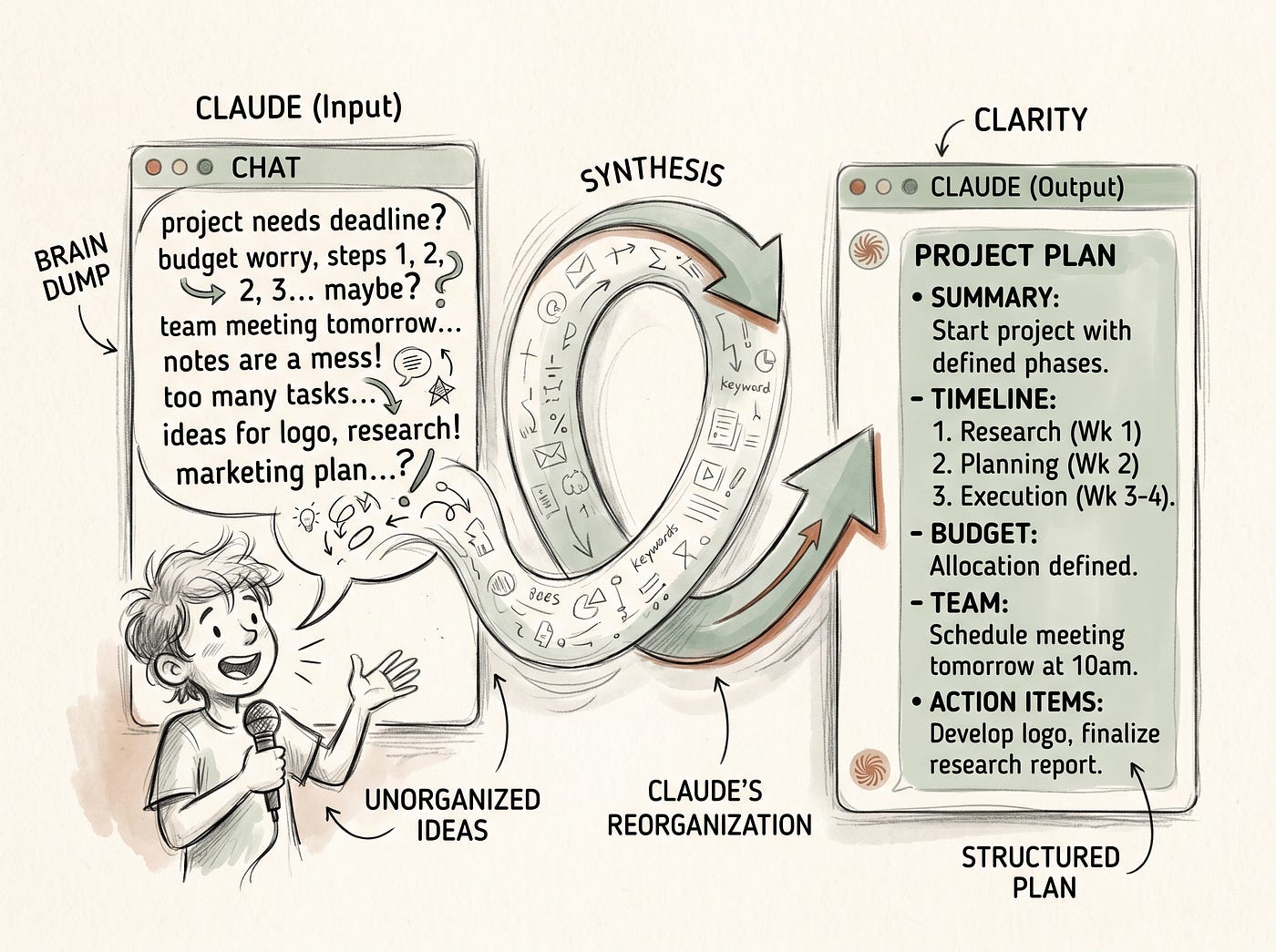
Claude Forgets Everything When You Close the Tab. Here’s the Setup That Fixes That Forever.
Claude Skills hold how you work. NotebookLM holds what you know. Together, they never forget.
Claude Forgets Everything When You Close the Tab. Here’s the Setup That Fixes That Forever.
Claude Skills hold how you work. NotebookLM holds what you know. Together, they never forget.

Created With Google Labs
Here’s a pattern I used to repeat every single day, and it drove me absolutely crazy.
Open Claude. Spend the first three to five minutes re-explaining who I am, what I’m working on, how I like things written, what tone I use, what I don’t want, what format I need. Then actually start the work. Then close the tab. Come back the next day. Do the whole thing again.
Every. Single. Session.
It’s not Claude’s fault. The way AI assistants work, every new conversation starts completely fresh. It doesn’t know you write in a warm, conversational tone. It doesn’t know you’re building a freelance content business. It doesn’t know you’ve already researched a topic for three hours and you don’t need it to start from scratch. It knows nothing until you tell it again.
For a while I accepted this as just the way things are. A minor inconvenience, the price of using a powerful tool.
Then I discovered what Claude Skills and NotebookLM can do when you actually combine them intentionally. And I haven’t had to re-explain myself since.
The Problem Has Two Layers
When people talk about Claude “forgetting” things, they’re usually describing one problem. But there are actually two distinct problems happening, and you need a different solution for each of them.
The first problem is procedural. Claude doesn’t remember how you work. Your voice, your writing style, your preferred formats, your workflows, your recurring tasks. Every session you have to paste in a big system prompt or spend five minutes briefing it from scratch. This is the “how” problem.
The second problem is knowledge-based. Claude doesn’t remember what you know. Your research, your notes, your sources, the specific facts and insights you’ve accumulated over weeks or months. This is the “what” problem.
Claude Skills solve the first problem. NotebookLM solves the second. And when you use them together, you’ve built something that genuinely functions like a permanent brain, one that knows both how you work and what you’ve learned, session after session.
What Claude Skills Actually Are
Skills launched in October 2025 and got a significant upgrade in early 2026. By June 2026, they became available across every plan including the free tier, though you do need code execution turned on to use them.
Here’s the simplest way to understand what a Skill is. It’s a file that teaches Claude how to do a specific, repeatable task your way. One file. Plain text. Written in simple language, not code. You describe the workflow, the rules, the standards, the preferences, and every time Claude needs to do that particular kind of work, it loads your file and follows it automatically.
Think of it the way Anthropic actually describes it: an onboarding guide for a new hire, except this hire never forgets a single word of it and applies it perfectly every time.
What makes Skills smart is something called progressive disclosure. Claude doesn’t load every Skill you have into its memory at once, which would be wasteful and slow. Instead, it reads just the name and description of each Skill at the start of a session, about a hundred tokens each. When your request matches a Skill’s description, it loads the full instructions for that Skill and follows them. If nothing matches, nothing loads. It’s fast, efficient, and invisible once it’s set up.
The key thing that most people get wrong when they first try Skills: the description does most of the work. A vague description means Claude never triggers your Skill. A specific, precise description that matches the actual language you use means it fires reliably every time. Getting that description right is worth spending ten minutes on.
What NotebookLM Brings to This Picture
If Skills are Claude’s procedural memory, the part of the brain that remembers how to do things, NotebookLM is its knowledge memory. The part that remembers what you’ve learned and what your sources actually say.
Here’s the critical distinction. Claude’s general knowledge comes from its training data, which has a cutoff and doesn’t include your specific research, your industry context, your accumulated insights, or anything you’ve personally read and collected. Every time you close a tab, that research is gone from Claude’s context.
NotebookLM keeps it. Your uploaded sources stay in your notebooks permanently, cited and retrievable. And with the MCP integration I covered in a previous article, Claude can now query your NotebookLM notebooks directly without you copy-pasting anything.
The combination looks like this. Claude Skills tell Claude how to write your articles, your emails, your proposals, your client reports, in your voice with your standards. NotebookLM holds the verified research those pieces are built from. When you connect them, Claude knows how to do the work and has access to the accurate grounded knowledge to do it well.
That’s the permanent brain. How you work, plus what you know, available in every session without re-explaining either.
How to Build Your First Skill (Simpler Than You Think)
The technical barrier here is lower than most people expect. You don’t need to know how to code. You’re writing a plain text file.
A Skill has two parts. A short header at the top with a name and description, and then the actual instructions underneath written in plain English. That’s it. The whole spec.
Anthropic ships a meta-Skill called Skill Creator that makes this even easier if you’re starting from scratch. You describe your workflow to Claude, it generates the file structure and the SKILL.md for you, and you review and adjust it. It’s a good starting point.
The five types of Skills that make the biggest difference for content creators and knowledge workers specifically are: one that encodes your writing voice and style, one that covers your content structure and format preferences, one that defines how you handle research synthesis, one for client communication, and one for your most repeated workflow, whatever that is. Start with the one you repeat most often. Build it, test it, refine the description until it triggers reliably, then build the next one.
Once a Skill is working properly, you’ll feel the difference immediately. Claude stops being a general-purpose tool and starts behaving like something that actually knows your work.
The Real Workflows This Combination Unlocks
Let me make this concrete with actual examples from how I use it, because the abstract version doesn’t land as well as specifics.
Research to article, from scratch. I keep a topic-specific NotebookLM notebook with curated sources. Claude has a writing Skill that knows my voice, my format preferences, my CTA placement, my sign-off. I open Claude, tell it to query the notebook on a specific angle and write an article based on what it finds. It queries the research, loads my writing Skill automatically, and produces a first draft that sounds like me and is grounded in real verified sources. The amount of setup I have to do at the start of that session is basically zero.
Client proposals. I have a Skill that encodes how I structure proposals, what I include, what language I use, what I avoid. I keep a NotebookLM notebook with past successful proposals and client context. When I need to write a new one, I describe the project and Claude builds it with the right structure from my Skill and the right context from my notebook. It doesn’t start from a generic blank page.
Repeatable research tasks. If I run the same kind of analysis regularly, whether that’s comparing tools, reviewing industry trends, or auditing a content strategy, I have a Skill that defines the framework and the output format. Combined with a notebook of relevant sources, Claude runs the framework consistently every time without me having to rebuild the structure from scratch in each session.
The through line in all of these is the same. You do the thinking work once, encode it into a Skill, and stop repeating it. You do the research work once, put it in NotebookLM, and stop losing it.
The Honest Limitations
A few real things worth knowing before you go build all of this.
Skills require code execution to be enabled on your Claude plan. That’s under Settings and Feature Previews. Team and Enterprise plans need an admin to enable it organization-wide before individuals can use it. Free plan users can access Skills but should check the current feature availability in their settings.
The MCP connection between Claude and NotebookLM is still a community-built server, not an official first-party integration. That means it can occasionally break when Google updates its interface. If you’re using this combination without the MCP setup, you’ll be using Claude Skills on their own and pulling NotebookLM outputs manually into Claude, which is still valuable, just more manual.
And Skills are only as good as how well you write them. A Skill with a vague description that never triggers is wasted effort. A Skill with instructions that are too rigid produces stiff, formulaic output. The first version of any Skill you write probably won’t be perfect. You refine it based on what Claude actually does with it. That iteration is worth doing, it just takes a few sessions.
One More Thing Worth Saying
The phrase “permanent AI brain” is a bit dramatic, I’ll admit that. Claude still has a context window. NotebookLM still has source limits. Skills still require you to write them thoughtfully and keep them updated as your work evolves.
But here’s what is genuinely true: most people using AI tools in 2026 are starting from zero every single session. Re-explaining themselves, re-uploading context, re-briefing an assistant that has no memory of everything they’ve already told it. The people who’ve built this kind of setup, Skills encoding their procedures, NotebookLM holding their knowledge, the two connected via MCP, they’re not starting from zero. They’re starting from where they left off.
That compounding effect is real. And once you’ve felt it, the old way of working feels like carrying water in a bucket when there’s a perfectly good pipe available.
Build the pipe. It’s worth the afternoon it takes.
See you in the next one.
Mubashir :)
P.S. If you want to get practical setups and workflows like this one in your inbox before they go anywhere else, come join my ***newsletter***. One email, worth your time, no fluff.
메타데이터
- post_id
- 548c624d265b
- slug
- claude-forgets-everything-when-you-close-the-tab-heres-the-setup-that-fixes-that-forever-548c624d265b
- url
- https://medium.com/productivityspot/claude-forgets-everything-when-you-close-the-tab-heres-the-setup-that-fixes-that-forever-548c624d265b
- canonical_url
- https://medium.com/productivityspot/claude-forgets-everything-when-you-close-the-tab-heres-the-setup-that-fixes-that-forever-548c624d265b
- author_url
- https://medium.com/@mubashirburfat4
- status
- ok
- fetched_at
- 2026-07-14 04:02:57