Don’t Update Your iPhone to iOS 27 Yet This Bug Is Bricking Phones.
A black screen, no response, and a force restart is all it takes. Here’s what to know before you update.
Don’t Update Your iPhone to iOS 27 Yet This Bug Is Bricking Phones.
A black screen, no response, and a force restart is all it takes. Here’s what to know before you update.
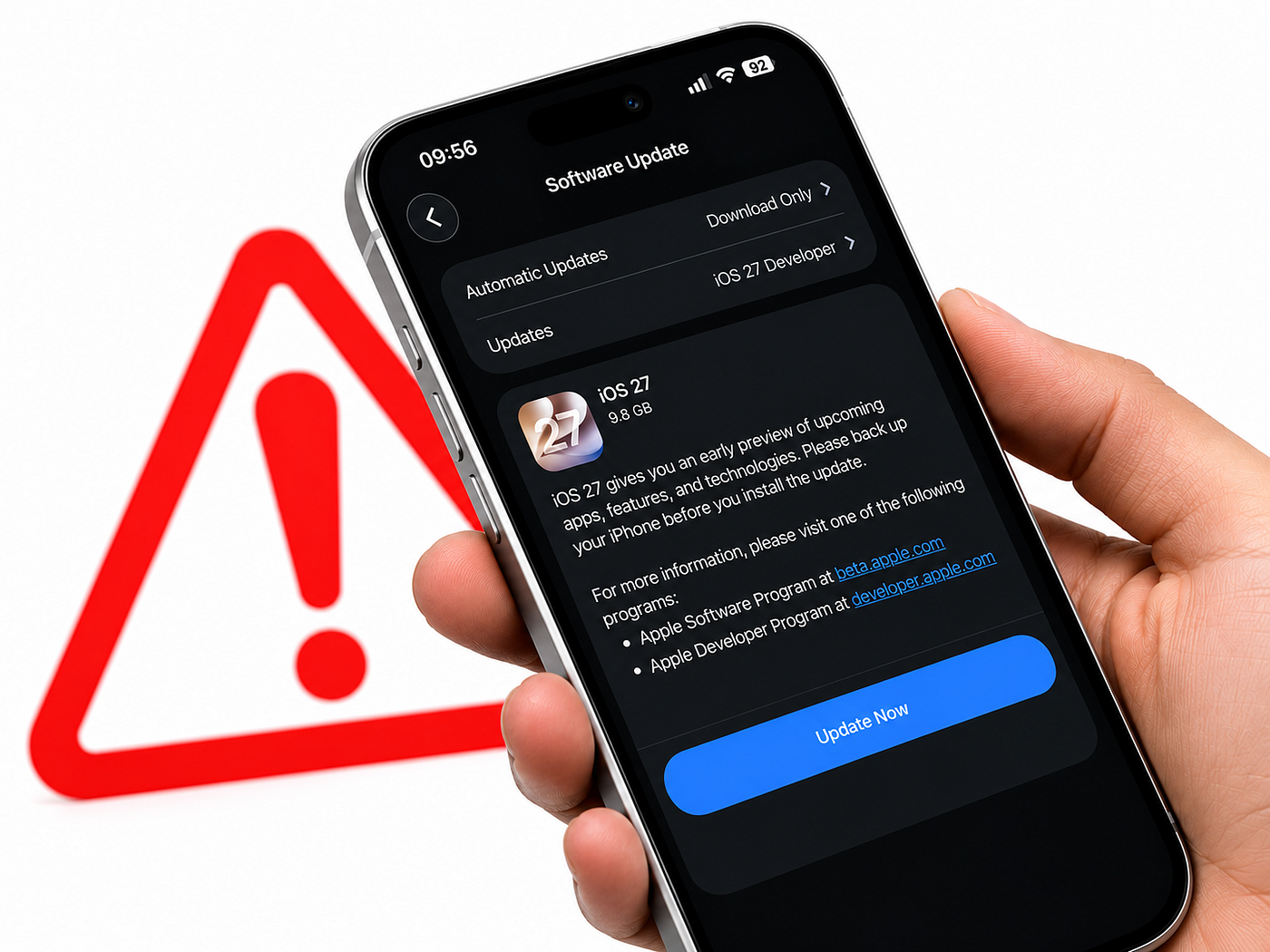
image created by author
I almost installed the iOS 27 developer beta the moment it dropped.
Glad I waited a few days first, because it turns out there’s a genuinely serious bug affecting certain iPhones right now.
Not a minor glitch. A full on bricked phone situation.
Let me walk you through exactly what’s happening so you don’t end up with a dead phone.
What’s Actually Going Wrong

Multiple iPhone 15 Pro owners have reported their phones becoming completely unresponsive after installing the first iOS 27 developer beta.
We’re talking a totally black screen that doesn’t respond even when you try to turn it back on or plug it into a charger.
The issue specifically seems to get triggered after a force restart.
So it’s not necessarily the update itself that bricks the phone immediately it’s what happens afterward if you force restart your device while running the beta.
This isn’t just one random report either. Outlets covering it were able to reproduce the issue themselves on an iPhone 15 Pro Max running the first iOS 27 developer beta.
That’s about as confirmed as a beta bug gets before Apple officially comments.
Who’s Actually at Risk Here
Right now this seems specifically tied to the iPhone 15 Pro.
It’s not clear yet whether the regular non-Pro iPhone 15 is affected the same way.
If you’re on an iPhone 15 Pro and thinking about jumping into the first developer beta I’d genuinely hold off for now.
Wait for Apple to push out beta 2 or later before installing, since these early bugs usually get caught and fixed within the first couple of beta releases.
What If You Already Installed It and Your Phone Is Bricked?
If you’re reading this because your phone is already stuck on a black screen, there’s still a decent chance you can fix it yourself.
You’ll need access to a Mac or Windows PC, an internet connection, a data cable, and honestly a bit of luck. Here’s the rough process:
- Open Finder on Mac, or the Apple Devices app or iTunes on Windows
- Connect your iPhone using a cable
- Put your iPhone into DFU mode this involves a specific button combination and it’s a little tricky to get right
- Your computer should recognize the device once it’s in DFU mode
- Click Restore iPhone and let it run
If this works, your phone will boot up fresh on iOS 26.5 again.
The catch is you’ll lose all your apps and data in the process, and you might also need to re-enter your Apple ID to bypass the activation lock afterward.
If you can’t get your phone into DFU mode at all, your best option at that point is reaching out to Apple Support directly or visiting a verified technician.
Why This Matters Beyond the Bug Itself
This is worth keeping in mind every single beta season, not just this one. Apple’s developer betas are genuinely unfinished software.
That’s the whole point of a beta catching exactly this kind of issue before the public release in September.
But that also means real risk if you jump in early without backing anything up first.
If you’re going to install any beta, back up your iPhone to iCloud or your computer beforehand.
That way if something does go wrong, you’re not losing photos, messages, or anything else permanently.
My Take
I get the appeal of trying iOS 27 early.
The new Siri AI alone is reason enough to want it immediately.
But if you’re on an iPhone 15 Pro specifically, this is one of those times where waiting genuinely makes sense.
Let other people be the test subjects on the first beta. Update once beta 2 or the public beta in July rolls around, when most of these early bricking bugs have usually already been caught and patched.
Your phone working is worth more than getting Siri AI two weeks early.
who is also in iOS 27 how is it?
Want more content like this? Click here to follow **Apple Insides** for regular, high-quality tech stories delivered straight to your feed.
메타데이터
- post_id
- 54e3c4f3e979
- slug
- dont-update-your-iphone-to-ios-27-yet-this-bug-is-bricking-phones-54e3c4f3e979
- url
- https://medium.com/macoclock/dont-update-your-iphone-to-ios-27-yet-this-bug-is-bricking-phones-54e3c4f3e979
- canonical_url
- https://medium.com/macoclock/dont-update-your-iphone-to-ios-27-yet-this-bug-is-bricking-phones-54e3c4f3e979
- author_url
- https://medium.com/@appleinsides
- status
- ok
- fetched_at
- 2026-07-08 22:18:54