Are You Getting This Error While Deploying Your Flutter App to the App Store?
“Asset validation failed: Invalid Executable — contains bitcode” 😖
Are You Getting This Error While Deploying Your Flutter App to the App Store?
“Asset validation failed: Invalid Executable — contains bitcode” 😖
If you’re trying to upload your Flutter iOS app to TestFlight and suddenly hit this error:
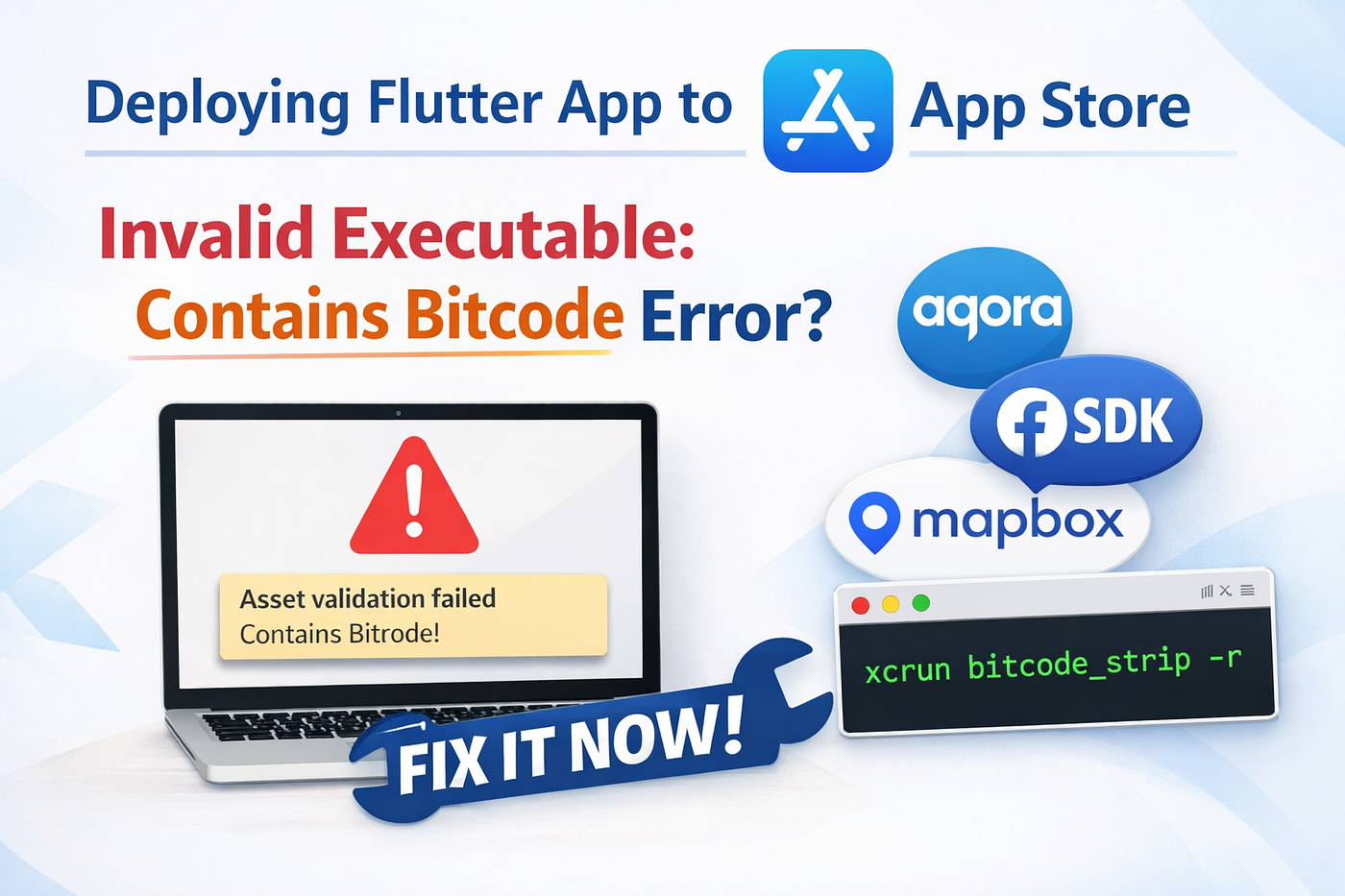
Asset validation failed Invalid Executable
AgoraRtmKit.frameworkcontains bitcode
…and sometimes the same error for FBSDKCoreKit, you’re not alone. This is a very common issue faced by Flutter developers integrating third-party SDKs like Agora, Facebook SDK, or Mapbox.
In this article, I’ll explain:
- Why this error happens
- Why disabling Bitcode in Xcode is not enough
- What actually works (the real fix)
- Step-by-step solution that finally lets you upload to TestFlight ✅
🔴 The Problem: Bitcode in Third-Party Frameworks
Apple deprecated Bitcode and no longer accepts apps containing Bitcode-enabled binaries.
Even if:
ENABLE_BITCODE = NOin Xcode- Your app archives successfully
👉 App Store Connect still rejects the upload if any embedded framework contains Bitcode.
In this case, frameworks like:
AgoraRtmKitFBSDKCoreKitFBSDKLoginKitFBAEMKit
still ship precompiled binaries with Bitcode inside them.
That’s why:
- The app builds find
- But fails during TestFlight upload
❌ Why Podfile Changes Alone Don’t Work
You might try:
- Updating
Podfile - Disabling Bitcode globally
- Adding
post_installscripts - Stripping Bitcode via CocoaPods hooks
Yet the error still appears.
Why?
👉 Because XCFramework binaries are already compiled, and CocoaPods does not remove Bitcode automatically.
So unless you manually strip Bitcode, App Store validation will fail.
✅ The Working Solution: Manually Strip Bitcode
This is the only reliable fix that works in real projects.
Step 1: Go to iOS Pods directory
cd ios
cd Pods
Step 2: Find the Framework Path
In Xcode:
- Expand
Pods - Locate the framework mentioned in the error
- Right-click → Copy Path
Your path may differ slightly depending on SDK versions.
Step 3: Run bitcode_strip Command
Use this format:
xcrun bitcode_strip -r <FrameworkBinaryPath> -o <FrameworkBinaryPath>🔧 Example Commands (Real-World Fix)
Run one command per framework that causes the error.
Agora RTM
xcrun bitcode_strip -r AgoraRtm_iOS/AgoraRtmKit.xcframework/ios-arm64_armv7/AgoraRtmKit.framework/AgoraRtmKit \
-o AgoraRtm_iOS/AgoraRtmKit.xcframework/ios-arm64_armv7/AgoraRtmKit.framework/AgoraRtmKit
Facebook SDKs
xcrun bitcode_strip -r FBSDKLoginKit/XCFrameworks/FBSDKLoginKit.xcframework/ios-arm64/FBSDKLoginKit.framework/FBSDKLoginKit \
-o FBSDKLoginKit/XCFrameworks/FBSDKLoginKit.xcframework/ios-arm64/FBSDKLoginKit.framework/FBSDKLoginKit
xcrun bitcode_strip -r FBSDKCoreKit/XCFrameworks/FBSDKCoreKit.xcframework/ios-arm64/FBSDKCoreKit.framework/FBSDKCoreKit \
-o FBSDKCoreKit/XCFrameworks/FBSDKCoreKit.xcframework/ios-arm64/FBSDKCoreKit.framework/FBSDKCoreKitxcrun bitcode_strip -r FBSDKCoreKit_Basics/XCFrameworks/FBSDKCoreKit_Basics.xcframework/ios-arm64/FBSDKCoreKit_Basics.framework/FBSDKCoreKit_Basics \
-o FBSDKCoreKit_Basics/XCFrameworks/FBSDKCoreKit_Basics.xcframework/ios-arm64/FBSDKCoreKit_Basics.framework/FBSDKCoreKit_Basicsxcrun bitcode_strip -r FBAEMKit/XCFrameworks/FBAEMKit.xcframework/ios-arm64/FBAEMKit.framework/FBAEMKit \
-o FBAEMKit/XCFrameworks/FBAEMKit.xcframework/ios-arm64/FBAEMKit.framework/FBAEMKit🚀 Final Steps
- Run all required
bitcode_stripcommands - Open Xcode
- Clean Build Folder
- Archive again
- Upload to TestFlight
🎉 Success! The “Invalid Executable — contains bitcode” error is gone.
🧠 Key Takeaways
- ❌ Disabling Bitcode in Xcode is not enough
- ⚠️ Many third-party XCFrameworks still ship with Bitcode
- ✅ Manual
xcrun bitcode_stripis the real fix - 🔁 Must be re-applied if Pods are reinstalled
메타데이터
- post_id
- 55ebcafa150c
- slug
- are-you-getting-this-error-while-deploying-your-flutter-app-to-the-app-store-55ebcafa150c
- url
- https://medium.com/@yogxworld/are-you-getting-this-error-while-deploying-your-flutter-app-to-the-app-store-55ebcafa150c
- canonical_url
- https://medium.com/@yogxworld/are-you-getting-this-error-while-deploying-your-flutter-app-to-the-app-store-55ebcafa150c
- author_url
- https://medium.com/@yogxworld
- status
- ok
- fetched_at
- 2026-06-22 12:55:45