How to Scrape Capterra Reviews with Apify
Pull ratings, pricing tiers, feature scores, integrations, and verified reviews from any Capterra product page. Compare vendors at scale…
How to Scrape Capterra Reviews with Apify
Pull ratings, pricing tiers, feature scores, integrations, and verified reviews from any Capterra product page. Compare vendors at scale without opening a browser.
A SaaS procurement manager I know was evaluating five project management tools for a 200-person team. Standard process: shortlist vendors, check Capterra for ratings and reviews, compile a comparison spreadsheet, present to stakeholders.
Three hours in, she had one vendor done. She’d manually copied overall ratings, pricing tiers, feature scores, review highlights, and integration lists into a Google Sheet. One product. Five to go. The data existed on every Capterra page, structured and consistent, but there was no export button. No API. Just a browser tab and a copy-paste loop she’d be repeating for the next two days.
What she needed was a way to hand five Capterra URLs to something and get a normalized spreadsheet back. Not a scraper she’d have to build and maintain. Something that already existed and worked.
That’s exactly what the Capterra Scraper on Apify does.

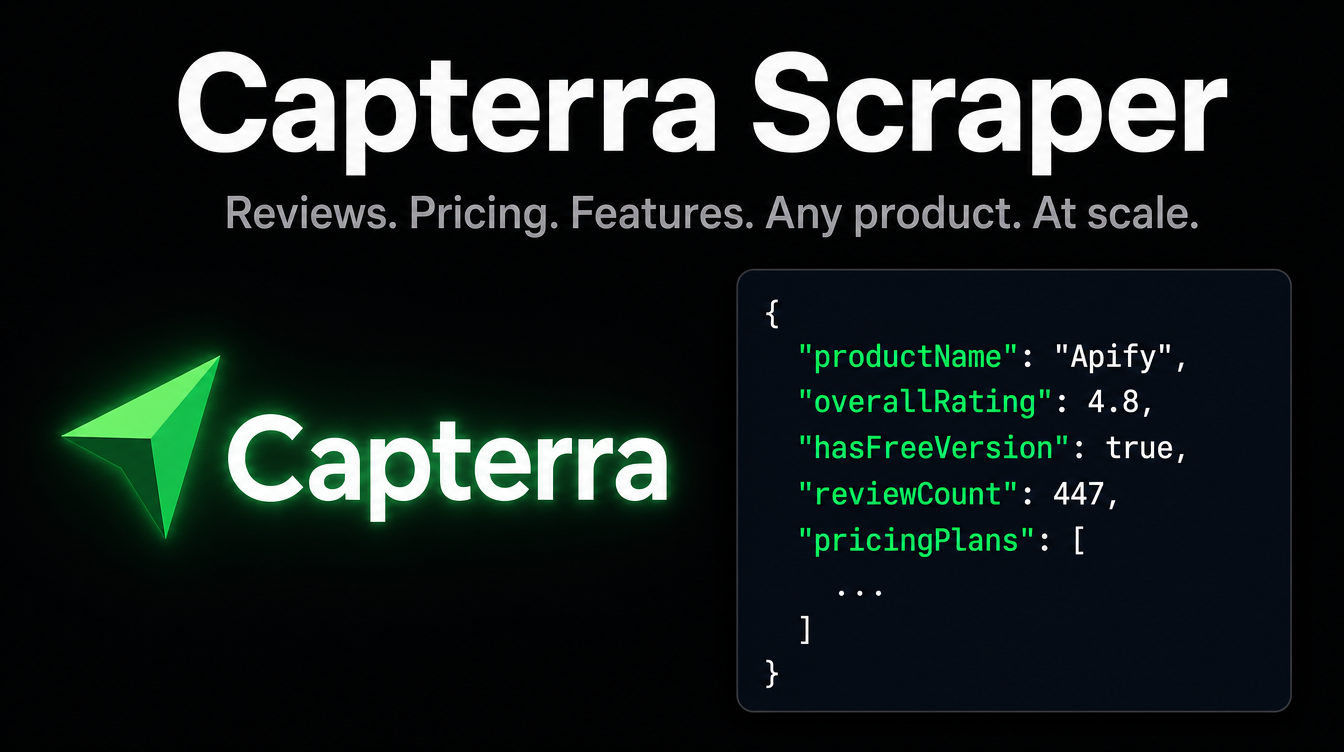
The Capterra Scraper by kawsar on Apify — pulls reviews, ratings, pricing, and feature scores from any Capterra product page without doing it by hand.
Why this data is hard to collect any other way
Capterra doesn’t offer a public data export. There’s no API that returns structured product data. The page loads via JavaScript, so a plain HTTP request gives you an empty shell. And each product page packs in a lot: overall rating, per-category scores (ease of use, features, customer service, value for money), pricing plan breakdowns, integration lists, alternative product comparisons, reviewer profiles, pros and cons text, and Capterra’s own editorial verdict.
Copying all of that manually for one product takes 15 to 20 minutes. For five products, that’s a morning. For a category with 30 vendors, it’s a week of work before the actual analysis even starts.
Building your own scraper has the same infrastructure problems as always: headless browser setup, proxy rotation, maintenance whenever Capterra updates its front end. A scraper you write is a scraper you own and fix forever.
The cleaner path is to use a maintained Capterra scraper that already handles all of that.
What this actor does
The Capterra Scraper takes one or more Capterra product page URLs and returns one fully structured JSON object per product. Everything on the page comes back in normalized fields: product name, overall rating, per-dimension scores, review count, pricing plans with features listed per tier, integrations, support options, user industry and company size breakdowns, competing alternatives with their own ratings and pricing, and the individual reviews visible on the page with reviewer role, industry, rating, pros, cons, and full body text.
What makes this useful for multi-vendor comparisons is that the output schema is consistent across every product. You get the same fields for Apify as you get for Notion or HubSpot. That means you can load five products into a spreadsheet and sort, filter, and compare without any normalization work on your end.
If a URL fails mid-run, the actor saves a record with an error field and continues to the next URL rather than stopping the whole job. And if you need every review a product has ever received, not just the first page, the companion Capterra Reviews Scraper handles full pagination with no cap.
Capterra has millions of verified user reviews. The data sits there in HTML, one page at a time, consistent and structured. Getting it into a spreadsheet shouldn’t take two days.
Three ways to run it
On the Apify platform (no code)
Go to the actor page on Apify and click “Try for free.” Log in or create an account. In the input form, add your Capterra product URLs to the “Start URLs” list. URLs follow the format https://www.capterra.com/p/<id>/<ProductName>/. You can add as many as you need using the "+ Add" button or paste a batch using "Bulk edit." Expand "Limits" to set maxReviews per product (up to 500) and maxItems for the total number of product pages. Click "Start." When the run finishes, open Storage and download as JSON, CSV, XML, or Excel.

The input form on Apify Console. Add multiple Capterra product URLs, set your review and item limits, and hit Start. No code needed.
Python SDK
Install apify-client via pip and run a batch of product URLs in one call:
from apify_client import ApifyClientclient = ApifyClient("YOUR_API_TOKEN")run_input = {
"startUrls": [
"https://www.capterra.com/p/150854/Apify/",
"https://www.capterra.com/p/172606/Smallpdf/",
"https://www.capterra.com/p/130375/HubSpot-CRM/"
],
"maxReviews": 20,
"maxItems": 10,
"requestTimeoutSecs": 30
}run = client.actor("kawsar/capterra-scraper").call(run_input=run_input)for item in client.dataset(run["defaultDatasetId"]).iterate_items():
print(
item["productName"],
item["overallRating"],
item["reviewCount"],
item["hasFreeVersion"]
)Each item in the dataset is one product. The ratings, pricingPlans, alternatives, and reviews fields are nested objects and arrays, so you can drill into exactly what you need without parsing raw HTML.
JavaScript SDK
Install apify-client from npm and use the async pattern:
import { ApifyClient } from 'apify-client';const client = new ApifyClient({ token: 'YOUR_API_TOKEN' });const run = await client.actor('kawsar/capterra-scraper').call({
startUrls: [
'https://www.capterra.com/p/150854/Apify/',
'https://www.capterra.com/p/172606/Smallpdf/'
],
maxReviews: 10,
maxItems: 10,
requestTimeoutSecs: 30
});const { items } = await client.dataset(run.defaultDatasetId).listItems();items.forEach(item => {
console.log(item.productName, item.overallRating, item.reviewCount);
item.pricingPlans.forEach(plan => {
console.log(' -', plan.planName, plan.price);
});
});Inputs and outputs
The input is a list of Capterra product page URLs plus three optional controls. maxReviews caps how many individual reviews to extract per product (default 10, up to 500). maxItems caps how many product pages to process per run (default 10, up to 1000). requestTimeoutSecs sets the per-request timeout.
{
  "startUrls": [
    "https://www.capterra.com/p/150854/Apify/",
    "https://www.capterra.com/p/172606/Smallpdf/"
  ],
  "maxReviews": 20,
  "maxItems": 10,
  "requestTimeoutSecs": 30
}
Each output record is one product. The key fields you’ll use most often:
overallRating,reviewCount,lastUpdated: top-line reputation signals.ratings: breakdown across ease of use, features, customer service, value for money, and likelihood to recommend.pricingPlans: array of plan objects with name, price, billing cycle, and features per tier.hasFreeVersion,hasFreeTrial: booleans, useful for filtering shortlists.alternatives: competing products with their own ratings, pricing, and free tier availability.featureRatings: per-feature scores with review counts.reviews: individual reviewer records with role, industry, rating breakdown, pros, cons, and full body text.userIndustries,userCompanySizes: who actually uses this product, with percentages.

Table view of a live run: two products scraped in 10 seconds, with alternatives, feature ratings, pricing plans, overall ratings, and review counts all structured and ready to export.

JSON view of the same run. Every field is flat and nested consistently — ratings breakdown, pricing plans with features per tier, integrations, and more. One object per product URL.
Real use cases
A vendor comparison that used to take two days of manual work takes about ten minutes when the data collection is automated. The analysis is still yours to do. The spreadsheet fills itself.
A procurement team evaluating five HR software vendors uses this actor to pull all five Capterra pages in a single run. They compare ratings.valueForMoney and ratings.easeOfUse side by side in a spreadsheet, filter by hasFreeVersion and hasFreeTrial, and look at userCompanySizes to check whether the product's user base skews toward companies their size. The whole data collection step takes minutes instead of two days.
A SaaS product team tracks their own Capterra listing on a weekly Apify schedule. When a new review lands, they see it in their dataset before they would have noticed it on the page. The reviewPros and reviewCons fields feed directly into a running sentiment log that their product manager reviews every Monday.
A growth consultant running competitive analysis for a B2B client scrapes the alternatives field across ten competitors. Each alternative record includes that product's rating, review count, and pricing. In one run, they have a full market map of who's competing with whom and at what price points, without visiting 50 different pages.
A developer building a software recommendation tool uses the actor to keep a database of Capterra product data current. They run it weekly on a rotating list of product URLs, store the output with timestamps, and surface fresh rating and pricing data to users who are researching a software category.

The run log from a live execution. Two URLs processed, both parsed successfully, done in 10 seconds. Failed URLs log an error and the run continues — the whole batch doesn’t stop for one bad URL.
What you can build with this data
A software comparison SaaS is the most direct product. Let users enter a category or a list of product names. Scrape their Capterra pages on demand. Display a normalized comparison table: overall rating, pricing, free tier availability, top-rated features, and the most-mentioned pros and cons across reviews. Charge a flat fee per report or a monthly subscription. The Capterra Scraper handles the data layer; you build the comparison UI and the report format.
A vendor monitoring service for procurement teams runs on a schedule. Clients add their shortlisted vendors’ Capterra URLs. The service checks weekly for new reviews, rating changes, and pricing updates. When anything changes, it sends an alert. Procurement teams at mid-market companies pay for this because they can’t monitor 20 vendor pages manually while doing their actual jobs.
An AI-powered market research tool for investors and analysts pulls Capterra data across a software category, feeds the reviews text into an LLM, and generates a structured report: what users value most, what complaints recur, how pricing has shifted, and which alternatives keep getting named. Fund analysts who cover SaaS pay for this kind of synthesized data.
A lead generation tool for SaaS sales teams mines the alternatives field. Every product's Capterra page lists competitors with their own ratings and review counts. A product that shows up as an alternative to many competitors in a category is well-positioned to reach out to dissatisfied reviewers of those competitors. The data to build that targeting list is already in the output.
A pricing intelligence tracker runs on a weekly schedule across a software category. It stores pricingPlans data over time and flags when any product adds, removes, or changes a pricing tier. Competitive pricing shifts matter to product and sales teams, and they're almost impossible to track manually across 20+ vendors.
Ready to pull Capterra data at scale?
**Try the Capterra Scraper on Apify**
No infrastructure. No maintenance. Just run it and get your data.
That procurement manager who spent half a day on one vendor comparison? With the Capterra Scraper, she’d have had all five products in a normalized spreadsheet in under a minute. The two days of data collection compress into a single run. The time she gets back goes into the actual decision, which is the part that matters.
메타데이터
- post_id
- 56eafe23da09
- slug
- how-to-scrape-capterra-reviews-with-apify-56eafe23da09
- url
- https://medium.com/@bigiByte/how-to-scrape-capterra-reviews-with-apify-56eafe23da09
- canonical_url
- https://medium.com/@bigiByte/how-to-scrape-capterra-reviews-with-apify-56eafe23da09
- author_url
- https://medium.com/@bigiByte
- status
- ok
- fetched_at
- 2026-06-09 15:37:30