Mark Up PDF Files on Mac
Sometimes a PDF does not need editing.
Mark Up PDF Files on Mac
Mark Up PDF Files on Mac
Sometimes a PDF does not need editing.
It needs a clear mark.
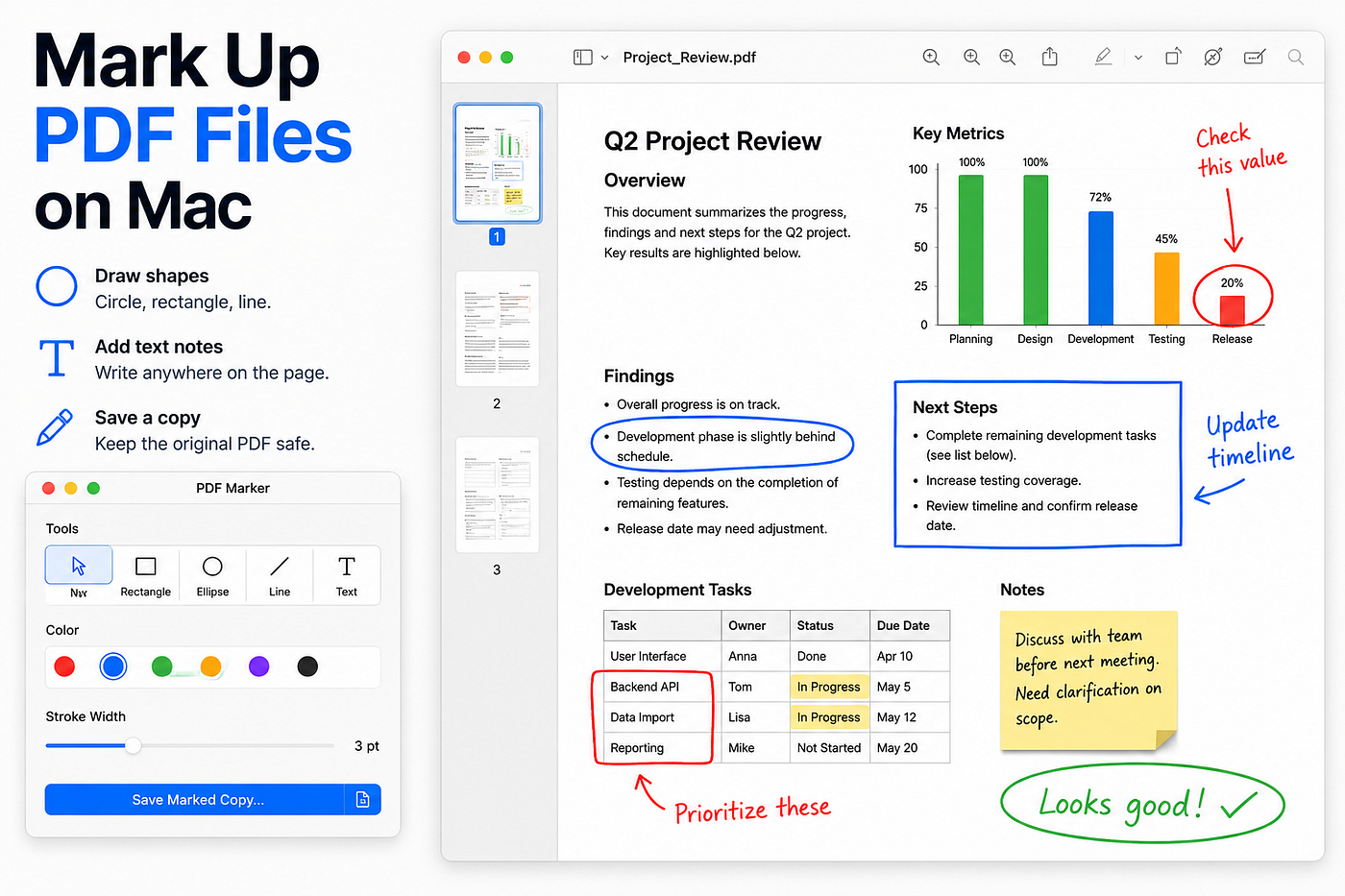
A circle around an issue. A rectangle around an area. A line pointing to a detail. A short text note.
PDF Marker is built for that simple workflow:
Open a PDF. Draw your marks. Add notes where needed. Save a marked copy.
Highlight what matters
PDF Marker lets you annotate PDF files visually, without turning the job into a full PDF editing session.
Use it when you want to point something out, review a document, mark a correction, explain a detail, or send feedback back to someone else.
Draw shapes, lines, circles, rectangles, and text directly on the PDF page.
PDF Marker runs locally on your Mac.
PDF Marker
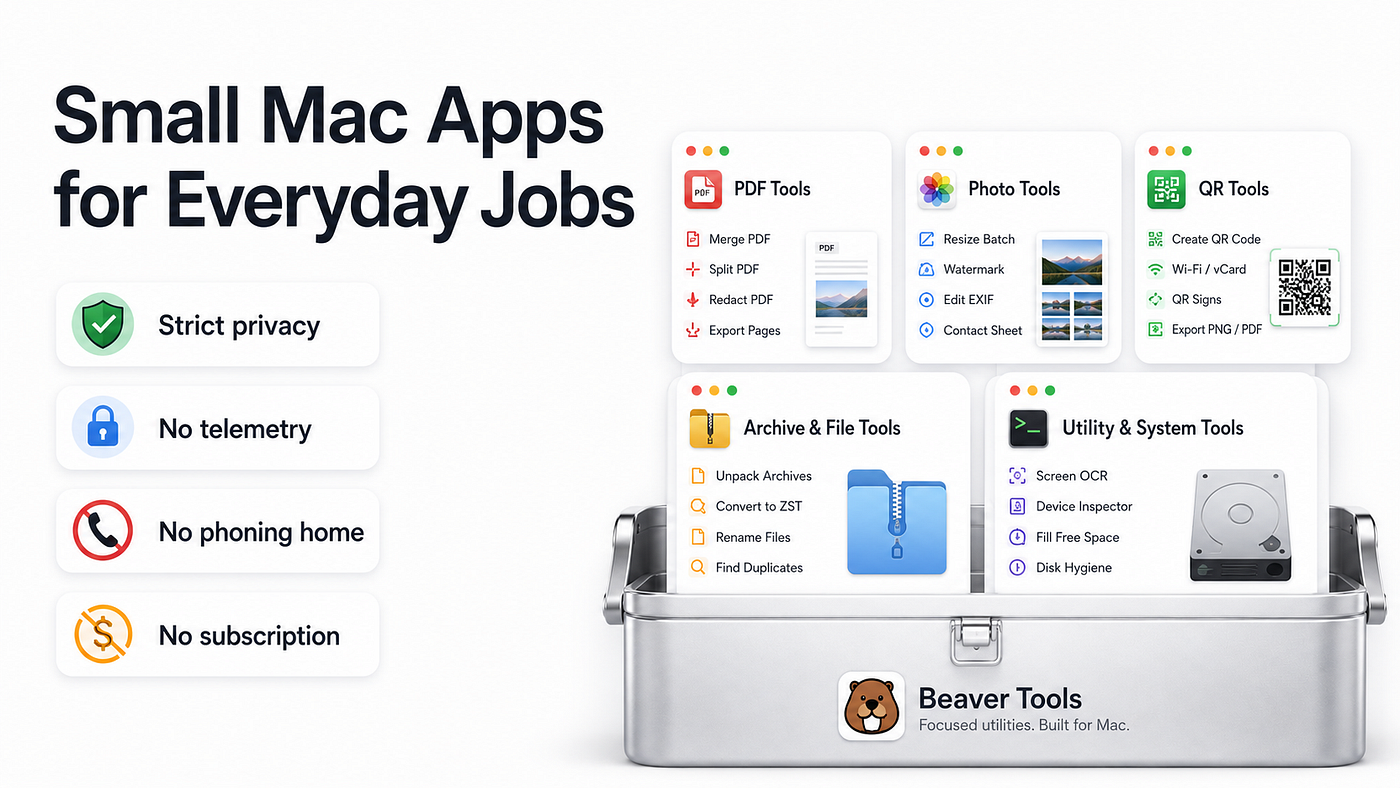
PDF Marker is part of Beaver Tools, a collection of small Mac utilities focused on solving one clear problem at a time.
More tools are available at:
PDF Marker is available on the Mac App Store:
메타데이터
- post_id
- 57deae8bbc1d
- slug
- mark-up-pdf-files-on-mac-57deae8bbc1d
- url
- https://medium.com/@chris.ahrweiler/mark-up-pdf-files-on-mac-57deae8bbc1d
- canonical_url
- https://medium.com/@chris.ahrweiler/mark-up-pdf-files-on-mac-57deae8bbc1d
- author_url
- https://medium.com/@chris.ahrweiler
- status
- ok
- fetched_at
- 2026-07-29 23:21:03