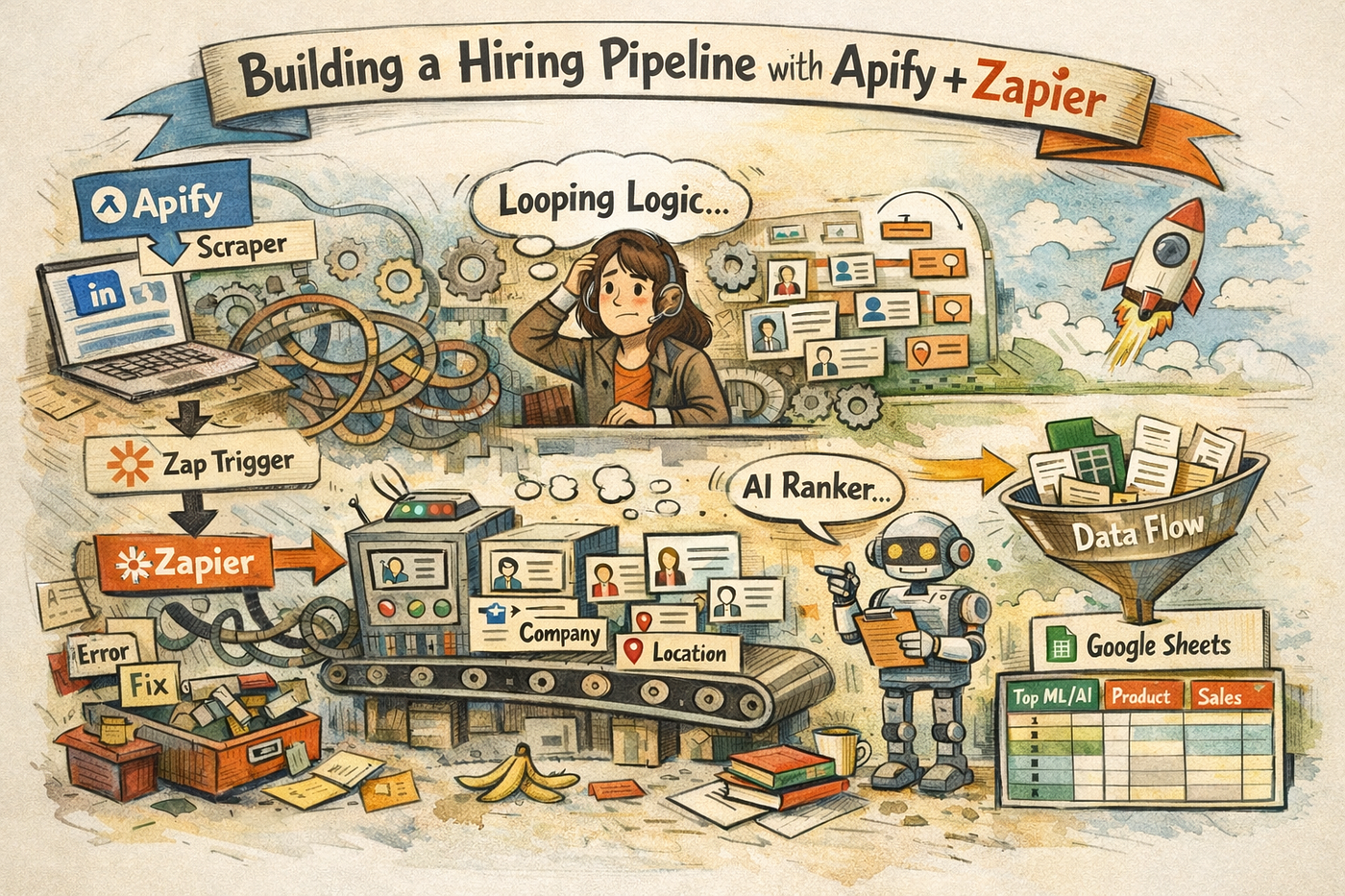
How I Built more than 10 Recruitment AI-Powered Workflows in Less Than a Month with Zapier
I´m good at admin, even if I don´t like it.
How I Built more than 10 Recruitment AI-Powered Workflows in Less Than a Month with Zapier
I´m good at admin, even if I don´t like it.
It’s money lost for my company when my skills could be invested elsewhere. Admin tasks take so much time away from my actual job. Before tools like Fathom and Gemini summary, you can’t imagine how much time I wasted reworking those Intake Meeting notes, how much information slipped through the cracks, and how many unnecessary back-and-forths happened just to clarify small things that might have already been said. At the end of the day, it always meant lost time and lost information.
By early 2023, tools that generated interview notes and Intake Meeting summary were already taking a lot of work off my plate. But that was just the beginning of something bigger.

Step 1- Retracing the workflow before optimizing it
Recruitment, especialy at the step of initiating with a New Hiring Request contains some weighed down by repetitive tasks, manual follow-ups, and cross-team communication gaps.
Over September, I decided to step back and review the recruitment flow of my company, from the initial Hiring Request to the Role Kick-Off. Idea was to eliminate repetitive tasks, actions that we usually do manually using templates. I spoke with my team, examined every detail: the process itself, the tools involved. Then, I broke everything down into clear steps and mapped out the full flow. I used Zapier to create a flow for each step that could be automated. Each step contains a serie of 3 to 7 zaps, most of them using AI.
Step 2- Create scenarios
Imagine this:
You receive a New Hiring Request from the Chief. Let´s call it a Senior Cloud SysAdmin. The data (link to the JD, title, team, Hiring Manager, etc.) that has been captured from a Google form, creates a new row in the New Hiring spreadsheet, but also, the Senior Cloud SysAdmin Job Description gets automatically stored in an other HR file.
At the same time, a pre-composed email is automatically sent to the right department requesting approval for the opening, sharing additional details from the form with context, while an alert goes directly into Slack for the Hiring team “New Senior Cloud SysAdmin” opening in the Platform team.

Once approved, you receive an automated confirmation to start preparing your intake. You already have access to the data from the Chief’s request, which helps you get ahead with your strategy.
You, then, go into the intake meeting, fully recorded by Gemini. Thanks to the automated workflow, a tailored email “Follow-up Intake Meeting — Senior Cloud SysAdmin — Platform Team” is waiting for you in the draft session, capturing the right recipients, “Hi Sergio, Thank you for your time earlier…” retracing the key points of the conversation from that Gemini recording, ready for the recruiter to proofread and send.
When sent, a copy of the intake follow up email is stored in the Hiring drive, with a link of the initial recording.
Simultaneously, a private Slack channel is created. Sergio and addtional key members of his team are automatically invited alongside the Sourcing team and the main recruiter, and the channel title is “Hiring-Senior-Cloud SysAdmin-Platform-Team-Sept-25”.
An automated guideline is pinned, outlining the purpose of the channel and how it will be used.

Alongside this, a sourcing help is generated. It includes the role title, alternative titles that could be used, a list of keywords related to the tech stack mentioned, and an additional list of alternative keywords that might be useful with an “intake insight” paragraph. All of this sent into the sourcing Slack channel. (It’s too soon to tie this to Boolean strings, but I’m working on adding sequences to make it operational.)
Finally, an Interview Kit email is generated and sent to the Hiring team. It includes paragraphs about the team, the project scope, and a set of 15 suggested questions the recruiter can ask during the interview.
And all of this is ready to use just a few minutes after leaving the room where your intake meeting just took place.
Time saved: Almost 3 hours per role launch
- New Hiring Request Slack alert The alert doesn’t really save us time, but it improves reactivity. It captures the most important details: the link to the JD and the Hiring Manager. Google Spreadsheet is traditionaly sending us an alert by email anyway, but it´s just a “New Hiring Request” submission, with no additional data.
- Approval email Undeniably a 10-minute gain. No need to copy-paste. Everything is generated with precision.
- Saving the data into the file Let’s say you’re a quick copy-paster and you already have the sheet where you collect all the JDs plus details open on your main screen. That would take about 5 minutes. With automation, those 5 minutes are given back to you.
- Follow-up after the intake meeting Normally, you’d spend about 30 minutes checking the recording summary, using a template, and creating the follow-up. 45 minutes if you take your time. Now it’s reduced to 5 minutes of proofreading. Another 5 minutes are saved by automatically storing the email in the right drive. Time gained: ~30 minutes.
- Sourcing insights I used to spend time consulting LLMs to get additional data. Now, it’s delivered key-in-hand. I still need to dedicate time to build my Boolean strings, but it’s already a huge improvement. Time gained: ~1 hour.
- Interview Kit Generator (Pitch & Questions) Without a doubt, one of the greatest successes. I used to spend a significant amount of time here because this is a strategic step. The pitch around the project, role, and team needs to be tailored per role… You can’t show up unprepared with generic company data. Now, it’s automatically generated. From my last 4 intake meetings, there was nothing to change in the team and project scope sections, even though the Gemini summary wasn’t tailored for that. If you’re precise, let’s say it saves at least 1 hour.
Which means 2 hours and 45 minutes are saved for each role launch, while the process itself runs with far more precision than before.
Most recurring zaps used:
I dissected the zap steps of my first AI-Powered Workflow end of August in this article “My Journey as a Non-Coder: Building an HR AI-Powered Workflow with Zapier”. It is a Job Description Generator (the first step of the picture below). All the workflows mentioned above work with the same logic with the complexity this time that we have to work with a recorded Gemini document.
Most recurring zaps:
- Filter: “IF you retrieve this keyword (eg:intake meeting) from spreadsheet/email/Drive new recording Intake Meeting, THEN move to the next step. IF ELSE do not move forward with the next trigger.”
- AI by Zapier: Prompt works as a classical LLM. Starts with the scenario, the prompt. Adding the template we want to fill, the input from the previous zap where we want to retrieve the data, and some formatting rules.
- Code (mainly used Python, although there is a JS option, easy to create with their integrated copilot): to filter email address, Hiring Managers, Title of role, Team, etc
Final note
I have built additional Workflow, some AI related, some non AI, to improve control and reactivity. Some simple zaps, but they weren’t worth mentioning in that article.
As the last step of this workflow, I am trying to find a way to pre-fill a Scorecard spreadsheet from the same recording. This is a complex challenge as it involves getting specific data into a Google spreadsheet template. I have tried several ways, still stuck.
I’m also focused on connecting our ATS, Teamtailor, with Zapier to add additional tracking and re-emailing steps, but that goes beyond my current limits. I need a better understanding of how their APIs work.
Happy to exchange with my community about this next step in my journey.
메타데이터
- post_id
- 582fe8de0157
- slug
- how-i-built-more-than-10-recruitment-ai-agents-in-less-than-a-month-with-zapier-582fe8de0157
- url
- https://medium.com/@drocher/how-i-built-more-than-10-recruitment-ai-agents-in-less-than-a-month-with-zapier-582fe8de0157
- canonical_url
- https://medium.com/@drocher/how-i-built-more-than-10-recruitment-ai-agents-in-less-than-a-month-with-zapier-582fe8de0157
- author_url
- https://medium.com/@drocher
- status
- ok
- fetched_at
- 2026-07-17 11:39:37