Step-by-Step: How to Recover Hidden SOL from Empty Token Accounts on Solana
A 4-Minute Guide to Cleaning Your Wallet and Reclaiming Rent
Step-by-Step: How to Recover Hidden SOL from Empty Token Accounts on Solana
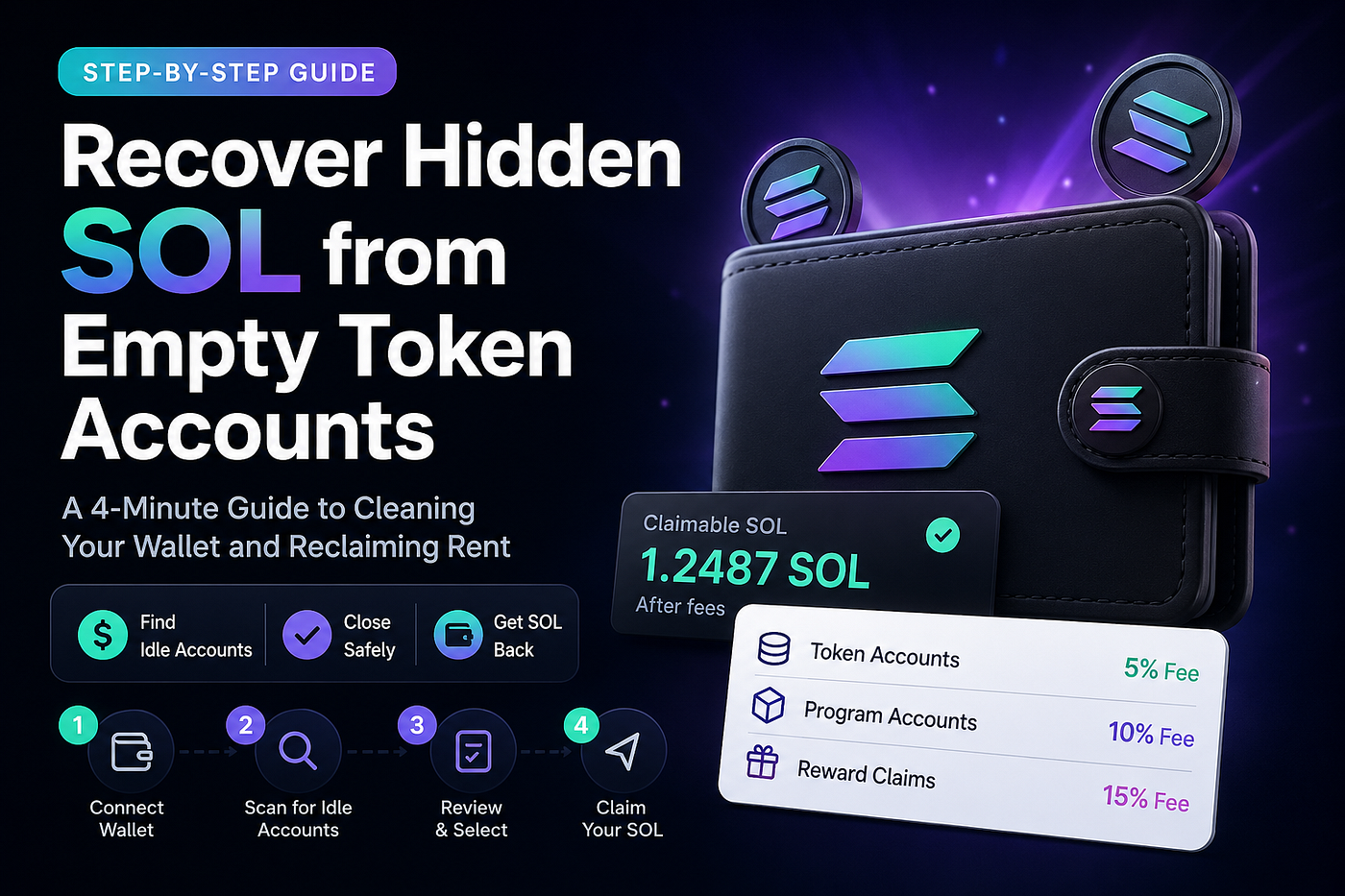
A 4-Minute Guide to Cleaning Your Wallet and Reclaiming Rent
If you’ve been active on Solana for a while, your wallet likely contains dozens of empty token accounts. These accounts are created automatically whenever you interact with tokens, NFTs, memecoins, or airdrops. Even after the assets are gone, the accounts often remain — and they continue locking up small amounts of SOL as rent.
Individually, each one is tiny. Together, they can quietly add up.
This guide explains how to safely recover that SOL using unclaimedsol.io.
Step 1: Connect Your Wallet
Start by visiting unclaimedsol.io.
Click “Connect Wallet” and choose a supported Solana wallet such as Phantom or Solflare.
Approve the connection in your wallet popup.
- No seed phrases are ever requested
- You are only signing a standard connection request
- All actions remain fully non-custodial
Step 2: Scan Your Wallet
Once connected, the platform automatically scans your wallet.
It identifies:
- Empty token accounts
- Unused program accounts
- Claim-eligible reward balances (if any)
You’ll see a breakdown of:
- Total accounts found
- Estimated SOL recoverable
- Categories of reclaimable balance
Step 3: Review Your Recovery Options
You can now review what can be closed or claimed.
There are three types of recoverable items:
- Token Accounts → closed with a 5% fee
- Program Accounts → closed with a 10% fee
- Reward Claims → processed with a 15% fee
The amount displayed is already net of fees, meaning:
what you see is exactly what you will receive.
You can:
- Select individual accounts, or
- Close everything in bulk
Active tokens and NFTs are never affected unless explicitly selected.
Step 4: Claim Your SOL
Click “Claim” to begin the on-chain transaction process.
You’ll approve the transaction in your wallet, just like any standard Solana action.
After confirmation (usually seconds), the reclaimed SOL is sent directly to your main wallet balance.
How the Fees Work
To keep everything transparent:
- Token account closures: 5% fee
- Program account closures: 10% fee
- Reward claim processing: 15% fee
These fees are automatically deducted before the claim is shown.
There are no hidden charges or post-transaction deductions.
Bonus: Referral Earnings
After cleaning your wallet, you can generate a referral link inside the dashboard.
You’ll earn a percentage of fees generated from users you refer.
This makes wallet cleanup not only useful for yourself, but also shareable.
Why This Matters
Most Solana users don’t realize that:
- Every token interaction can create persistent accounts
- Those accounts store small amounts of locked SOL
- Over time, wallet clutter increases and efficiency decreases
Cleaning them improves wallet organization and recovers otherwise idle funds.
Final Step
If your wallet has been active for months or years, there’s a high chance you have recoverable SOL waiting.
Check your wallet instantly with unclaimedsol.io to see what you can claim.
메타데이터
- post_id
- 58ada970f22e
- slug
- step-by-step-how-to-recover-hidden-sol-from-empty-token-accounts-on-solana-58ada970f22e
- url
- https://medium.com/@panageago/step-by-step-how-to-recover-hidden-sol-from-empty-token-accounts-on-solana-58ada970f22e
- canonical_url
- https://medium.com/@panageago/step-by-step-how-to-recover-hidden-sol-from-empty-token-accounts-on-solana-58ada970f22e
- author_url
- https://medium.com/@panageago
- status
- ok
- fetched_at
- 2026-07-14 07:27:29




