Best Time and Expense Tracking Tools to Stay on Top of Work and Costs
Tracking time is one thing; connecting it to expenses, billing, and real project costs is where things get complicated. Whether you’re a…
Best Time and Expense Tracking Tools to Stay on Top of Work and Costs

Tracking time is one thing; connecting it to expenses, billing, and real project costs is where things get complicated. Whether you’re a freelancer, agency, or growing team, the right tool should help you track hours, log expenses, and turn both into clear financial insights without extra spreadsheets.
Here are six tools that stand out for combining time and expense tracking effectively.
TMetric
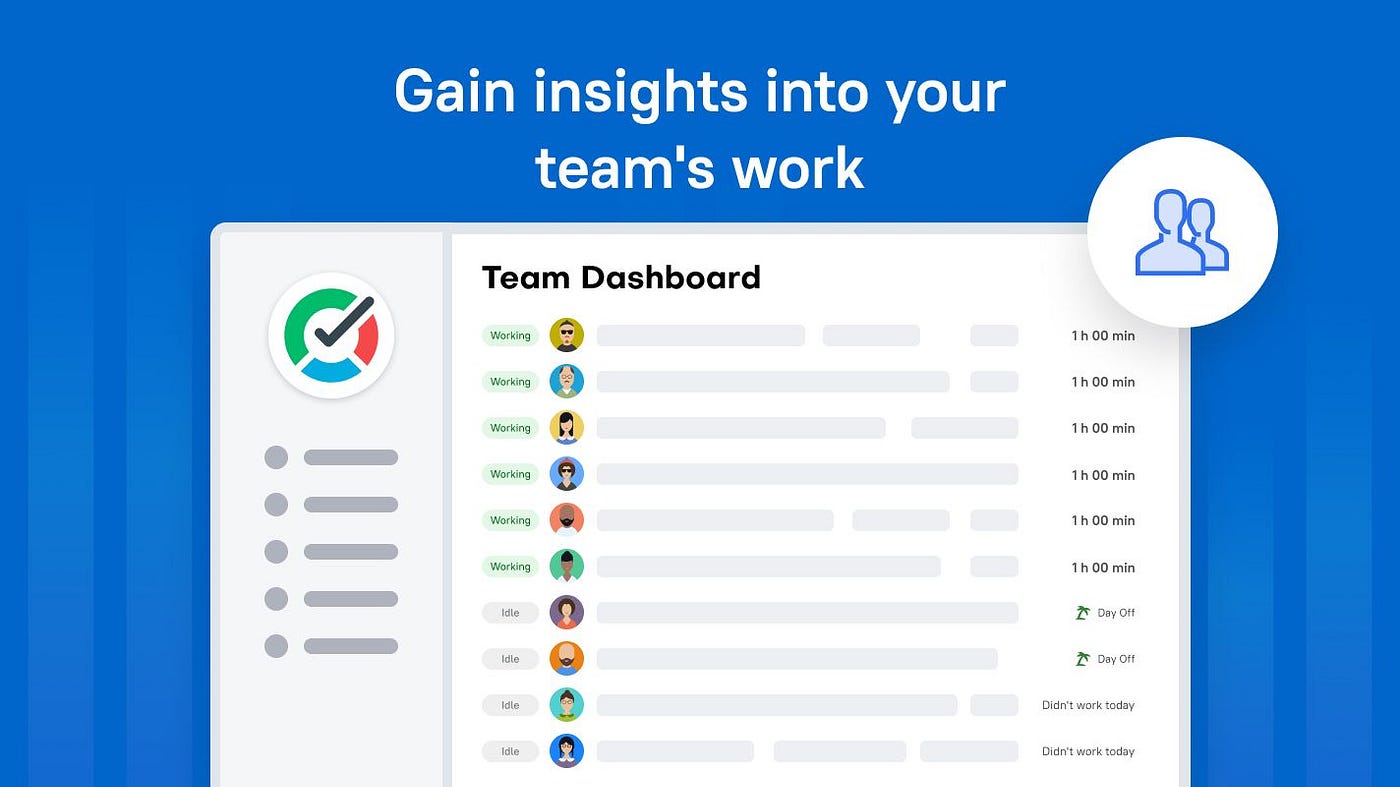
TMetric is time and expense tracking software built around a simple idea: time tracking should naturally translate into money, budgets, and project insights.

Key features:
- Time tracking with billable vs non-billable hours
- Project budgets, rates, and cost tracking
- Expense-aware reporting tied to projects and clients
- Integrations with tools like Jira, Trello, and Asana
- Detailed reports showing time → money conversion
Why it works: TMetric is particularly strong at turning tracked hours into financial data. It’s designed for teams that want visibility into profitability, not just activity.
Best for: agencies and teams focused on billing, budgeting, and clear cost control.
Harvest
Harvest is one of the most established tools that combines time tracking, expense logging, and invoicing in one workflow.

Key features:
- Time and expense tracking in one place
- Built-in invoicing and payments
- Expense categorization and receipt tracking
- Project budget monitoring
- Integrations with accounting tools
Why it works: It’s a well-balanced solution. Simple enough for small teams but powerful enough to manage full client billing cycles.
Best for: small businesses and agencies that need time + expenses + invoicing in one tool.
Clockify
Clockify is a popular free option that also includes expense tracking features.

Key features:
- Unlimited time tracking on the free plan
- Expense tracking and reporting
- Team timesheets and dashboards
- Billable rates and project tracking
- Cross-platform support
Why it works: It offers a surprisingly complete set of features for a free tool, including expense tracking tied to projects and reports.
Best for: teams looking for a budget-friendly way to track both time and expenses.
Toggl Track
Toggl Track is known for its clean interface and flexible time tracking, with expense tracking typically handled via integrations.

Key features:
- One-click timer and manual time entry
- Project and client tracking
- Reporting and analytics
- Integrations with invoicing and expense tools
- Cross-device syncing
Why it works: It’s lightweight and easy to adopt, making it ideal for teams that want flexibility and simplicity without a steep learning curve.
Best for: freelancers and teams who prefer simple time tracking with optional expense integrations.
Expensify
Expensify focuses heavily on expense automation but can complement time tracking workflows.

Key features:
- Receipt scanning and automatic expense capture
- Expense reports and approval workflows
- Reimbursement management
- Integration with accounting and payroll tools
- Corporate card reconciliation
Why it works: It removes most of the manual work from expense tracking, making it a strong companion to time tracking systems.
Best for: companies that need advanced expense automation alongside time tracking tools.
QuickBooks Time
QuickBooks Time (formerly TSheets) combines time tracking with accounting integration.

Key features:
- Time tracking with GPS and scheduling
- Expense tracking tied to payroll and billing
- Seamless integration with QuickBooks accounting
- Real-time reporting and approvals
- Mobile-friendly tracking
Why it works: It connects time and expenses directly to accounting workflows, reducing duplication and manual entry.
Best for: businesses already using QuickBooks or needing tight accounting integration.
Time and expense tracking works best when everything is connected, not scattered across tools.
The key is not just tracking time or expenses separately, but making sure they work together to give you a clear picture of where your effort (and money) is actually going.
메타데이터
- post_id
- 58e1caa2f30e
- slug
- best-time-and-expense-tracking-tools-to-stay-on-top-of-work-and-costs-58e1caa2f30e
- url
- https://medium.com/tmetric/best-time-and-expense-tracking-tools-to-stay-on-top-of-work-and-costs-58e1caa2f30e
- canonical_url
- https://medium.com/tmetric/best-time-and-expense-tracking-tools-to-stay-on-top-of-work-and-costs-58e1caa2f30e
- author_url
- https://medium.com/@tmetric
- status
- ok
- fetched_at
- 2026-06-10 08:17:25