Up-to-date Codes: How to Transfer Airtime on MTN, Airtel, Glo and T2mobile in Nigeria
This article has been written to contain verified and working codes for transfering airtime on major networks in Nigeria and everything you…
Up-to-date Codes: How to Transfer Airtime on MTN, Airtel, Glo and T2mobile in Nigeria
This article has been written to contain verified and working codes for transfering airtime on major networks in Nigeria and everything you need to know to successfully transfer airtime such as transfer limits and policies, default PIN, PIN change code and actual transfer code or process.
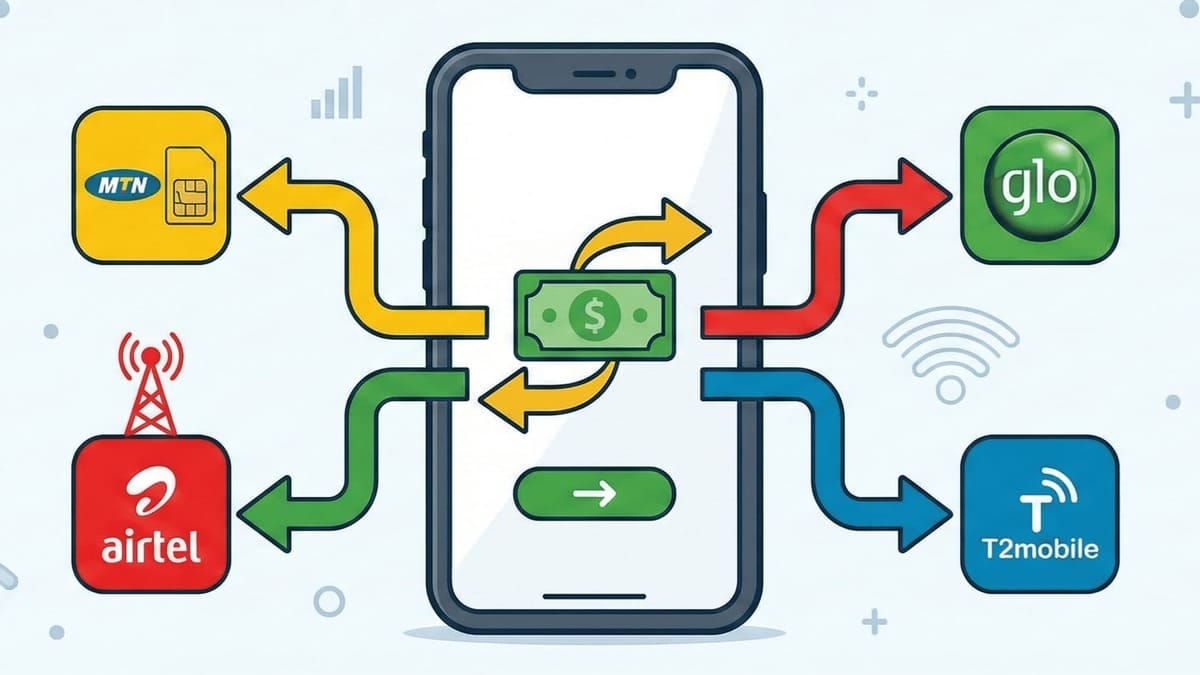
Transfering airtime from one number to another number on the same network can be very useful in cases where you need to gift airtime to a loved one or convert your airtime to cash.
Let’s get into the details.
Default Airtime Transfer PIN
When transfering airtime on each network for the first time, you need to know your default PIN and might also need to change this PIN as well.
Below are the default airtime transfer PIN on each network and how to change the PIN.
How to Change Airtime Transfer PIN on MTN
Your default airtime transfer PIN on MTN is 0000 (four zeros).
Dial the following code to change your MTN share PIN:
321CurrentPINNewPINNewPIN#
Example: 321000012341234#
How to Change Airtime Transfer PIN on Airtel
Your default Airtel ME2U PIN is 1234.
Follow the steps below to change your Airtel ME2U PIN:
- Dial *321#.
- Select option 3: "PIN management".
- Select option 1: "Change PIN".
- Enter current PIN (1234 if new).
- Enter your new 4-digit PIN.
How to Change Airtime Transfer PIN on Glo
Your default Glo airtime transfer PIN is 00000 (five zeros).
Dial the following to change your Glo airtime transfer PIN: 132CurrentPINNewPINNewPIN#
Example: 132000001234512345#.
How to Change Airtime Transfer PIN on T2mobile
Your default T2mobile airtime transfer PIN is 0000 (four zeros).
Dial the following to change your T2mobile airtime transfer PIN:
247CurrentPIN*NewPIN#
Example: 2470000*1234#. Note that T2mobile does not require you to enter the new PIN twice in the USSD string.
How to Transfer Airtime on MTN Network
MTN Share (formerly Share 'N' Sell) is available to all prepaid and postpaid customers.
Transferring Airtime Through USSD Code on MTN
Simply dial:
321RecipientNumberAmountPIN#
Example: 3210813000000015001234#. You’ll get an instant success message.
How to Transfer Airtime on Airtel
Transferring Airtime on Airtel Through USSD
- Dial *321#.
- Select 1: "Airtel to Airtel".
- Enter the Recipient’s Number.
- Enter the Amount.
- Enter your PIN to confirm.
How to Transfer Airtime on Glo
Glo EasyShare makes it simple.
Dial:
131RecipientNumberAmountPIN#
Example: 13108150000000100012345#.
How to Transfer Airtime on T2mobile
Remember, there is a small service fee here.
Dial:
223PINAmountRecipientNumber#
Example: 2231234150008130000000#.
And those are the codes for transfering airtime on the major mobile networks in Nigeria. Have any issues with any of the codes? Don’t hesitate to let me know in the comment!
This article was originally published on EDPlugNG, read full article on how to transfer airtime to another number on MTN, Airtel, Glo and T2mobile in Nigeria.
메타데이터
- post_id
- 596d4b5e49fe
- slug
- up-to-date-codes-how-to-transfer-airtime-on-mtn-airtel-glo-and-t2mobile-in-nigeria-596d4b5e49fe
- url
- https://medium.com/@EDPlugNG/up-to-date-codes-how-to-transfer-airtime-on-mtn-airtel-glo-and-t2mobile-in-nigeria-596d4b5e49fe
- canonical_url
- https://medium.com/@EDPlugNG/up-to-date-codes-how-to-transfer-airtime-on-mtn-airtel-glo-and-t2mobile-in-nigeria-596d4b5e49fe
- author_url
- https://medium.com/@EDPlugNG
- status
- ok
- fetched_at
- 2026-08-01 05:04:42