Step by Step how to file an FIR digitally
FIR is an acronym for First Information Report. As the name suggests, it is a firsthand report of an alleged or suspected offence committed…
Step by Step how to file an FIR digitally
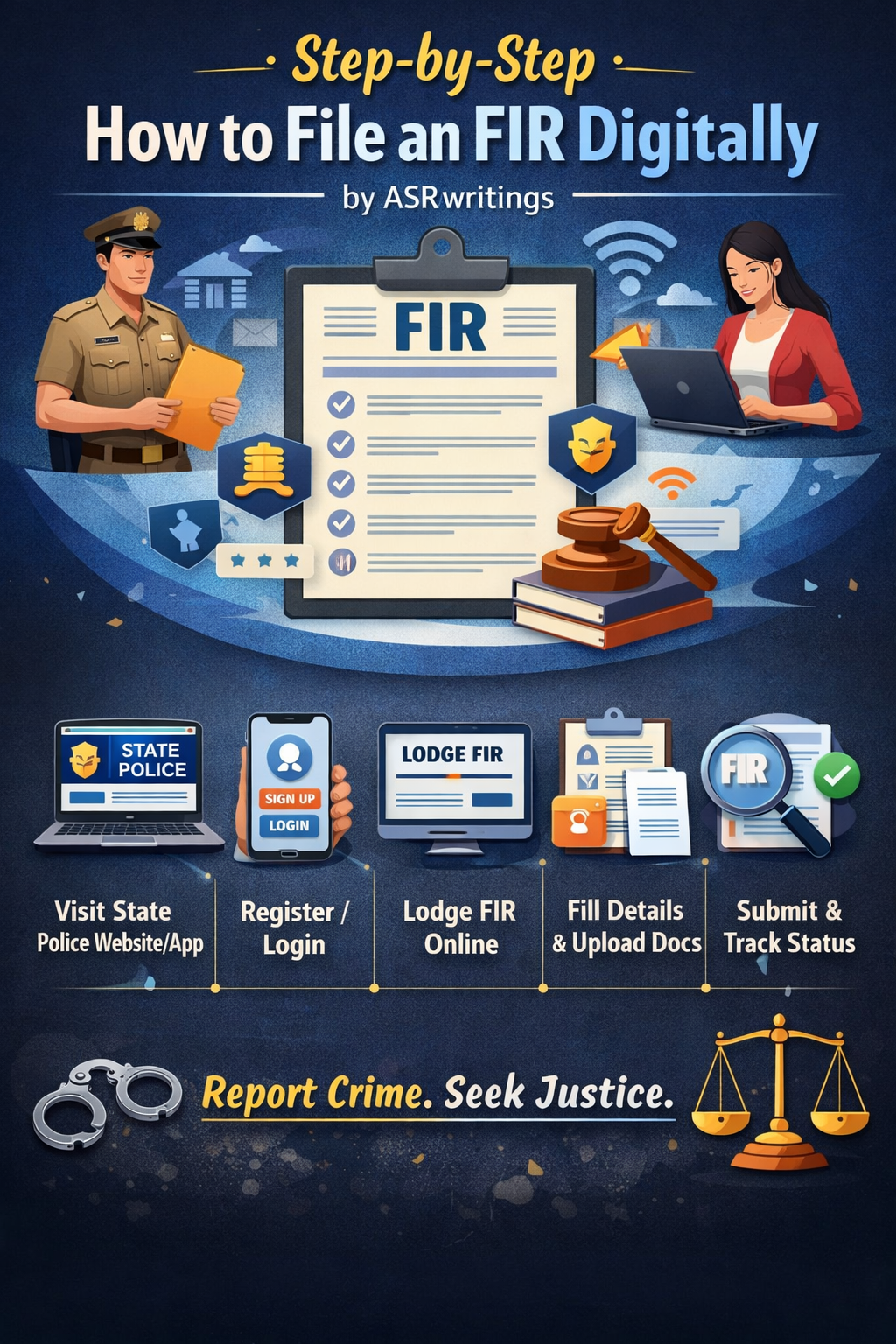
FIR is an acronym for First Information Report. As the name suggests, it is a firsthand report of an alleged or suspected offence committed by a known or unknown individual, group of individuals, or organization.
One has to understand that filing an FIR is the first step toward the cognizance of an offence, irrespective of whether it is a cognizable (serious) or non-cognizable (less serious) offence. The differentiation happens later. For a layperson, it is important to take this first step and bring the matter to the notice of a police officer.
Earlier, one had to physically visit the nearest police station to get an FIR registered. However, with advancements in technology, a much-needed step was taken by the justice system, allowing the filing of FIRs digitally. This has also been laid down in the Bharatiya Nagarik Suraksha Sanhita, 2023 (BNSS) (updated Criminal Procedure Code).
Electronic FIRs may still require physical verification or signature in certain cases, but this is not something to be concerned about.
Here’s how you can file an FIR digitally:
Visit the official State Police website/application

Depending on your state, you can visit the official website of the respective police department. Some states also have mobile applications that can be downloaded from the Play Store or App Store.
For example:
- UPCOP (app for Uttar Pradesh Police Department),
- Pol App (Kerela Police Dept.), etc.
A few examples of the websites:
- Delhi: [Delhi Police Online FIR]
- Maharashtra: [Maharashtra Police Online FIR]
- Karnataka: [Karnataka Police Online FIR]
- Tamil Nadu: [Tamil Nadu Police Online FIR]
Register/Login
Registration can usually be completed using your phone number and email address. After verification, you will be registered and redirected to the main interface.
Navigate to the FIR Section
Once registered, locate a section titled “Lodge FIR” or “Report a Crime” in the main menu.
Fill in the details and Upload documents
You will be required to provide:
- Your name, address, and contact details
- Details of the crime, including date, time, and place of occurrence
- Names of suspects (if known)
- A brief description of the incident
Upload any relevant supporting documents, if required.
Submit and Track
After clicking “Submit,” your complaint will be registered. Most state websites or applications allow users to download a copy of the FIR or acknowledgment. You can also track the status of your report online.
Final Note
I hope this article helps you file an FIR in a hassle-free manner. Reporting a crime can be a distressing experience, but it is an important step toward seeking justice. The availability of digital filing makes the process more accessible and convenient.
메타데이터
- post_id
- 5999d64a67ff
- slug
- step-by-step-how-to-file-an-fir-digitally-5999d64a67ff
- url
- https://medium.com/@amishasinghrana/step-by-step-how-to-file-an-fir-digitally-5999d64a67ff
- canonical_url
- https://medium.com/@amishasinghrana/step-by-step-how-to-file-an-fir-digitally-5999d64a67ff
- author_url
- https://medium.com/@amishasinghrana
- status
- ok
- fetched_at
- 2026-06-11 16:11:38