How I Built My Own Email Tracker (Because Mailtrack Annoyed Me)
You know those moments when you send an important email, maybe a job application, a complaint, or a pitch, and then spend the next few days…
How I Built My Own Email Tracker (Because Mailtrack Annoyed Me)
You know those moments when you send an important email, maybe a job application, a complaint, or a pitch, and then spend the next few days refreshing your inbox like it’s a slot machine? Yeah, that was me 😩.
Every time I sent something that actually mattered, I caught myself wondering: “Did they open it?” “Did it even land in their inbox?” “Should I follow up, or will that make me look desperate?”
Naturally, being a tech person, my first instinct wasn’t patience. It was “There has to be a tool for this.” 💻
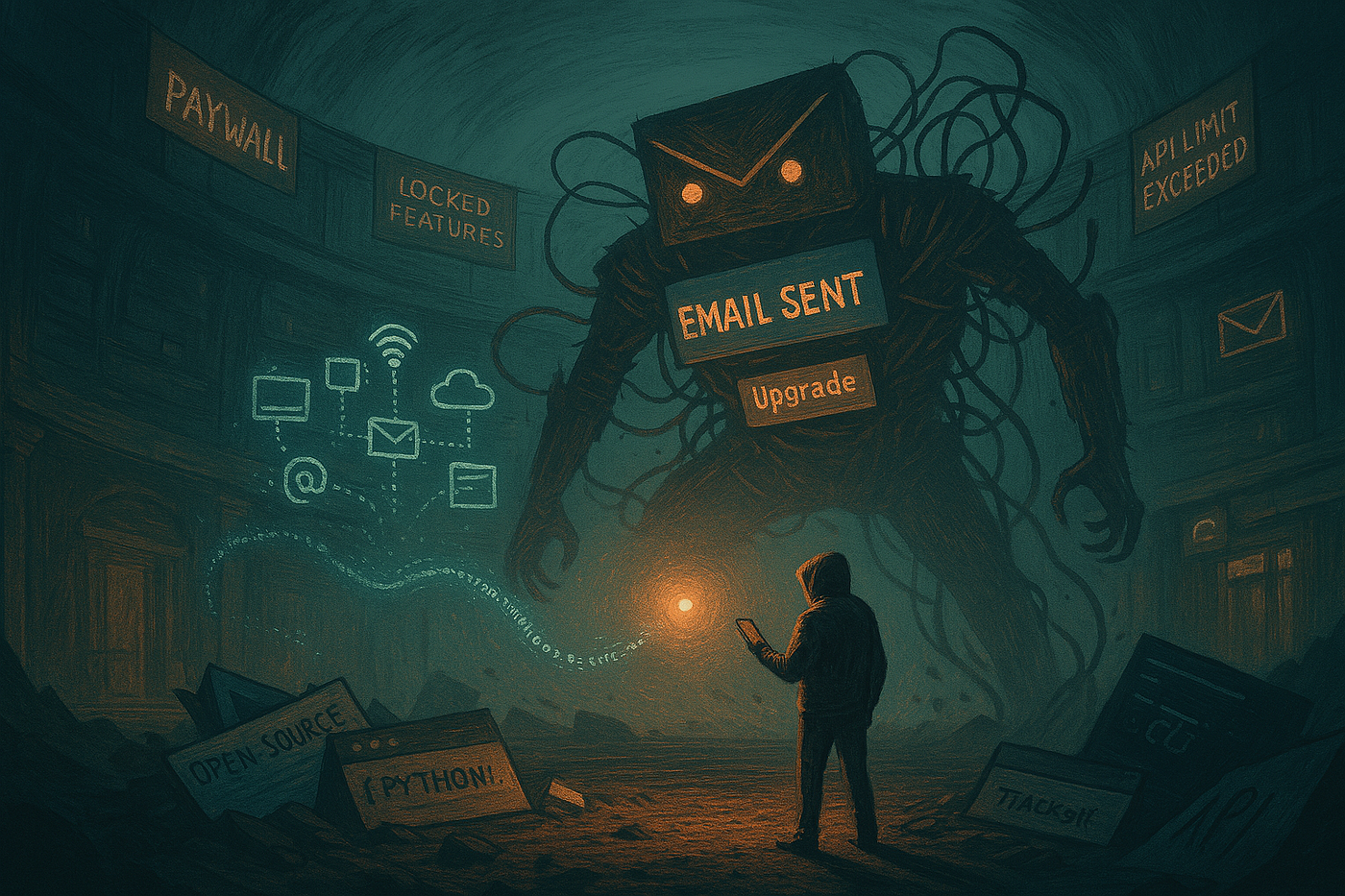
So I found Mailtrack. And it worked beautifully… until it didn’t. Because every free tool on Earth eventually decides you’ve had too much fun for free 🙃. One fine day, Mailtrack politely told me that if I wanted to keep tracking emails, I had to upgrade.

That was it. I took it personally 😤.
The Idea Spark 💡
At first, it wasn’t even about practicality. It was about ego. I wanted to prove I could build something that worked just as well, without being charged for my own curiosity.
The concept was simple in theory. Attach a 1x1 invisible pixel image to an email, host it on a small server, and log whenever someone’s email client loads it. Sounds easy, right? Spoiler, it wasn’t 😅.
The First Version: The “What Could Possibly Go Wrong” Phase 🤦♂️
My first attempt was just a Flask app that served a GIF. When the GIF was requested, it would log the visitor’s IP and timestamp. I hit “send” on my test email, opened it on another device, and waited…
Nothing happened 🫠.

Turns out, half of modern email clients block external images by default. So I started digging deeper into how trackers actually work, how they log IPs, when they fail, and how Gmail’s image proxy can ruin your day.
By this point, I had a small Flask app, a broken pixel, and a caffeine problem ☕.
Adding the Magic: Making It Actually Work ⚙️
Once the basics were in place, I needed a way to send those tracked emails easily. Manually editing scripts every time wasn’t the vibe. So I wrote a simple CLI setup tool that would ask for SMTP credentials, verify them, and store them safely in a config file.
That’s when the real chaos began 💀.
Each email provider, Gmail, Yahoo, and Outlook, had its own version of App Passwords and connection quirks. Half my time went into debugging weird errors that said “AUTH failed” even when everything was correct. I later realized Gmail likes to block sign-ins from “less secure apps.” So I made the CLI smart enough to detect that and guide users through setting up proper credentials.
It felt like the tool was slowly learning to babysit humans 🤖.
When Paranoia Meets Engineering 🧠
At this point, I realized something important. If I was building a mail tracker, I needed to trust it completely. And honestly, I don’t even trust my toaster with Wi-Fi 🔥, so there was no way I was storing credentials in plain text.

So I added safety checks.
Passwords are masked, configs are permission-locked, and everything sensitive gets verified before saving.
Basically, if someone tries to peek inside your config.ini, they’ll only see gibberish or nothing at all 🕵️.
And yes, I even made it auto-generate missing files like track.gif or log.txt automatically.
If the tool was going to act paranoid, it might as well do it properly 😎.
Smart Features That Weren’t Planned (But Stayed Anyway) ⚡
The biggest feature upgrades came from frustration in real-world testing.
At one point, my server was already running something else on port 5050. Instead of crashing, the script now checks for conflicts, asks permission to free the port, and handles it gracefully.
Then came the problem of hosting. Not everyone has a VPS or a domain, so I made the tool smart enough to adapt.
If you’re using a Cloudflare tunnel with a .trycloudflare.com link, it detects it automatically.
If you’re on a cloud server with a reverse proxy, it figures that out too.

Basically, it learns your setup and adjusts the tracking URL automatically. No manual edits, no half-broken configs, no “oops I forgot the port” moments 😂.
That First Successful Ping 🎯
After weeks of testing, refactoring, and arguing with SMTP errors, it finally happened.
I sent an email to myself, opened it from my phone, and watched the terminal log light up with a neat little entry:
[2025-09-02 17:05:02] 📬 Open detected for user@example.com
| ID: dcc7fb49-9823-4889-a953-bf414fdfc475
| IP: 74.125.151.201
| UA: Mozilla/5.0 (Windows NT 10.0; Win64; x64)
I genuinely grinned like a villain in a hacking movie 😈. It worked. My own personal Mailtrack, minus the upgrade emails.
Lessons Learned (aka How I Accidentally Leveled Up) 📈
This wasn’t just about building a mail tracker. It taught me a lot more along the way:
- Never trust “it’s simple.” What sounds like a weekend project can turn into a bug-hunting marathon.
- Error messages lie. Sometimes the issue is nowhere near where the traceback points.
- Good UX matters, even in CLI. Clear banners, confirmations, and flow make a huge difference.
- Paranoia pays off. Keeping control of your own credentials feels way safer than relying on browser extensions.
- And finally: building your own tools is addictive 🔥. Once you start, you can’t stop.
Looking Ahead 🔮
This project isn’t just a standalone script anymore. It’s part of something bigger. I’ve been slowly building a small arsenal of hacker-style tools for developers and cybersecurity enthusiasts.
My plan:
- Keep making small, sharp utilities that solve annoying problems.
- Open-source them one by one.
- Share the stories behind them weekly on Medium.
The Email Tracker v1.0 isn’t just code. It’s proof that frustration, caffeine, and stubbornness can turn into something that actually works 💪.
👉 Tools that powered this little beast:
- Python (Flask, smtplib, requests)
- SweetAlert2 (for web form magic)
- Cloudflare Tunnel (for quick exposure testing)
- Coffee ☕ (unofficial but mandatory)
Final Thoughts ❤️
This project started with pure curiosity, and maybe a little paranoia. I just wanted to know if my emails were even being seen. Simple, right? But that “simple idea” pulled me down a rabbit hole of SMTP quirks, pixel requests, and how every mail client handles images differently.
Somewhere between testing open logs and fighting proxy servers, I realized I wasn’t just building a tracker. I was building trust — trust in my own tools, in my own code, and in knowing exactly what happens after I hit “send.”
It’s funny how something so small, like a 1x1 GIF, can teach you so much about systems, security, and patience. There’s a strange satisfaction in watching those first logs appear. It feels like a mix of “finally” and “I actually built that.” 😌
Would I say it was worth it? Every sleepless, coffee-fueled minute. ☕ Would I do it again? Probably, with a little less swearing next time.
So yeah, this wasn’t just about tracking emails. It was about taking control of uncertainty. And that’s something I’ll happily keep building for.
메타데이터
- post_id
- 5a8be31df847
- slug
- how-i-built-my-own-email-tracker-because-mailtrack-annoyed-me-5a8be31df847
- url
- https://osintteam.blog/how-i-built-my-own-email-tracker-because-mailtrack-annoyed-me-5a8be31df847
- canonical_url
- https://osintteam.blog/how-i-built-my-own-email-tracker-because-mailtrack-annoyed-me-5a8be31df847
- author_url
- https://medium.com/@vold3mort
- status
- ok
- fetched_at
- 2026-07-16 14:18:24