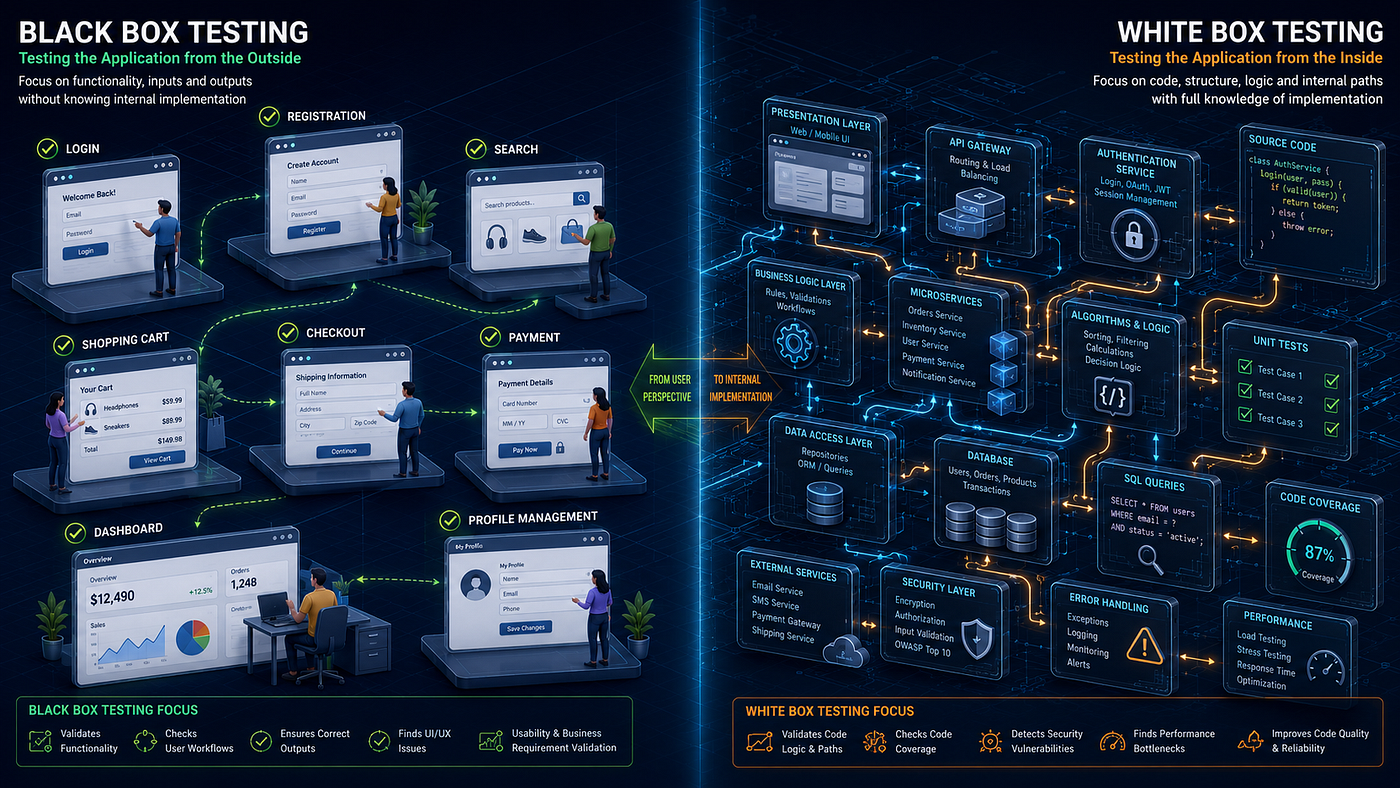
RoboQA Just Got Smarter: Here’s Everything We’ve Built in the Last 30 Days
A behind-the-scenes look at what’s new, what’s improved, and where we’re headed
RoboQA Just Got Smarter: Here’s Everything We’ve Built in the Last 30 Days
A behind-the-scenes look at what’s new, what’s improved, and where we’re headed
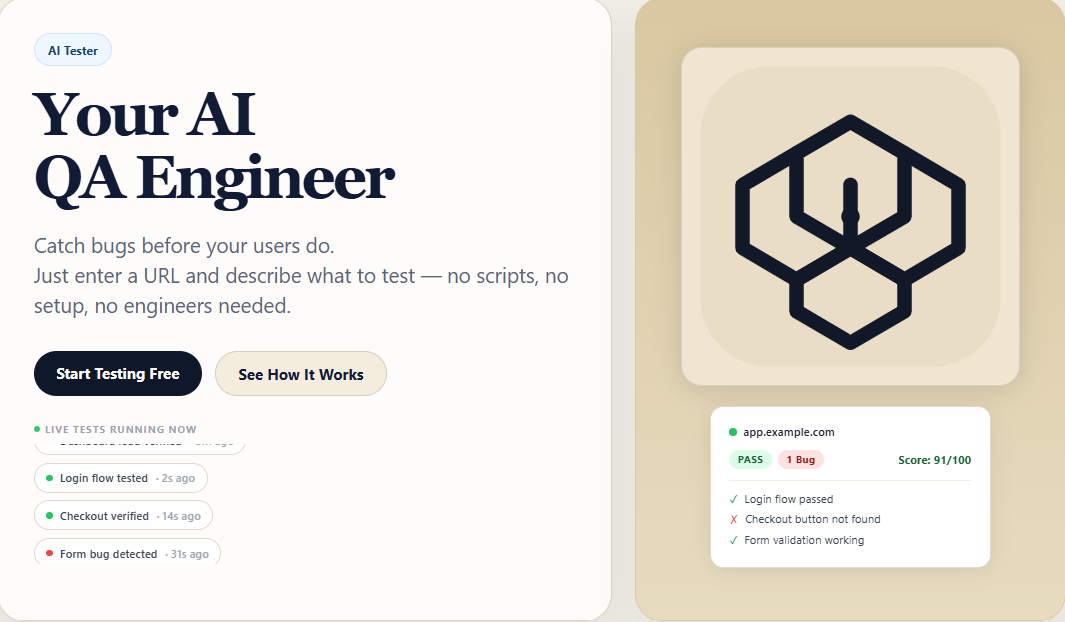
RoboQA homepage hero screenshot
If you’ve been following RoboQA since our beta launch on Product Hunt, you already know what we’re building — an AI that tests your website automatically, finds bugs, and generates detailed QA reports without you writing a single line of test script.
What you might not know is how much has changed in the past month.
We’ve been heads-down building. Not just fixing bugs, but rethinking how an AI testing agent should work. The result is a version of RoboQA that’s meaningfully smarter, faster, and more useful than what we launched with.
Here’s everything that’s new.
The Problem We Were Solving
When we first launched, RoboQA worked — but it worked like a script follower. You had to tell it exactly what to do, step by step. Miss a step, and it would fail. Describe something vaguely, and it would get confused.
That’s not how a real QA engineer works. A real QA engineer understands intent. You say “test the checkout flow” and they figure out the rest — find the product, add to cart, navigate to checkout, verify the form. They don’t need a 12-step instruction manual.
That gap — between a script follower and a true intelligent agent — is what we’ve been closing.


test results — old messy output

RoboQA Robo Run Results


What’s New: The Big Features
1. Goal-Oriented AI Testing
This is the biggest change we’ve made to the core agent.
Previously, if you typed “test my signup flow” into RoboQA, it might get confused unless you spelled out every single step. Now, it understands the goal.
RoboQA now has a built-in Flow Library — a knowledge base of how common website flows work across different types of sites. Checkout flows. Login flows. Signup flows. Booking flows. Newsletter subscriptions. Contact forms. Job applications. The agent knows what these flows look like and what steps they involve.
When you describe your goal in plain English, RoboQA matches it against this library, figures out what you’re trying to test, and builds the test plan automatically.

RoboQA Journey Test
You can still write detailed step-by-step instructions if you want full control. But now you don’t have to.
2. The “Just Test It” Unified Interface (/test)
We added a new page at roboqa.tech/test that’s the simplest possible interface for running a test.
Two inputs. One button.
Website URL: [your-site.com]
What should I test: [test my checkout flow]
[Run AI Test →]
That’s it. RoboQA figures out whether this needs a Quick Test, a Journey Test, a Feature Test, or a Scan. You don’t need to know the difference. You just describe what you want tested.
Below the main inputs, there are example chips you can click to fill in:
- “test my login flow”
- “check accessibility”
- “test on mobile”
- “scan everything”
- “is the contact form working?”
This is the experience we’re building towards — where the tool feels as natural as talking to a colleague.
3. Robo Scan — Full Website Health Reports
We launched an entirely new feature: Robo Scan.
Robo Scan runs a comprehensive health check across five categories simultaneously:
UI Scan — broken images, text overflow, overlapping elements, invisible text, layout issues
Functional Scan — broken links, forms without submit actions, JavaScript errors, navigation failures
Accessibility Scan — missing alt text, poor color contrast, unlabeled form fields, heading hierarchy issues (WCAG compliance)
Performance Scan — page load time, total page size, number of requests, large uncompressed assets, render-blocking scripts
SEO Scan — missing title tags, no meta description, missing H1, no canonical URL, missing Open Graph tags

RoboQA Robo Scan

RoboQA Robo Scan Results
Each category gets a score out of 100. Your website gets an overall health score. Issues are color-coded by severity — Critical, High, Medium, Low. Each issue comes with a plain English description and a “how to fix” suggestion.
For paid users, there’s also a “Create Bug” button on every issue — one click and it’s added to your Bug Dashboard.
The scan results can be downloaded as a branded PDF report or shared directly to LinkedIn, Twitter, or via email. The shareable link works without login — perfect for sending to your team or client.

RoboQA Robo Scan Results PDF
Free plan: 1 scan per month, single page Robo Scan Pro (₹499/month): Unlimited scans, full site crawl up to 10 pages, detailed PDF, no watermark
4. Smarter Screenshots — Before & After
One of the most common pieces of feedback we got from early users was: “How do I know it actually tested anything?”
Fair question. Our old screenshots were often identical — initial and final looked the same, which made results feel unconvincing.
We completely overhauled the screenshot timing system.
Now, every test step captures:
- Before: taken after the page fully loads, before any agent action
- After: taken 1500ms after the action completes, once the page has settled
If the agent clicked a button that navigated to a new page, the After screenshot shows the new page. If it filled a form field, the After screenshot shows the filled state. The tested element gets a subtle purple outline in the screenshot so you can see exactly what was interacted with.
If the page genuinely didn’t change after an action, we now show a single screenshot with the label “Page state: unchanged (action was non-visual)” — which is honest and clear, rather than confusing.
5. Website Score & Score History
After every test run, RoboQA calculates a Website Score out of 100 based on:
- Flow Reliability
- Bug Density
- UI Issues
- Success Rate
- Form Reliability
- Automation Success

RoboQA Website Score
What’s new is score history tracking. Now, every time you test a domain, RoboQA saves the score. You can see whether your score is improving or declining over time, right in the dashboard.
If your score went up since last time: ▲ +8 since last run (green) If it dropped: ▼ -12 since last run (red)
This turns RoboQA from a one-time checker into a continuous quality monitor.
6. Recurring Bug Detection
When the same bug appears across multiple test runs, RoboQA now marks it as 🔁 Recurring.
This is powerful for two reasons. First, it tells you which bugs are actually persistent problems versus one-time flakes. Second, it shows you which parts of your codebase are consistently unstable.

RoboQA Bug Reoccurance

RoboQA Bug Reoccurance
The Bug Dashboard now shows a “Recurring Bugs” counter at the top, and you can filter the bug table to show only recurring issues — useful when you want to prioritize what to fix first.
7. Shareable Score Cards
After every test, you can generate a shareable score card — a clean branded image showing:
- Your website URL
- Your score (e.g. 91/100)
- Sub-scores as small bars
- “Tested with RoboQA · roboqa.tech”
Share it on LinkedIn or Twitter with one click. Pre-filled post text is generated automatically:
“Just ran an AI-powered QA scan on [domain] with RoboQA — scored [score]/100. Caught [X] bugs automatically, no scripts needed.”
RoboQA Website Score
8. Smart Test Suggestions
When you enter a URL in any test tool, RoboQA now analyzes the page and suggests 3 relevant test ideas — automatically.
Enter demo-saas.bugbug.io and you might see:
- ✓ “Test login flow works”
- ✓ “Verify signup form submits correctly”
- ✓ “Check dashboard loads after login”
Click any chip and it fills the description field. This dramatically reduces the friction for new users who aren’t sure what to test.
9. Redesigned PDF Reports
Our old PDF reports were embarrassing — plain black text on white, raw timestamps, internal field names leaking through.
The new PDF reports are branded, structured, and actually worth sharing:
- Dark navy header with RoboQA logo on every page
- Overall score as a large prominent number
- Color-coded severity badges (Critical in red, High in orange, Medium in yellow, Low in blue)
- “Before and after” screenshots embedded where available
- AI Suggestions section with actionable fixes
- “Generated by RoboQA · roboqa.tech” footer on every page
- Formatted dates (not raw ISO timestamps)
- Page numbers
10. Dashboard Overhaul
The dashboard got a significant visual and functional update.
Quick Dashboard now shows:
- Pass rate percentage
- Colored left borders on run cards (green for PASS, red for FAIL)
- Duration formatted cleanly (2m 45s instead of 165600ms)
- View, PDF, Rerun, and Retest buttons on every run
Complete Dashboard now has:
- Compact Run Summary (not 6 individual boxes taking up the page)
- Numbered pagination (← 1 2 3 → instead of Prev/Next)
- AI Suggestions moved above the scenario tables
- Performance sub-section
- Accessibility sub-section
Bug Dashboard now has:
- Color-coded severity borders on each bug row
- Recurring bug detection and badges
- Export to CSV
RoboQA Robo Run Results
11. Onboarding for New Users
New users now see a friendly onboarding banner on first login:
“👋 First time here? Take the quick setup tour.”
The Quick Test page comes pre-filled with a demo URL and description so new users can run their first test in under 2 minutes with zero effort.
Empty dashboard states now show a clear call to action instead of a blank page.
What’s Still Beta (Being Honest)
We want to be transparent about where we are.
RoboQA is still in public beta. That means:
What’s working well:
- Quick Test on most websites
- Feature Test with acceptance criteria
- Robo Scan across all 5 categories
- Bug Dashboard and Insights
- PDF generation
- Score tracking
What we’re still improving:
- Journey Test reliability on certain websites with complex navigation
- Screenshot consistency (we’ve improved it significantly but it’s not perfect)
- Agent behavior on sites with unusual UI patterns
- Color and visual verification checks
The core AI agent is getting smarter with every run. We’re actively working on the Journey Test engine — specifically around browser initialization reliability on our cloud infrastructure.
We’re also building:
Coming soon:
- Phase 2 of our Master Intelligence Spec — Component Engine (test any named UI component), Color Engine (verify brand colors), Device Intelligence (test on specific iPhone/Android viewports)
- Interruption & Resume system — agent pauses and asks for credentials when it hits a login wall, then resumes automatically
- GitHub Actions integration — run RoboQA on every pull request
- Chrome Extension — run tests from any browser tab
The Bigger Vision
What we’re building is not just another testing tool.
We’re building the QA engineer that every developer wishes they had — one that understands your product, learns from every test run, never sleeps, and costs a fraction of a human engineer’s salary.
The roadmap looks like this:
Level 1 — Script follower (where we started) You write exact steps → agent follows them
Level 2 — Goal oriented (where we are now) You state a goal → agent figures out the steps
Level 3 — Self sufficient (what we’re building) You state anything → agent routes, executes, recovers, and reports with minimal input
Level 4 — Proactive (the future) Agent runs automatically on every deploy, alerts when something breaks, learns your site deeply over time
We’re at Level 2 with strong foundations for Level 3 already in place.
Try RoboQA Free
If you haven’t tried RoboQA yet, free accounts get:
- 10 Quick Tests per month
- 2 Journey Tests per month
- 1 Robo Scan per month
- Full dashboard and bug tracking
- PDF reports and public share links
No credit card. No setup. Just a URL and a description.
👉 **Try RoboQA free at roboqa.tech**
RoboQA homepage hero screenshot
Follow Along
We’re building in public. Every week brings new improvements.
The best way to follow along:
- Medium: Follow this publication for updates
- Product Hunt: We launched there — your upvote means the world
- LinkedIn: Navjot Sidhu — I post about what we’re building and why
If you’re using RoboQA and have feedback — bugs, feature requests, anything — reply to this post or email hello@roboqa.tech. We read every message.
We’re building something genuinely useful here. Thank you for being part of the beta.
— Navjot, Founder of RoboQA
RoboQA is currently in public beta. Free plan available at roboqa.tech. Paid plans coming soon.
메타데이터
- post_id
- 5aa8247fbeb7
- slug
- roboqa-just-got-smarter-heres-everything-we-ve-built-in-the-last-30-days-5aa8247fbeb7
- url
- https://medium.com/@sidhunavjott/roboqa-just-got-smarter-heres-everything-we-ve-built-in-the-last-30-days-5aa8247fbeb7
- canonical_url
- https://medium.com/@sidhunavjott/roboqa-just-got-smarter-heres-everything-we-ve-built-in-the-last-30-days-5aa8247fbeb7
- author_url
- https://medium.com/@sidhunavjott
- status
- ok
- fetched_at
- 2026-06-25 16:53:31