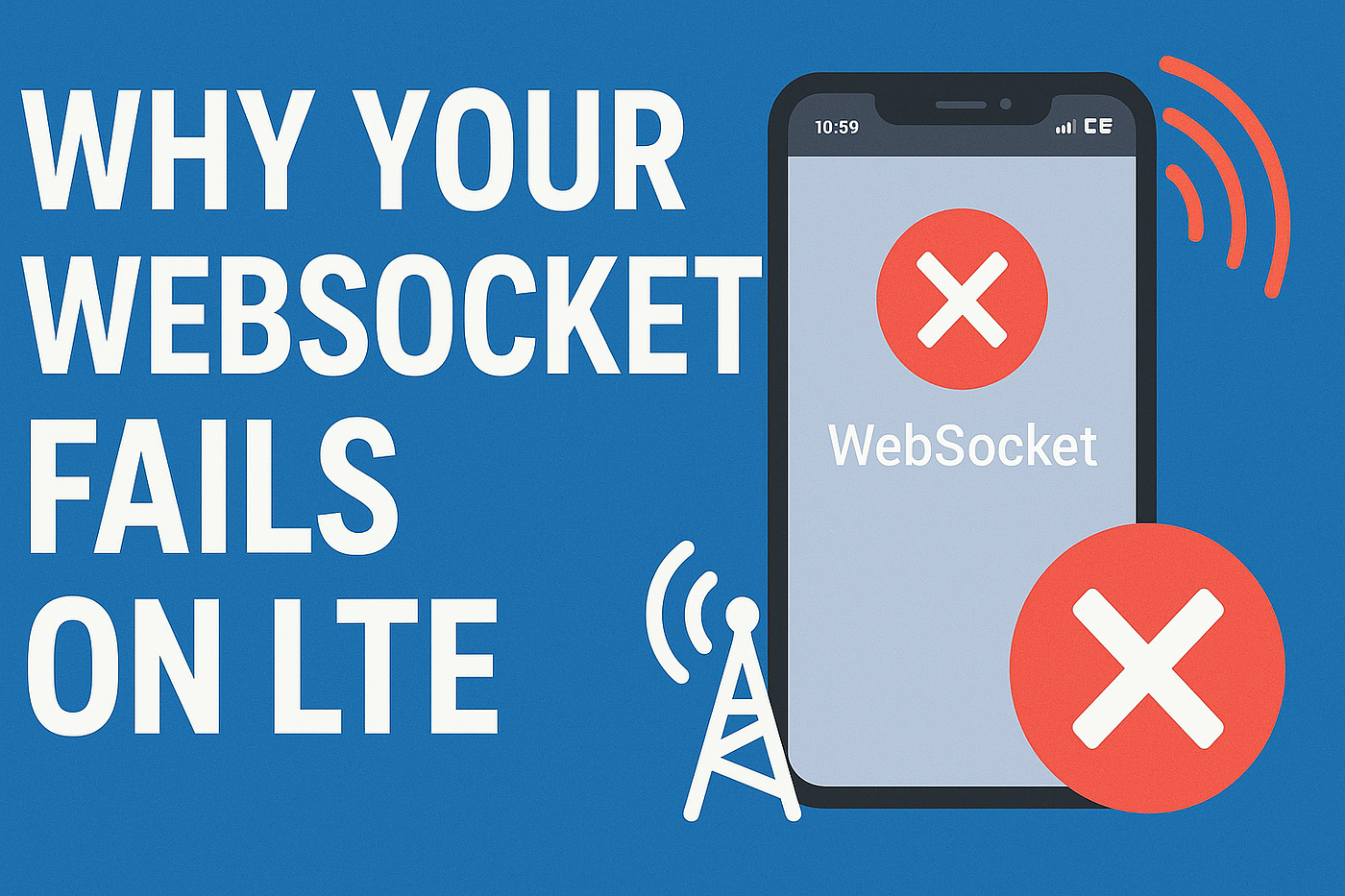
🚀 Why WebSockets Fail on Mobile Data (and How We Beat the 51-Second Curse)
If you’ve ever built a real-time app — ride-hailing, delivery tracking, game servers, chat apps — you probably know this pain:
🚀 Why WebSockets Fail on Mobile Data (and How We Beat the 51-Second Curse)
If you’ve ever built a real-time app — ride-hailing, delivery tracking, game servers, chat apps — you probably know this pain:
Everything works perfectly on Wi-Fi… …and dies instantly on LTE/5G.
This is the story of how our Django Channels + Flutter real-time system collapsed under mobile data — and how we fixed it.
Think of this as the unofficial, real-world guide to stabilizing WebSocket systems on mobile networks.
🧩 The Setup: A Real-Time App That Needed to “Never Drop”
Our stack:
- Backend: Django Channels + Daphne
- Proxy: Nginx
- Runtime: Docker
- Client: Flutter
- Use Case: Real-time driver ↔ rider GPS tracking & assignment
This system needed to stay alive for long sessions. Instead, we got this:
💀 The Symptoms: The 51-Second Curse and the LTE Wall
❌ Symptom 1: The 51-Second WebSocket Death
Everything worked fine for ~51 seconds, then boom — disconnect.
The client logs looked like:
WebSocket closed with status 1006
Reconnecting...
❌ Symptom 2: Works on Wi-Fi — Fails Instantly on LTE/5G
On mobile data, the WebSocket didn’t even hit our server. Zero logs. Zero handshake. Nothing.
It was like the packets evaporated.
❌ Symptom 2: Works on Wi-Fi — Fails Instantly on LTE/5G
On mobile data, the WebSocket didn’t even hit our server. Zero logs. Zero handshake. Nothing.
It was like the packets evaporated.
🧭 Visual Breakdown
(Imagine these diagrams in your Medium article)
Diagram 1: The 51-Second Kill
Client ---> Router ---> Nginx ---> Daphne
            ↑
            | (proxy timeout / NAT idle timeout)
Disconnect at ~51 seconds
Diagram 2: LTE Carrier Filtering
LTE Network
    ↓
Carrier Firewall ❌ blocks 443 → WSS handshake never arrives
🛠️ Fix Attempt #1 — Heartbeats & Nginx Timeouts
(aka: convincing the network “we are still alive”)
🔧 1A — Server Heartbeats (Daphne Ping Interval)
Your ASGI server must send pings. Otherwise, NAT devices assume the socket is dead.
Our real fix:
# docker-compose.yml
command: daphne -b 0.0.0.0 -p 8000 config.asgi:application --ping-interval 30
💡 Tip: Use intervals 25–40 seconds. Anything higher risks NAT killing the connection first.
🔧 1B — Nginx Timeouts (Let the Connection Live Longer)
Add in your websocket location:
proxy_read_timeout 600s;
proxy_send_timeout 600s;
This alone fixed the 51-second disconnect. Our connections now stayed alive for minutes, even hours.
But…
LTE still refused to connect.
💥 Fix Attempt #2 — The Nuclear Network Fix
(aka: fighting mobile carrier filtering)
After analyzing packet flow on LTE networks, we discovered:
📌 Some carriers aggressively filter outbound connections on sensitive ports. Even 443 can be intercepted or filtered if traffic looks “abnormal”.
On our network, 443 WebSocket upgrades were silently dropped.
🧨 The Solution:
✔ Move Nginx outside Docker
✔ Bind the backend to localhost
✔ Use a non-standard secure port (4443)
🏗️ 2A — Removing the Docker Nginx
Keep only Daphne inside Docker:
# websocket service
ports:
  - "127.0.0.1:8001:8000"
This means:
- Daphne → exposed only to host
- Host → handles SSL, routing, and public ports
- Docker → no longer interrupts or proxies network traffic
This gives full control of the real public port.
🏗️ 2B — Host Nginx on Port 4443 (The Carrier Bypass)
server {
    listen 4443 ssl http2;
    server_name ws.portapp.az;
ssl_certificate /etc/letsencrypt/live/ws.portapp.az/fullchain.pem;
ssl_certificate_key /etc/letsencrypt/live/ws.portapp.az/privkey.pem; location / {
proxy_pass http://127.0.0.1:8001;
proxy_set_header Upgrade $http_upgrade;
proxy_set_header Connection "upgrade";
}
}server {
listen 80;
return 301 https://$host:4443$request_uri;
}🎉 The moment we switched to 4443, LTE traffic worked instantly. This confirmed that carriers were filtering port 443 for non-browser traffic.
⚔️ Fix Attempt #3 — The Debugging Chaos
(Logs became our roadmap)
When moving Nginx to the host, we hit…
🧟♂️ 3A — Error 98: Port Already in Use
Logs:
bind() to 0.0.0.0:80 failed (98: Address already in use)
bind() to 0.0.0.0:443 failed (98: Address already in use)
Cause: Old docker-proxy processes were holding ports 80/443.
Fix:
sudo netstat -tulpn | grep -E ':(80|443)'
sudo kill <PID>
sudo systemctl start nginx
🔐 3B — The SSL File Hell (BIO_new_file Error)
cannot load certificate "fullchain.pem": No such file or directoryCause: Old certs were inside Docker; host couldn’t see them.
Fix:
sudo apt install python3-certbot-nginx
sudo systemctl stop nginx
sudo certbot --nginx -d ws.portapp.az
This regenerated clean certificates on the host.
🎉 The Final Result
Your app now connects via:
wss://ws.portapp.az:4443/ws/rides/<id>/And it works everywhere:
✔ Wi-Fi ✔ LTE ✔ 3G ✔ 5G ✔ Public networks ✔ Restricted enterprise networks
🧠 Key Lessons Learned (What Actually Matters)

1. Don’t trust defaults. Set explicit timeouts.
proxy_read_timeout 600sproxy_send_timeout 600s--ping-interval 30
2. Mobile carriers filter aggressively.
If your WebSocket works on Wi-Fi but not LTE:
👉 try port 4443 or 8443 👉 don’t use 8080, 8000, 3000, or other dev ports
3. Stop containerizing Nginx for public traffic.
Host-level Nginx gives:
- real ports
- real SSL files
- real firewall control
- less complexity
4. Always test with real devices on real mobile networks.
Simulators and emulators will lie to you.
🖼️ Suggested Images for Medium
Use these to make the article visual:
- Architecture diagram (BEFORE) — Nginx in Docker
- Architecture diagram (AFTER) — Host Nginx + Docker Daphne
- Timeline chart of 51-second disconnect
- LTE filtering diagram showing the port block
- Screenshot of logs (Error 98, BIO_new_file)
- Minimal WebSocket flow diagram
🎯 Final Words
Real-time systems are fragile on mobile networks. But with the right heartbeat, timeouts, and port strategy, they can be rock-solid.
If you’re building anything WebSocket-powered — ride-hailing, tracking, chat, gaming — these lessons will save you days (maybe weeks) of debugging.
메타데이터
- post_id
- 5ac4601d7fa1
- slug
- why-websockets-fail-on-mobile-data-and-how-we-beat-the-51-second-curse-5ac4601d7fa1
- url
- https://awstip.com/why-websockets-fail-on-mobile-data-and-how-we-beat-the-51-second-curse-5ac4601d7fa1
- canonical_url
- https://awstip.com/why-websockets-fail-on-mobile-data-and-how-we-beat-the-51-second-curse-5ac4601d7fa1
- author_url
- https://medium.com/@karimmirzaguliyev
- status
- ok
- fetched_at
- 2026-06-26 21:52:29