Editors, you can now more easily decline and block low-effort submissions to your publication
Two updates to your submission queue management tools
Editors, you can now more easily decline and block low-effort submissions to your publication
Two updates to your submission queue management tools
All images created by Jason Combs // The Medium Brand team
Whether you edit at a big or a small publication, you might see some low-effort submissions in your submissions queue.
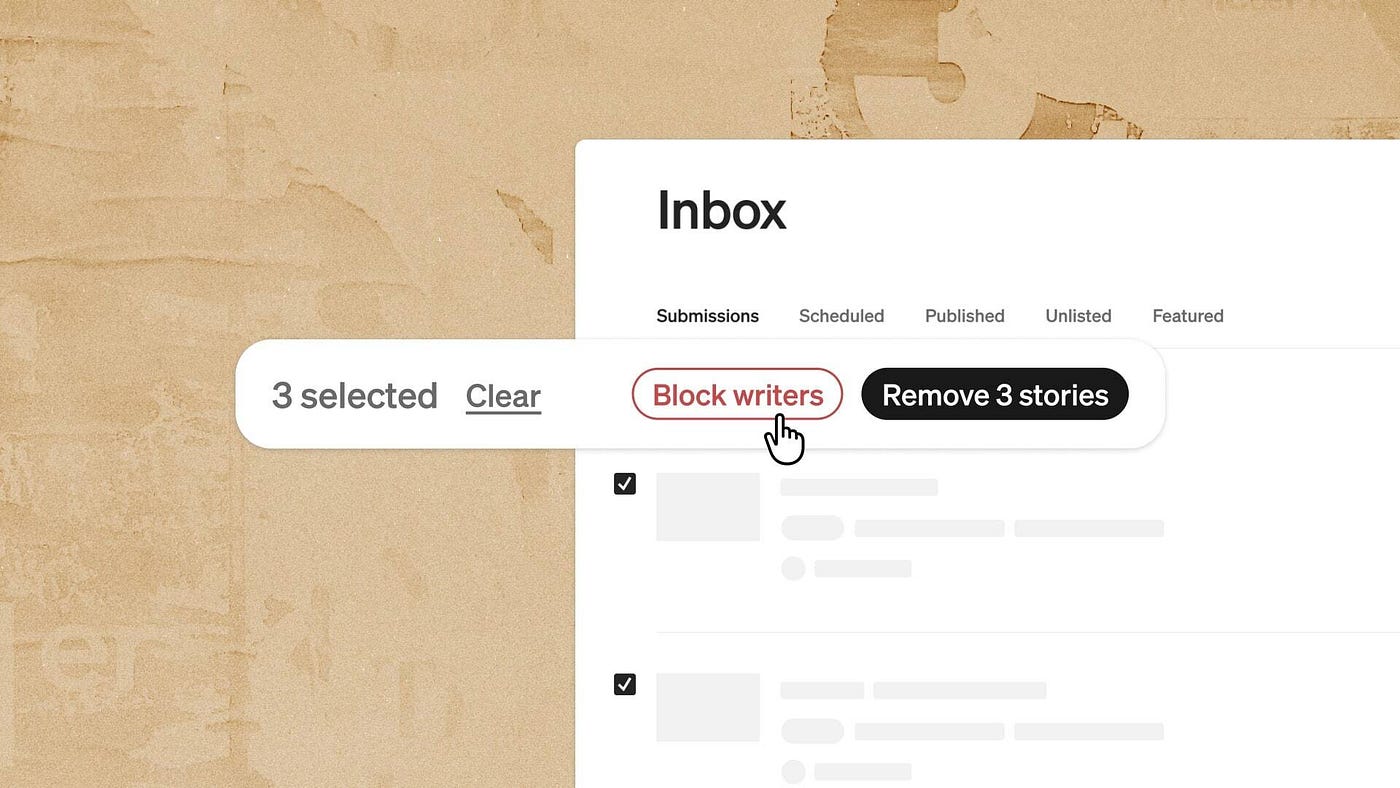
Starting today, you can now manage those submissions a little more easily with the ability to bulk-block writers and bulk-decline stories.
To bulk-decline stories, you can select as many stories as you want, and then choose “decline.” To block writers from being able to submit to your publication again, just select those stories in your submissions queue and click “block.” This both declines all submissions from those writers and blocks those writers from being able to submit stories to your publication again.
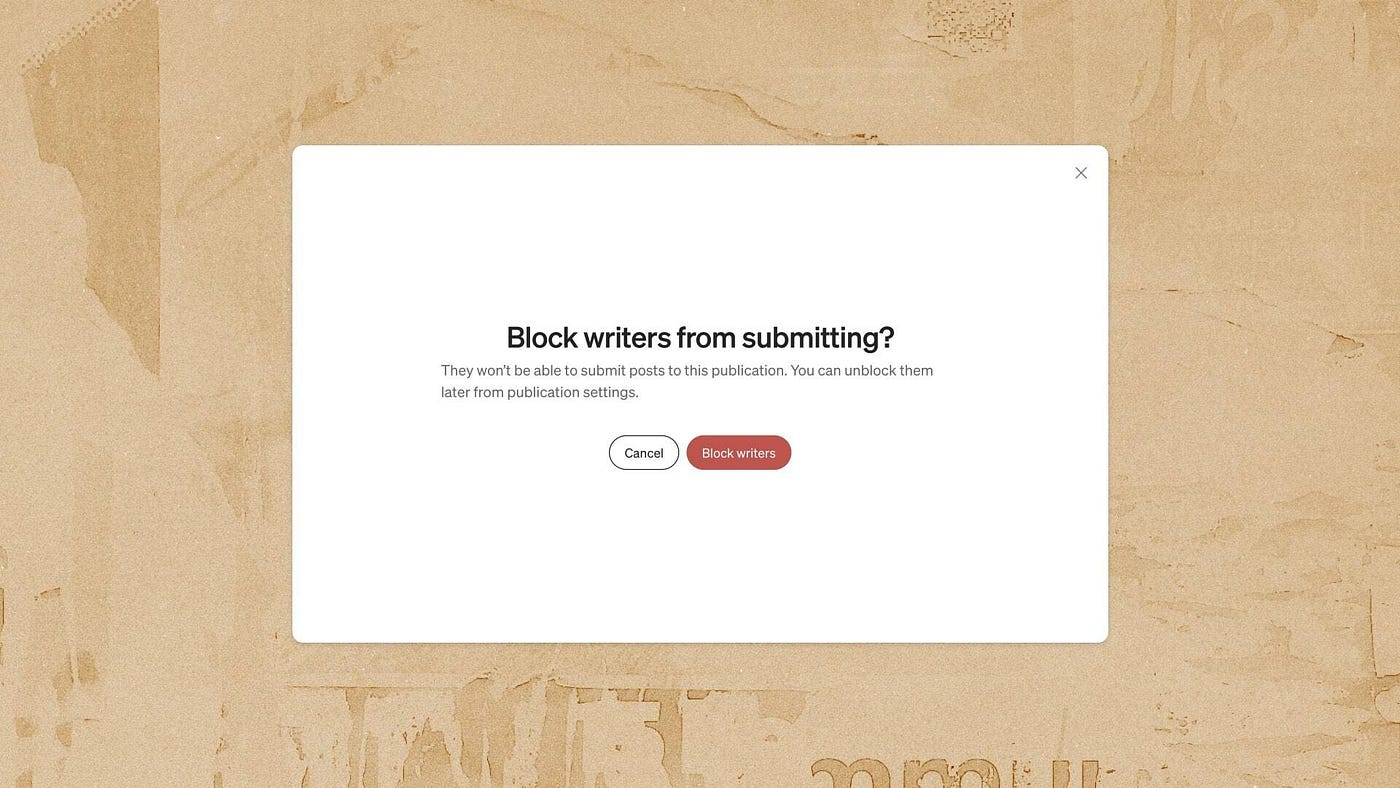
Editors could already block writers from submitting to their publications, without blocking the writer from their personal account or from reading stories in the publication. But we heard from editors that you wanted an easier way to deal with writers and submissions that didn’t fit your publication.
What’s the history behind this change?
We’re balancing two desires: to make managing publications a joy for editors, and help writers access great publications.
On the one hand, we want writers to easily access the huge number of publications that give stories a great home and audience on Medium. Last summer, we released a streamlined submission system with that aim. For publications that choose the simple submission system, all writers have to do is follow that publication to submit to it.
Previously, every publication had a different system to manage new writer submissions — some required writers to fill out a form, others needed a draft emailed, still others asked that aspiring writers follow the pub, the editor, and leave a response on the submission guidelines. New writer and existing writer submissions were handled in different inboxes. Now, many editors use open submissions to make that workflow simpler for them.
On the other hand, we also heard from editors who turn on open submissions that they quickly get flooded with low-effort stories from writers who aren’t a good fit for their publication. We want to make sure the tools we build help, rather than hinder, the work of running great publications.
That’s why we were eager to invest in ways to help editors manage their submissions queue. We hope that the simpler we make it for editors to manage submissions and get stories from writers they’re excited to work with, the more editors will turn on open submissions and the more writers will be able to take advantage of the benefits writing for a publication offers them.
What’s next?
We’ve already taken steps to make submissions higher quality for editors — for example, many editors have told us that tightening the Partner Program application process helped curb the worst of the spam. These submission management tools are another stepping stone.
While these new features are just a small tweak in the submissions queue, we are looking forward to making submissions even easier for editors to run, in as many ways as we can. Feedback, thoughts, or questions, as always, are welcome in the responses.
FAQ
Why would I block a writer from submitting to my publication?
Block a writer when their submissions consistently don’t fit your publication and you don’t want to keep declining their stories individually. Blocking prevents them from submitting again, so you spend less time managing the queue.
How can I block more than one writer at a time from submitting to my publication?
In your submissions queue, select the stories from the writers you want to block, then click “Block.” This blocks all selected writers at once and declines their pending submissions.
What happens when I block a writer from submitting to my publication?
All pending submissions from that writer are declined, and the writer can no longer submit new stories to your publication. They can still read stories in your publication.
What’s the difference between declining a story and blocking a writer?
Declining removes a specific story from your queue but lets the writer submit again. Blocking both declines all their pending submissions in your publication and prevents them from submitting to your publication in the future.
Does blocking a writer from my publication affect their overall Medium account?
No. Blocking only applies to submissions to your publication. The writer can still publish on Medium, read your publication, and submit to other publications.
Will a writer know they’ve been blocked from submitting to my publication?
The writer doesn’t get a notification, but your publication will no longer show up in their publication selection page.
Can I unblock a writer after blocking them?
Yes. In Inbox > Settings > Blocked Users
How many stories or writers can I select for bulk actions at once?
Up to 100 at a time.
Do I have to block a writer to decline their stories in bulk?
No. You can bulk-decline stories without blocking the writers. Select the stories and click “Decline.” This removes them from your queue without preventing future submissions.
Does blocking a writer from submitting also block them from reading my publication?
No. Blocking only restricts submissions. The writer can still follow and read your publication
메타데이터
- post_id
- 5b8dd8d16b5d
- slug
- editors-you-can-now-more-easily-decline-and-block-low-effort-submissions-to-your-publication-5b8dd8d16b5d
- url
- https://medium.com/blog/editors-you-can-now-more-easily-decline-and-block-low-effort-submissions-to-your-publication-5b8dd8d16b5d
- canonical_url
- https://medium.com/blog/editors-you-can-now-more-easily-decline-and-block-low-effort-submissions-to-your-publication-5b8dd8d16b5d
- author_url
- https://medium.com/@MediumStaff
- status
- ok
- fetched_at
- 2026-06-09 21:21:26