When You Import Too Many Libraries Just for 5 Lines of JavaScript Code
As developers, we’ve all been there — importing half a dozen libraries for what ends up being just a few lines of JavaScript. It feels…
When You Import Too Many Libraries Just for 5 Lines of JavaScript Code
As developers, we’ve all been there — importing half a dozen libraries for what ends up being just a few lines of JavaScript. It feels convenient in the moment, but it comes with hidden costs.
The Problem
Modern frontend development makes it easy to install a package for almost anything. Need to format a date? npm install moment. Need to clone an object? npm install lodash. Need to validate an email? npm install validator.
Before you know it, your package.json has ballooned, and your bundle size has grown disproportionately—all for a feature that could have been implemented with a few lines of native JavaScript.
Why It’s a Problem
- Bundle Size Bloat: Users end up downloading hundreds of KBs of unused code.
- Performance Issues: Bigger bundles = slower load times = frustrated users.
- Security Risks: Each dependency introduces a potential vulnerability.
- Maintenance Overhead: Dependencies change, break, or get deprecated.
Real Example
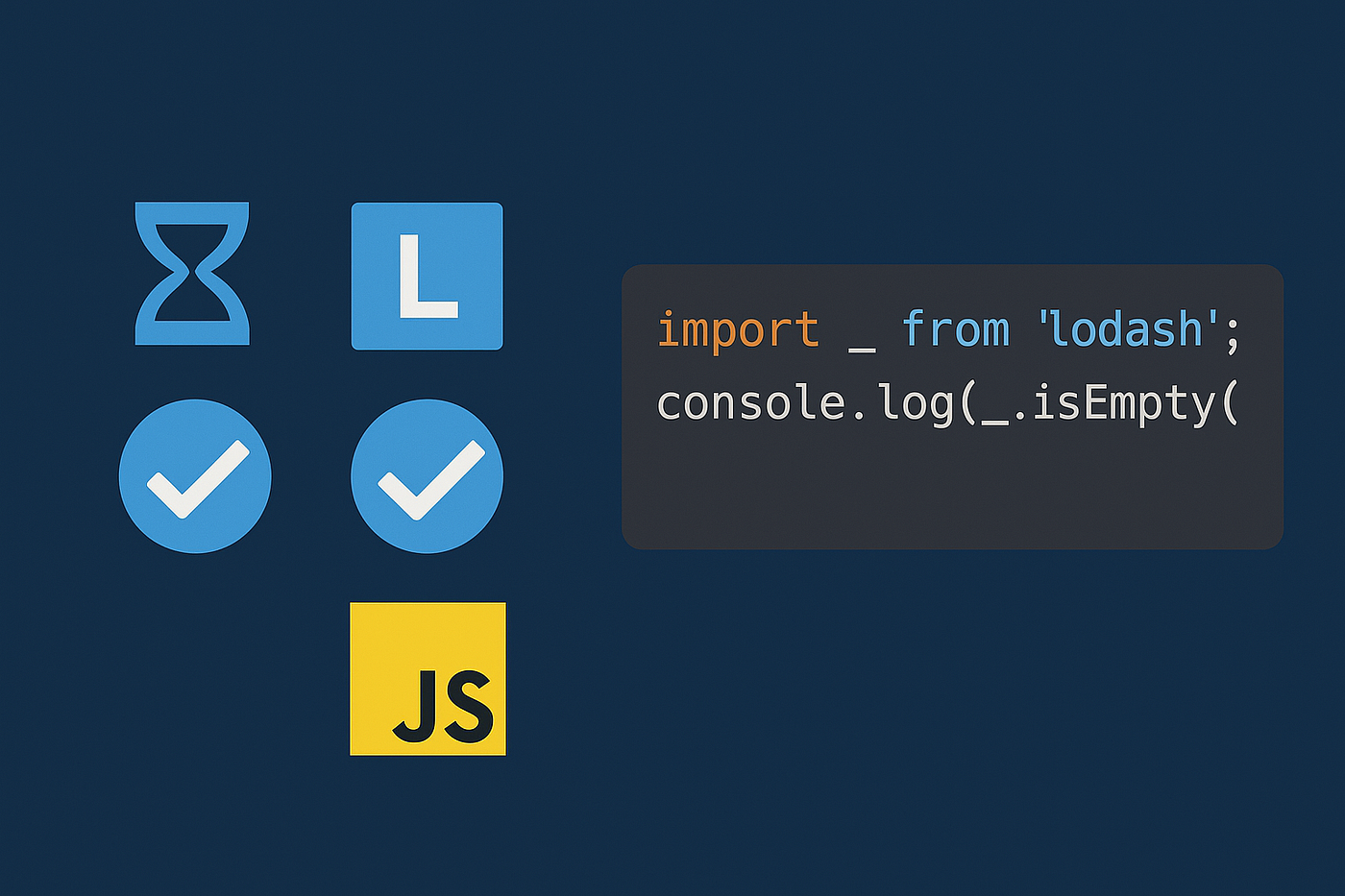
Instead of importing Lodash just for _.isEmpty, you could simply write:
// With lodash
import _ from "lodash";
console.log(_.isEmpty([]));

// Native JS
console.log([].length === 0);
That’s one less dependency, one less update to worry about, and zero impact on bundle size.
When Libraries Are Worth It
Of course, libraries exist for a reason:
- Complex tasks like state management (Redux, Zustand, etc.).
- Heavy utilities like date manipulation (though even here,
Intl.DateTimeFormatis powerful). - Cross-browser quirks handling.
The key is to balance convenience with responsibility.
Best Practices
- Ask yourself: “Can I do this in vanilla JS in under 10 lines?”
- Check browser compatibility on MDN before pulling in a library.
- Use tree-shaking-friendly imports when you do need libraries.
- Audit dependencies regularly with tools like
npm auditorbundlephobia.com.
Final Thought
Libraries are amazing, but they should be treated like power tools — use them when necessary, not for tightening a single screw. Sometimes, the simplest code is the best code.
A message from our Founder
Hey, Sunil here. I wanted to take a moment to thank you for reading until the end and for being a part of this community.
Did you know that our team run these publications as a volunteer effort to over 3.5m monthly readers? We don’t receive any funding, we do this to support the community. ❤️
If you want to show some love, please take a moment to follow me on LinkedIn, TikTok, **Instagram. You can also subscribe to our [weekly newsletter](https://newsletter.plainenglish.io/)**.
And before you go, don’t forget to clap and follow the writer️!
메타데이터
- post_id
- 5c53e361caaf
- slug
- when-you-import-too-many-libraries-just-for-5-lines-of-javascript-code-5c53e361caaf
- url
- https://javascript.plainenglish.io/when-you-import-too-many-libraries-just-for-5-lines-of-javascript-code-5c53e361caaf
- canonical_url
- https://javascript.plainenglish.io/when-you-import-too-many-libraries-just-for-5-lines-of-javascript-code-5c53e361caaf
- author_url
- https://medium.com/@anjalisinghattri
- status
- ok
- fetched_at
- 2026-07-17 19:48:49