How to mirror flip an image on iPhone?
See the mirrored text correctly
How to mirror flip an image on iPhone?
See the mirrored text correctly
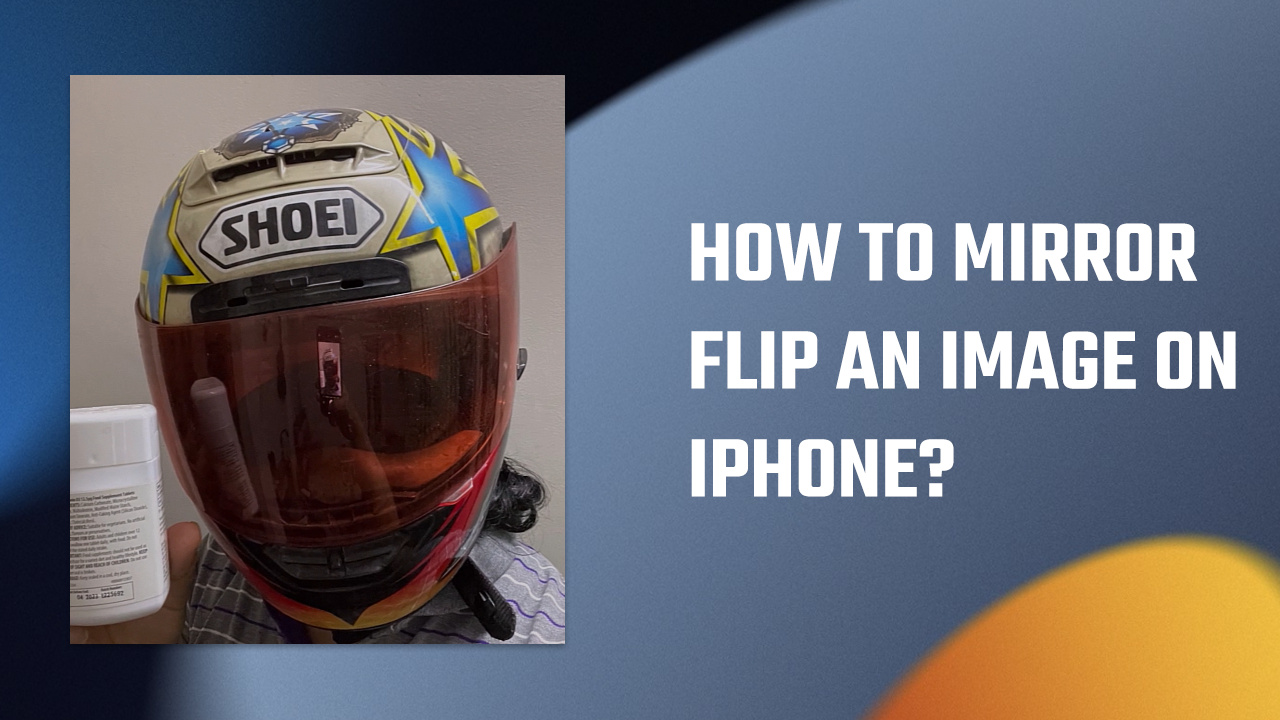
If you’ve ever taken a selfie and noticed that the text is mirrored, don’t worry — there’s an easy fix for this issue. In this article, we’ll show you how to mirror-flip an image on your iPhone using the built-in photo editing software.
Editing your Photo Open the photo that needs to be flipped and tap on “Edit” at the top. Then tap on the “Crop” icon at the bottom of the image. After that, tap on the flip icon located at the top right side of the image.
Once you’ve completed these steps, the image will be flipped, and the text will now be readable. You can then save the edited image on your iPhone.

By following these simple steps, you can easily mirror-flip an image on your iPhone and ensure that your text is readable. There’s no need to use any third-party applications, as the iPhone’s built-in photo editing software is all you need. It’s worth noting that the photo editing software on the iPhone offers many additional editing features beyond just flipping images. You can use the software to adjust brightness, contrast, saturation, and more. Additionally, there are several third-party applications available for download that offer even more advanced photo editing features.
Anyway, mirror flipping an image on your iPhone is a straightforward process that can be done quickly and easily using the phone’s built-in photo editing software. By following these steps, you can ensure that your selfies look their best, with readable text that is no longer mirrored.
For more interesting content: *Click here*
[embed]
Not a member yet? Please support my writing on Medium by joining Medium through this link: *Click here to Join Medium.*
메타데이터
- post_id
- 5d7c8d341d68
- slug
- how-to-mirror-flip-an-image-on-iphone-5d7c8d341d68
- url
- https://medium.com/geekculture/how-to-mirror-flip-an-image-on-iphone-5d7c8d341d68
- canonical_url
- https://medium.com/geekculture/how-to-mirror-flip-an-image-on-iphone-5d7c8d341d68
- author_url
- https://medium.com/@heyletslearnsomething
- status
- ok
- fetched_at
- 2026-06-09 15:37:30