9 Flutter Widgets That Will Change the Way You Build Layouts
Most layout tutorials stop at Row, Column, and Container. That’s exactly why so many Flutter layouts end up ten Containers deep.
9 Flutter Widgets That Will Change the Way You Build Layouts
Most layout tutorials stop at Row, Column, and Container. That’s exactly why so many Flutter layouts end up ten Containers deep.
You can build almost anything with Row, Column, Stack, and Container. That’s the problem. Because you can, a lot of layouts turn into a nest of Containers and SizedBoxes stacked so deep you need a map to find the widget you came for. The framework has sharper tools than the four everyone learns first.
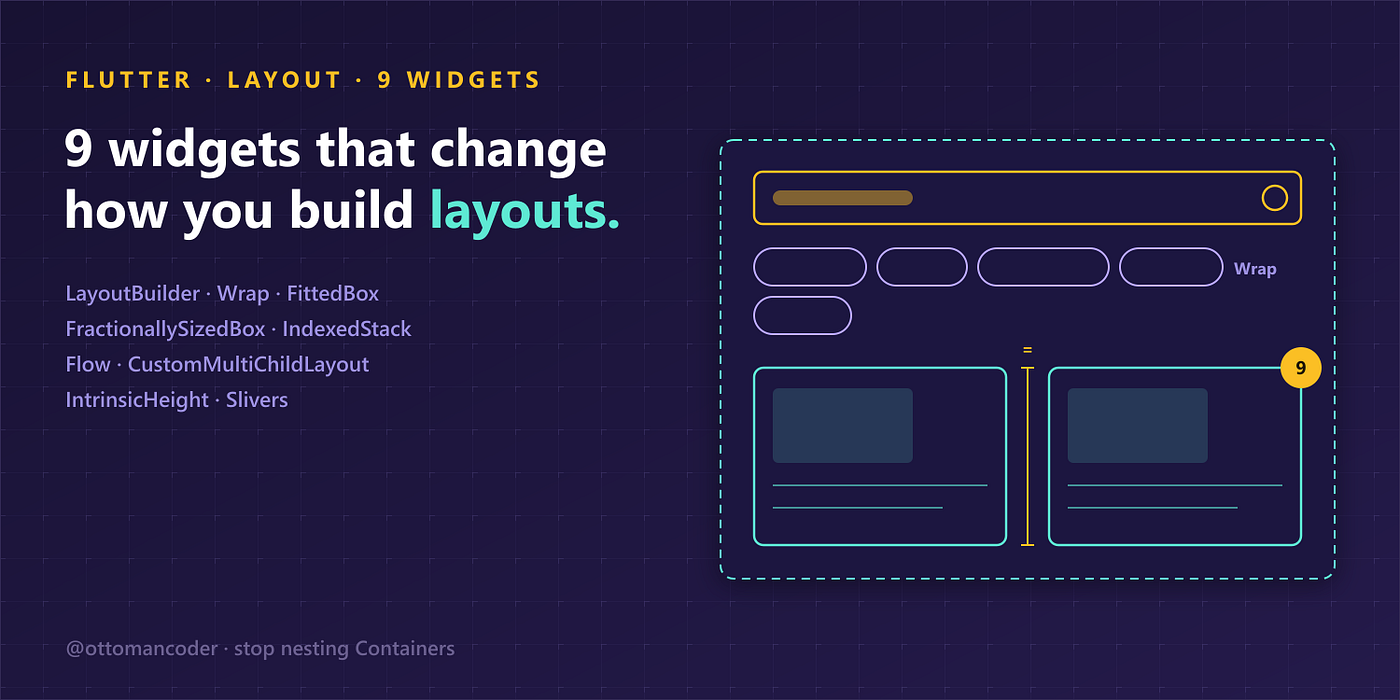
Here are nine that genuinely change how you think about layout, roughly ordered from “use this tomorrow” to “this quietly rewires your brain.”
1. LayoutBuilder — responsive without guessing
LayoutBuilder hands you the parent’s constraints at build time, so a widget can decide its own layout from the space it actually has, not the size of the whole screen. MediaQuery tells you about the device. LayoutBuilder tells you about the box you’re sitting in, which is usually what you actually wanted.
LayoutBuilder(builder: (context, constraints) {
  return constraints.maxWidth > 600 ? WideView() : NarrowView();
});
Start reaching for this instead of MediaQuery and your components become genuinely reusable in any slot, not just full screens.
2. Wrap — the end of overflow on rows of chips
A Row throws the yellow-and-black overflow stripe the instant its children don’t fit. Wrap just flows them onto the next line, the way text wraps. Tags, filter chips, button groups, anything whose count you don’t control at build time belongs in a Wrap, with spacing and runSpacing handling the gaps for you.
3. FittedBox — the overflow killer
Wrap a child in FittedBox and it scales to fit the space instead of overflowing it. Perfect for a long title that has to stay on one line, a logo that must fit a variable box, or a number that shouldn’t clip. One widget removes an entire category of “text overflowed by 3 pixels” bugs.
FittedBox(fit: BoxFit.scaleDown, child: Text(reallyLongTitle));4. FractionallySizedBox — percentages, not pixels
It sizes its child as a fraction of the parent. A widthFactor of 0.7 means 70% of whatever it lives in. No MediaQuery arithmetic, no hardcoded pixel widths that quietly break on the next screen size. A button that should take 80% of its container is one factor away, and it stays correct everywhere.
5. IntrinsicHeight — make a row’s children match the tallest
Ever wanted two cards in a Row to share the same height, matching whichever one is taller, without inventing a magic number? IntrinsicHeight does precisely that. One honest caveat: it isn’t free. It forces an extra measuring pass over its subtree, so it’s right for a couple of cards and wrong for a thousand-item list. Knowing when to reach for it, and when to back away, is the actual skill here.
6. IndexedStack — the tab switcher that remembers
Showing one of several views, and tired of the scroll position resetting every time the user switches? IndexedStack keeps every child alive in the tree and simply displays the one at the given index. Scroll offsets, controllers, form state, all preserved. It’s the difference between tabs that feel native and tabs that forget where you were standing.
IndexedStack(index: selectedTab, children: pages);7. Flow — custom positioning without relayout
Here’s where it gets interesting. Flow positions its children using transformation matrices supplied by a delegate, and it repaints without re-running layout. That makes it ideal for animated, overlapping arrangements: an expanding action menu, a fanned stack of cards, anything where re-laying out every frame would be wasteful. A surprising number of “wait, how did they build that” UIs are Flow underneath.
8. CustomMultiChildLayout — position everything by hand
When no combination of Row, Column, and Stack expresses what you need, this is the escape hatch. You tag each child with a LayoutId, write a delegate, and inside it you measure and place each child yourself with layoutChild and positionChild. It's more code up front, but it buys total control and gives you one readable place where the layout logic lives, instead of smeared across six nested widgets.
9. Slivers — the scroll system most people never learn
Nearly every scroll effect you’ve ever admired, a header that collapses as you scroll, a section that sticks, a list and a grid sharing one smooth scroll, is built from slivers. CustomScrollView takes a list of them (SliverAppBar, SliverList, SliverGrid) and composes them into a single scroll view. ListView is really just a sliver with the lid screwed on. Learn slivers, and a whole genre of scrolling UI stops being magic and starts being something you can simply build.
CustomScrollView(slivers: [SliverAppBar(...), SliverList(...)]);The point
None of these retire Row and Column. You’ll keep reaching for the basics every single day. But each of these nine solves a problem that developers usually solve the hard way, through nested Containers, hardcoded sizes, or a state-management trick to fake what IndexedStack already does for free.
Pick the two that match a problem you hit this week. Swap a MediaQuery breakpoint for LayoutBuilder, or a manual tab cache for IndexedStack, and watch the layout get simpler instead of more tangled. That’s the real signal you’ve found the right widget: the code gets shorter.
I build Flutter apps for a living and have deleted more nested Containers than I’d like to admit. If this was useful, follow along for more from the build trenches.
메타데이터
- post_id
- 5f58b74c85fe
- slug
- 9-flutter-widgets-that-will-change-the-way-you-build-layouts-5f58b74c85fe
- url
- https://medium.com/@ottomancoder/9-flutter-widgets-that-will-change-the-way-you-build-layouts-5f58b74c85fe
- canonical_url
- https://medium.com/@ottomancoder/9-flutter-widgets-that-will-change-the-way-you-build-layouts-5f58b74c85fe
- author_url
- https://medium.com/@ottomancoder
- status
- ok
- fetched_at
- 2026-07-15 18:05:59



