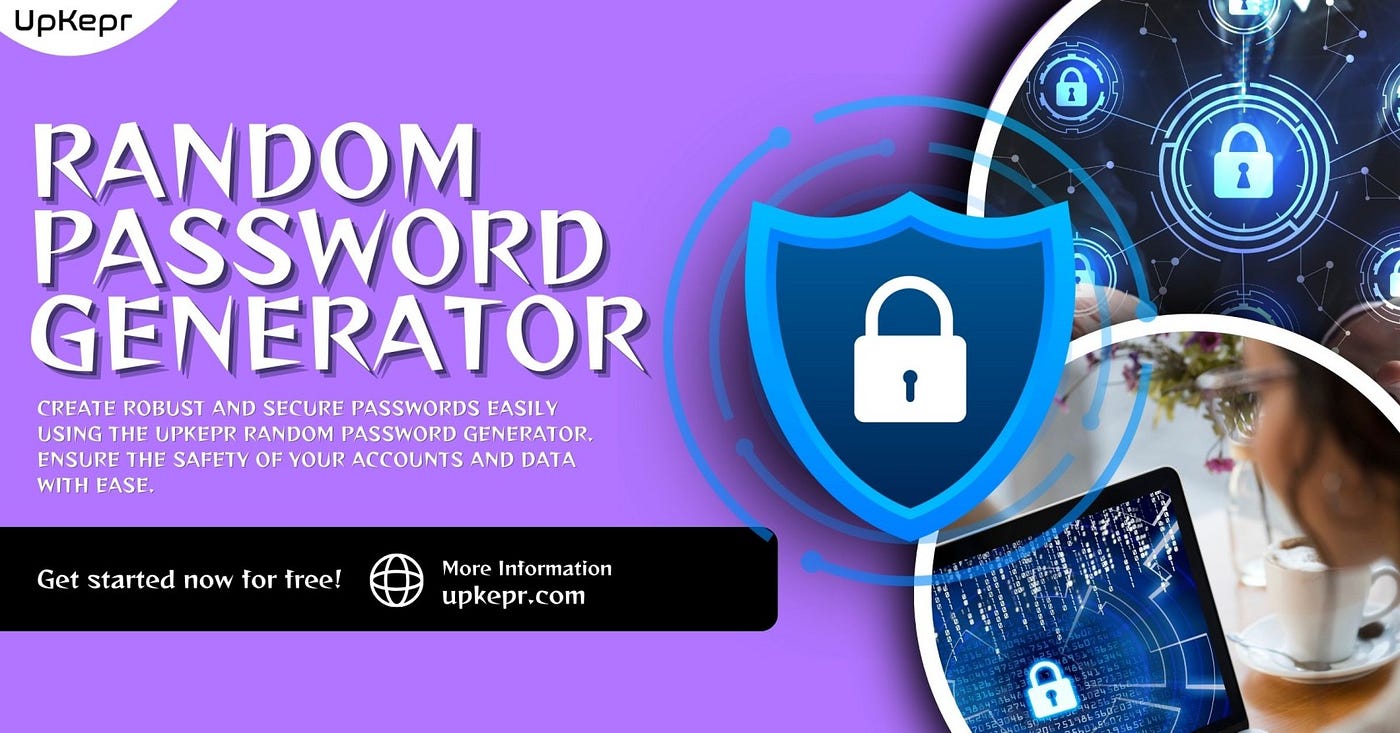
How to Make Strong Passwords with a Random Password Generator
We use the internet for everything in 2025. We play games, do homework, talk with friends, watch videos, and buy stuff online. To do these…
How to Make Strong Passwords with a Random Password Generator
We use the internet for everything in 2025. We play games, do homework, talk with friends, watch videos, and buy stuff online. To do these things, we often need to make accounts with usernames and passwords.
But wait, is your password safe?
Some people use passwords like “123456” or “myname2020.” These are easy to guess. That is not good. If someone guesses your password, they can go into your account. That is called “hacking.”
To keep your account safe, you need a strong password. But how do you make one?
It’s easy! You can use a Random Password Generator.
What Is a Password?
A password is a secret word or group of letters, numbers, and symbols. It helps you open your account, just like a key opens your house. If someone has your password, they can get into your account and see all your stuff.
That’s why your password should be strong and hard to guess.
Weak Passwords vs Strong Passwords
Let’s look at two examples:
- Weak:
sunny123 - Strong:
f9@RzX2#LmQ1!
The first one is easy to guess. The second one is very hard to guess.
Strong passwords are:
- Long
- Have upper and lower case letters
- Use numbers and symbols
- Don’t have real words or names
- They are not the same for every account
What Is a Random Password Generator?
A Random Password Generator is a smart tool that makes strong passwords for you. It mixes random letters, numbers, and symbols so your password is extra safe.
You don’t have to think hard. You don’t have to type a bunch of random stuff. Just use the tool!
A Password Generator helps you:
- Save time
- Stay safe
- Make new, strong passwords fast
- Keep hackers away
What Is an Online Password Generator?
An Online Password Generator is a tool you use on a website. You don’t need to download anything. You just visit the website, click a button, and BOOM — your strong password appears.
It’s quick. It’s easy. It works on phones, tablets, or computers.
Steps to Make a Strong Password with a Random Password Generator
Here’s how to do it:
- Go to an Online Password Generator website
- Choose how long you want your password (at least 12 characters is good)
- Select the options — letters, numbers, symbols
- Click the button to create your password
- Copy and paste it where you need it
You can also save the password somewhere safe, like a notebook or password manager app.
Why Do You Need Different Passwords?
Some people use the same password for everything: email, games, shopping, and school. That’s not safe. If someone finds out one password, they can get into all your stuff.
With a **Random Password Generator**, you can make different passwords for each account. That keeps all your accounts safe.
So instead of:
- Email:
Tommy123 - Games:
Tommy123 - Shopping:
Tommy123
You can use:
- Email:
kT9@uP!3vG - Games:
M#2zWy*61b - Shopping:
q8!FrZ@c10
And the best part? You didn’t even make those; the generator did!
Best Places to Store Your Passwords
Now that you’ve made strong passwords, where do you keep them?
- Write them down in a notebook (but keep it in a safe place)
- Use a password manager (a tool that stores all your passwords for you)
- Don’t tell your password to strangers, even if they say they work for a company
How Often Should You Change Your Password?
In 2025, experts say to change your password every few months. That way, even if someone guesses your old password, they won’t be able to use it.
Using an **Online Password Generator** makes it easy to get new passwords every time.
What Happens If You Use a Weak Password?
Using a weak password can be very risky. Someone might:
- Get into your email
- Pretend to be you
- Read your private messages
- Buy things using your account
- Lock you out of your profile
That’s why a Password Generator is so important. It keeps you safe!
Password Safety Tips for 2025
Use a different password for each account Make your passwords long and strong Use letters, numbers, and symbols Don’t use your name or birthday Change passwords often Use a Random Password Generator for help Keep your passwords private
Who Should Use a Password Generator?
Everyone! Kids, teens, adults, teachers, parents, workers — we all use the internet. And we all need strong passwords.
Use a Random Password Generator to keep:
- School accounts safe
- Game accounts safe
- Work emails safe
- Shopping sites safe
- Social media accounts are safe
Whether you’re 9 or 90, this tool is for YOU.
Final Thought: Stay Safe Online with Upkepr
The internet is a fun and helpful place. But we must stay smart and safe while using it. A strong password is like armor that protects us from danger.
With the help of a Random Password Generator, you can make passwords that are strong, safe, and smart. You don’t have to guess. You don’t have to worry. The tool does all the hard work for you.
If you want an easy and powerful way to make strong passwords, try **Upkepr. It’s a simple and safe Online Password Generator** that helps you stay protected with just one click.
메타데이터
- post_id
- 612f7bd8d4fa
- slug
- how-to-make-strong-passwords-with-a-random-password-generator-612f7bd8d4fa
- url
- https://medium.com/@upkepr/how-to-make-strong-passwords-with-a-random-password-generator-612f7bd8d4fa
- canonical_url
- https://medium.com/@upkepr/how-to-make-strong-passwords-with-a-random-password-generator-612f7bd8d4fa
- author_url
- https://medium.com/@upkepr
- status
- ok
- fetched_at
- 2026-07-19 02:09:36