Self-Healing Data Pipelines Using AI Agents
[Access the full story here]
Self-Healing Data Pipelines Using AI Agents
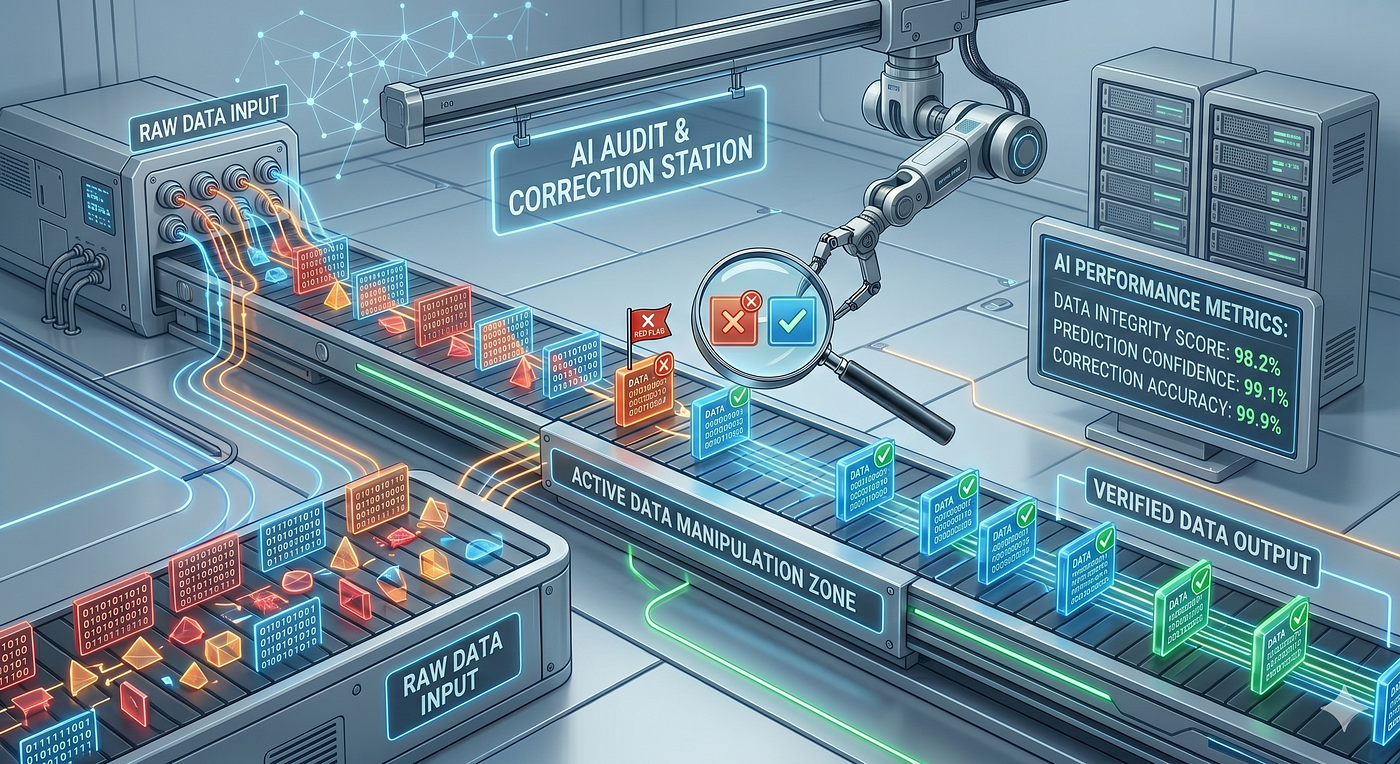
[Access the full story here]
Every data team has a version of this story: an audit runs on a cron schedule, it fails at 3 a.m., and a pager wakes up an on-call engineer. Half-asleep, they open a runbook in a Google Doc, follow the remediation steps, confirm the pipeline is healthy or take action to fix the data or the pipeline, and go back to bed.
This workflow is fragile in several ways. The runbook drifts out of sync with the actual queries. The on-call engineer has to context-switch between code and documentation. And the entire process relies on a human being available and alert to do work that, honestly, a machine could handle.
AI agents have the opportunity to simplify your audits and execute remediations automatically. But before you hand an agent the keys to your data warehouse, there’s a catch: unrestricted agentic execution is dangerous. This article walks through a practical pattern for building self-healing data audits powered by AI — and, critically, how to constrain what that agent is allowed to do.
The Core Idea: Merge the Query and the Runbook
Traditional auditing separates concerns into two artifacts: the SQL (what to check) and the runbook (what to do when it fails). An AI agent can execute both — but only if we express them in a unified, readable format.
A solution is a Markdown audit file that contains the SQL queries, the acceptance criteria, and the remediation steps all in one place. The AI reads this file as its instructions and executes accordingly.
Here’s what that looks like for a simple record-count check:
count.audit.md:
Check that the count of records in `etl.impression_session_f` is within 1% of
`default.event_f` for the given date and hour.

## Query: impression_session_f

```sql
SELECT start_utc_date  AS date,
       start_utc_hour  AS hour,
       COUNT(DISTINCT instance_id) AS instance_cnt
FROM etl.impression_session_f
WHERE start_utc_date = <date>
  AND start_utc_hour = <hour>
GROUP BY 1, 2
Query: event_f
SELECT CAST(date_format(client_time_ms, '%Y%m%d') AS INT)  AS date,
       hour(client_time_ms)                                 AS hour,
       COUNT(DISTINCT instance_id)                         AS instance_cnt
FROM default.event_f
-- Only consider events where client time aligns with receipt time
WHERE dateint BETWEEN <date> AND <date + 4h>
  AND (dateint > <date>     OR  hour >= <hour>)
  AND (dateint < <date + 4h> OR  hour <= <hour + 4h>)
  AND CAST(date_format(client_time_ms, '%Y%m%d') AS INT) = <date>
  AND hour(client_time_ms) = <hour>
  AND instance_id IS NOT NULL
  AND event_type = 'START'
GROUP BY 1, 2
Pass / Fail Criteria
If impression_session_f row count is within 1% of event_f, the audit passes.
On Failure
Trigger the backfill job impression_session_f.backfill and re-run all audits.
Output
Write results — including the queries used and execution links — to success.md
on pass or failure.md on failure.
Notice what this file is a plain Markdown document a human can read, a product manager can review, and an AI agent can execute. The query logic and the remediation logic live together, version-controlled in your repository, never drifting apart.

With the audit file in place, you invoke Claude Code to execute it:

*run.sh*:
claude -p "run the audit described in *.audit.md files for date 20260529 hour 5" \ --allowed-tools "Read,Write,Edit,Bash,mcptrino,mcpairflow" \ --verbose --output-format stream-json | grep '^{' | jq -r '.. | .text? | strings | . + "\n"'
if [ -f failure.md ]; then cat failure.md exit 1 fi cat success.md
The agent is given access to:
- **Trino** (via MCP) to execute the audit queries against your data warehouse
- **Airflow** (via MCP) to trigger backfill workflows when audits fail

This is great but there’s a serious problem lurking in this setup.

# The Security Problem

Look at the `--allowed-tools` flag in the script above:
Read, Write, Edit, Bash, mcptrino, mcpairflow
This is an alarmingly broad set of permissions for an autonomous agent. You’ve handed it:
- **Read/Write/Edit** — the ability to read and modify arbitrary files on the system
- **Bash** — unrestricted shell access
- **Trino** — full query access to your data warehouse (including writes, if your role allows)
- **Airflow** — the ability to trigger any workflow in your pipeline system

An AI agent operating under these permissions could — through a misunderstood prompt, a hallucination, or a prompt injection embedded in the audit file itself — drop a table, trigger unintended workflows, or exfiltrate data. The risk isn’t hypothetical; it’s the natural consequence of giving an agent capabilities without boundaries.

# Building Safe Audit Executions

The fix is **not** to give the agent fewer tools and hope for the best. The fix is to make unauthorized operations structurally impossible.

This is the principle behind **capability safety**: instead of granting an agent broad system access and relying on it to behave correctly, you define a narrow library of explicitly permitted operations and make everything outside that library unreachable.

The [TACIT MCP server](https://github.com/lampepfl/TACIT) implements this pattern. Rather than exposing raw tool access, TACIT executes code written in a capability-safe language like Scala 3 (see [Tracking Capabilities for Safer Agents](https://arxiv.org/abs/2603.00991)), where each privileged operation must be explicitly annotated and published in a library you control (see [Safe Scala: an introduction](https://virtuslab.com/blog/scala/safe-scala-an-introduction)).

## Step 1: Replace Broad Tool Access with TACIT

*run.sh*:
claude -p "Run the audit described in *.audit.md for date 20260529 hour 5" \ --allowed-tools "mcp__tacit" \ --verbose --output-format stream-json \ | grep '^{' \ | jq -r '.. | .text? | strings | . + "\n"'
if [ -f failure.md ]; then cat failure.md exit 1 fi
cat success.md
The agent now has exactly one tool: `mcp__tacit`. No shell access. No raw filesystem access. No direct database connections.

## Step 2: Define a Capability Library

You publish a Scala library that exposes only the operations you want the agent to perform. Each operation is annotated with `@assumeSafe`, which is TACIT's explicit opt-in mechanism — a declaration that you, the library author, have reviewed this function and consider it safe to expose to an agent.

*audit-lib.scala*:
//> using scala 3.8.nightly //> using publish.organization "com.netflix" //> using publish.name "audit-lib" //> using publish.version "0.0.1"
import scala.caps.assumeSafe
/* Trigger a named backfill workflow in Airflow. / @assumeSafe def runBackfillWorkflow(date: Int, hour: Int): Unit = // Delegates to the Airflow Java API ???
/** Execute a read-only SQL query against Trino.
- Throws if the query is not a SELECT statement. */ @assumeSafe def query(sql: String): String = if sql.trim.toLowerCase.startsWith("select") then ??? // Calls the Trino Java client else throw Exception("Only SELECT queries are permitted")
// Publish locally: // scala-cli publish local audit-lib.scala
Several things are worth noting here:

**The `query` function enforces read-only access at the library level.** Even if the agent somehow generates a `DROP TABLE` statement, the function rejects it before it reaches Trino. This is defense-in-depth: the constraint lives in code, not in documentation or convention.

`**runBackfillWorkflow` can only run the backfill workflow** and can be hardened further** **by validating the parameters, preventing the agent from triggering arbitrary Airflow DAGs.

**Everything outside these two functions is unreachable.** The agent cannot write files, run shell commands, or make network requests — not because you’re asking it nicely not to, but because no such capability exists in its execution environment.

## Step 3: Configure and Launch TACIT

Follow the [TACIT configuration guide](https://github.com/lampepfl/TACIT#configuration) to start the MCP server with your published library. Once running, the agent can call `query()` and `runBackfillWorkflow()` — and nothing else.

# Putting It All Together

Here’s what the full architecture looks like end-to-end:
Cron Job └─▶ run.sh └─▶ Claude Code (--allowed-tools mcp__tacit) └─▶ Reads *.audit.md └─▶ Calls query() via TACIT ──▶ Trino (read-only) └─▶ Calls runBackfillWorkflow() via TACIT ──▶ Airflow (allowlisted) └─▶ Writes success.md or failure.md └─▶ Exits 0 (success) or 1 (failure) └─▶ Alert fires if exit code is 1
Your on-call engineer is only paged if the automated recovery fails — which means they wake up to a real problem, with a `failure.md` file already describing exactly what happened.

# Beyond the Prototype: What to Consider Next

This pattern is genuinely powerful, but a production deployment will surface additional questions worth thinking through:

**Cost.** Every audit invocation runs a Claude inference call. For high-frequency audits (e.g., hourly across hundreds of tables), consider using a cheeper model or a local LLM without the worry of security breach.

**Audit file and library governance.** Because audit files are executable instructions and the audit library defines what allowed to be executed, they should go through the same code review process as migrations scripts or pipeline definitions. A malicious or careless change to an audit file or audit lib is now a security surface.

**Observability.** The output format gives you a structured log of everything the agent did. Pipe this into your logging infrastructure so you have an audit trail of agent actions — particularly useful when an unexpected recovery step fires.

**Idempotency.** Ensure that backfill workflows are safe to trigger multiple times. The agent may re-run an audit after triggering a backfill; if the backfill job isn’t idempotent, you could end up with duplicate data.

# Conclusion

Data auditing is a solved problem in terms of what needs to happen — check the data, recover if it’s wrong. The unsolved part has always been who executes the recovery at 3 a.m.

AI agents can close that gap. The Markdown-as-runbook pattern collapses the separation between query logic and remediation logic into a single, readable, version-controlled artifact. Pair that with a capability-safe execution model like TACIT, and you get an agent that is genuinely useful without being genuinely dangerous.

The key insight is this: **the goal isn’t to restrict what the agent *wants* to do — it’s to make unauthorized actions structurally impossible.** That’s the difference between hoping an agent behaves and knowing it can’t misbehave.

*Interested in the TACIT capability safety model? See the [original research paper](https://arxiv.org/abs/2603.00991) and the [Safe Scala introduction](https://virtuslab.com/blog/scala/safe-scala-an-introduction) for the theoretical foundations behind this approach.*
메타데이터
- post_id
- 638d2517fc15
- slug
- auditing-data-securely-with-ai-638d2517fc15
- url
- https://medium.com/@joang/auditing-data-securely-with-ai-638d2517fc15
- canonical_url
- https://medium.com/@joang/auditing-data-securely-with-ai-638d2517fc15
- author_url
- https://medium.com/@joang
- status
- ok
- fetched_at
- 2026-06-09 15:37:30