OWIN Self-Hosting in .NET: Local Server Made Simple
Learn how to set up a local server using OWIN self-hosting in .NET to simplify access to client-hosted web applications and internal system…
OWIN Self-Hosting in .NET: Local Server Made Simple
Learn how to set up a local server using OWIN self-hosting in .NET to simplify access to client-hosted web applications and internal system resources. This practical guide walks you through enabling secure local hosting, handling client authentication, and creating reliable endpoints without relying on IIS or external hosting services. Whether you’re building enterprise tools or testing apps within a local network, you’ll gain insights into how OWIN streamlines self-hosting with minimal overhead. Perfect for developers and architects looking for lightweight, flexible hosting solutions that give full control over configuration, performance, and secure access to client-side resources.
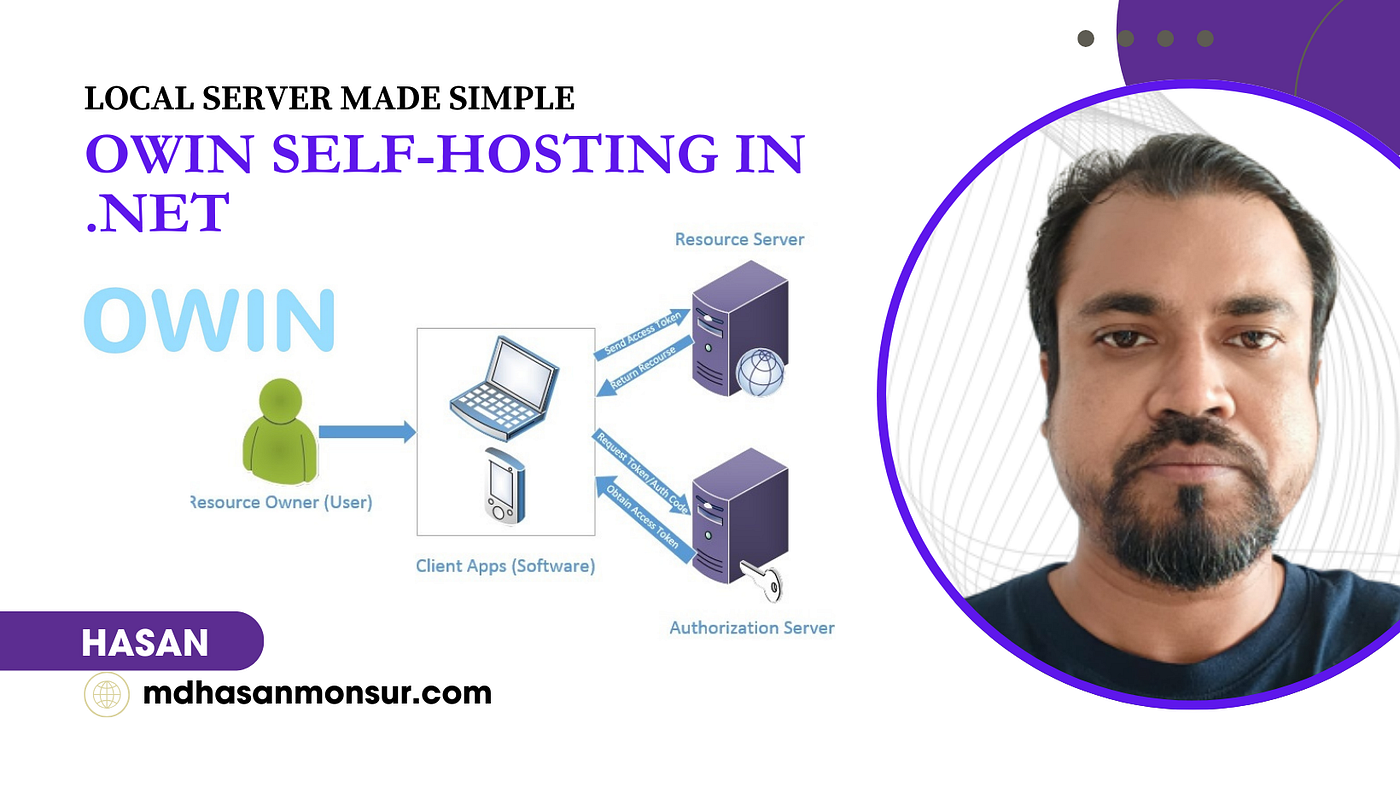
OWIN Self-Hosting in .NET: Local Server Made Simple
What is OWIN Self-Hosting in .NET?
OWIN (Open Web Interface for .NET) is a standard that decouples web applications from web servers, allowing .NET web apps to run without IIS (Internet Information Services).
Self-Hosting means running a web server (like HttpListener or Kestrel) inside your own process (e.g., a Console app, Windows Service, or WPF app).
Key Benefits:
✅ No dependency on IIS ✅ Lightweight & portable ✅ Can run inside any .NET process ✅ Ideal for microservices, APIs, and embedded web servers
Step-by-Step: Create a .NET Project with OWIN Self-Hosting
We’ll create a Console app that self-hosts a Web API using OWIN. While OWIN was originally designed for .NET Framework
Step 1: Create a .NET Console Project
dotnet new console -n OwinSelfHosting
cd OwinSelfHosting
Step 2: Install Required NuGet Packages
dotnet add package Microsoft.Owin.Hosting
dotnet add package Microsoft.Owin.Host.HttpListener
dotnet add package Microsoft.AspNet.WebApi.OwinSelfHost
Step 3: Add OWIN Startup Class
Create Startup.cs:
using Owin;
using System.Web.Http;

public class Startup
{
    public void Configuration(IAppBuilder app)
    {
        // Configure Web API for self-host.
        var config = new HttpConfiguration();

        config.Routes.MapHttpRoute(
            name: "DefaultApi",
            routeTemplate: "api/{controller}/{id}",
            defaults: new { id = RouteParameter.Optional }
        );

        app.UseWebApi(config);
    }
}
Step 4: Modify Program.cs to Start the Server
using Microsoft.Owin.Hosting;
using System;

public class Program
{
    static void Main(string[] args)
    {
        string baseUrl = "http://localhost:9000/";

        using (WebApp.Start<Startup>(url: baseUrl))
        {
            Console.WriteLine($"OWIN Self-Hosted Server running at {baseUrl}");
            Console.WriteLine("Press Enter to exit.");
            Console.ReadLine();
        }
    }
}
Step 5: Add a Sample API Controller
Create a folder Controllers and add ValuesController.cs:
using System.Web.Http;

public class ValuesController : ApiController
{
    public string Get()
    {
        return "Hello from OWIN Self-Hosting!";
    }

    public string Get(int id)
    {
        return $"You requested ID: {id}";
    }
}
Step 6: Run the Project
Open a browser and test:
http://localhost:9000/api/values→ Returns"Hello from OWIN Self-Hosting!"http://localhost:9000/api/values/123→ Returns"You requested ID: 123"
How It Works
WebApp.Start<T>()– Initializes the OWIN server (HttpListener).Startup.Configuration()– Sets up Web API routing.ValuesController– Handles HTTP requests.

Advance Feature: Run as a Windows Service
To make it run in the background (like a service), use Topshelf:
dotnet add package TopshelfModify Program.cs:
using Topshelf;

class Program
{
    static void Main(string[] args)
    {
        HostFactory.Run(x =>
        {
            x.Service<WebServer>(s =>
            {
                s.ConstructUsing(() => new WebServer());
                s.WhenStarted(ws => ws.Start());
                s.WhenStopped(ws => ws.Stop());
            });
            x.RunAsLocalSystem();
            x.SetDescription("OWIN Self-Hosted Web API Service");
            x.SetDisplayName("OWIN Web API");
            x.SetServiceName("OwinWebApi");
        });
    }
}

public class WebServer
{
    private IDisposable _webApp;

    public void Start() =>
        _webApp = WebApp.Start<Startup>("http://localhost:9000");

    public void Stop() => _webApp?.Dispose();
}- Add JWT Authentication
- Use Swagger for API docs
- Containerize with Docker
ASP.NET Core Self-Hosting (Modern Approach) in .NET 6+ Core
Step 1. Create a .NET Core Console App
dotnet new console -n OwinNetCore
cd OwinNetCore
Step 2. Install Required NuGet Packages
dotnet add package Microsoft.AspNetCoreStep 3. update program.cs
var builder = WebApplication.CreateBuilder(args);

// Add services to the container.

var app = builder.Build();

//app.UseHttpsRedirection();

app.MapGet("/api/values", () => "Hello from ASP.NET Core Self-Hosting!");
app.MapGet("/api/values/{id}", (int id) => $"You requested ID: {id}");

app.Run("http://localhost:9000");
Step 4. Run & Test

Result:

Download Basic Project — Self-Hosting-in-.NET
Conclusion:
You’ve built a self-hosted OWIN Web API without IIS! This is great for lightweight APIs, microservices, or internal tools. You’ve successfully built a self-hosted OWIN Web API in .NET without relying on IIS. This approach is ideal for lightweight APIs, internal tools, or microservices that require flexibility, speed, and simplicity. By using OWIN for self-hosting, you gain full control over the hosting environment, making it easier to test, deploy, and manage your application locally or in secure enterprise settings. Whether you’re developing a backend for a single-page app or enabling access to local client resources, OWIN provides a streamlined, scalable solution. Ready to integrate authentication or serve over HTTPS? Your self-hosted API is now a powerful, extensible foundation — perfect for modern, efficient development.
I offered you others medium article: Visit My Profile
also, My GitHub : Md Hasan Monsur
Connect with me at Linkedin : Md Hasan Monsur
메타데이터
- post_id
- 63dd540c3ecc
- slug
- owin-self-hosting-in-net-local-server-made-simple-63dd540c3ecc
- url
- https://medium.com/asp-dotnet/owin-self-hosting-in-net-local-server-made-simple-63dd540c3ecc
- canonical_url
- https://medium.com/asp-dotnet/owin-self-hosting-in-net-local-server-made-simple-63dd540c3ecc
- author_url
- https://medium.com/@hasanmcse
- status
- ok
- fetched_at
- 2026-07-20 05:33:31