Getting Started with Postman for API Security Testing
What does Postman do?
Getting Started with Postman for API Security Testing
What does Postman do?
Postman is a software development tool that is used for the development, testing and management of APIs. It enables the sending of requests to an application server and receiving of responses from an application server.
API testing encompasses various types, including functional, security, and performance tests. Specifically, API security testing focuses on identifying and remediating security vulnerabilities within the APIs. The goal of this testing is to uncover potential weaknesses in the APIs that could lead to security issues, including, but not limited to, unauthorized access, sensitive data exposure, and privilege escalation if left unaddressed.
Security tests can be performed on Postman by sending requests to API endpoints and analyzing the subsequent server responses. This analysis is crucial as the responses can reveal insights on how the API behaves, or expose sensitive data, which can be leveraged for further advanced exploitation.
An Example of an API security test using Postman
Excessive Data Exposure
OBJECTIVE: Attempt to access another user’s data by manipulating the accountId and transactionId. This test was performed on the Damn Vulnerable Bank application.
Test Steps
- I created two user accounts on the application. I used API to create the first account (user a) with Postman and used the application in the browser to create the second account (user b).

User A’s account registration
The section in the yellow box is the request, while the section in the red box is the response to the request. 200 OK means that the request was successful. Now let’s analyze the response. This response body is an indication of Excessive Data Exposure due to the sensitive data contained in the response, like the balance and is_admin object properties.

User B’s account registration
- After creating both users, I copied User B’s account number 2978849773 for the next step of this test. Then I logged in as User A using Postman to get a valid token.
P.S.: User A’s account number is 1790221868.

Log in as User A
- I found the check_balance endpoint which accepts the account number as a variable in the request path. Do you see where I’m going with this step? I’m going to try to check User B’s account balance while logged in as User A.

User A is able to check User B’s account balance
Results
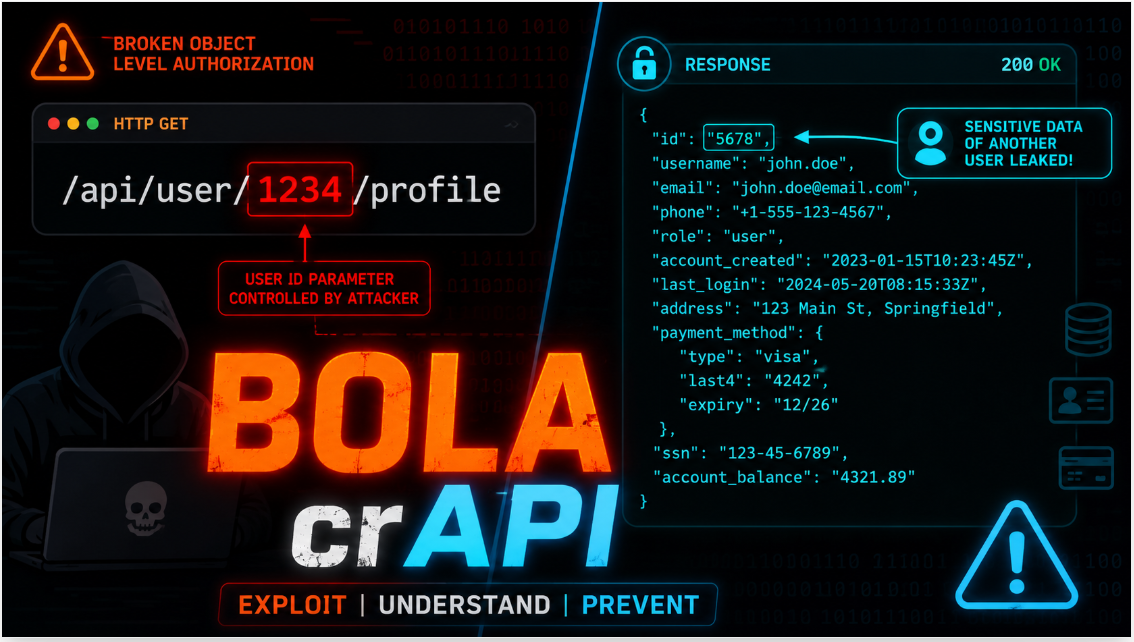
This indicates the presence of the BOLA vulnerability which is only checking the presence of a valid login token, but fails to verify that the token indeed belongs to the owner of the account that is being accessed. This is a critical vulnerability because this means that anyone with another user’s account number can easily access their account balance.
메타데이터
- post_id
- 652eef9bf50f
- slug
- getting-started-with-postman-for-api-security-testing-652eef9bf50f
- url
- https://medium.com/@tifedada/getting-started-with-postman-for-api-security-testing-652eef9bf50f
- canonical_url
- https://medium.com/@tifedada/getting-started-with-postman-for-api-security-testing-652eef9bf50f
- author_url
- https://medium.com/@tifedada
- status
- ok
- fetched_at
- 2026-07-14 03:07:18